Description
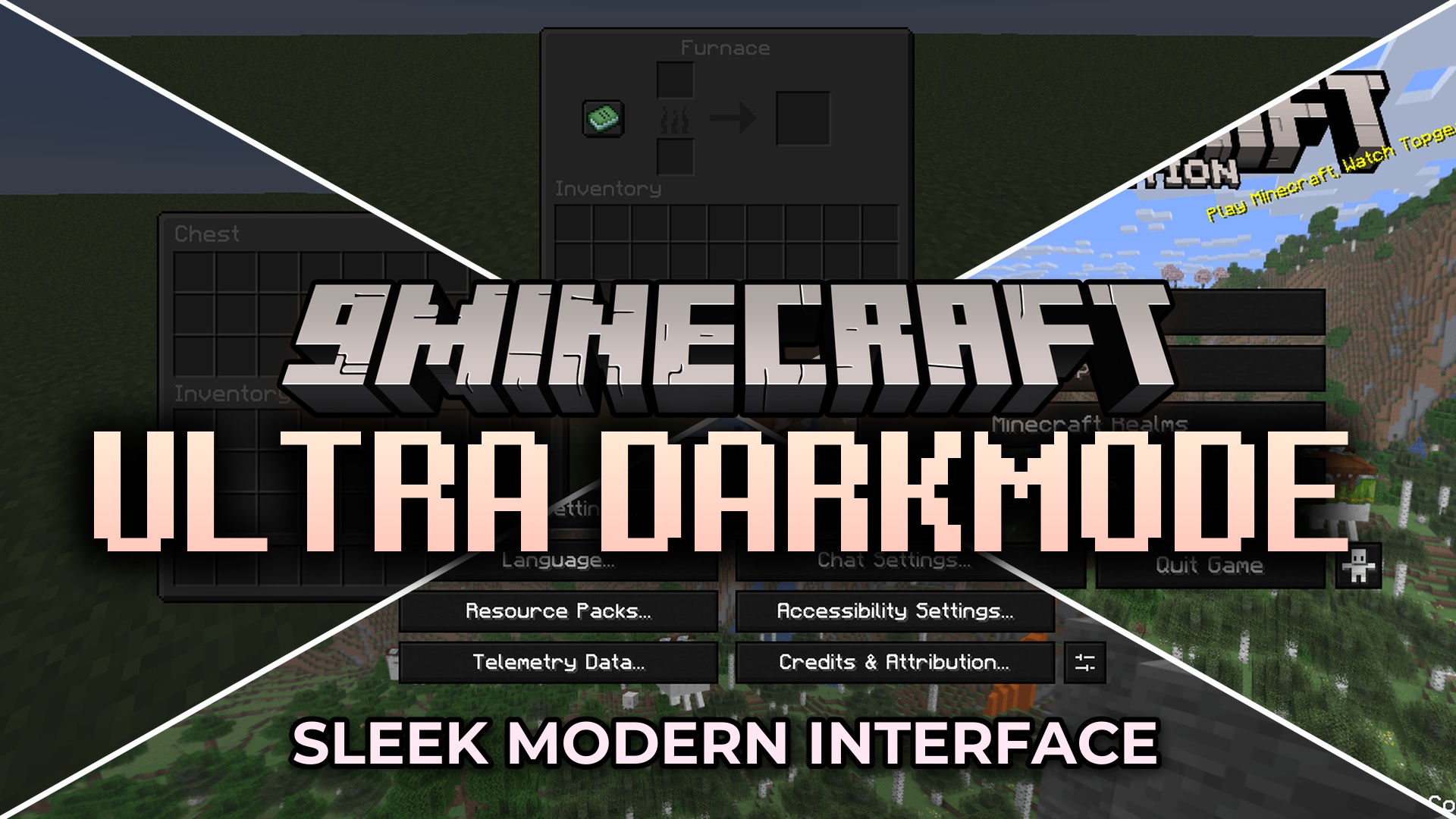
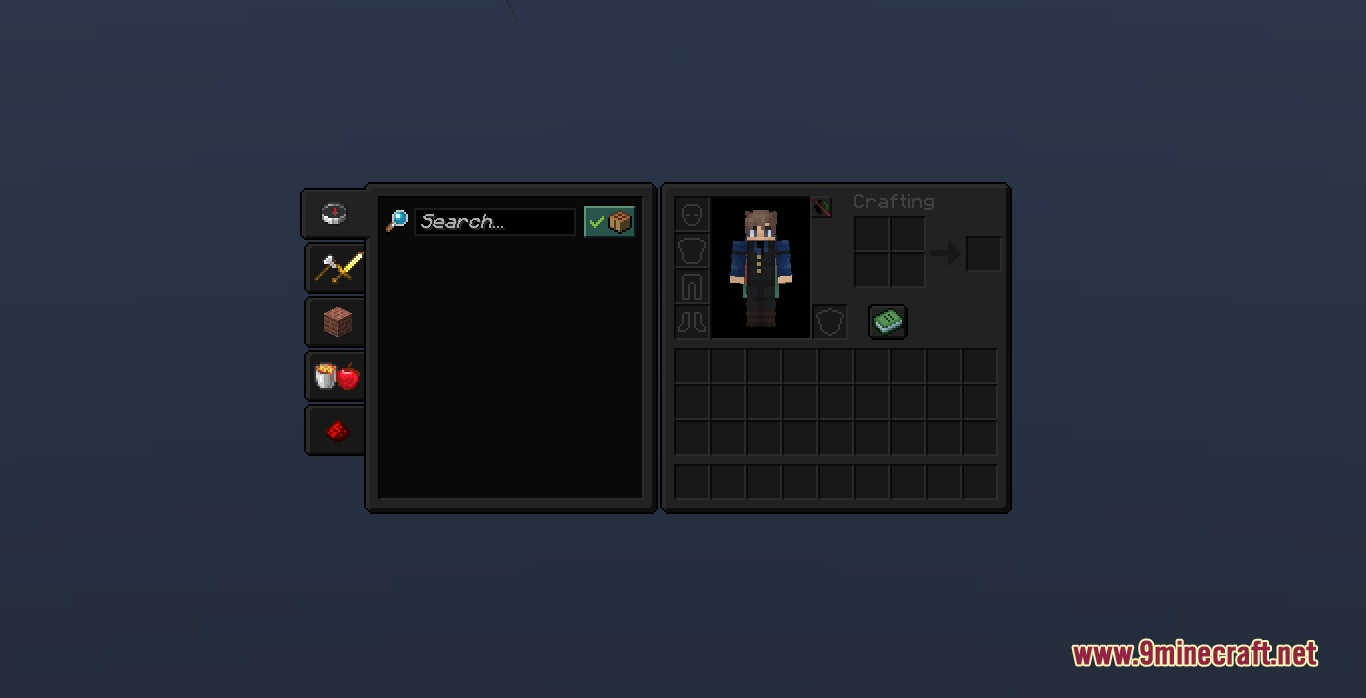
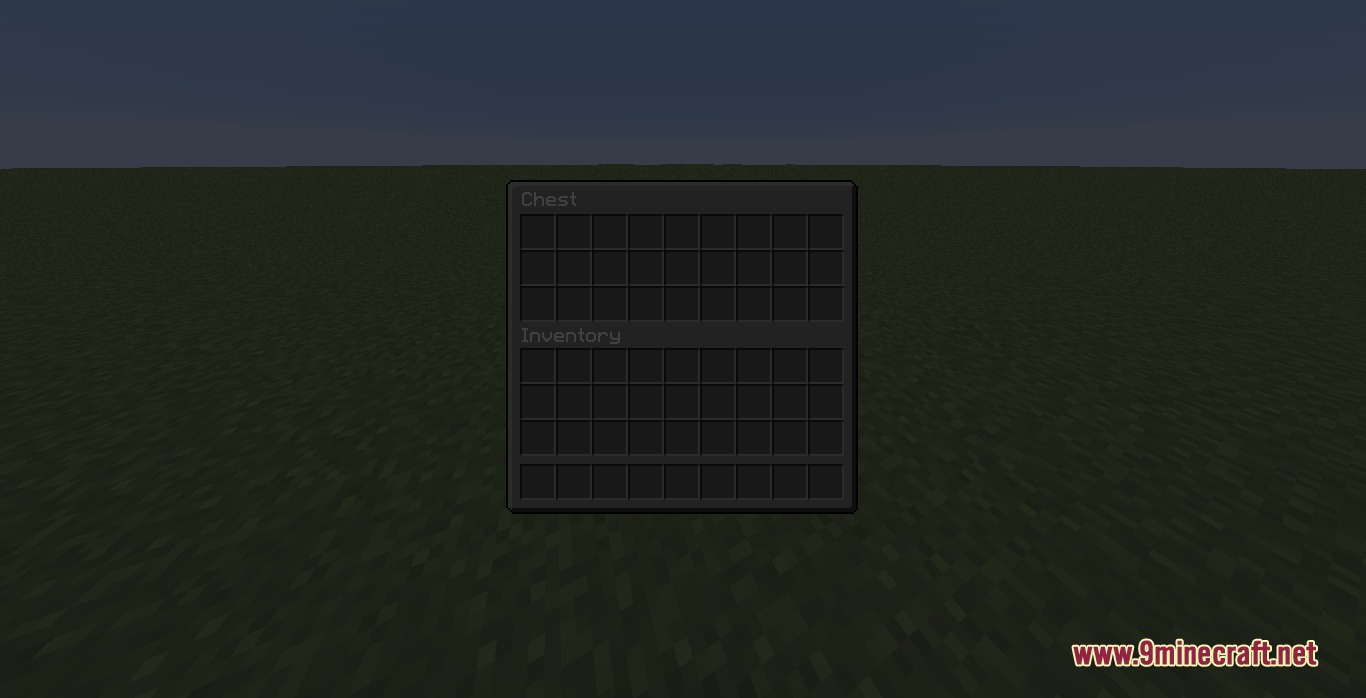
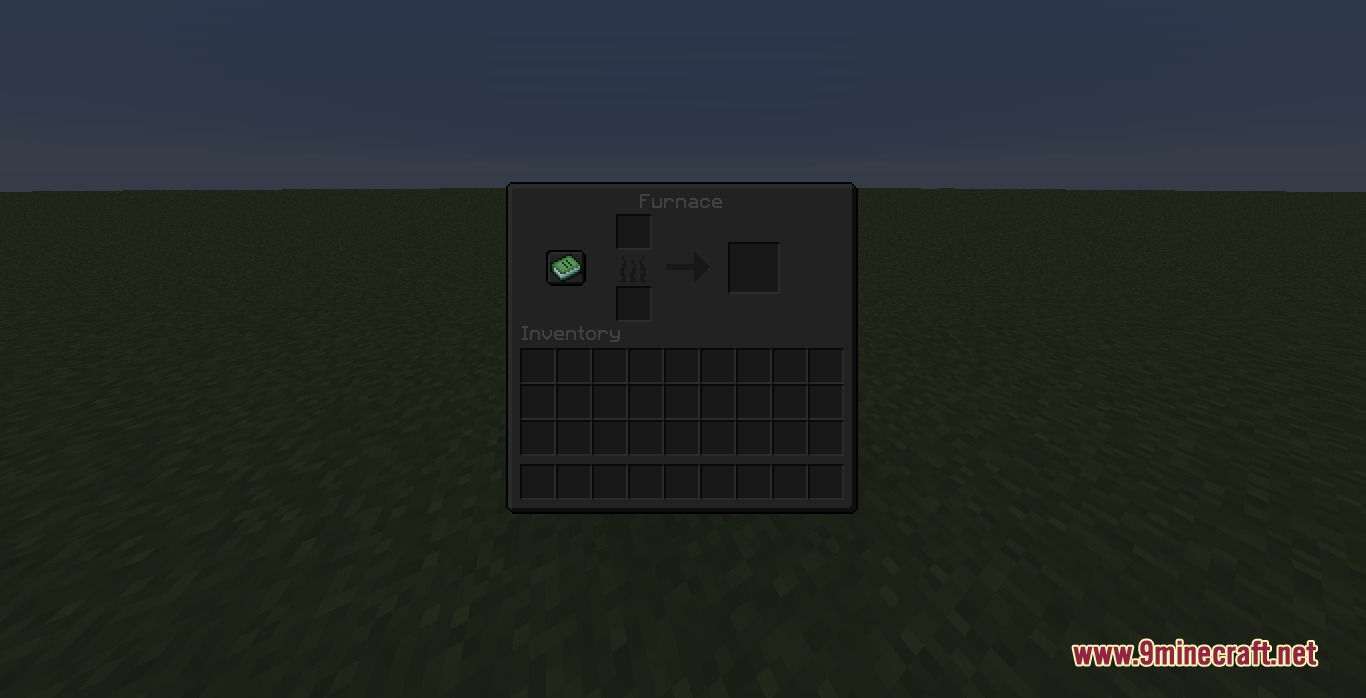
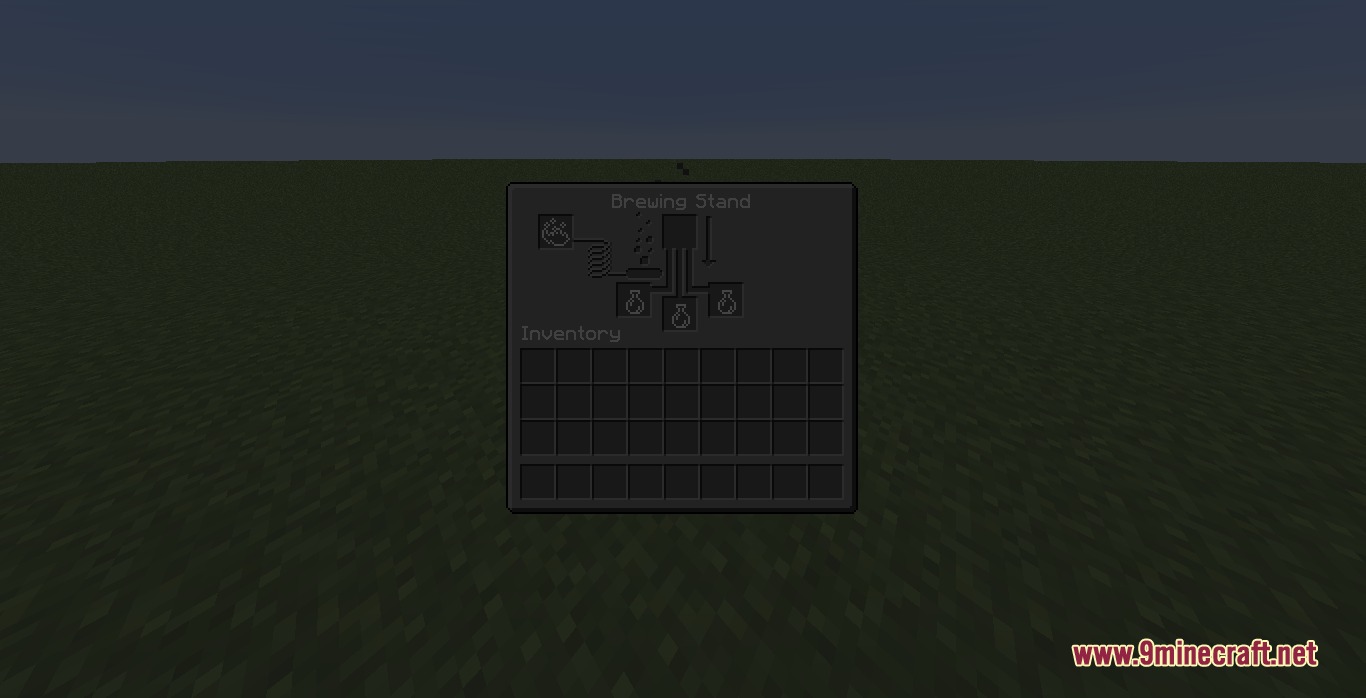
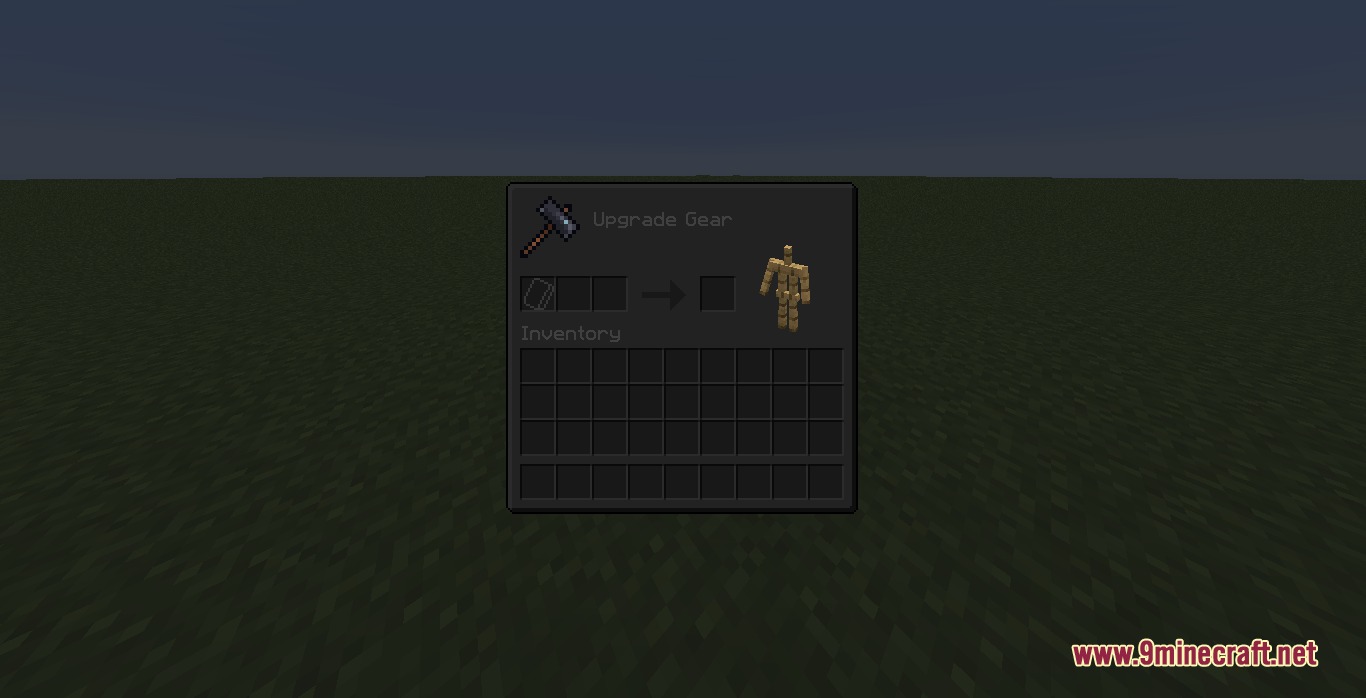
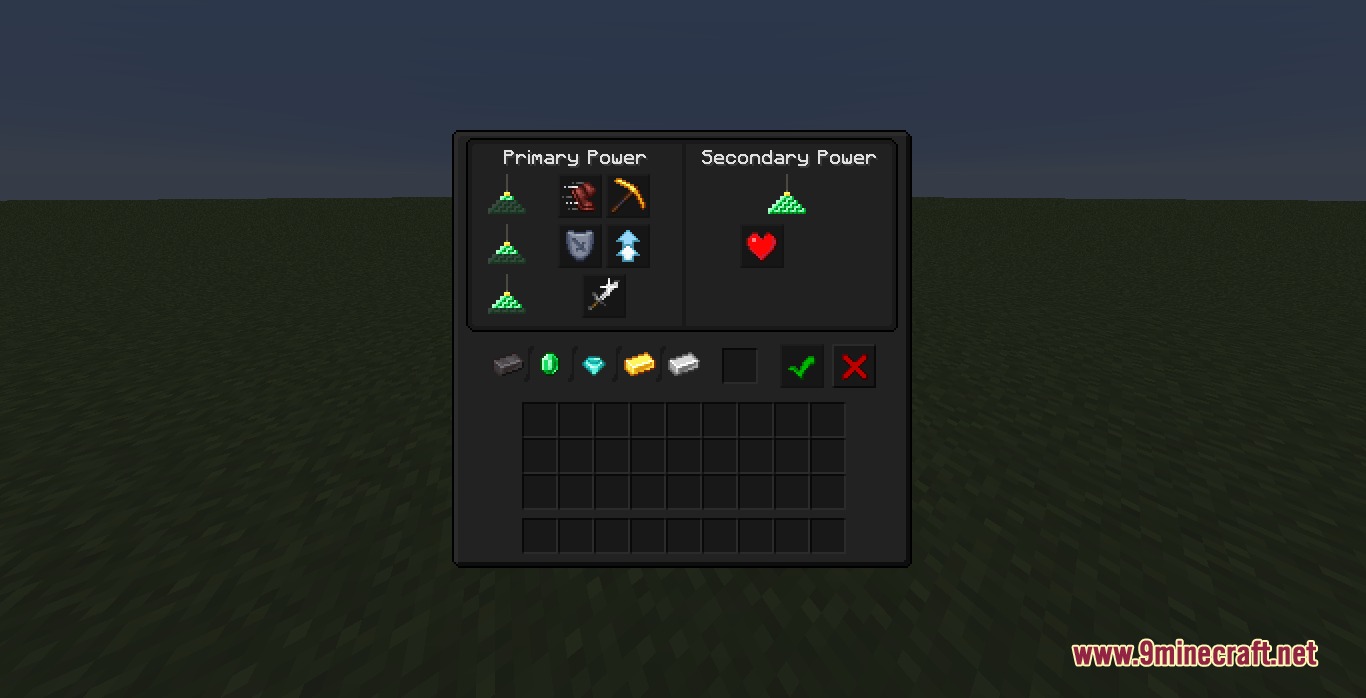
Ultra Darkmode Resource Pack restyles Minecraft’s menus with a sleek black theme. It removes the bright, harsh colors from the game screens and replaces them with soft, dark shades. This pack makes it much easier to look at your inventory during late-night play sessions. You get a fresh, minimal look across all your crafting tables, chests, and settings screens.


Features
- Changes all the default menus into a dark, easy-to-read layout.
- Reduces bright screen glare so you can play longer without hurting your eyes.
- Gives every button, slot, and background a clean, minimal look.
- Keeps a balanced contrast so text and items still stand out clearly against the dark background.
- Updates the screens for complex modded machines, backpacks, and storage chests.
Installation
New to Minecraft? Follow our step-by-step guide to install Resource Packs on your PC.View Guide
📥 Ultra Darkmode Resource Pack Download Links
📦
For Minecraft
26.2.x
All Versions Covered
26.2
26.1.2
26.1.1
26.1
1.21.11
1.21.10
1.21.9
All Versions Covered
26.2
26.1.2
26.1.1
26.1
1.21.11
1.21.10
1.21.9
26.1.2
26.1.1
26.1
1.21.11
1.21.10
1.21.9
🔗 Download from Server 1
— 🔗 Download from Server 2
📦
For Minecraft
1.21.x
All Versions Covered
1.21.8
1.21.7
1.21.6
1.21.5
1.21.4
1.21.3
1.21.2
1.21.1
1.21
1.20.6
1.20.5
All Versions Covered
1.21.8
1.21.7
1.21.6
1.21.5
1.21.4
1.21.3
1.21.2
1.21.1
1.21
1.20.6
1.20.5
1.21.7
1.21.6
1.21.5
1.21.4
1.21.3
1.21.2
1.21.1
1.21
1.20.6
1.20.5
🔗 Download from Server 1
— 🔗 Download from Server 2
📦
For Minecraft
1.20.x
All Versions Covered
1.20.1
1.20
All Versions Covered
1.20.1
1.20
1.20
🔗 Download from Server 1
— 🔗 Download from Server 2
📦
For Minecraft
1.19.x
All Versions Covered
1.19.2
All Versions Covered
1.19.2
🔗 Download from Server 1
— 🔗 Download from Server 2