Description
“`json
“title”: “Snowy Biomes Enhanced Data Pack”,
“subtitle”: “Realistic Winter Forests With Smooth Snow”,
“content”: “
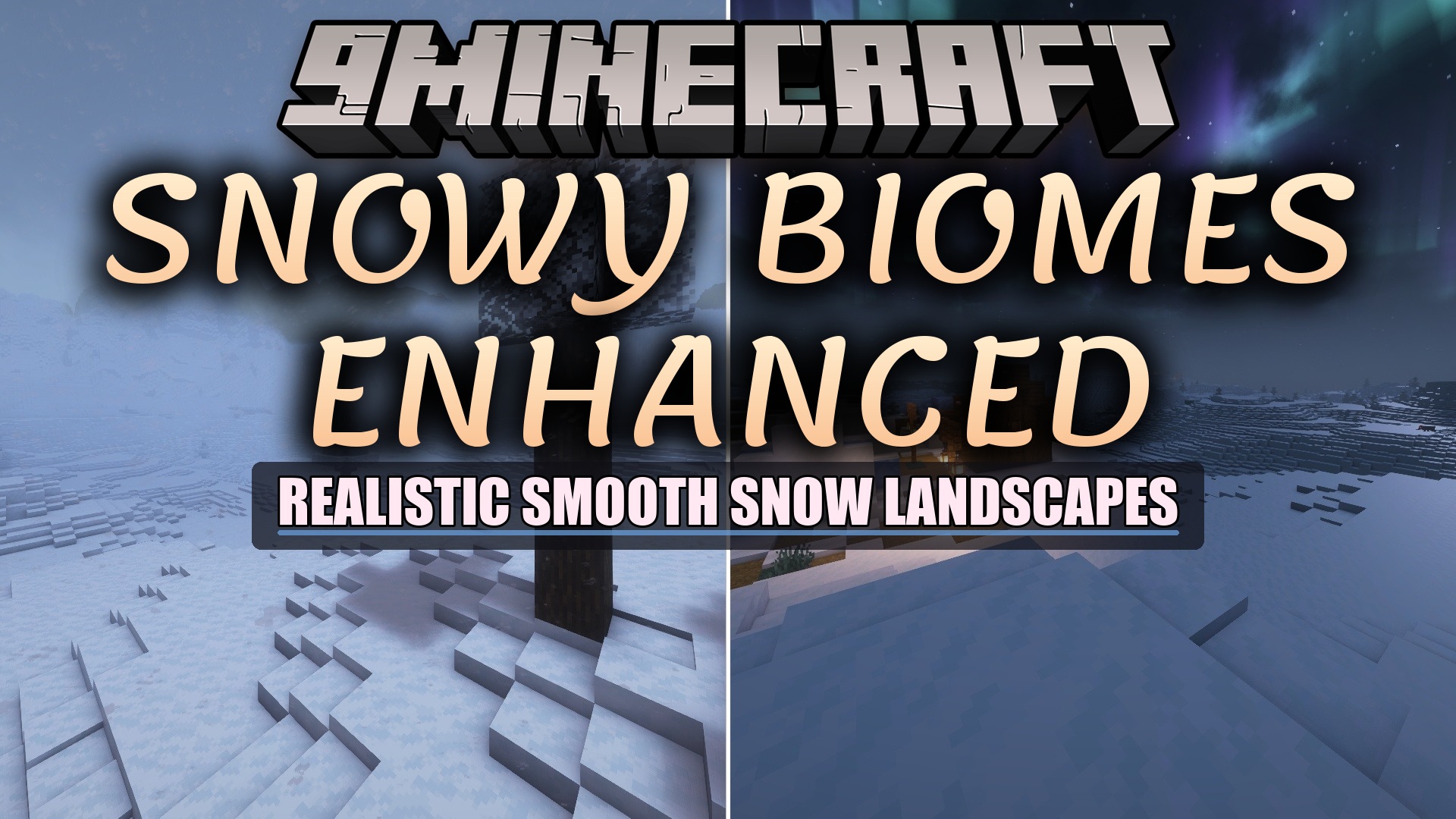
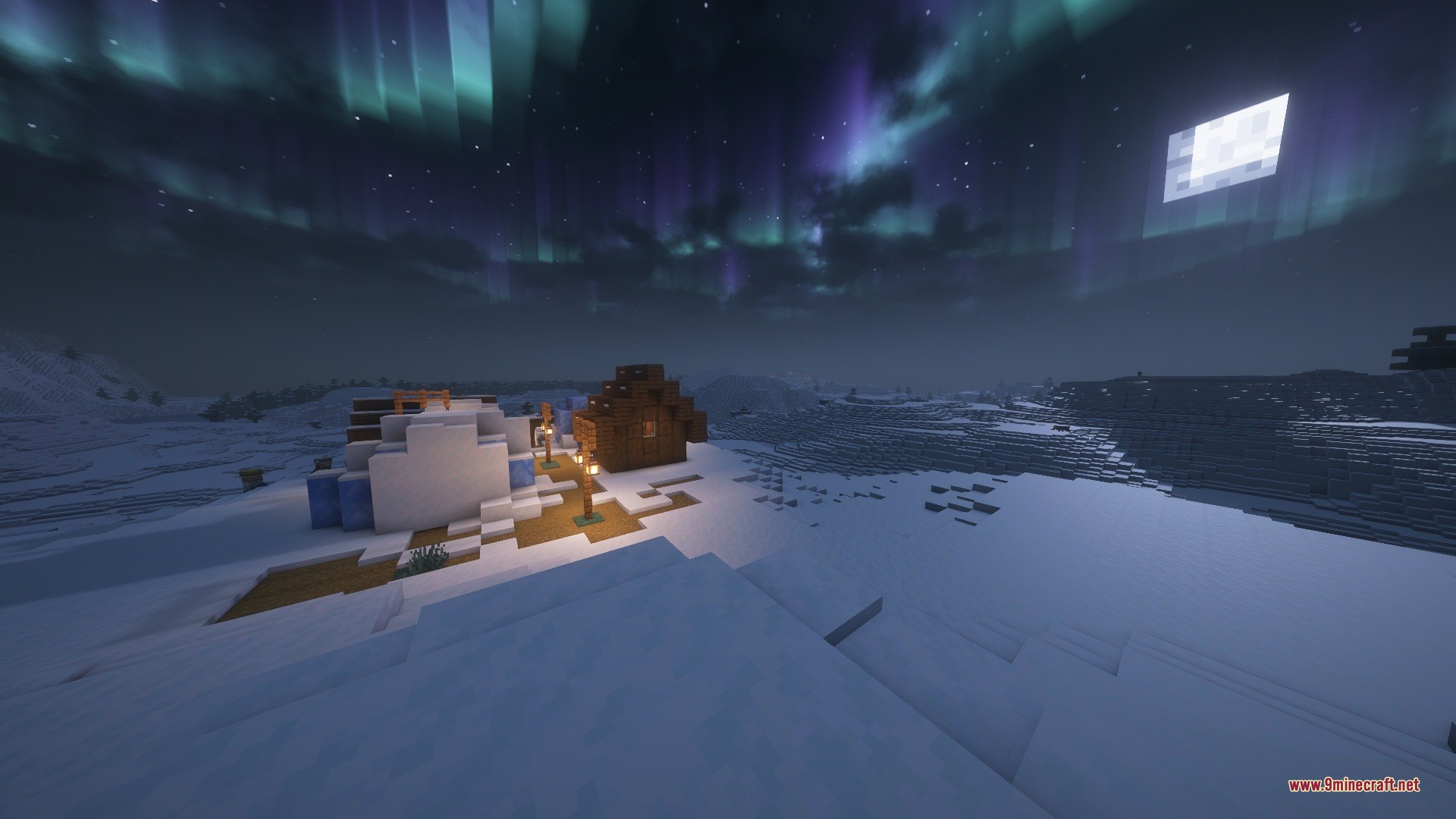
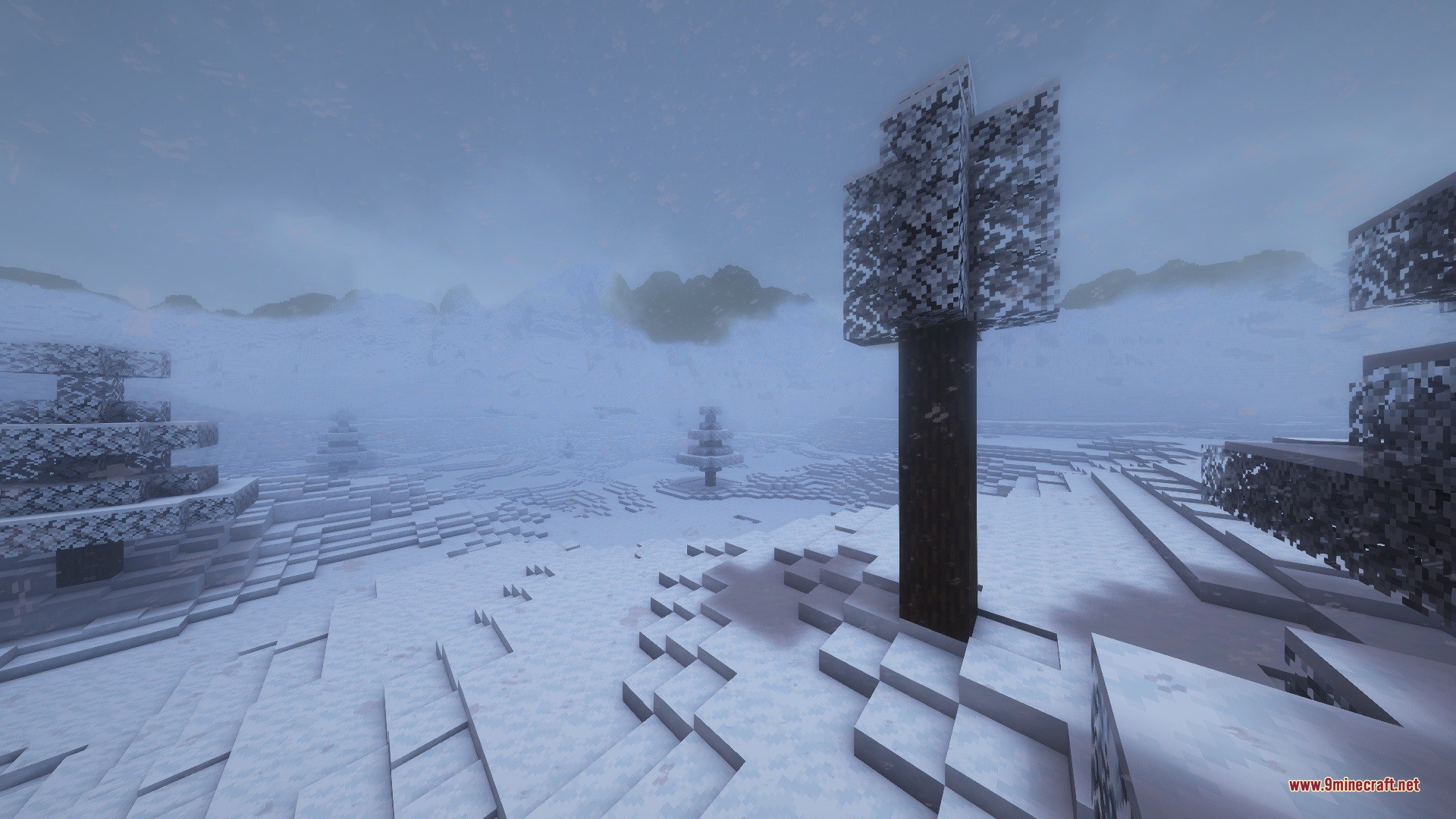
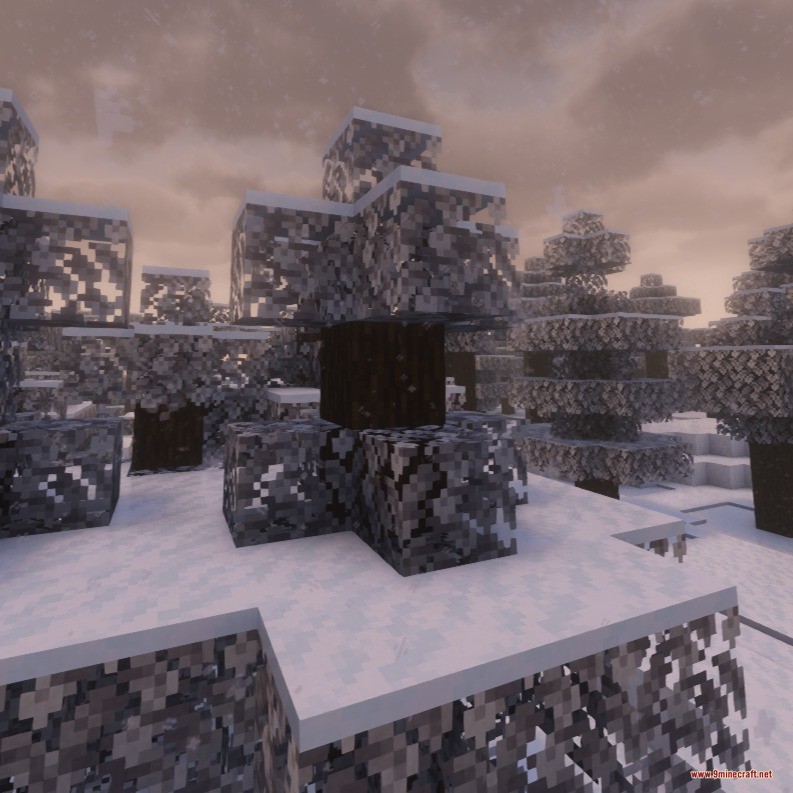
Snowy Biomes Enhanced Data Pack brings realistic winter weather effects to cold areas in your world. It changes snowy places by turning tree leaves white during snowfall, similar to Bedrock Edition. The data pack also spreads smooth snow layers across hills and places snow beneath trees so cold biomes look clean and natural. You can explore freezing mountains and quiet villages with a fresh, cozy winter look.
Features
- Turns tree leaves white when snow falls, bringing Bedrock-style visual details to cold forests.
- Places snow layers under tree canopies instead of leaving bare dirt beneath the foliage.
- Adds smooth snow slopes across hills and mountains for softer terrain shapes.
- Improves the look of cold villages, frozen rivers, and high snowy peaks.
- Works smoothly alongside custom terrain generation projects when placed correctly in the pack order.
Installation
New to Minecraft? Follow our step-by-step guide to install Data Packs on your PC.View Guide
📥 Snowy Biomes Enhanced Data Pack Download Links
📦 For Minecraft 26.2
🔗 Download from Server 1 — 🔗 Download from Server 2
📦 For Minecraft 26.1.2, 26.1.1, 26.1
🔗 Download from Server 1 — 🔗 Download from Server 2
📦 For Minecraft 1.21.11
🔗 Download from Server 1 — 🔗 Download from Server 2
📦 For Minecraft 1.21.5
🔗 Download from Server 1 — 🔗 Download from Server 2
📦
For Minecraft
1.20.6,
1.20.5,
1.20.4
All Versions Covered
1.20.6
1.20.5
1.20.4
1.20.3
1.20.2
1.20.1
1.20
All Versions Covered
1.20.6
1.20.5
1.20.4
1.20.3
1.20.2
1.20.1
1.20
🔗 Download from Server 1 — 🔗 Download from Server 2