Description
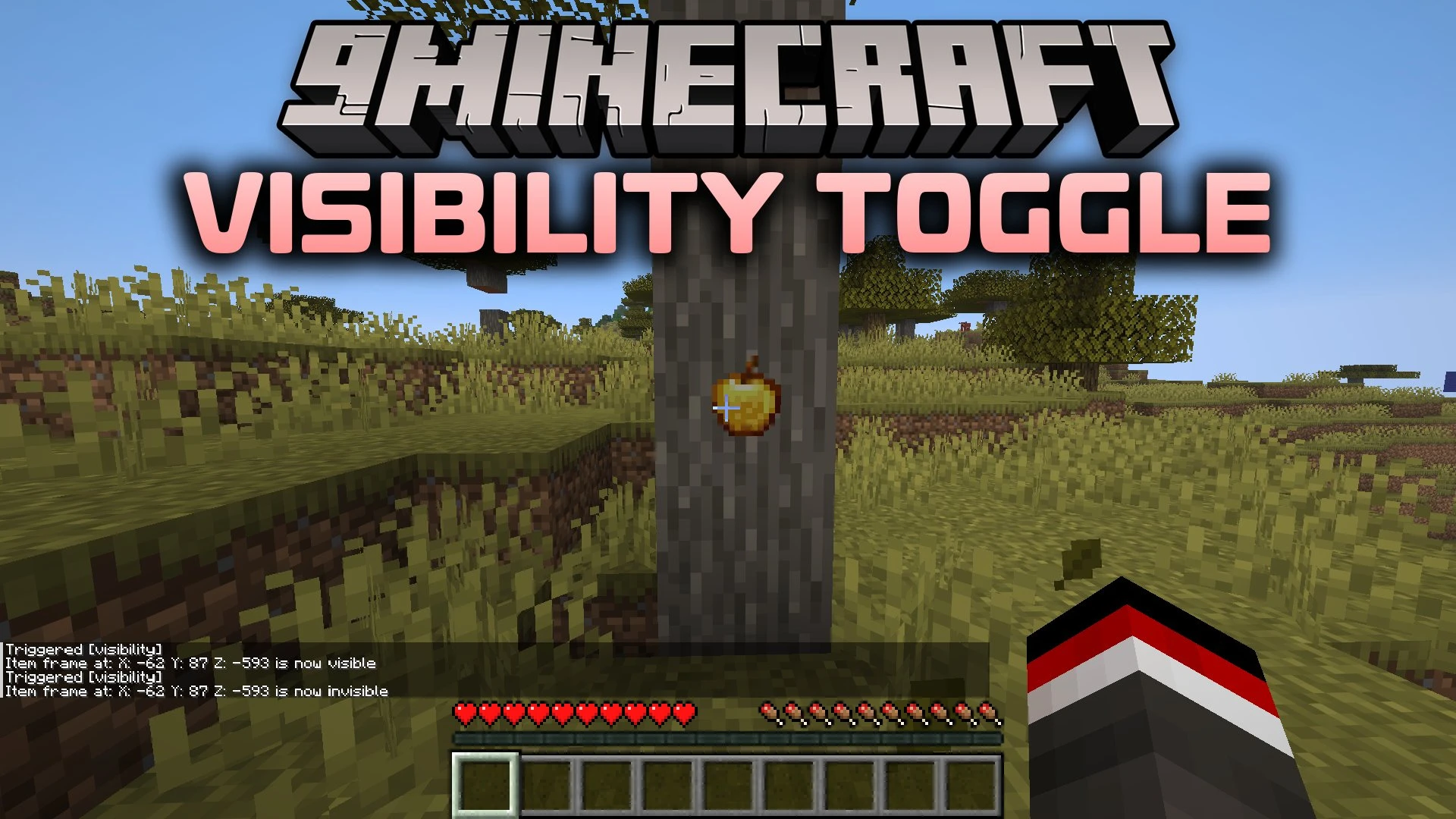
Visibility Toggle Data Pack lets you turn item frames you place invisible or visible again with a quick chat command. It hides the frame itself so items on walls, tables, or floors stay in plain sight without a border behind them. Only the player who places an item frame can change how it looks, which keeps your decorations safe on multiplayer servers.
Features
- Lets you switch your own item frames between visible and invisible states whenever you want.
- Hides the frame behind your item so the item inside stays in full view.
- Tracks ownership so you only toggle item frames that you place yourself.
- Blocks other players when they try to change item frames they do not own.
Installation
New to Minecraft? Follow our step-by-step guide to install Data Packs on your PC.View Guide
📥 Visibility Toggle Data Pack Download Links
📦
For Minecraft
26.3,
26.2,
26.1.2
All Versions Covered
26.3
26.2
26.1.2
26.1.1
26.1
1.21.11
1.21.10
1.21.9
1.21.8
1.21.7
1.21.6
1.21.5
1.21.4
1.21.3
1.21.2
1.21.1
1.21
1.20.6
1.20.5
1.20.4
1.20.3
1.20.2
1.20.1
1.20
1.19.4
1.19.3
1.19.2
1.19.1
1.19
1.18.2
1.18.1
1.18
1.17.1
1.17
1.16.5
1.16.4
1.16.3
1.16.2
1.16.1
1.16
All Versions Covered
26.3
26.2
26.1.2
26.1.1
26.1
1.21.11
1.21.10
1.21.9
1.21.8
1.21.7
1.21.6
1.21.5
1.21.4
1.21.3
1.21.2
1.21.1
1.21
1.20.6
1.20.5
1.20.4
1.20.3
1.20.2
1.20.1
1.20
1.19.4
1.19.3
1.19.2
1.19.1
1.19
1.18.2
1.18.1
1.18
1.17.1
1.17
1.16.5
1.16.4
1.16.3
1.16.2
1.16.1
1.16
🔗 Download from Server 1 — 🔗 Download from Server 2