Description
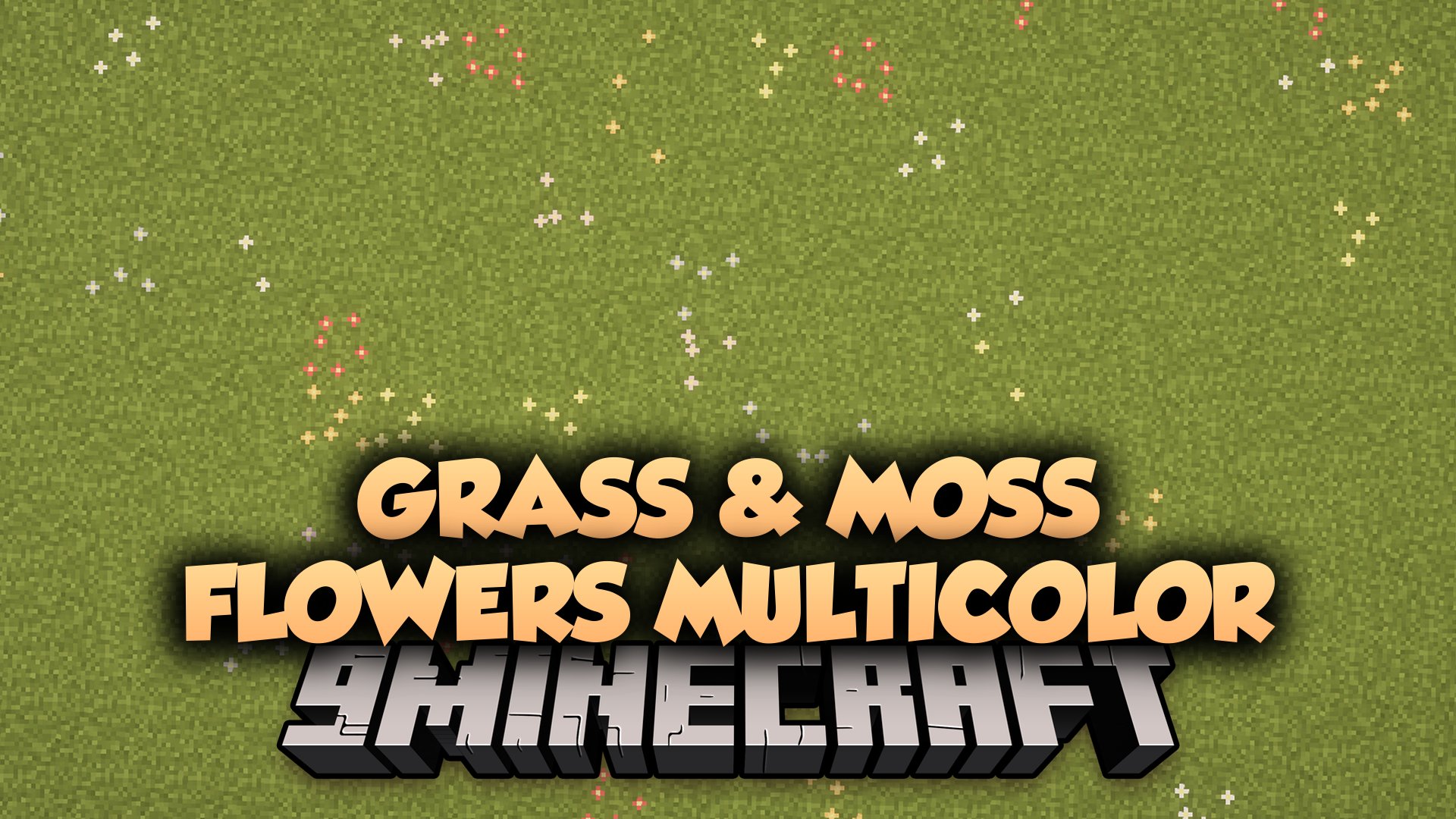
Grass & Moss Flowers Multicolor Resource Pack adds multicolored tiny flowers on top of grass blocks and gives moss blocks a flowery look. Because the grass flowers act as an overlay, this resource pack works right on top of other resource packs you already use underneath. It includes 42 block textures to brighten up grassy fields and mossy areas in your world.
Features
- Multicolored Grass Overlay: Places colorful little flowers on top of default grass blocks without replacing the base grass underneath.
- Flowery Moss Textures: Replaces plain moss blocks with cute textures that have multicolored flowers baked directly into them.
- Works with almost any other resource pack underneath for grass blocks since the grass flowers use an overlay layer.
- Includes 42 custom block textures inside the block folder to add variety across grass and moss surfaces.
- Does not mix well with other packs that change moss blocks, because the moss flowers are built straight into the moss texture instead of using an overlay.
How to Install:
New to Minecraft? Follow our step-by-step guide to install Resource Packs on your PC.View Guide
Installation
New to Minecraft? Follow our step-by-step guide to install Resource Packs on your PC.View Guide
📥 Grass & Moss Flowers Multicolor Resource Pack Download Links
📦
For Minecraft
1.21.x
All Versions Covered
1.21.11
1.21.10
1.21.9
1.21.8
1.21.7
1.21.6
1.21.5
1.21.4
1.21.3
1.21.2
1.21.1
1.21
1.20.6
1.20.5
1.20.4
1.20.3
1.20.2
1.20.1
1.20
1.19.4
1.19.3
1.19.2
1.19.1
1.19
1.18.2
1.18.1
1.18
1.17.1
1.17
1.16.5
1.16.4
1.16.3
1.16.2
1.16.1
1.16
1.15.2
1.15.1
1.15
All Versions Covered
1.21.11
1.21.10
1.21.9
1.21.8
1.21.7
1.21.6
1.21.5
1.21.4
1.21.3
1.21.2
1.21.1
1.21
1.20.6
1.20.5
1.20.4
1.20.3
1.20.2
1.20.1
1.20
1.19.4
1.19.3
1.19.2
1.19.1
1.19
1.18.2
1.18.1
1.18
1.17.1
1.17
1.16.5
1.16.4
1.16.3
1.16.2
1.16.1
1.16
1.15.2
1.15.1
1.15
🔗 Download from Server 1 — 🔗 Download from Server 2
🔗 QUICK MINECRAFT SURVEY · ONE TAP
Shaders & Resource Packs
What do you prefer for glass block textures?
0 responses · 🔗 See the full results →
🔗 Follow 9Minecraft on Google