https://www.aadhu.com/wp-content/uploads/2024/10/Tutorial-World-Map-121-120-MCPEBedrock.png
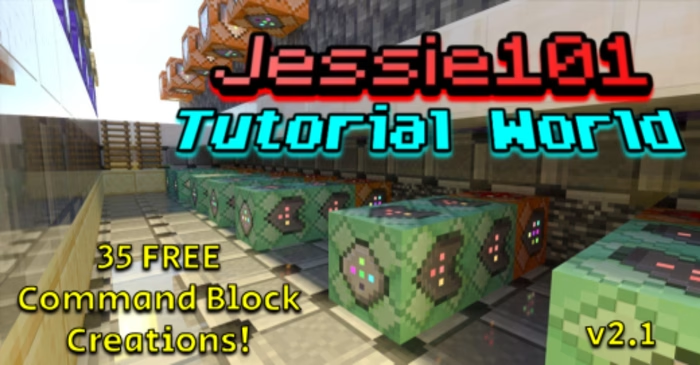
Tutorial World Map (1.21, 1.20) consists of all current 35 Command Block Creations available for you to explore. Some of those are Auto-Smelt, Remove Player Offline, Money Transferring System, Custom NPC Shop, One Player Sleep, and Random Chest Loot.

Features:
List of all the Command Block tutorials:
- Auto-Smelt
- Remove Player Offline
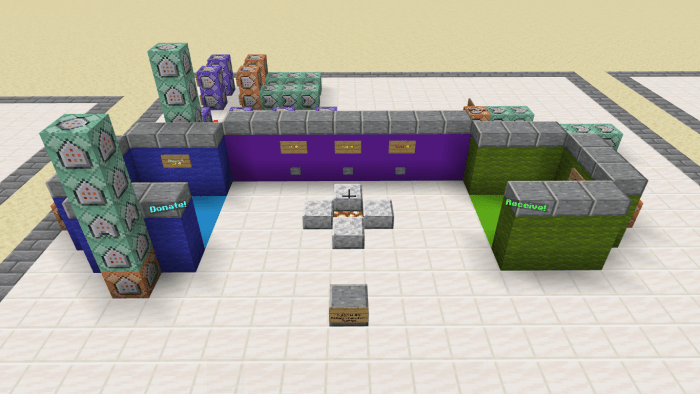
- Money Transferring System
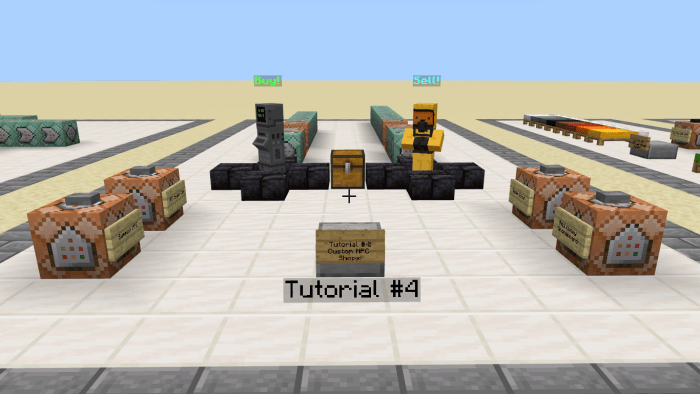
- Custom NPC Shop
- One Player Sleep
- Random Chest Loot
- Cursed Mobs
- Custom Floating Text
- Custom Ranks
- /Sudo (tell raw)
- Server Crates
- Player Tracking Compass
- Custom Portals
- Floating Signs
- Auto-Refilling Chests
- Particle Trails
- Spawn Protection Commands
- Chest Shop
- Clickable Server NPCs
- Customizable Scoreboards
- Throwable Fireballs
- Custom Advancements
- Sharpness 1000
- Fortune 1000
- /give NBT Items
- Starter Kits
- Lagg Clearer
- Scoreboard Timer
- Stop Time
- Tree Capitator
- Custom Potions
- Clickable Signs
- Automated Server Announcements
- Updated Auto-Smelt
- Jessie101’s Secret
Screenshots:
- Custom NPC Shop:
- Money Transferring System:
- Cursed Mobs:
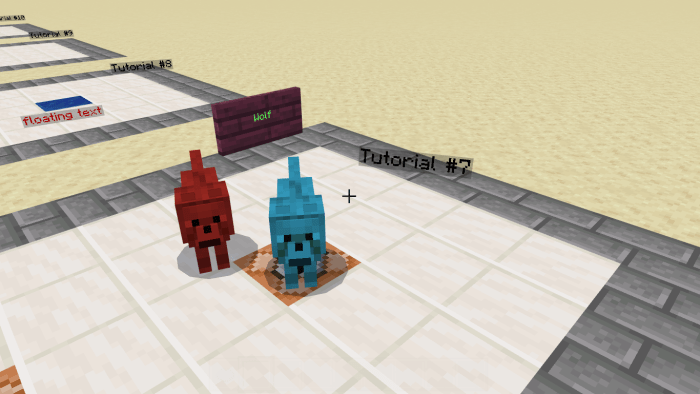
More screenshots:
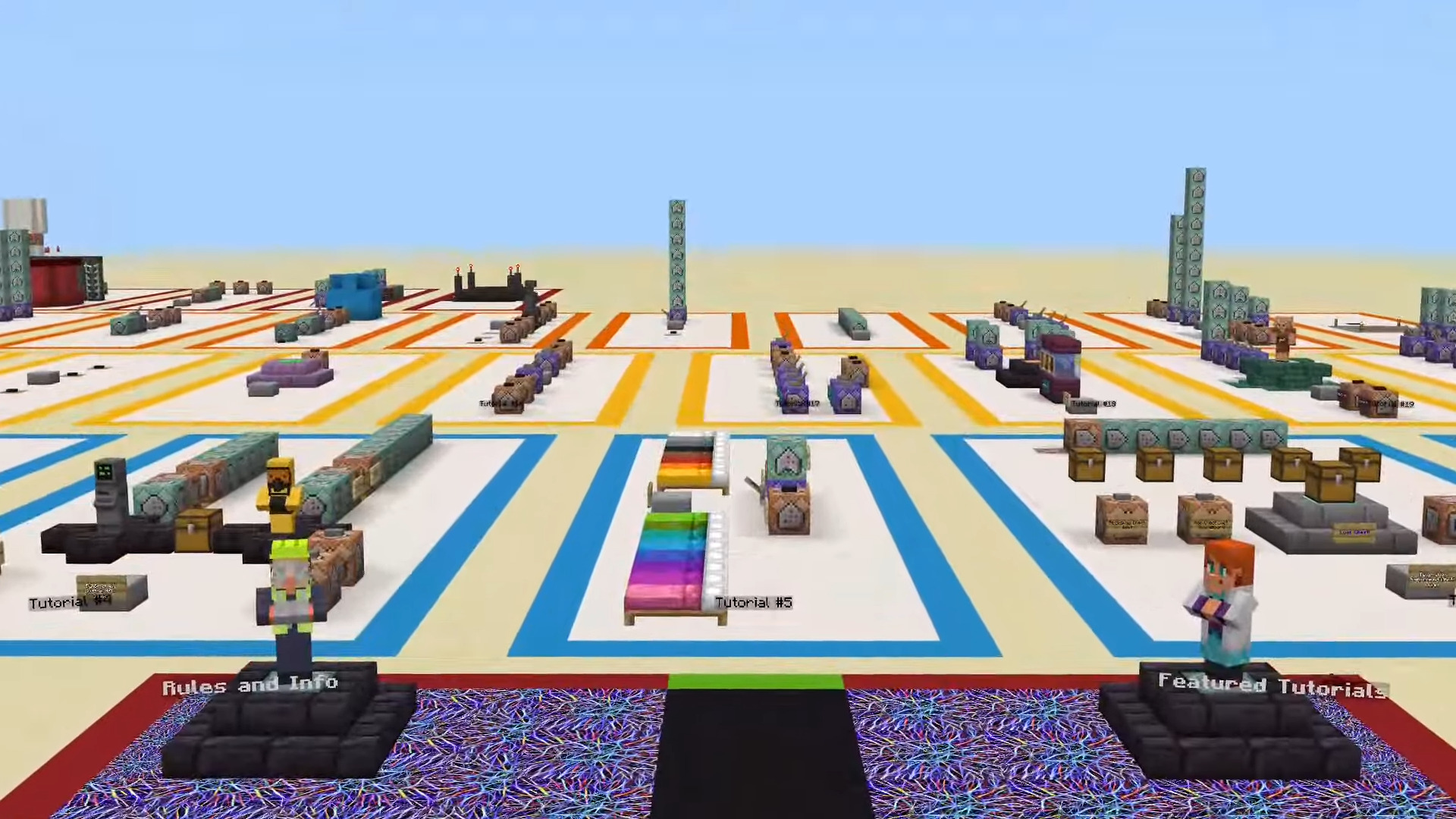

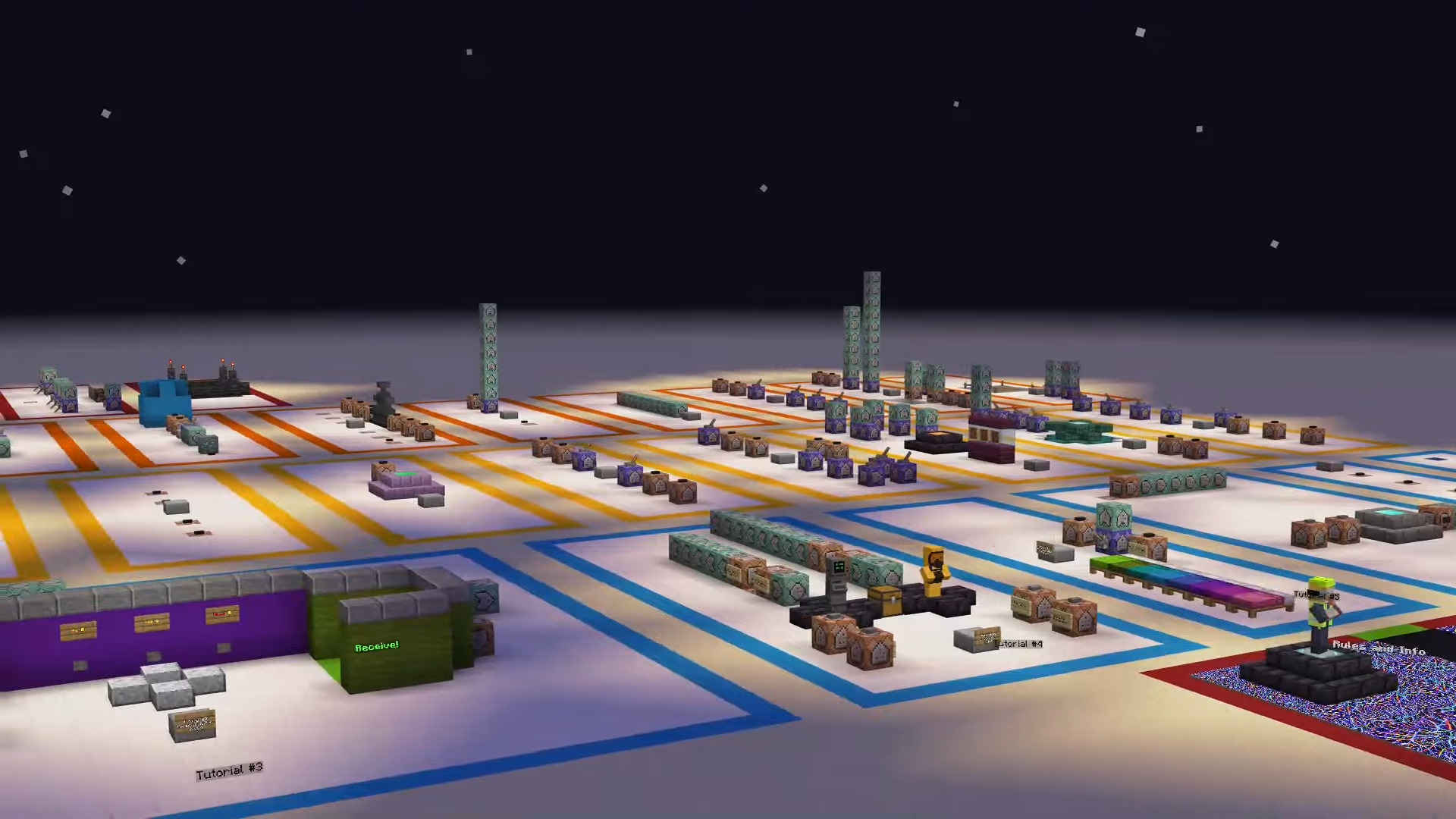
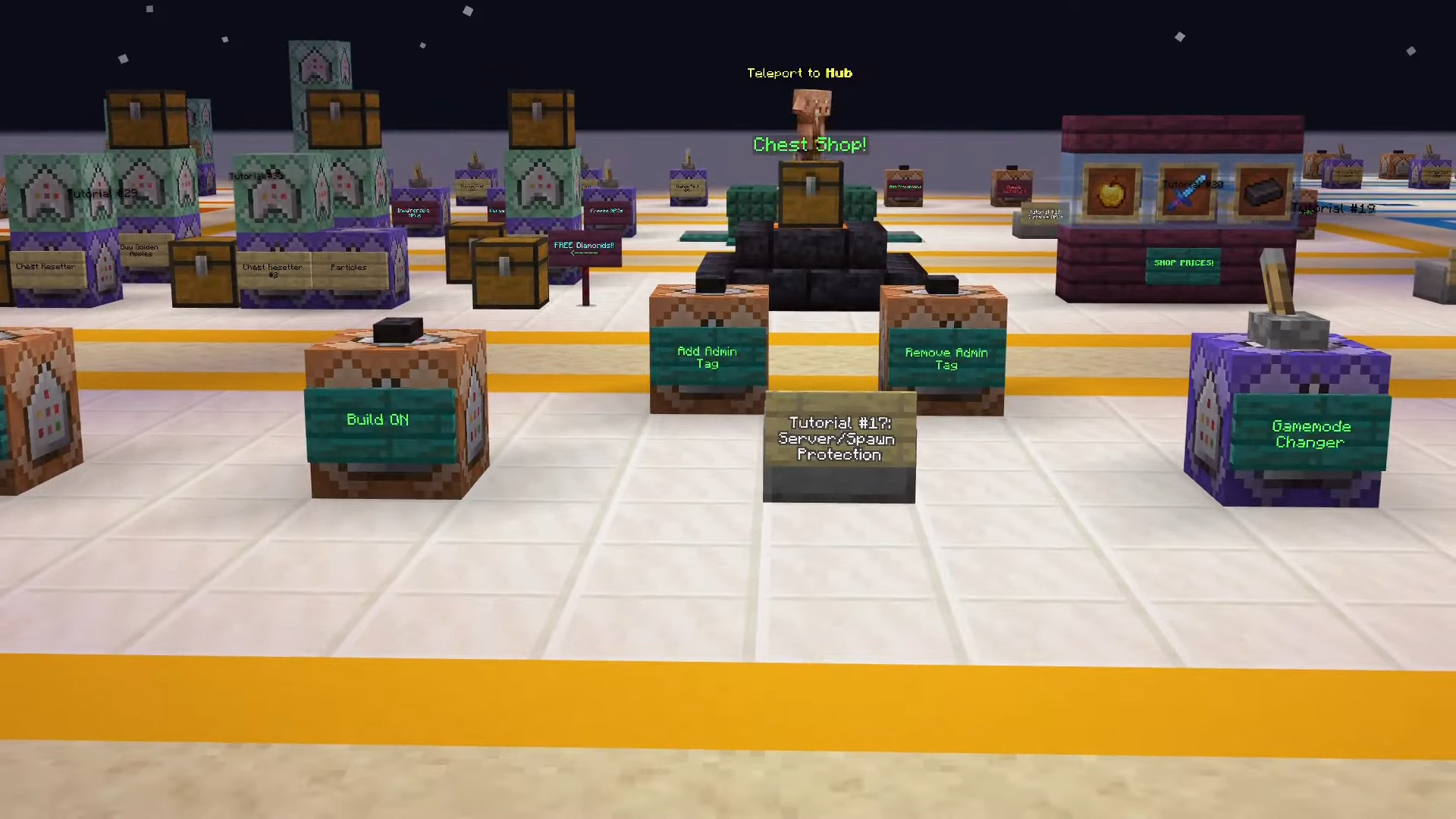
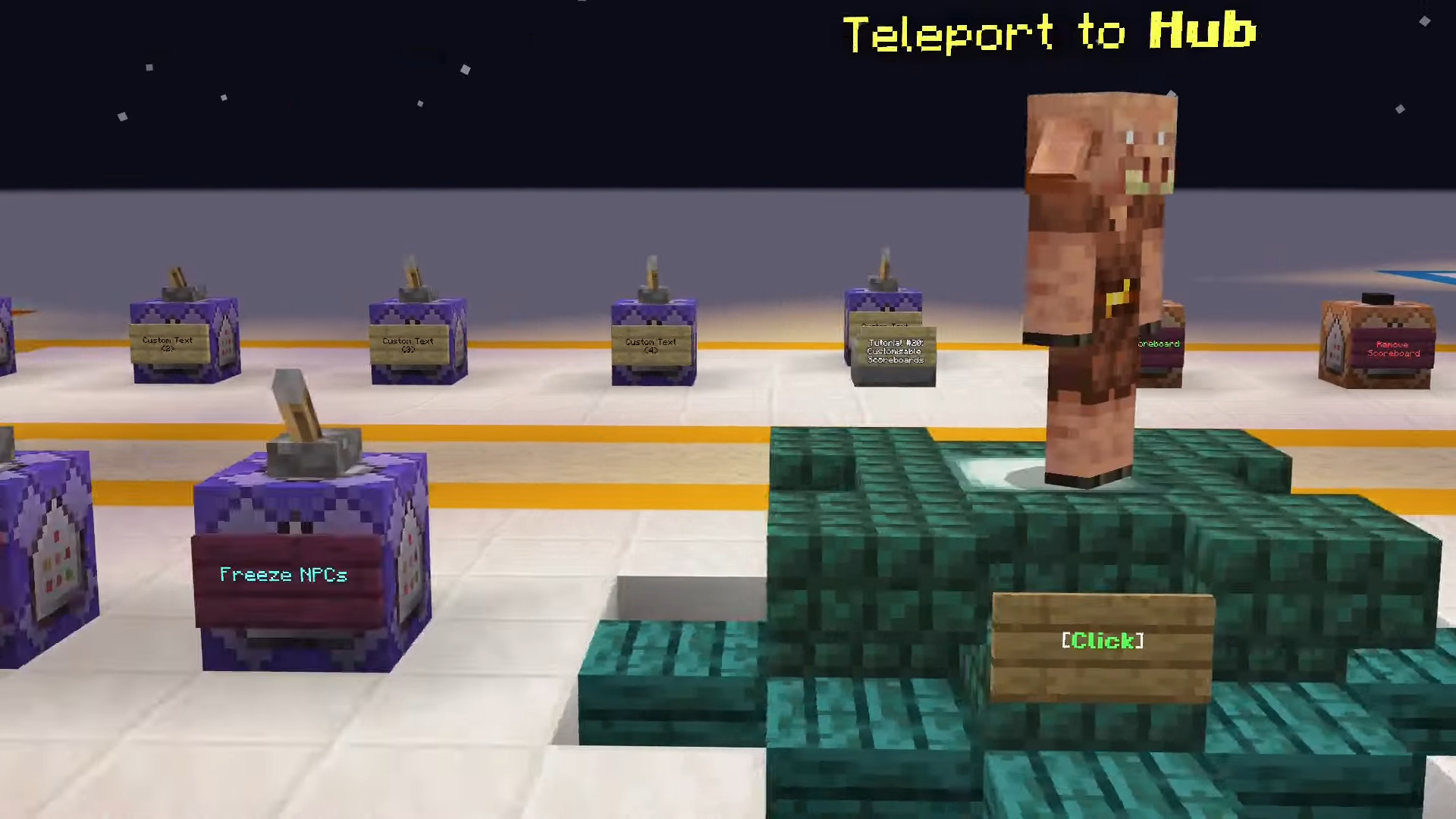
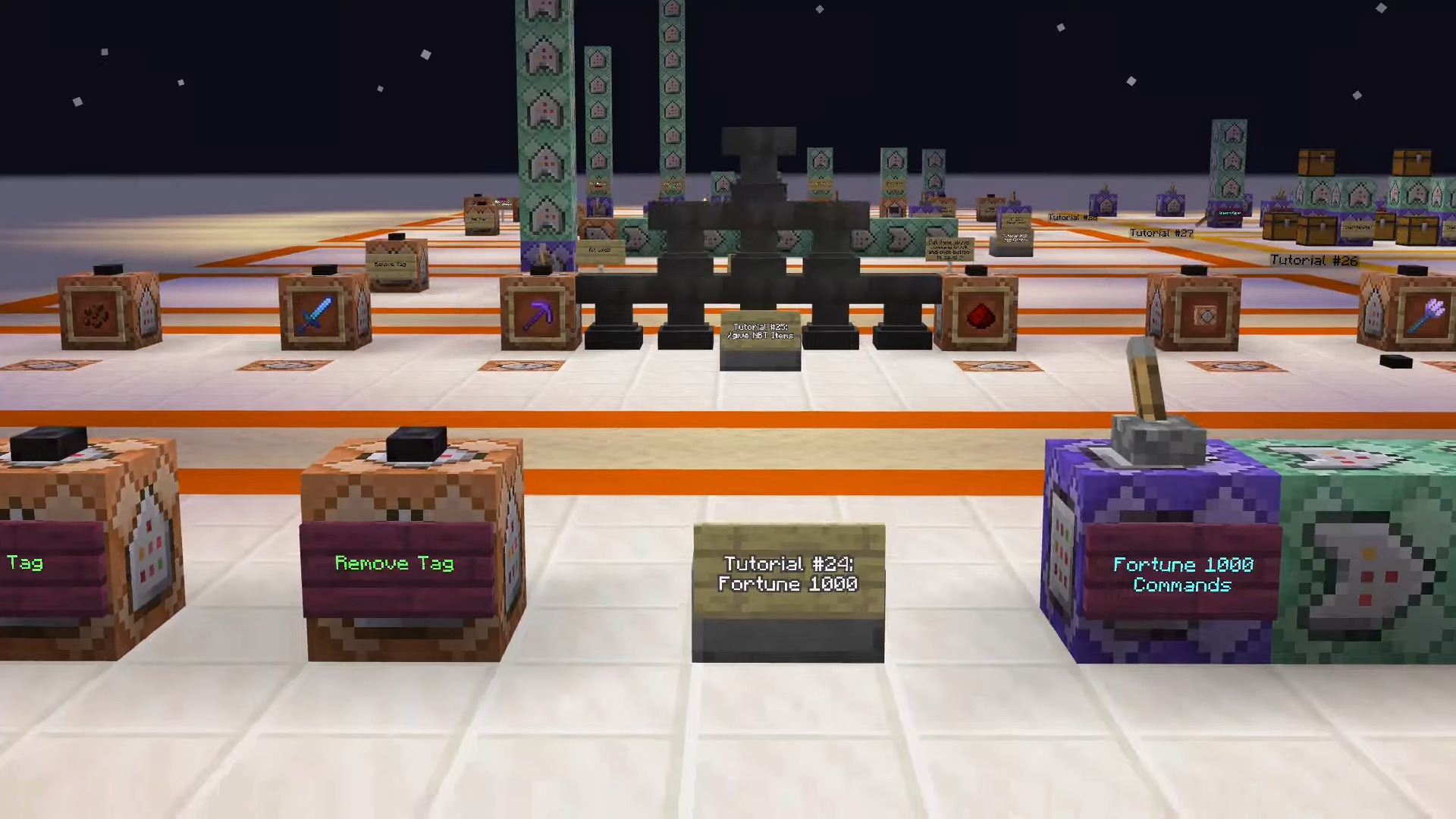
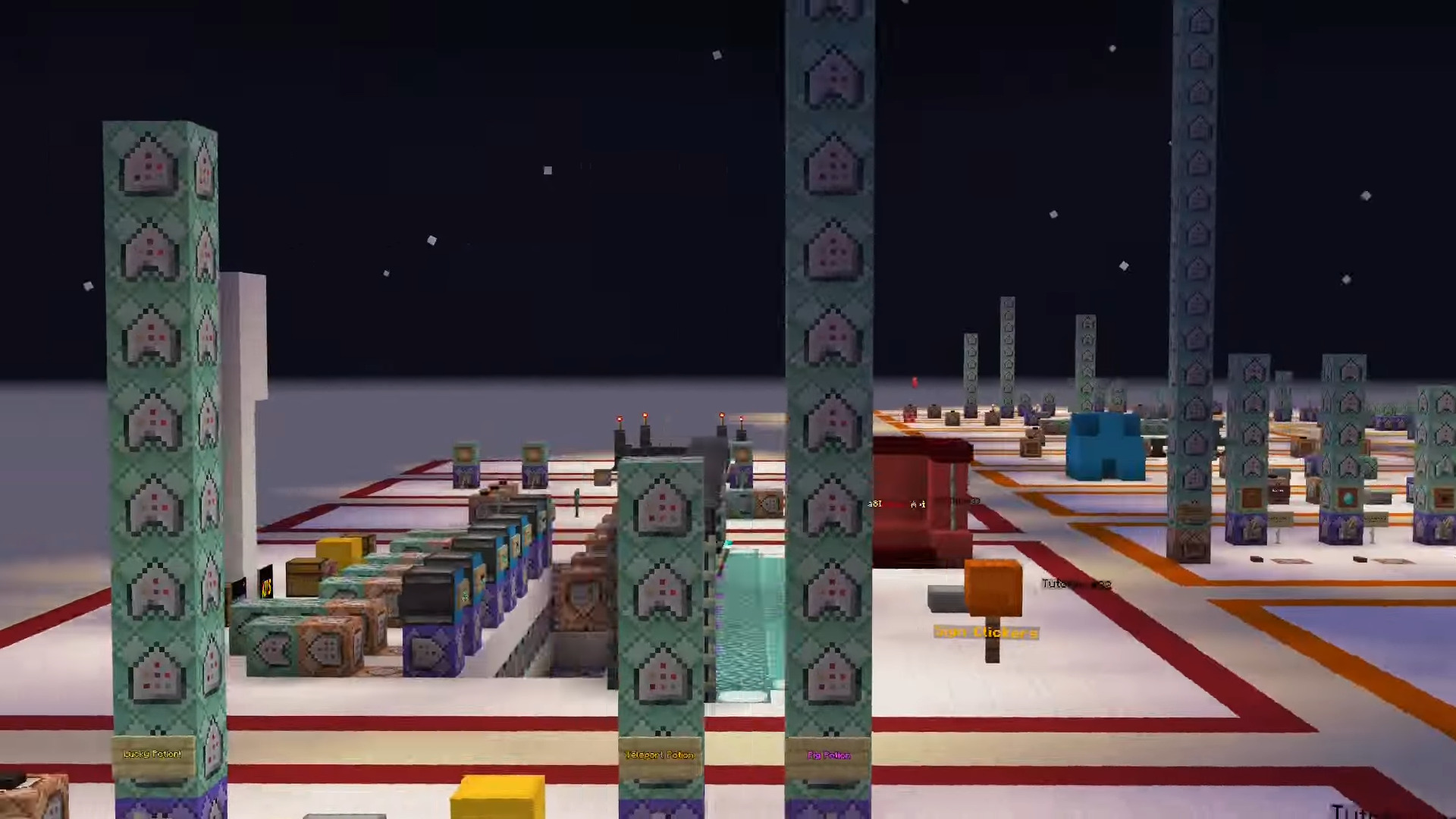

How to install:
How To Install Mod / Addon on Minecraft PE
How To Install Texture Packs on Minecraft PE
How To Install Map on Minecraft PE
Tutorial World Map (1.21, 1.20) Download Links
For Minecraft PE/Bedrock 1.21, 1.20
mcworld: Download from server 1 – Download from server 2
Click to rate this post!
[Total: 1 Average: 5]