Description
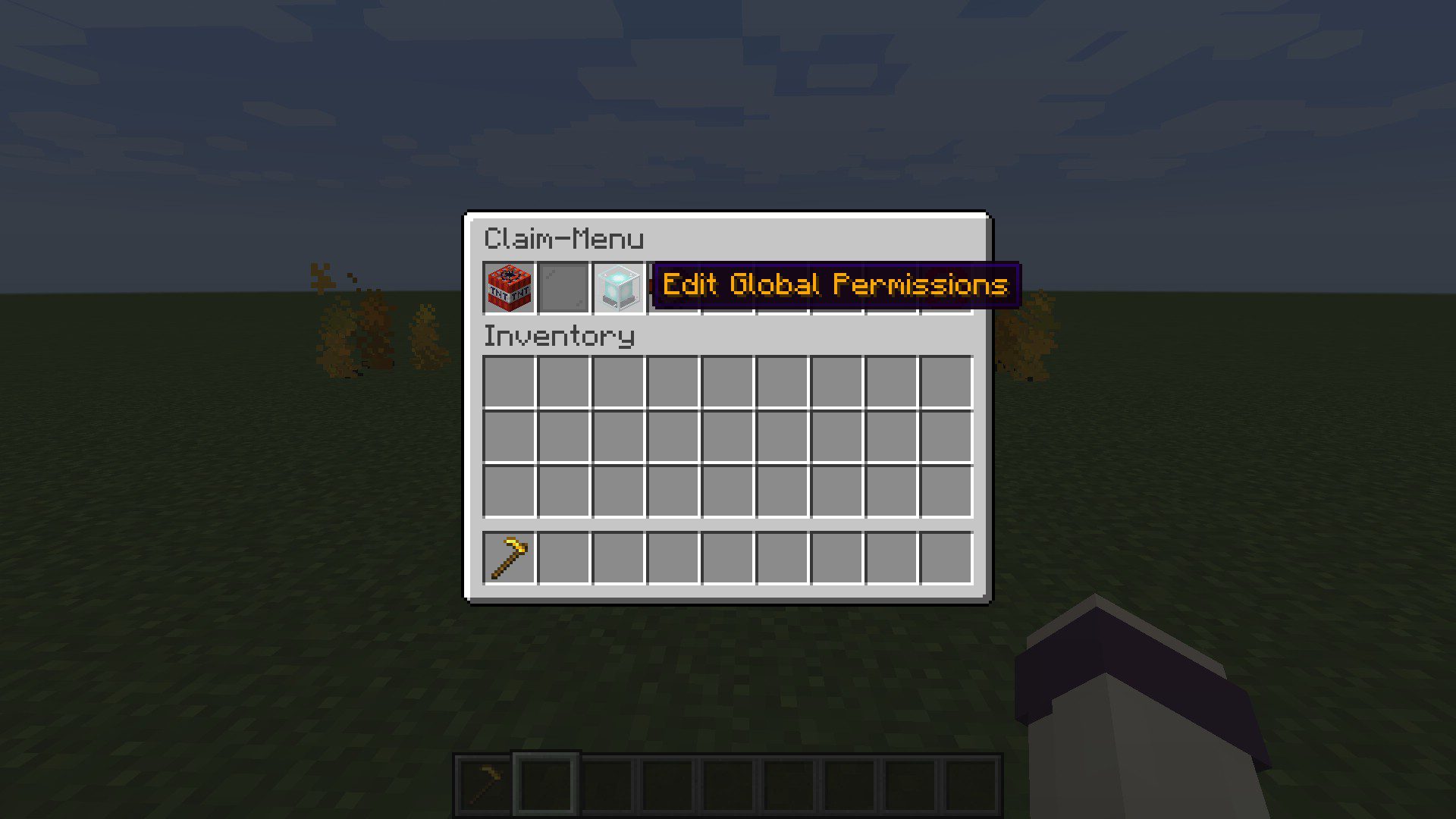
FLAN Claim Land Mod (1.21.11, 1.20.1) allows you to create and manage claims on your Minecraft world. With commands, GUI, and world interactions you can easily create and manage those. Flan is completely server-side only meaning you could set up a fabric server with Flan and connect with a vanilla client and it will work just as fine.
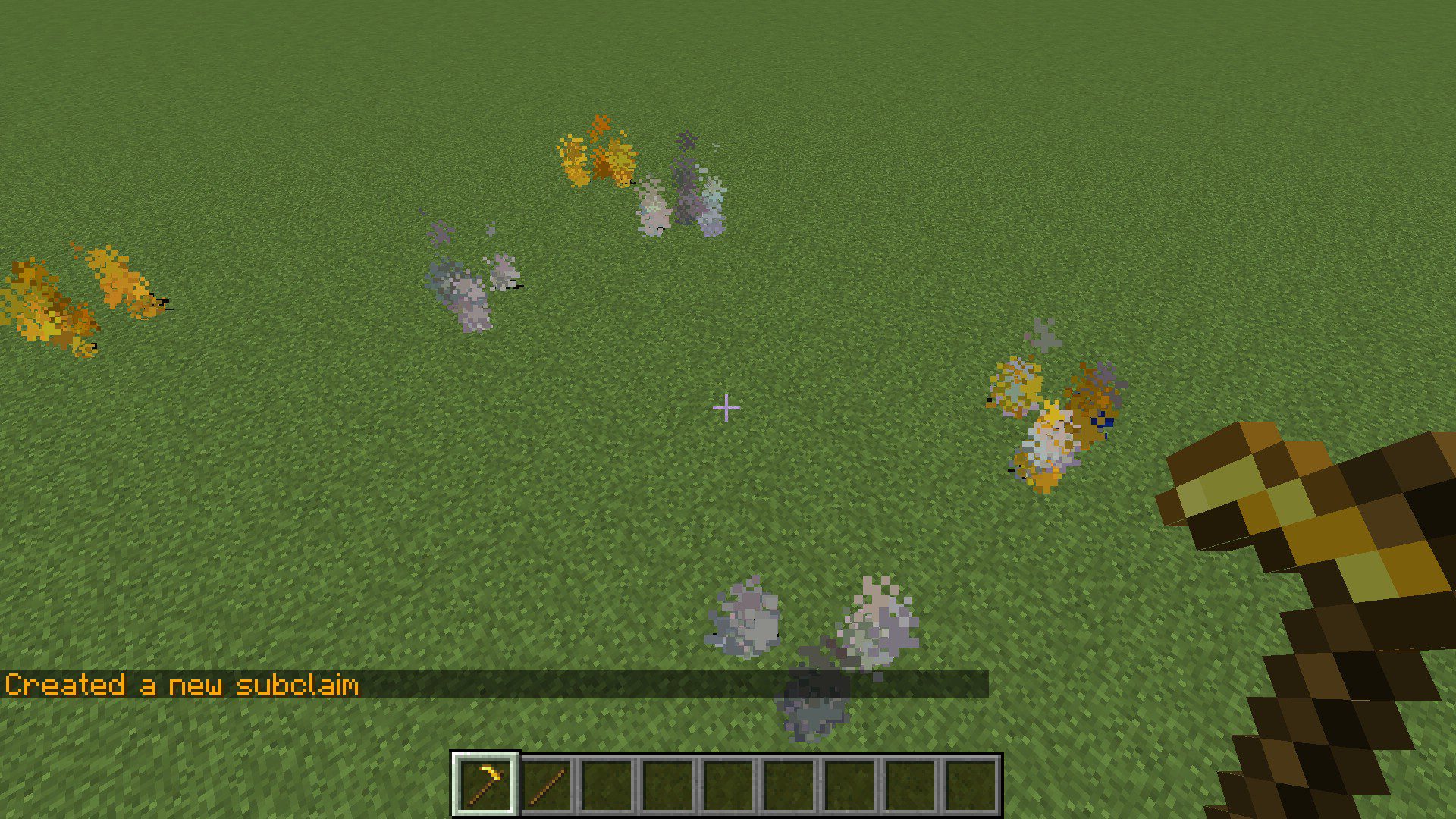
Claims are pieces of land with restricted permissions to prevent griefing with a default depth of 10 (configurable) which means they extend 10 blocks downwards from the claiming spot but no limit upwards. This makes it so it wont affect mining below claims but claims will extend if players start building below. They support subclaims to create town like systems where subclaims have their own permissions too. Being in SubClaim-Mode allows you to edit subclaims (how to down in commands). If you are an admin you can create adminclaims too where only admins (with permission level 2+) can modify and have full access to those.




Features
- A chunk independent claiming system. Claim regions can be arbitrary in size.
- Extensive management of claims with a wide range of permission for maximum customizations.
- Subclaim system allowing claims within claims.
- Fully serversided and thus vanilla client friendly.
Requirements
Minecraft Forge or Fabric API or Quilt Loader or NeoForge Installer
Installation
Click the following link to view details: How to Install Mods for Minecraft Java Edition on PC: A Beginner Guide
📥 Download Links
- 🔗 Download from Server 1
- 🔗 Download from Server 2
- 🔗 Download from Server 1
- 🔗 Download from Server 2
- 🔗 Download from Server 1
- 🔗 Download from Server 2
- 🔗 Download from Server 1
- 🔗 Download from Server 2
- 🔗 Download from Server 1
- 🔗 Download from Server 2
- 🔗 Download from Server 1
- 🔗 Download from Server 2
- 🔗 Download from Server 1
- 🔗 Download from Server 2
- 🔗 Download from Server 1
- 🔗 Download from Server 2
- 🔗 Download from Server 1
- 🔗 Download from Server 2
- 🔗 Download from Server 1
- 🔗 Download from Server 2
- 🔗 Download from Server 1
- 🔗 Download from Server 2
- 🔗 Download from Server 1
- 🔗 Download from Server 2
- 🔗 Download from Server 1
- 🔗 Download from Server 2
- 🔗 Download from Server 1
- 🔗 Download from Server 2
- 🔗 Download from Server 1
- 🔗 Download from Server 2
- 🔗 Download from Server 1
- 🔗 Download from Server 2
- 🔗 Download from Server 1
- 🔗 Download from Server 2
- 🔗 Download from Server 1
- 🔗 Download from Server 2
- 🔗 Download from Server 1
- 🔗 Download from Server 2
- 🔗 Download from Server 1
- 🔗 Download from Server 2
- 🔗 Download from Server 1
- 🔗 Download from Server 2
- 🔗 Download from Server 1
- 🔗 Download from Server 2
- 🔗 Download from Server 1
- 🔗 Download from Server 2
- 🔗 Download from Server 1
- 🔗 Download from Server 2
- 🔗 Download from Server 1
- 🔗 Download from Server 2
- 🔗 Download from Server 1
- 🔗 Download from Server 2