

Description
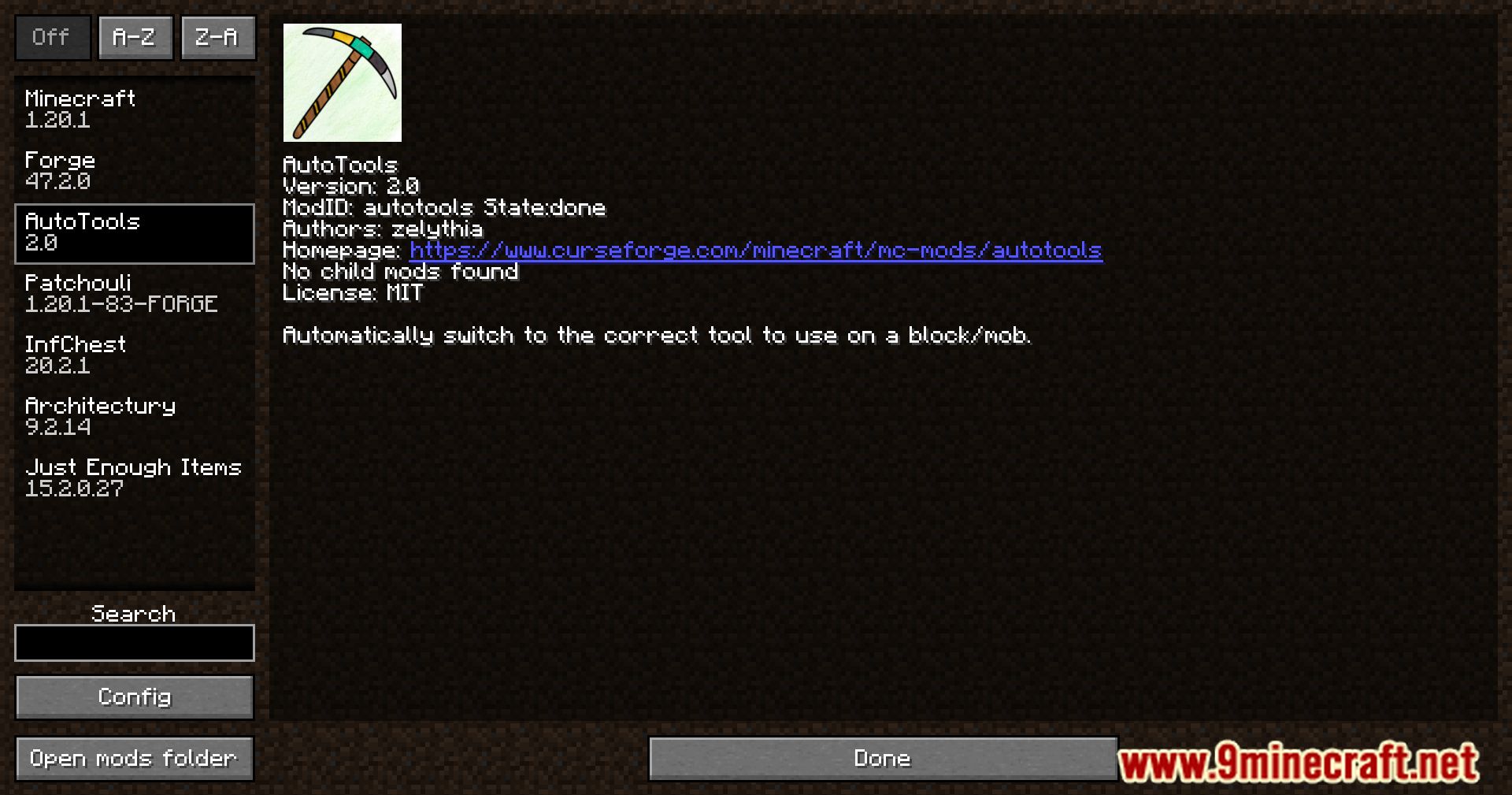
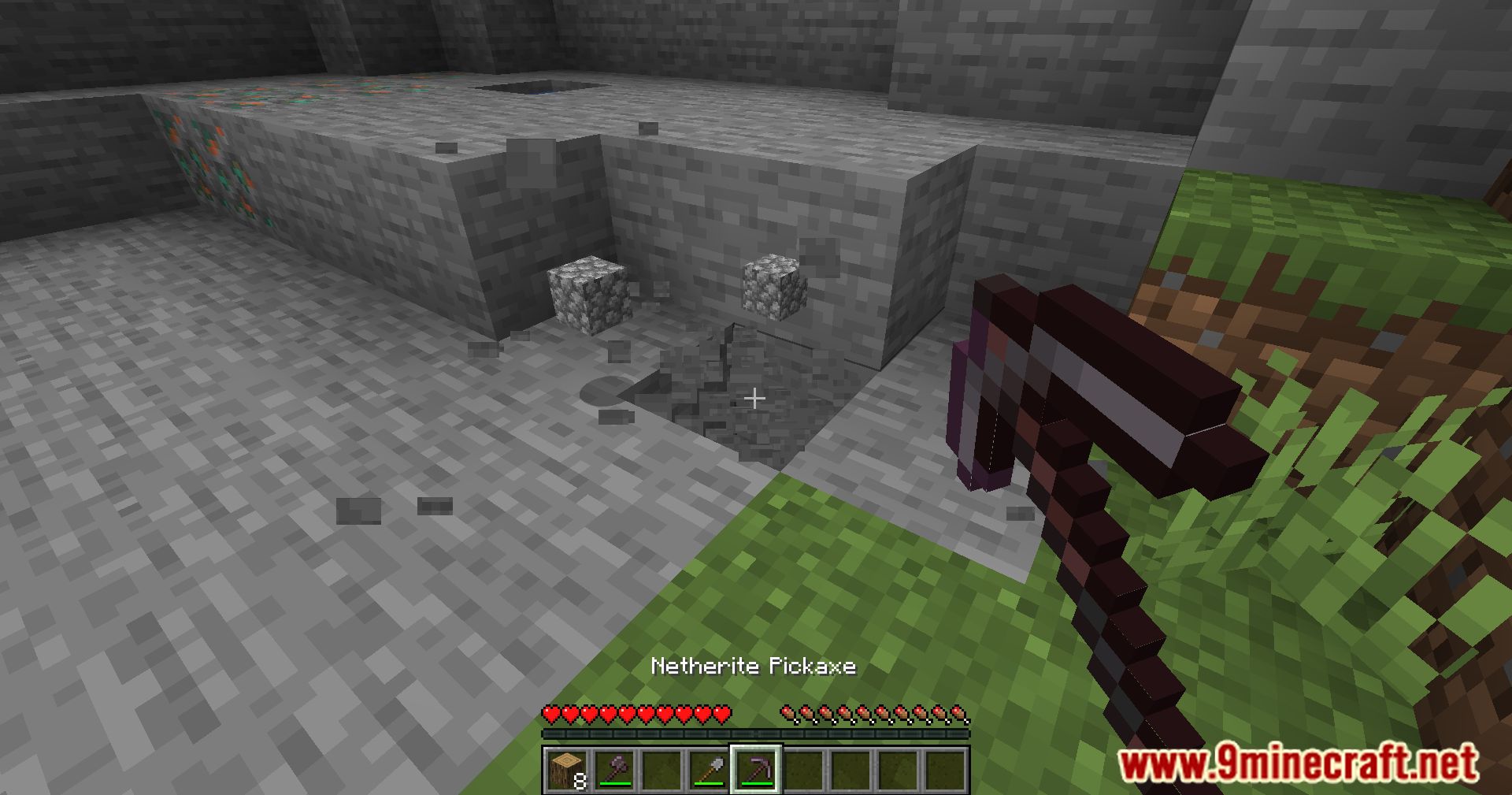
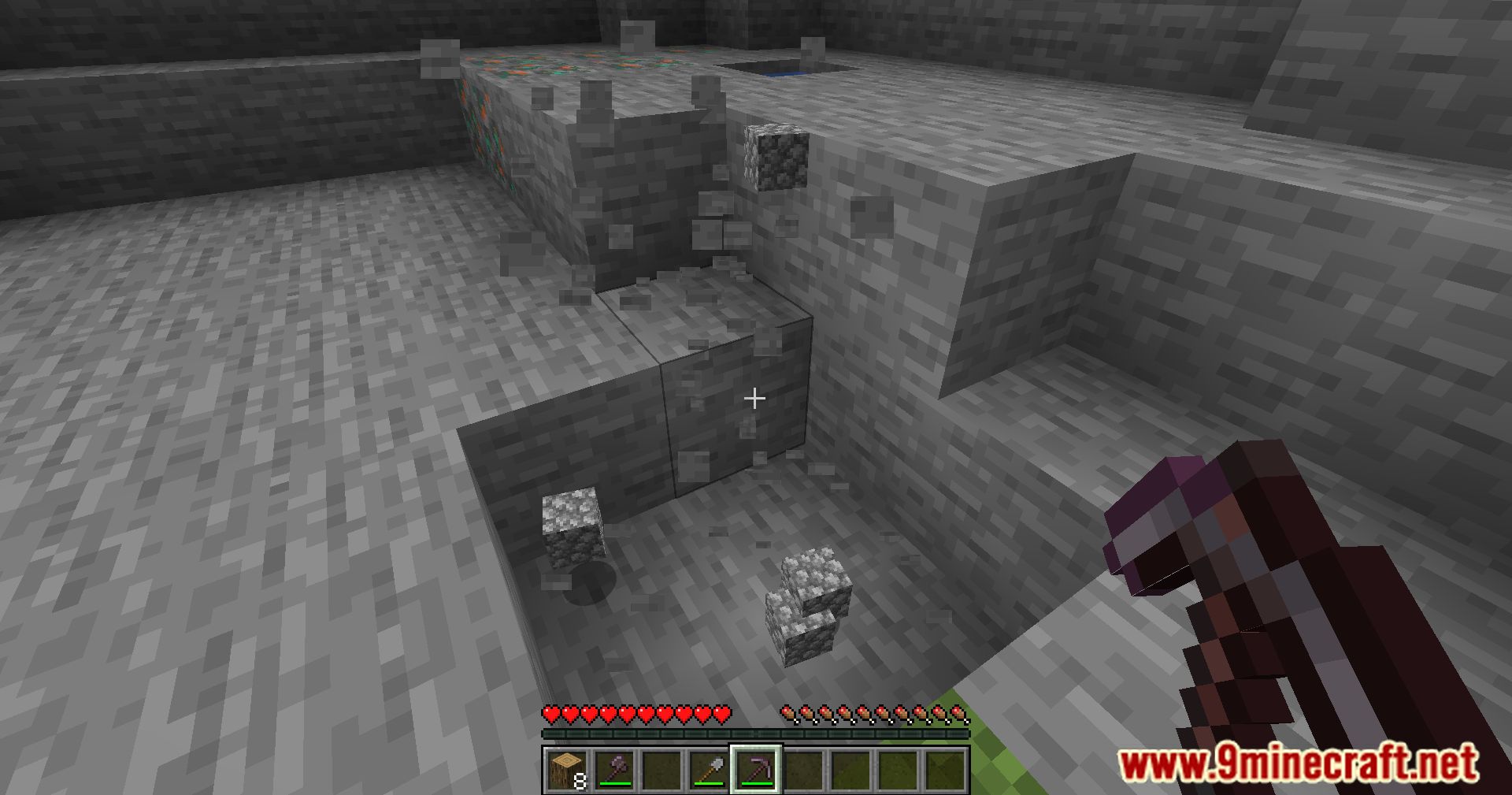
Auto Tools Mod (1.21.11, 1.20.1) is a helpful Minecraft mod that automatically picks the best tool or weapon from your inventory. It makes mining faster, fighting mobs easier, and saves you from constantly switching items. The mod can also use special enchantments like Silk Touch or Fortune when needed, and works entirely on your client without affecting servers. It’s simple to use and highly customizable for beginners and experienced players alike.








Features
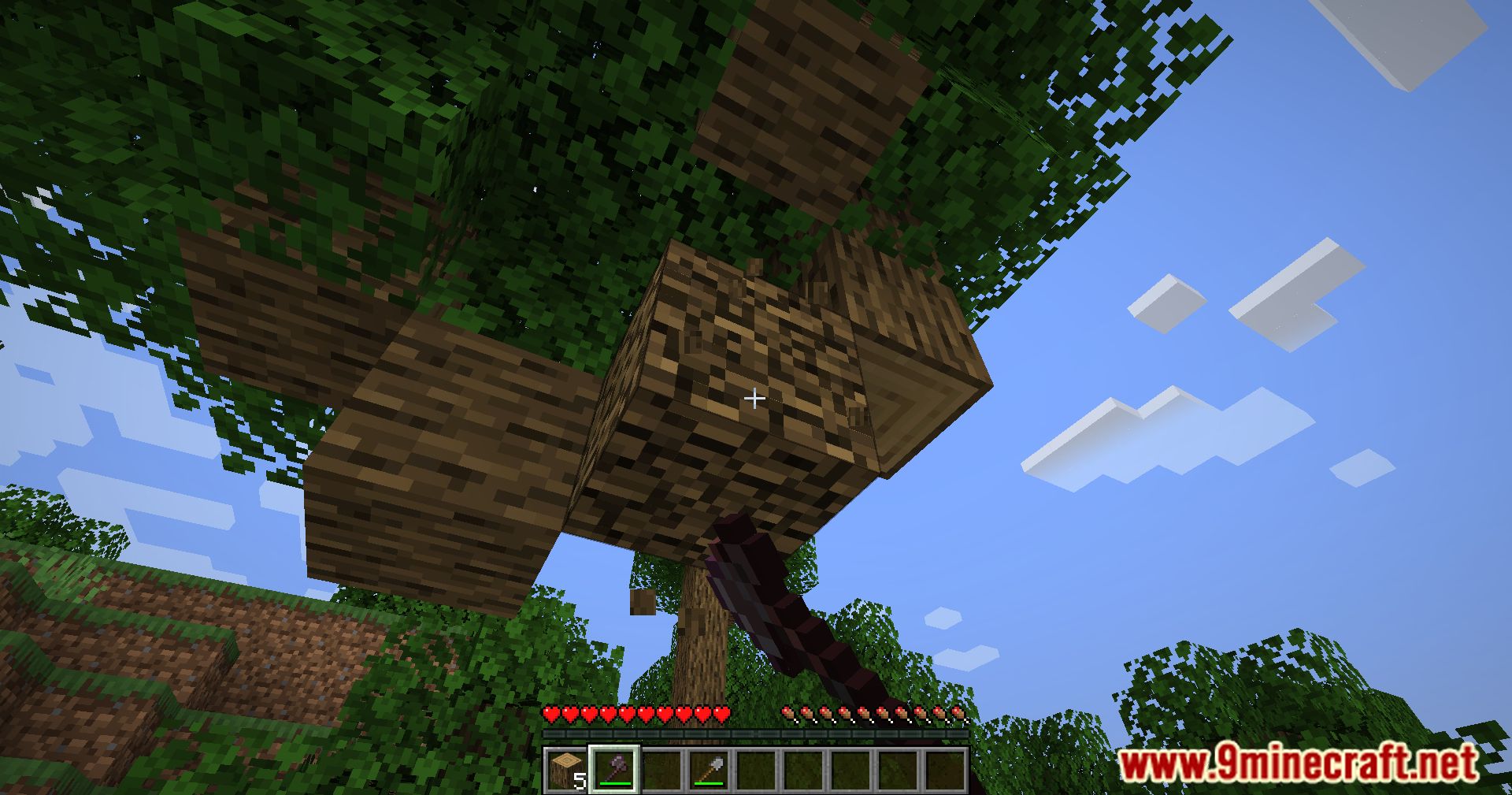
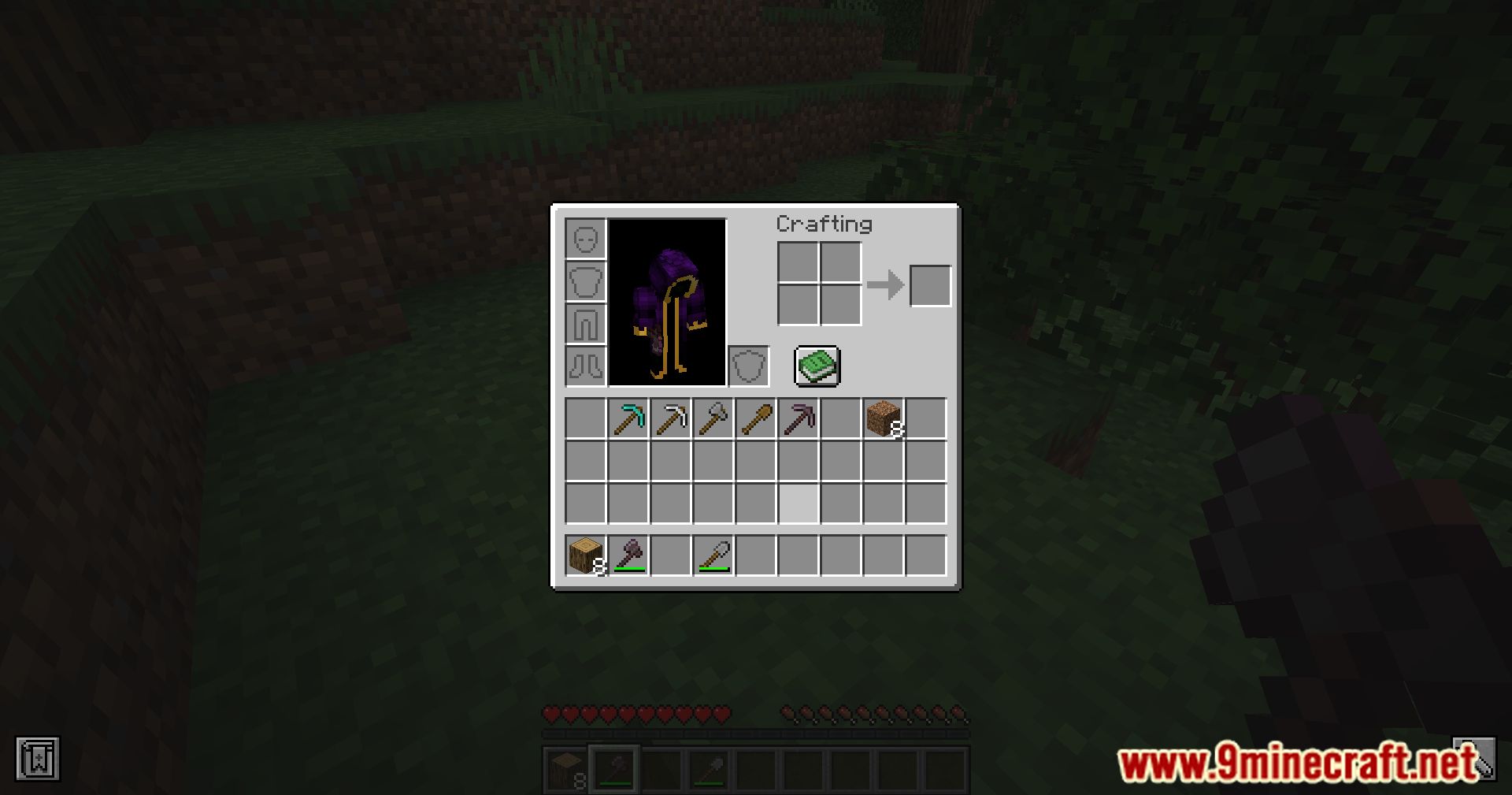
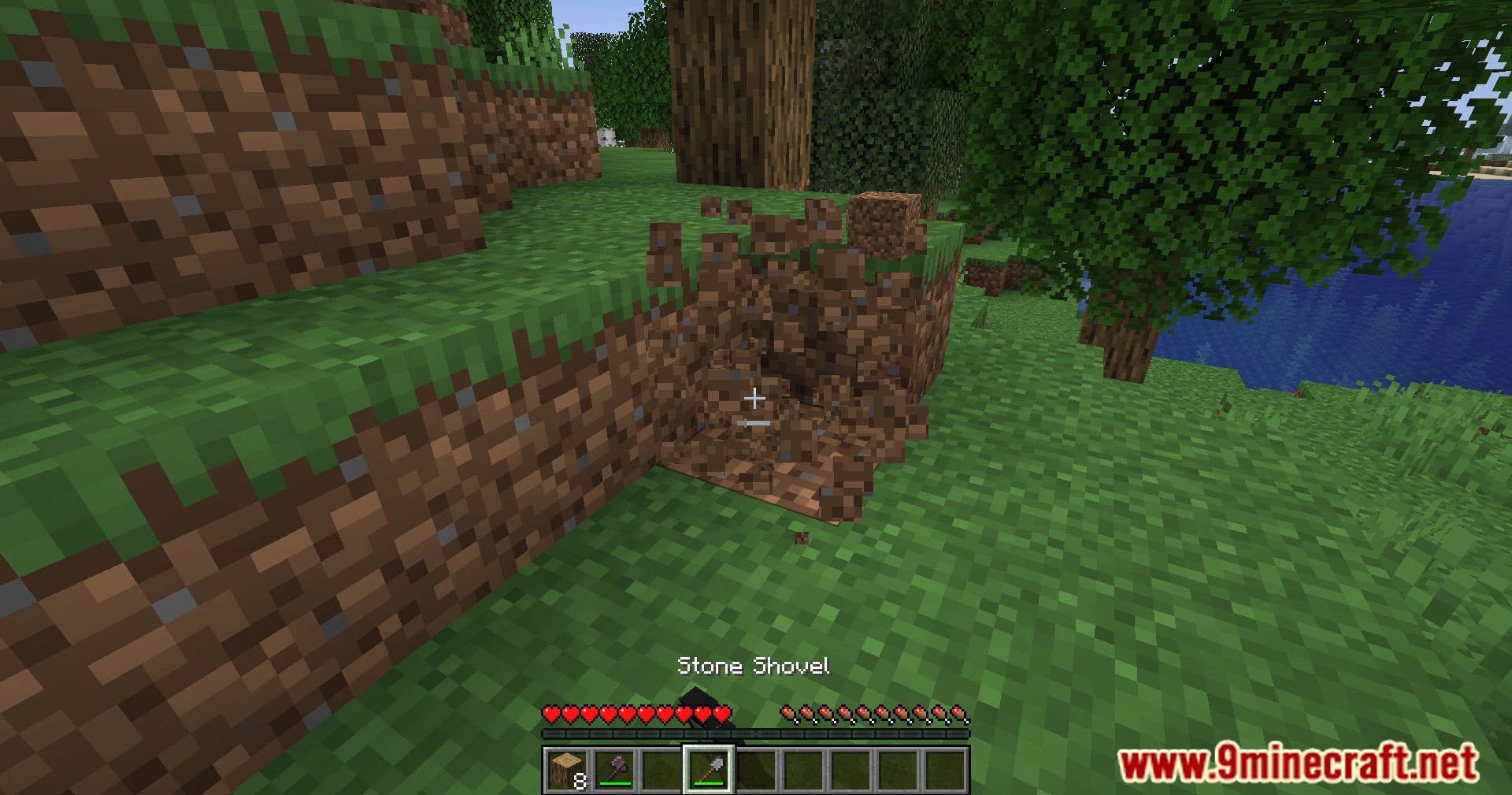
Auto Tools scans your entire inventory and selects the best tool to mine a block or attack a mob. The selected tool is determined by mining speed, mining level, enchantments, and DPS. The mod offers a high level of customisation through various configuration options.
Requirements
Minecraft Forge or Fabric API or Quilt Loader or NeoForge Installer
Installation
Click the following link to view details: How to Install Mods for Minecraft Java Edition on PC: A Beginner Guide
📥 Download Links
- 🔗 Download from Server 1
- 🔗 Download from Server 2
- 🔗 Download from Server 1
- 🔗 Download from Server 2
- 🔗 Download from Server 1
- 🔗 Download from Server 2
- 🔗 Download from Server 1
- 🔗 Download from Server 2
- 🔗 Download from Server 1
- 🔗 Download from Server 2
- 🔗 Download from Server 1
- 🔗 Download from Server 2
- 🔗 Download from Server 1
- 🔗 Download from Server 2
- 🔗 Download from Server 1
- 🔗 Download from Server 2
- 🔗 Download from Server 1
- 🔗 Download from Server 2
- 🔗 Download from Server 1
- 🔗 Download from Server 2
- 🔗 Download from Server 1
- 🔗 Download from Server 2
- 🔗 Download from Server 1
- 🔗 Download from Server 2
- 🔗 Download from Server 1
- 🔗 Download from Server 2
- 🔗 Download from Server 1
- 🔗 Download from Server 2
- 🔗 Download from Server 1
- 🔗 Download from Server 2
- 🔗 Download from Server 1
- 🔗 Download from Server 2
- 🔗 Download from Server 1
- 🔗 Download from Server 2
- 🔗 Download from Server 1
- 🔗 Download from Server 2
- 🔗 Download from Server 1
- 🔗 Download from Server 2
- 🔗 Download from Server 1
- 🔗 Download from Server 2
- 🔗 Download from Server 1
- 🔗 Download from Server 2
- 🔗 Download from Server 1
- 🔗 Download from Server 2
- 🔗 Download from Server 1
- 🔗 Download from Server 2
- 🔗 Download from Server 1
- 🔗 Download from Server 2
- 🔗 Download from Server 1
- 🔗 Download from Server 2
- 🔗 Download from Server 1
- 🔗 Download from Server 2
- 🔗 Download from Server 1
- 🔗 Download from Server 2
- 🔗 Download from Server 1
- 🔗 Download from Server 2
- 🔗 Download from Server 1
- 🔗 Download from Server 2
- 🔗 Download from Server 1
- 🔗 Download from Server 2
- 🔗 Download from Server 1
- 🔗 Download from Server 2
- 🔗 Download from Server 1
- 🔗 Download from Server 2

