More Camera Perspectives [1.20.40+]
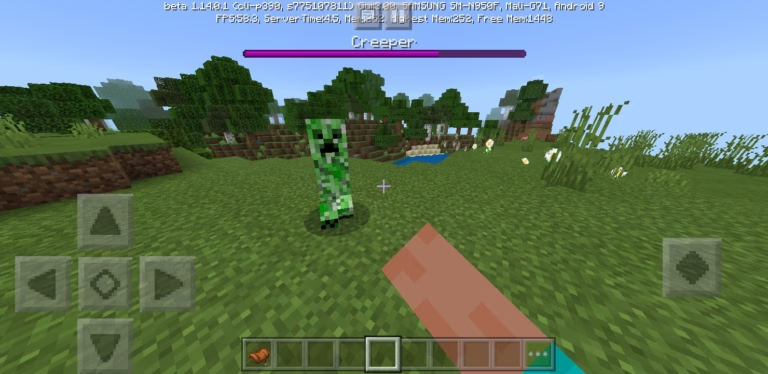
As you know Minecraft only has three Camera Perspectives, which is good but not enough, So I made this mod which adds some new useful & interesting Camera Perspectives into the Minecraft,
This Addon If Very User Friendly, works with other addons and perfectly works for all device players i.e., mobile players, pc players, etc,
This mod also doesn’t add any new item to the game and No Experimental Features are needed, so you can enjoy full vanilla like experience.
-: How It Works :-
- After activating this pack, all you need to do is just take a normal Stick, and hold it in your hand and use it, (long press on the screen/right click)

Note:- There is no change with stick, you can use it for all other purposes such as Attacking or crafting.

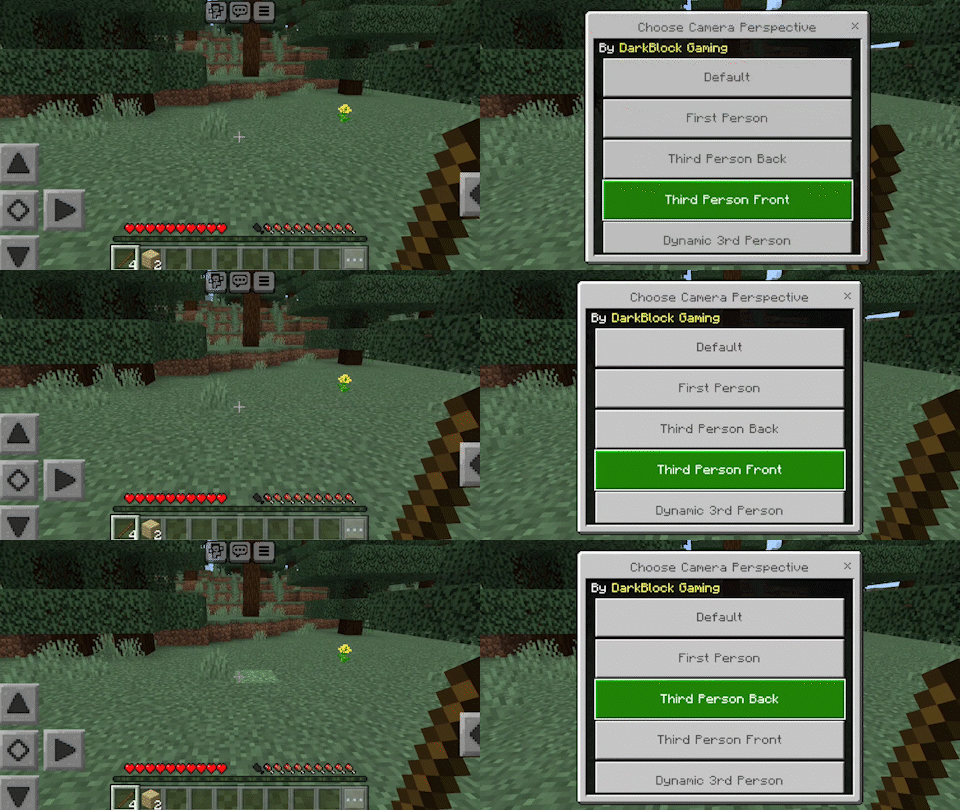
- When you use the Stick this interface will open
- Here you can select the camera perspectives that you want to.

-:About Camera Perspectives:-
There are a lot of camera perspectives to choose from
- First of all, top 4 are very useful in-game camera perspectives, such as
- Default [Turn off the mod changes camera to default]
- First Person [Changes camera to first person]
- Third Person Back [Changes camera to third person back]
- Third Person Front [Changes camera to third person front]
- And finally there are several new camera perspectives which are very usefull and interesting, such as
- Dynamic Third Person
- Follow Cam
- Place Camera here
- X-ray Underground
- etc………
- [YOU MUST TRY THESE ONCE]
[Please note that, I have a lot of plans to add more new camera perspectives, I’m waiting for your feedback & suggestions please share anything with me about feedback & suggestions in my Discord Server or YouTube Channel,ThankYou]
- Pls send me feedback
- And also suggest me the features and functions that you want to be added in this mod
- Now you don’t need any Experimental Feature for this mod to work
- You can enjoy full vanilla like experience
- Enjoy and pls send feedback
Installation
- First download the pack
- Then you will get a zip file, extract that zip file and you will get an mcpack file
- You can click on that mcpack file and select Minecraft (via-your filemanager)
- And this pack will automatically be imported into the game
- And then you can activate the pack in your world
- And enjoy ????
creator:
Downloads
- More Camera Perspectives V-1
- How To Download