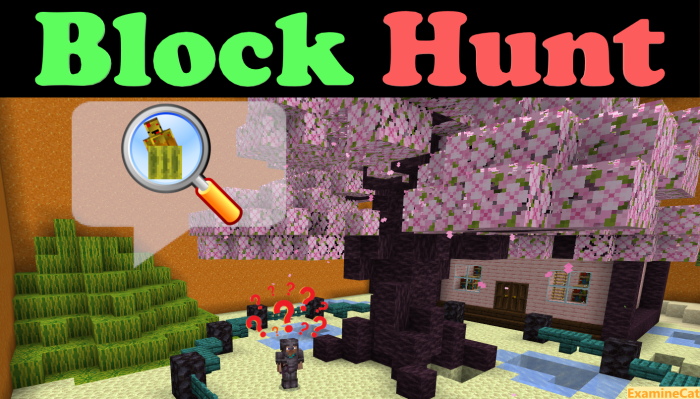
Introducing Block Hunt! The classic Minecraft style hide-and-seek minigame where hiders conceal themselves as Blocks in order to blend in with the environment while seekers try to hunt them down and eliminate them as Hunters is now brought to you, by ExamineCat and xItzBeastyx2829, in the form of a fully vanilla Minecraft map playable locally with friends via LAN or online via Xbox Live, Realms, etc.
2 or more players are required to start a match with up to 10 players being supported. The lobby features parkour as well as quite a few secrets for players to explore and find while they wait for their friends to join.
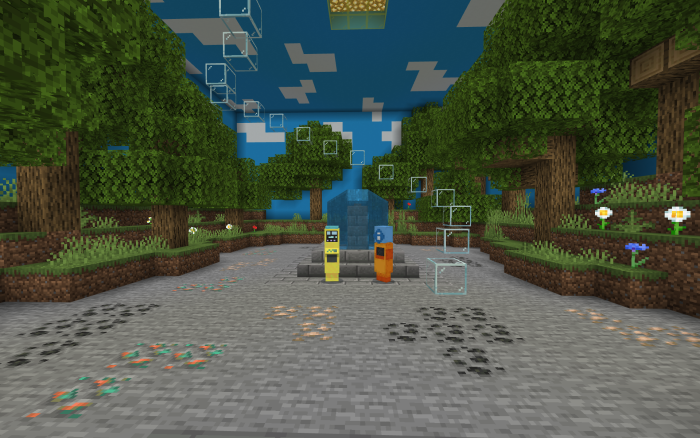
Once there are enough players, the match can be started. A random player will be chosen to be the Hunter while the others players will be the Blocks of their choice.
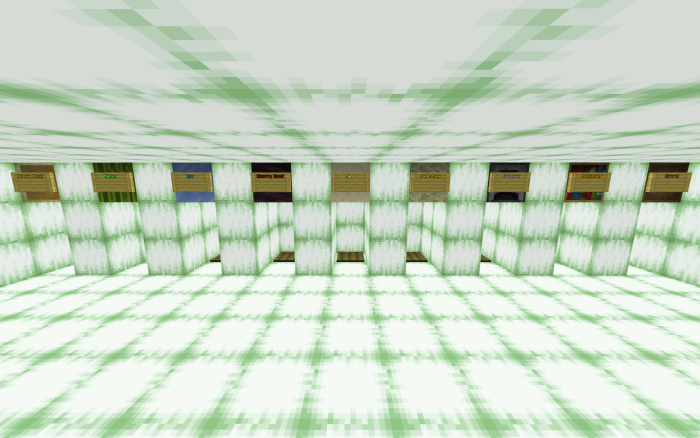
Once all hiders have chosen their block, they will have 30s of invulnerability to hide. Afterwards, the Hunter will be released to hunt them down!
To turn into their block, hiders must drop it where they wish to hide. Dropping it again means exiting the hidden mode and becoming visible until the block is dropped once more.
At 3m left, Blocks are given Echo Shards that temporarily blind and slow down Hunters when dropped. Hunters are told which Blocks remain in hiding, and they are given Eyes of Ender that will temporarily make Blocks visible when dropped.
To win, Blocks must survive for 5m. Every Block killed joins the Hunter until all Blocks have been eliminated and Hunters win.
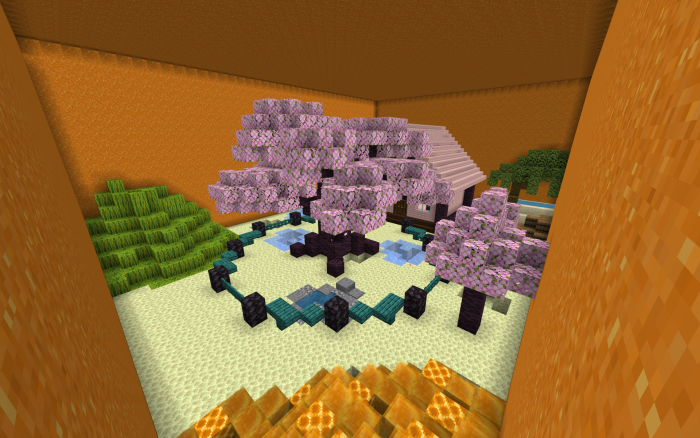
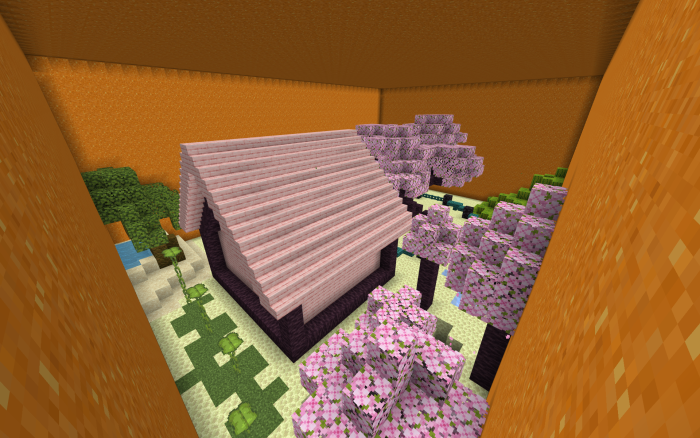
Maps and Blocks:
- Exotic Cherry Blossoms
- Honey
- Melon
- Ice
- Cherry Wood
- Sand
- End Stone
- Furnace
- Bookshelf
- Barrel
- There are possibly more coming soon… stay tuned! (on Discord or Twitter)
Creator:
YouTube: Subscribe to ExamineCat’s YouTube channel
Twitter: Visit ExamineCat’s Twitter
Xbox: Visit ExamineCat’s Xbox Live Profile or Visit xItzBeastyx2829’s Xbox Live Profile
Discord: Join ExamineCat’s Discord Server
Copyright Notice:
- This map has been officially published on MCPEDL, McBedrock, Planet Minecraft, and ExamineCat’s Discord Server.
- This map may be unofficially shared by anyone anywhere else providing the link to the official publishing (in this case, McBedrock) for the download, not the direct MediaFire link.
- This map may not be redistributed using an unofficial link or source (e.g. your own MediaFire download, your own monetized links…), nor as belonging to or being made by anyone other than ExamineCat.
- You are free to make videos or streams on this map, but you must provide the link to the official publishing (in this case, McBedrock) in your description.
Installation
Please note:
- The download links are shortened with Boostellar.
- You will not be required to download anything besides the content itself or to turn on notifications.
Downloading:
- Click on the download link for the file you want to download to be taken to Boostellar.
- Click on the red Click on ad button and follow the steps to unlock the content. You will be prompted to visit a page with a list of articles. Select one, wait 15 seconds, then go back to the main Boostellar page. You may close the other tabs.
- Click on the purple Unlock content to be taken to Mediafire.
- Once you are on MediaFire, click on the blue DOWNLOAD (File Size) button. Make sure to close any additional popups that may show up.
- Wait for the file to download, then import it to Minecraft.
Importing:
- The .mcworld file will automatically import into Minecraft when opened if your browser, file explorer, or device recognizes it as a file that Minecraft can open.
- The .zip file must be extracted before being manually placed in your minecraftWorlds folder.
Downloads
- Block Hunt.mcworld
- Block Hunt.zip
- Join ExamineCat’s Discord Server