

25,387 views ❘ 2 weeks ago ❘
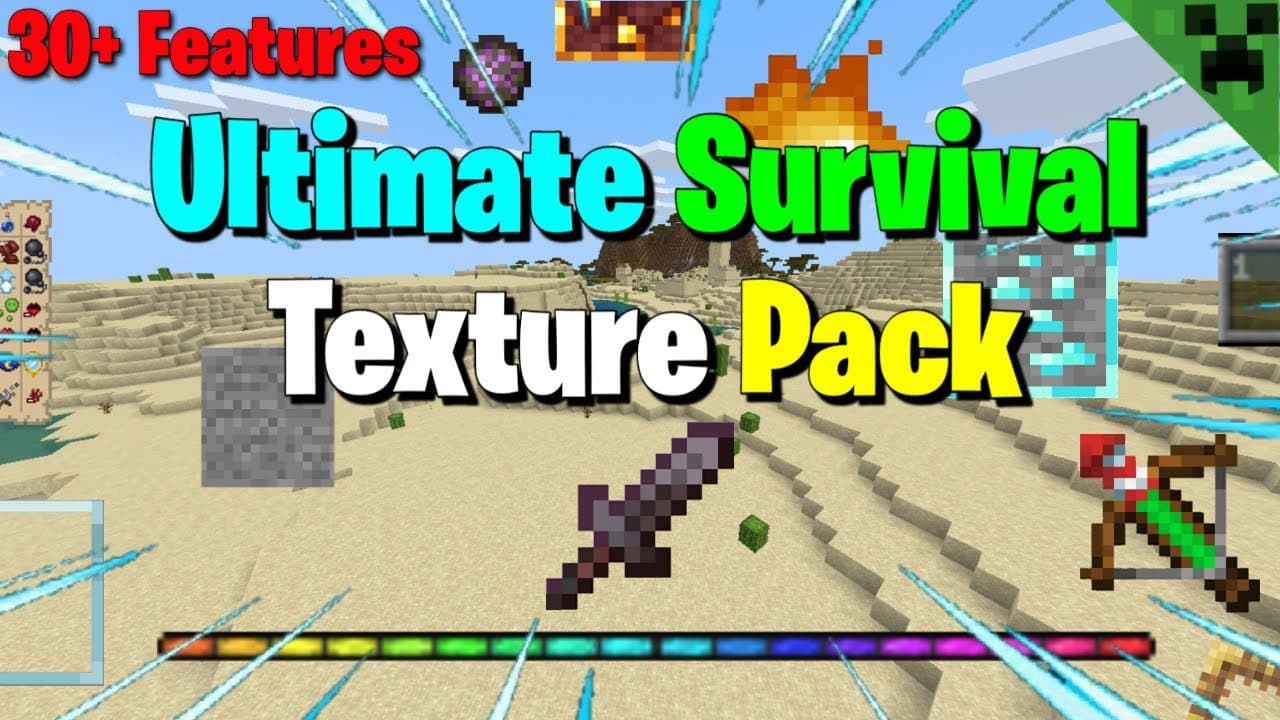
Ultimate Survival Texture Pack (1.20, 1.19) is one of the best default edit texture packs available for Minecraft. It makes Minecraft clearer, less obstructive, and more detailed than ever before. It’s highly recommended for casual players, Redstoners, YouTubers, technical players, and survival players alike.
- Supporting Platforms: Android, ios, Windows 10 (Not sure about consoles)
- Affects Achievements?: No
Features:
Different Stems
Colorful Enchanting Particles
Circular Sun & Moon
Bow & Crossbow Indicator
Lower Shield
Plain Leather Armor
Directional Hoppers
Directional Observers
Sticky Piston Sides
Item Info (Removable)
These can be customised
Basic Item Info
Food, Armor, Tools Info
Light Info
Enchant Summary
Numbered Hotbar
Lower Fire
No Pumpkin Overlay
Visible Locked Trades
Shorter Grass
Clear Banner Patterns
Unobtrusive Scaffolding
Infested Blocks
Budding Amethyst Border
Clear Amethyst Growth Stages
Clear Nether Wart Growth Stages
Unobtrusive Rain & Snow
Visual Waxed Copper (Items)
Clear Powder Snow
Tipped Arrow Symbols
Clear Potions
Potion Effect Colors
Health & Damage Indicator (Removable)
This can be customised as:
- • Only Health Indicator
- •Only Damage Indicator
- •Both Health and Damage Indicators
Sky Directions
More Visible Trapped Chests
Clear Spawn Eggs
Chest Paper Doll
Clear Anvil Stages
Visible Wither Hearts
Brewing Guide
Optional Packs
- These packs can be Removed/Customised
Shorter Swords
Redstone Signal Strength
Clear / Clean / Borderless Glass
Borderless Glass
Clean Glass
Clear Glass
Ore Borders
Glass Doors and Trapdoors
RGB Portal & XP Bar
Invisible Item Frames (Customisable)
Invisible Normal Item Frame
Invisible Glow Item Frame
Both Invisible Item Frames
Lower Dirt/Dirt sides
Lower Dirt
Dirt Sides
Transparent UI
Dark UI
Installation Note:
- Delete the Old Version of the Pack to import the New one Properly.
How to install:
How To Install Mod / Addon on Minecraft PE
How To Install Texture Packs on Minecraft PE
How To Install Map on Minecraft PE
Ultimate Survival Texture Pack (1.20, 1.19) Download Links
For Minecraft PE/Bedrock 1.19
Main Pack: Download from server 1 – Download from server 2
Optional Pack: Download from server 1 – Download from server 2
For Minecraft PE/Bedrock 1.20
Main Pack: Download from server 1 – Download from server 2
Optional Pack: Download from server 1 – Download from server 2
Click to rate this post!