https://www.aadhu.com/wp-content/uploads/2024/10/Adventure-Resource-Pack-120-119-MCPEBedrock.jpg

If you’re in search of a resource pack that will enhance your adventure, Adventure Plus is exactly what you’ve been looking for! With Adventure+ Resource Pack (1.20, 1.19), you can add 3D accessories such as backpacks, maps, tridents, spy glasses, and more to your character, just by putting them in your inventory or Hotbar. These items will not only improve your character, but they will also make your gameplay experience more immersive, similar to what you might find in the Minecraft Java Edition mod. So don’t hesitate to give Adventure Plus a try and see the difference it can make on your next adventure!

Features:
Put the following items in your inventory or hotbar so that this resource pack works:
List Items:
- Chest, Ender Chest, Shulker Box
- Spyglass
- Filled Map
- Gold Ingot
- Sword
- Pickaxe
- Axe
- Shovel
- Hoe
- Fishing Rod
- Cauldron
Screenshots:
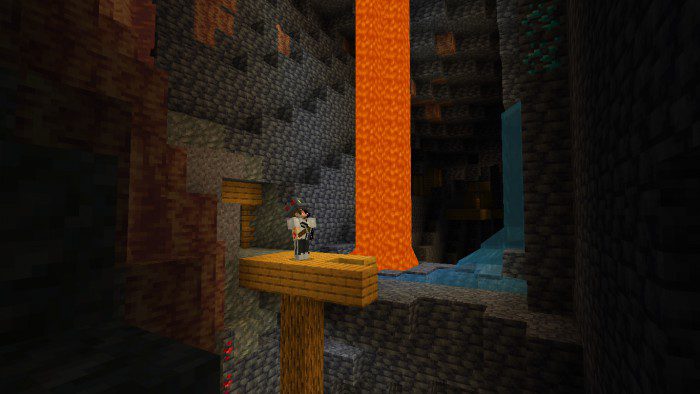


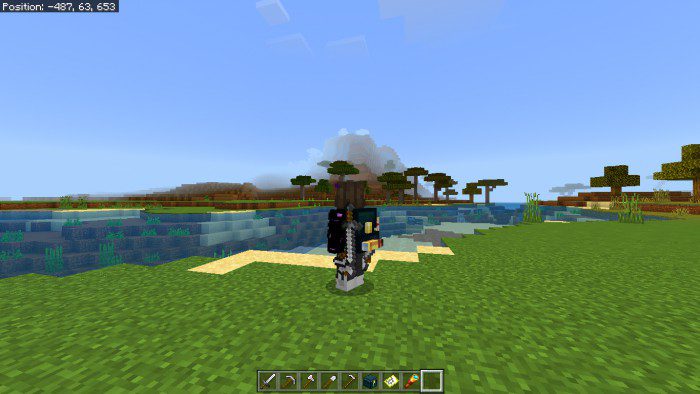

- Put some items below in the inventory or hotbar slot, then these items will become cool accessories:


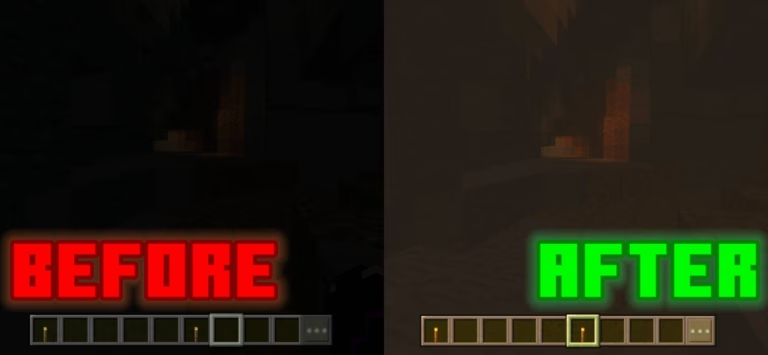
- If you hold the pickaxe it will appear a mining helmet (glowing in the dark)

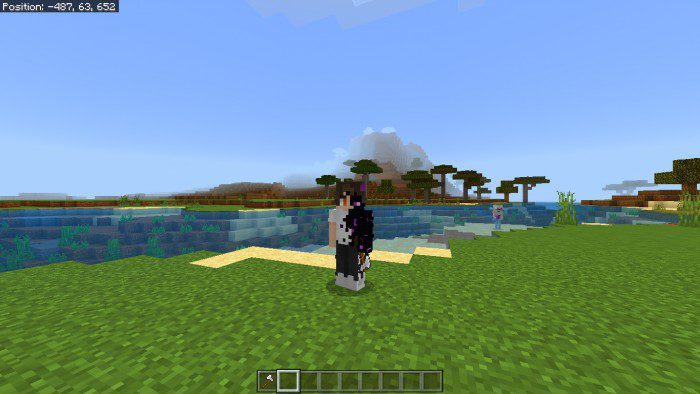

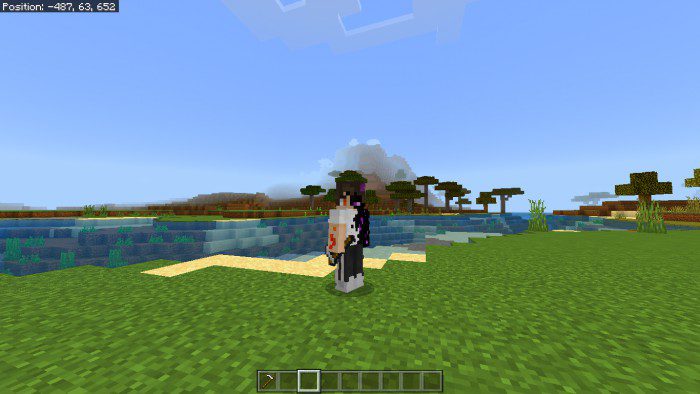
- If you hold the hoe it will appear as a farmer’s hat
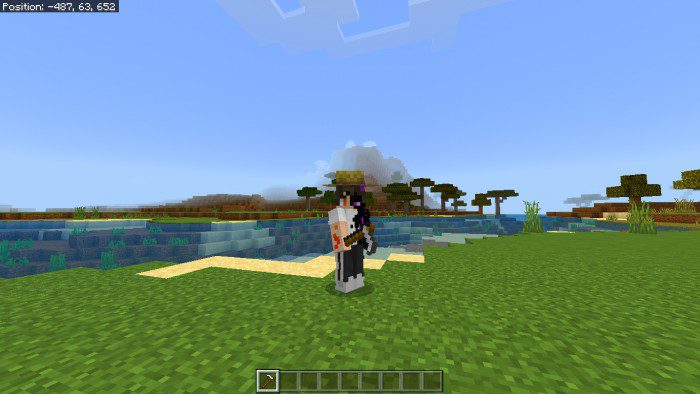
- If you hold the fishing rod it will appear as a fisherman’s hat
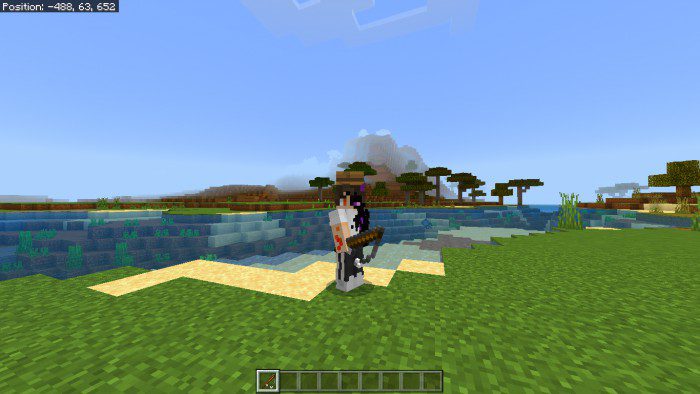
- If you hold the cauldron it will appear a witch’s hat


Backpack Information:
here are 3 variants of backpacks, if you put a chest in your inventory/hotbar a leather backpack will appear, if you put an ender chest in your inventory/hotbar an ender chest backpack will appear, and if you put a shulker box (undyed) in your inventory/hotbar a shulker backpack will appear.
- Leather Backpack:


- Ender Chest Backpack:


- Shulker Backpack:
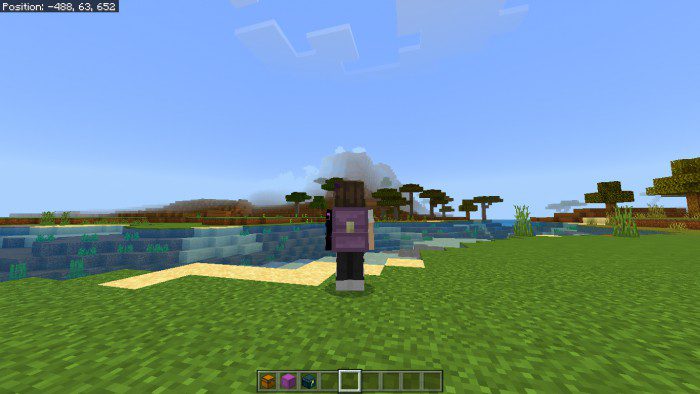

If you put these 3 items in your inventory/hotbar at the same time, the texture that appears is the Shulker Backpack.
- Shulker backpack > Ender chest backpack > Leather backpack
Installation Note:
- This is not an addon this is just a texture replacement, which means you can set it to global resources and play it on the server as well and don’t need to turn on experimental.
How to install:
How To Install Mod / Addon on Minecraft PE
How To Install Texture Packs on Minecraft PE
How To Install Map on Minecraft PE
Adventure+ Resource Pack (1.20, 1.19) Download Links
For Minecraft PE/Bedrock 1.19
mcpack: Download from server 1 – Download from server 2
For Minecraft PE/Bedrock 1.20
mcpack: Download from server 1 – Download from server 2