https://www.aadhu.com/wp-content/uploads/2024/10/GreatKits-Plugin-1122-189-Manage-Custom-Kits-With-Simple.png
GreatKits Plugin (1.12.2, 1.8.9) – Manage Custom Kits With Simple Commands And Configuration
views ❘
September 12, 2024
❘
GreatKits Plugin (1.12.2, 1.8.9) is a flexible and user-friendly kits plugin. This plugin allows server administrators to create, save, and load custom kits using commands, making it a useful tool for managing player inventories, rewards, and starter kits on survival, PvP, or minigame servers. GreatKits is an excellent choice for servers in need of a simple, reliable kits system. Its ease of use and flexibility in creating custom kits make it a valuable tool for survival, PvP, and minigame servers.

Features:
- Custom Kit Creation: GreatKits allows admins to define custom kits that players can use, making it ideal for PvP arenas, survival servers, or as starter kits for new players.
- Inventory Saving and Loading: Players’ current inventories can be saved and loaded through commands, making it easy to restore inventory setups or transfer kits between players.
- Fully Configurable: The plugin comes with a detailed configuration file, allowing admins to tweak the behavior of kits, cooldowns, and permissions based on server needs.
- Simple Commands: Admins and players alike can easily use the plugin thanks to straightforward commands, reducing the complexity of setting up kits for different server modes.
- Version Compatibility: Supports a range of Minecraft versions from 1.7 to 1.13, making it a versatile choice for legacy servers that haven’t updated to the latest versions.
Screenshost:



Commands:
- /gk create <kit>
-
/gk remove <kit>
It will delete the kit -
/gk setonetimeuse <kit> <true:false>
If this parameter is true, the player will only be able to get this kit 1 time. -
/gk setfirstjoinkit <kit> <true:false>
If this parameter is true, the player will receive the kit when he joins the server for the first time. -
/gk setinv <kit>
By typing this command, all your current inventory will be saved in the yml file, ready to be loaded.
(The plugin allows you to save equipped armor too) -
/gk setcooldown <kit> <cooldown>
You’ll set the new delay of the kit. - /gk seticon <kit>
You’ll set the icon of the kit
You need to enable enable-gui-kit-displaying in the config.yml file.
You need to hold the item you want in your main hand.(Make sure to name it before.) - /gk setorder <kit> <order>
Set the icon order of the kit.
Kits will be placed at a certain position depending on their orders. -
/gk iconorder
Sends you every orders of every kits. -
/gk version
Sends you the version of the plugin -
/kit
It shows you all your kits -
/kit help
The kit help command -
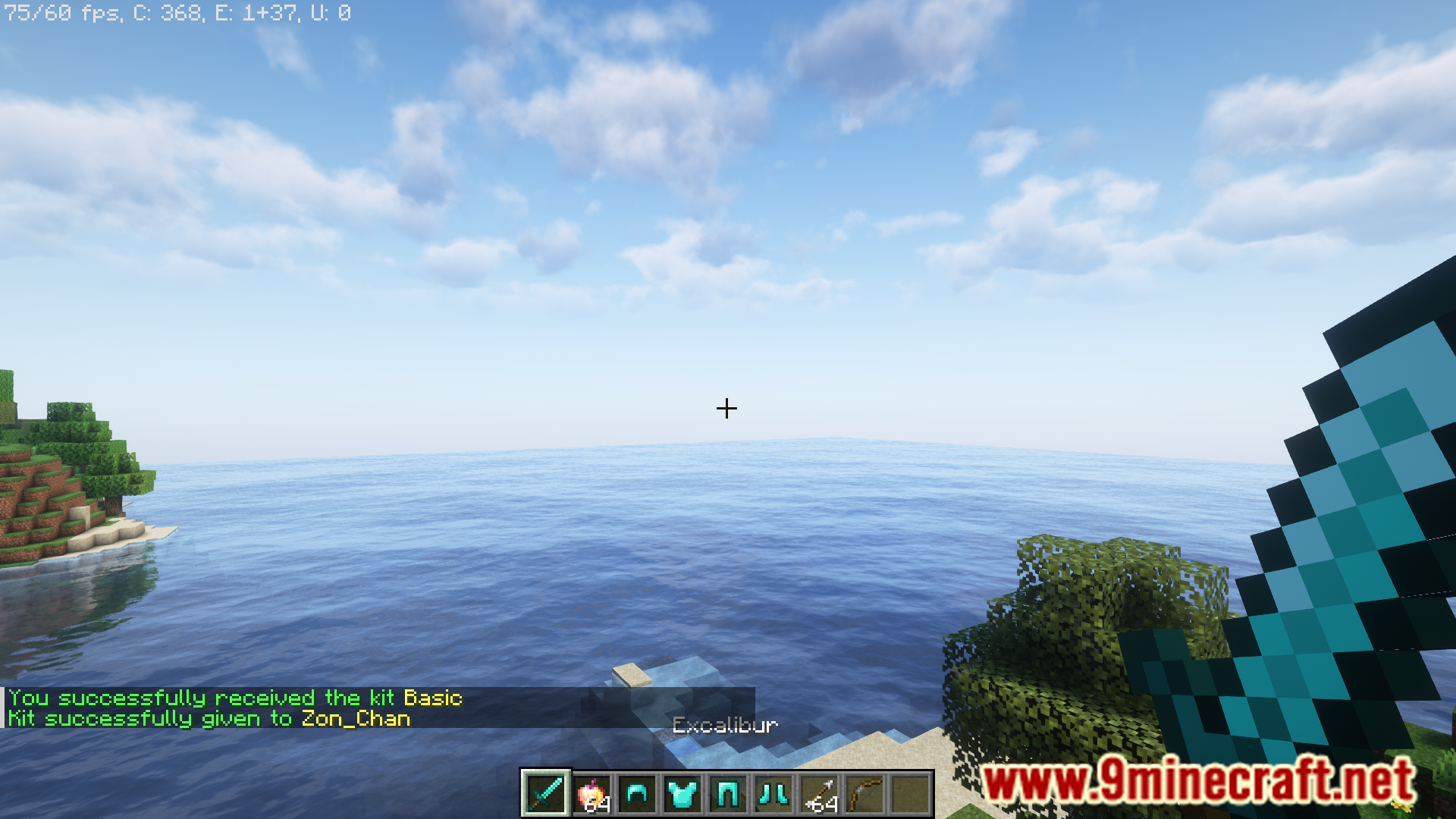
/kit <kit>
It gives you the kit. -
/kit <kit> <playerName>
It gives the kit to an other player (you need greatkits.admin permission) -
/kit list
Display the list of all the kits. -
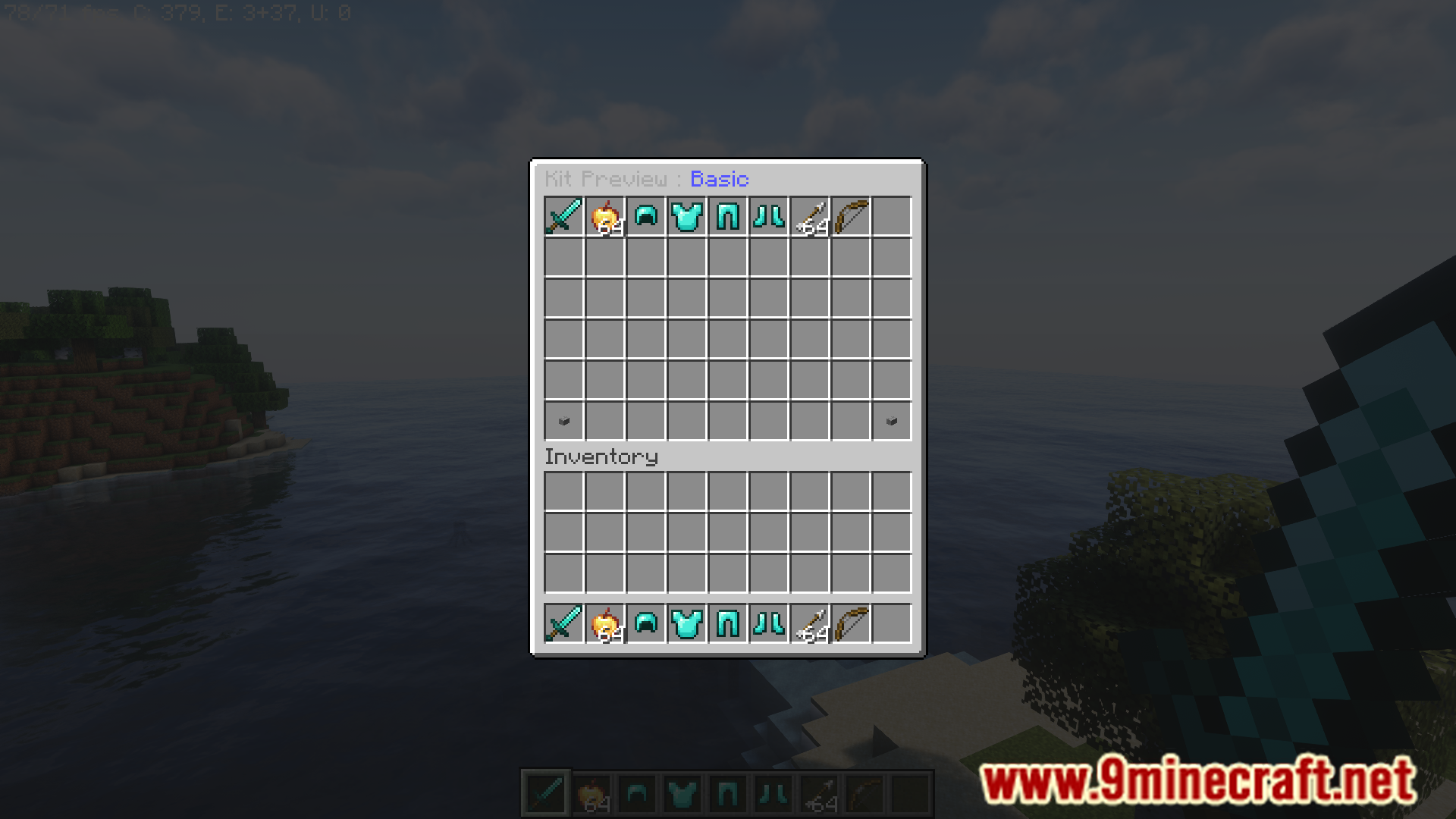
/kit preview <kit>
You are able to preview the kit.
Permissions:
- greatkits.admin (Admin permission)
- greatkits.kits.kitName (kit permission)
(For example : greatkits.kits.Warrior) - greatkits.kits.* (permission to all kits)
- (if enabled in config.yml) greatkits.list and greatkits.preview
How to install:
- Please visit the following link for full instructions: How To Download & Install Spigot Plugins
- Don’t miss out today’s latest Minecraft Plugins
GreatKits Plugin (1.12.2, 1.8.9) Download Links
For All Versions from Minecraft 1.7 to Minecraft 1.13.2
Download from Server 1 – Download from Server 2
Tags:
YOU MAY ALSO LIKE…

views
❘

views
❘

views
❘

views
❘

views

views
❘

views
❘

views
❘

views
❘
Minecraft 1.12.2 Plugins,Minecraft 1.13.2 Plugins,Minecraft 1.7.10 Plugins,Minecraft 1.8 Plugins