https://www.aadhu.com/wp-content/uploads/2024/10/Phasmophobia-Map-119-MCPEBedrock.jpg
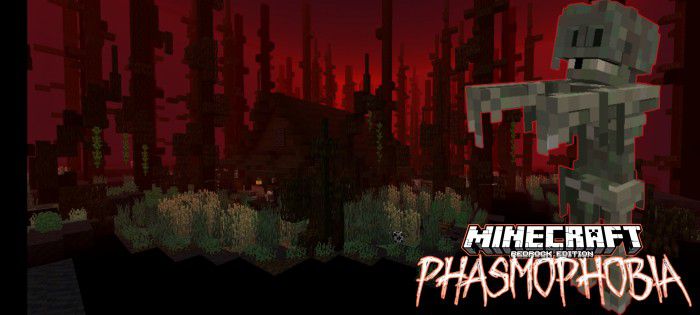
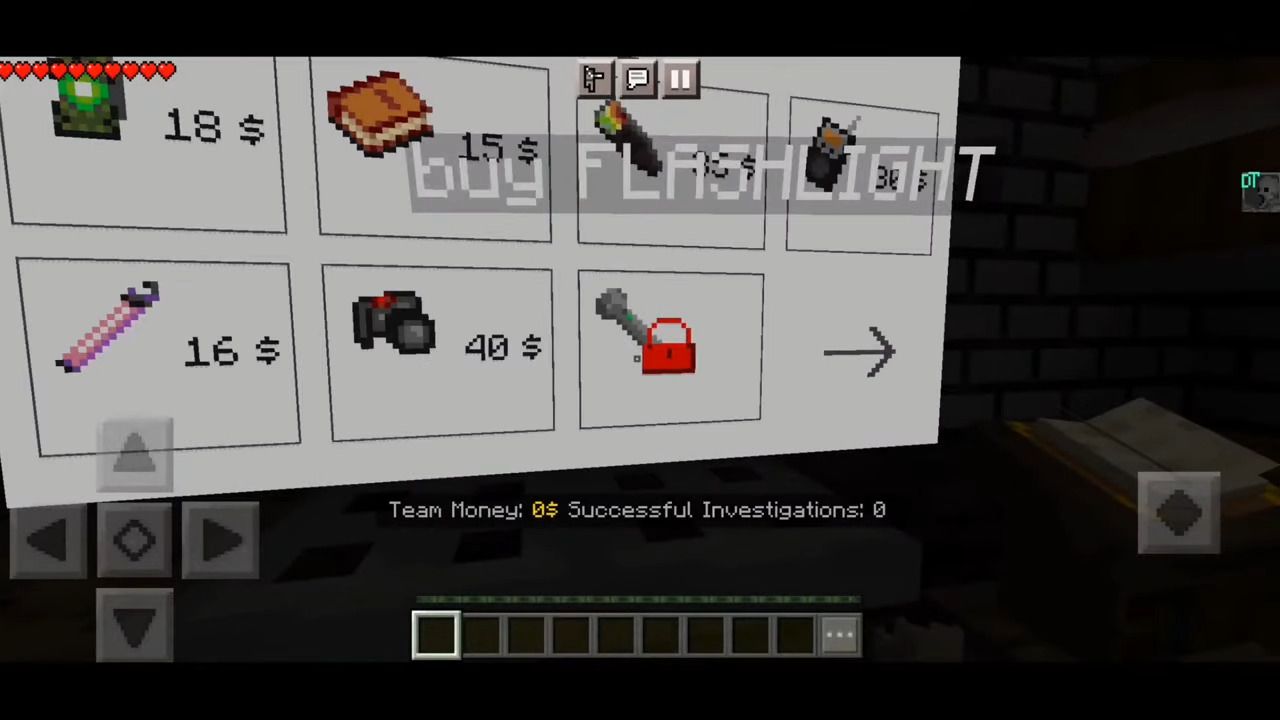
Playing Ghost Hunters, you visit haunted locations to collect evidence of Ghosts. But you’re not the only one hunting! Paranormal activity drains the sanity of players and allows Ghosts to appear and hunt to turn everyone into Ghosts as well. Phasmophobia Map (1.19) is a survival minigame based on the game “Phasmophobia” (2020 by Kinetic Games). Use different items to track down randomized Ghosts. Collect evidence to examine the type of Ghost and earn money. Stack up your inventory in the in-game store and become a professional Ghost Hunter. This is a Phasmophobia recreation based on the old map that runs on the stable version of MC.

Features:

- Unique Add-On
- Singleplayer/Multiplayer
- More than 20 items
- In-game store
- 5 interactive maps
- Two custom maps
- Phasmophobia-like gameplay
- 11 different Ghost-types
- Detailed surroundings
- 16×16 Textures and Models in Minecraft-style
- Constant Updates

Requirements:
- Minecraft Bedrock v1.19 +
- If you’re not level. 1000+ in Phasmophobia, read the “How To Play” down below!
- Basic English knowledge
How to play:

- Starting an investigation will place you in a van with a chest containing a default set of equipment and the items you added to the chest of the van in the Lobby. Grab three items and enter the building outside.
- Your objective is now to move from room to room to locate the one area a Ghost is roaming in. This location can be done in many ways: Witnessing paranormal activity is always a very solid sign that you are in the right area. Especially moving/working objects like telephone ringing are the most reliable way, as a Ghost needs to be basically right at the object’s position! Not all items provide reliable accuracy in this regard. Glow stick, Thermometer and Spirit Box (“where are you”) are the creator’s advice.
- Once you witnessed any activity, there is no reason any more to move through other locations of the building to find the Ghost. Focus on this area only, bring all your equipment to this site and check for all seven evidences (PICTURES BELOW)!
- You will only be able to find three shreds of evidence! Select them with the Evidence Book and drive home.
- Of course, there are other difficulties like your Sanity and Hunting Ghosts: a Ghost Hunt is indicated by a door lock sound from the entrance, spawning particles, and a continuous sound. Survive a hunt by HIDING once the Ghost has lost your track or by cycling around obstacles.
Details:
Evidence:
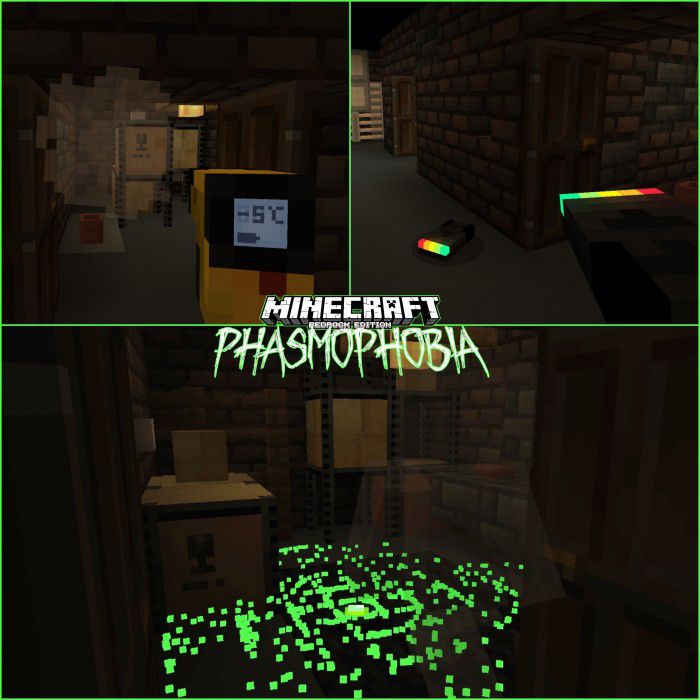
- Freezing Temperatures (up left), EMF Level 5 (up right), D.O.T.S. Projector (down)

- Ghostwriting (up left), Ghost Orbs (up right), Spirit Box (lower left), Fingerprints (lower right)
Items:
- Flashlight
- EMF-Reader
- Spirit Box
- D.O.T.S.-Projector
- Ghost Writing Book
- Tripod
- Video Camera
- Photo Camera
- Thermometer
- Lighter
- Candles
- Smudge Sticks
- Glow Stick
- Mystery Box
- Thermometer
- Voodoo Doll
- Musicbox
- Evidence Book
- (Ghost Hunting Guide)
- (Ghost Types Guide)
Ghost Types:
- Banshee
- Deogen
- Demon
- Jinn
- Mare
- Poltergeist
- Phantom
- Revenant
- Shade
- Thaye
- Wraith
Scenarios:
- Cult
- Bigfoot
- Mummy
- Grandpa
- Voodoo Doll
- Summoning Circle
- Musicbox
Screenshots:




Installation Note:
- If you prefer .zip for some reason, rename the “.mcworld” – file extension to “.zip”
How to install:
How To Install Mod / Addon on Minecraft PE
How To Install Texture Packs on Minecraft PE
How To Install Map on Minecraft PE
Phasmophobia Map (1.19) Download Links
For Minecraft PE/Bedrock 1.19
mcworld: Download from server 1 – Download from server 2