https://www.aadhu.com/wp-content/uploads/2024/10/Skins-Plugin-1165-1122-Easily-Way-To-Change-Player.png
Skins Plugin (1.16.5, 1.12.2) – Easily Way To Change Player Skins In-game
views ❘
2 weeks ago
❘
Skins Plugin (1.16.5, 1.12.2) is a straightforward and effective solution allowing players to easily change their Minecraft skins in-game without needing a premium account or external software. This plugin ensures that players can customize their in-game appearance, enhancing the visual appeal and personal identity on servers. It offers a simple, user-friendly interface for skin changes, and with its wide compatibility across Minecraft versions, it’s perfect for a broad range of server types. While lacking some advanced features, its ease of use and efficiency make it a great choice for any server owner looking to add more personalization options for players.

Features:
- In-Game Skin Changes: Players can change their skins without restarting the game or needing premium accounts.
- Skin Saving: The plugin remembers skins, so players can quickly switch back to previous ones.
- Cross-Version Compatibility: Works seamlessly across multiple Minecraft versions, from 1.12.x to 1.16.x, ensuring broad server support.
- Permission Control: Admins have full control over who can change skins, making it suitable for different types of servers, whether for role-playing or general survival gameplay.
- Skin URL Support: Players can set skins using direct URLs, offering flexibility and easy access to new skins.
Screenshost:


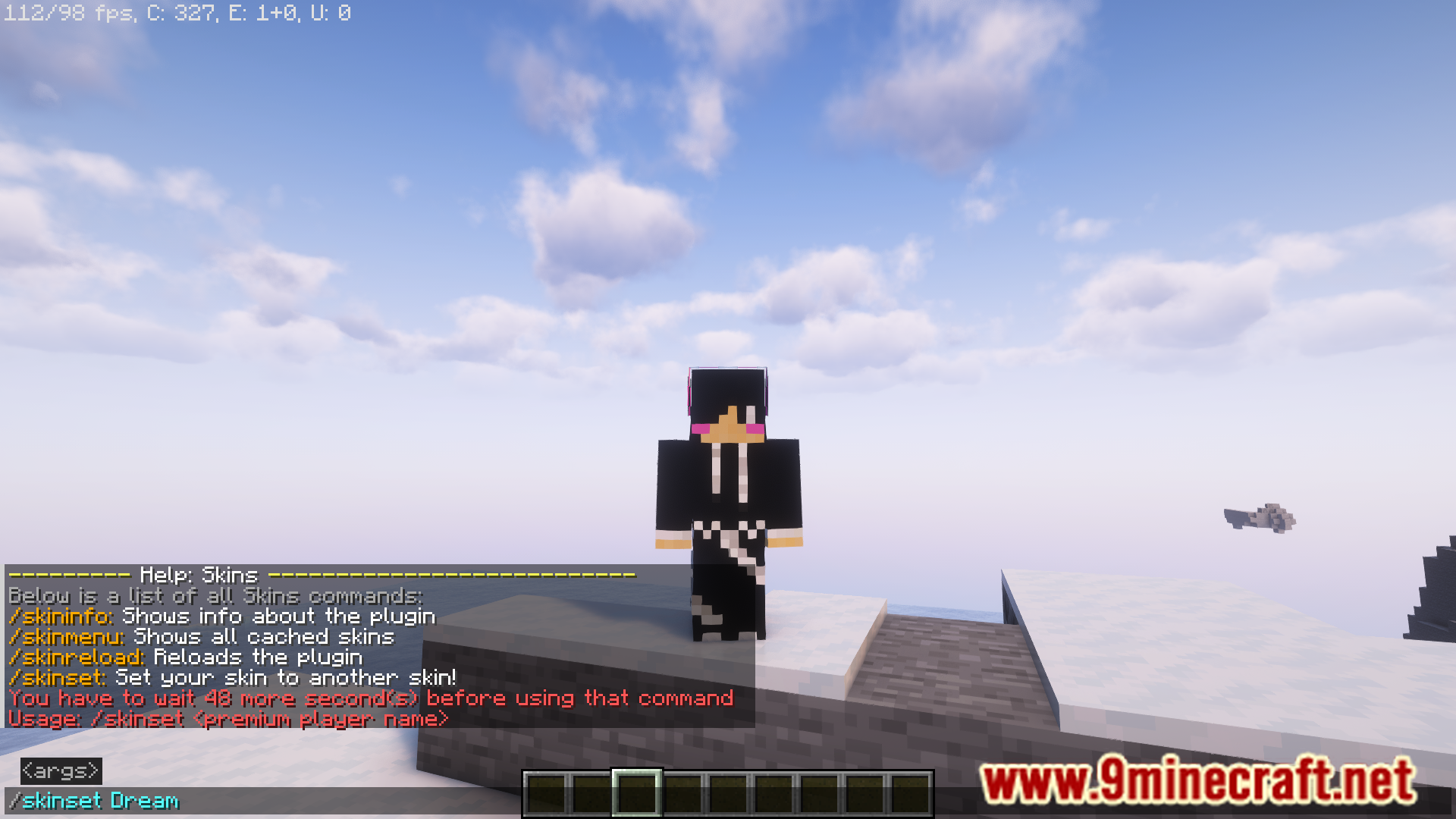


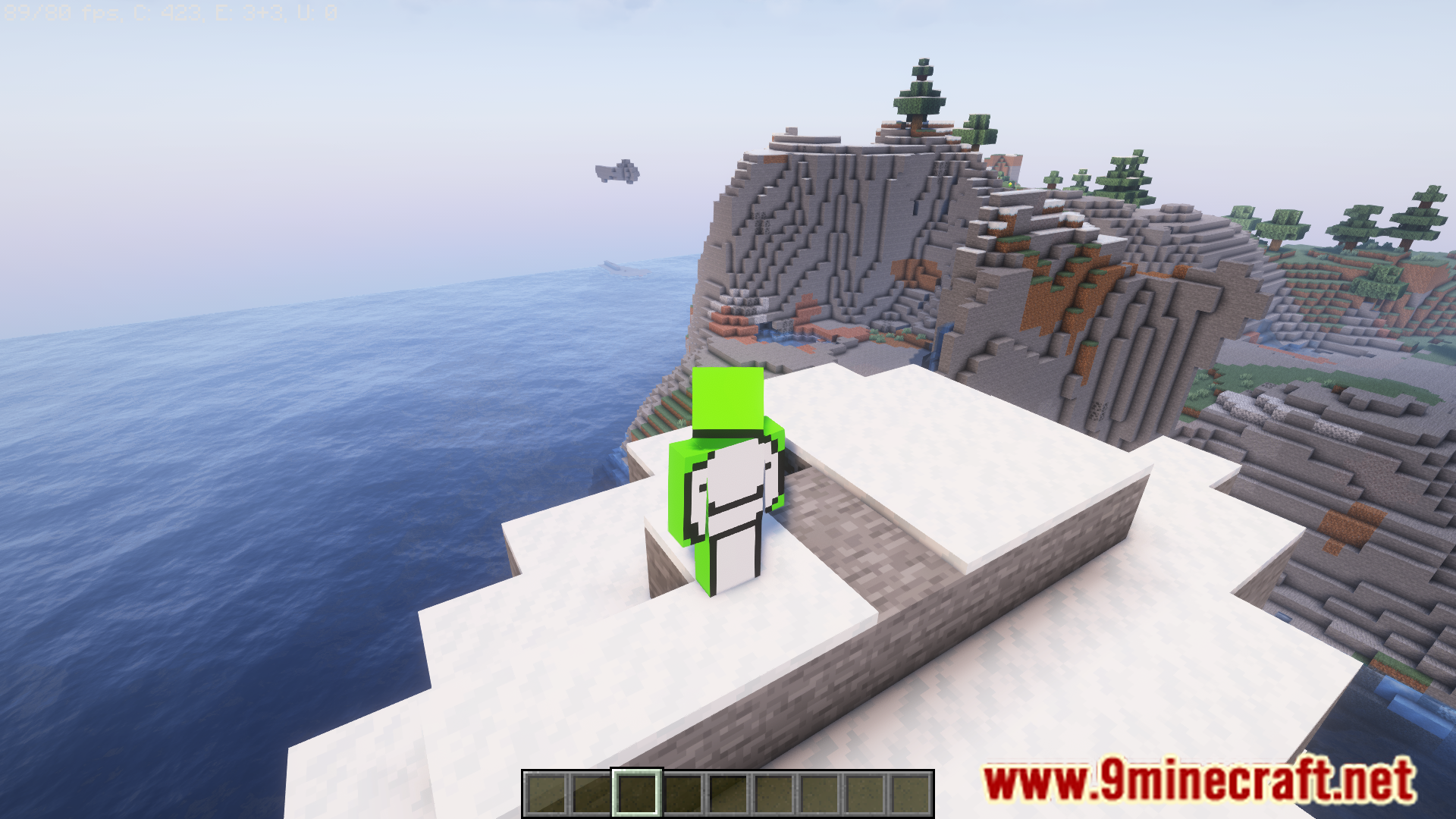
Commands & Permissions:
- /skinset <skin> – Sets the skin of the player – permission: none
- /skinreload – Reloads the configuration – permission: skins.reload
- /skinmenu – Opens a skin menu – permission: skins.menu
How to install:
- Please visit the following link for full instructions: How To Download & Install Spigot Plugins
- Don’t miss out today’s latest Minecraft Plugins
Skins Plugin (1.16.5, 1.12.2) Download Links
For All Versions from Minecraft 1.12 to Minecraft 1.16.5
Download from Server 1 – Download from Server 2
Tags:

views
❘

views
❘

views
❘

views
❘

views
❘

views
❘

views
❘

views
❘

views
❘