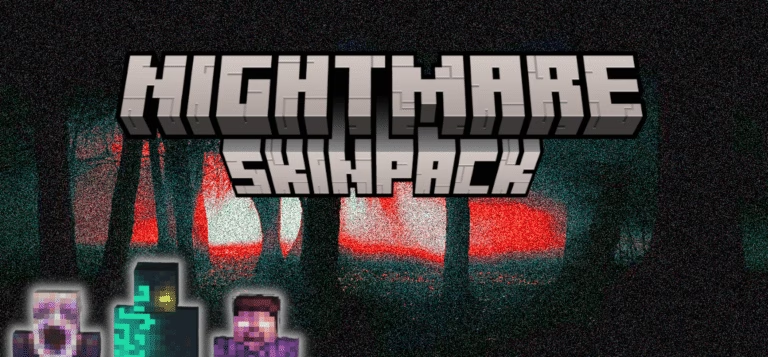
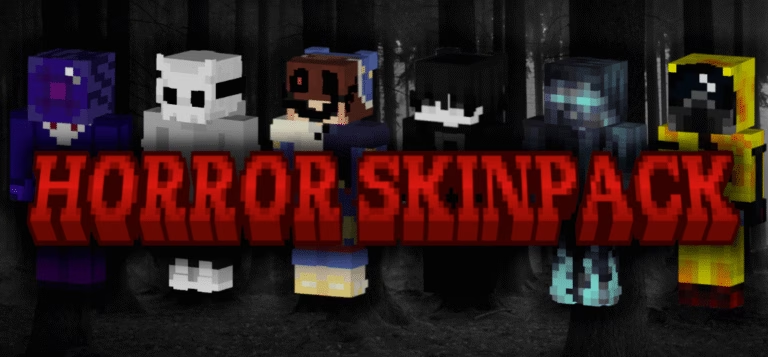
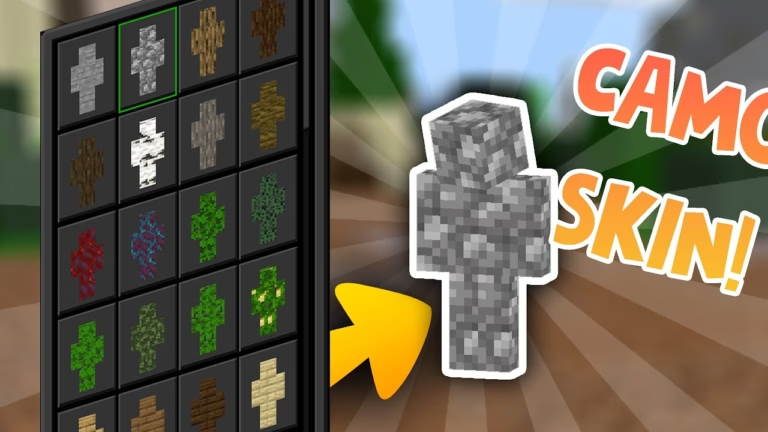
https://www.aadhu.com/wp-content/uploads/2024/11/Element-Demons-Skin-Pack-121-120-MCPEBedrock.png
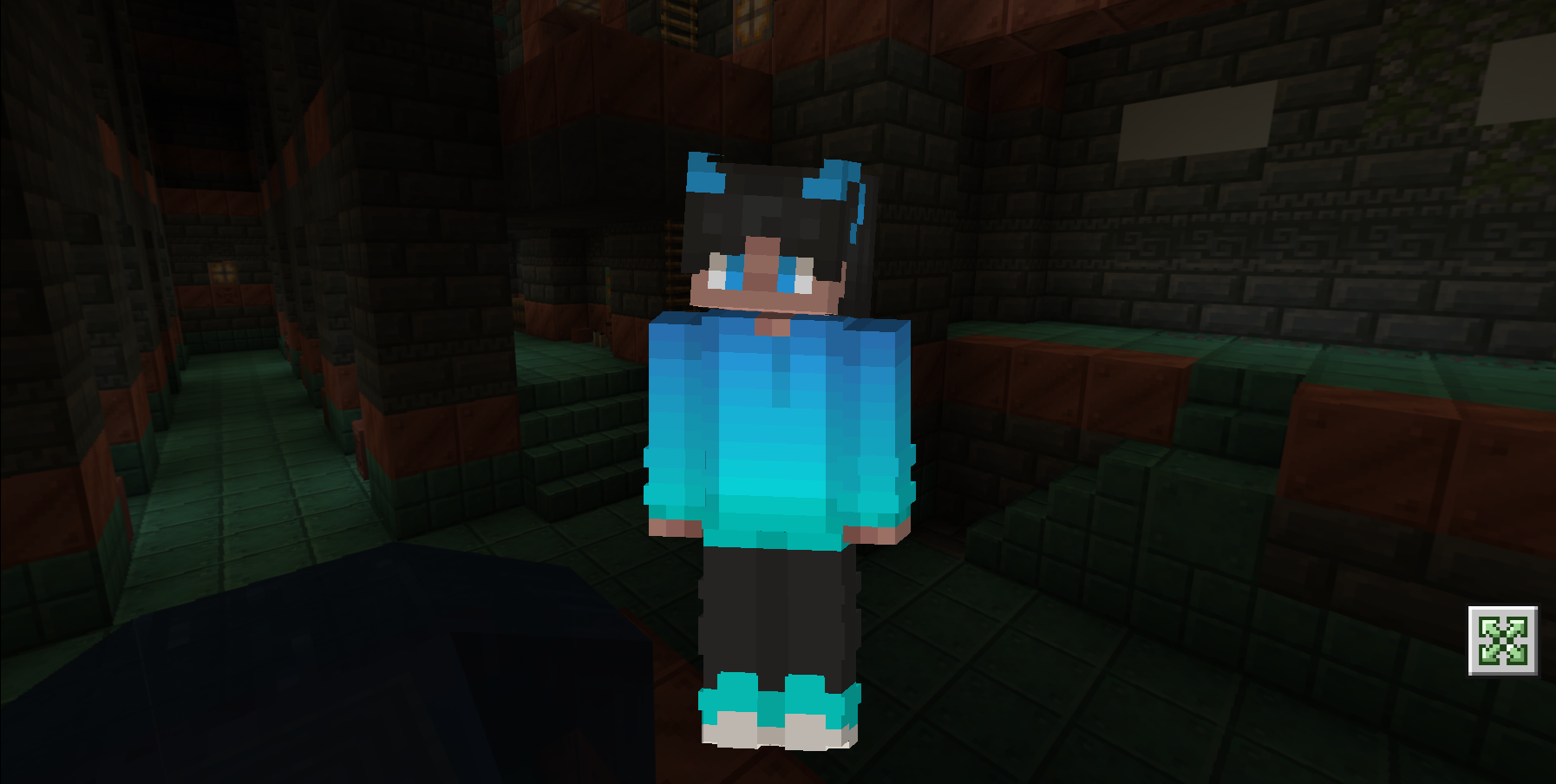
Element Demons Skin Pack (1.21, 1.20) is a collection of skins inspired by elemental themes. This pack includes skins like River, Dune, and Blaze, each representing different elemental powers.

Screenshots:


How to install:
- Download the Skin Pack: Obtain the skin pack file, usually in .mcpack format.
- Open Minecraft: Launch Minecraft Bedrock Edition on your device.
- Import the Skin Pack: Go to the main menu and select “Settings.” From there, navigate to “Skin Packs” and select “Import.” Locate the .mcpack file you downloaded and select it.
- Apply the Skin: Once imported, apply the skin pack to your character. Go to your character selection screen and choose the new skin from the list.
- Enjoy Your New Look: The new skin will be applied to your character, and you can start playing with your updated appearance!
How to install:
How To Install Mod / Addon on Minecraft PE
How To Install Texture Packs on Minecraft PE
How To Install Map on Minecraft PE
Element Demons Skin Pack (1.21, 1.20) Download Links
For Minecraft PE/Bedrock 1.21, 1.20
mcpack: Download from server 1 – Download from server 2