https://www.aadhu.com/wp-content/uploads/2024/11/TotemSG-Texture-Pack-120-119-Custom-Totem-Texture.png
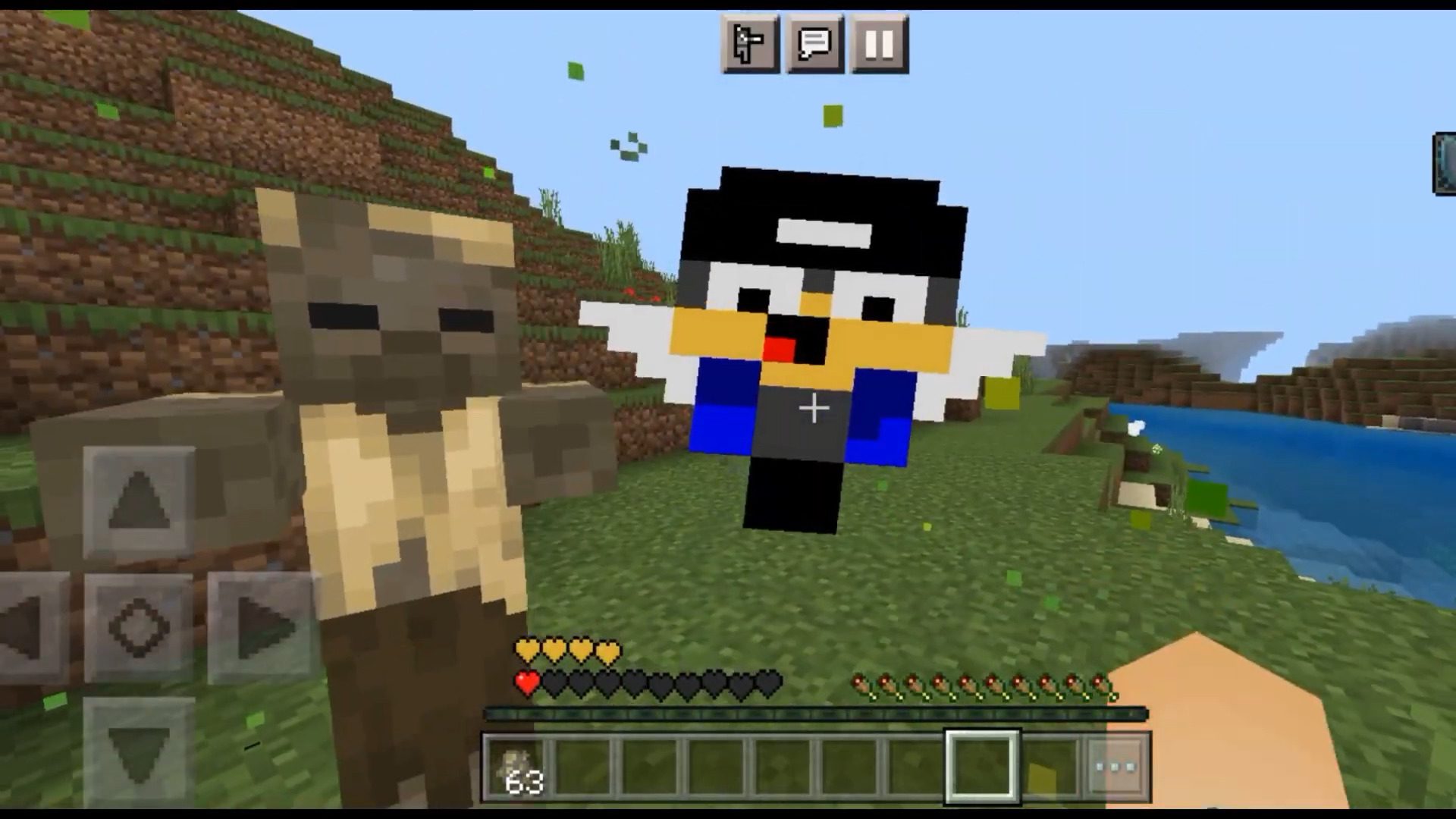
TotemSG Texture Pack (1.20, 1.19) is a resource pack that replaces the Totem of Undying texture with the player skin of Sidga420 and the sound of a crazy screaming grandfather. It also serves as a template for making your own custom totem texture and sound.

Features:
How to make a Totem with the texture of your skin and your sound:
- Download TotemSG.
- Rename the downloaded file: TotemSG6.mcpack -> TotemSG6.zip.
- Open and extract the renamed file.
- Go to the extracted folder “TotemSG6”. Further in the folder “textures”/”items”.
- Copy somewhere “totem.png”.
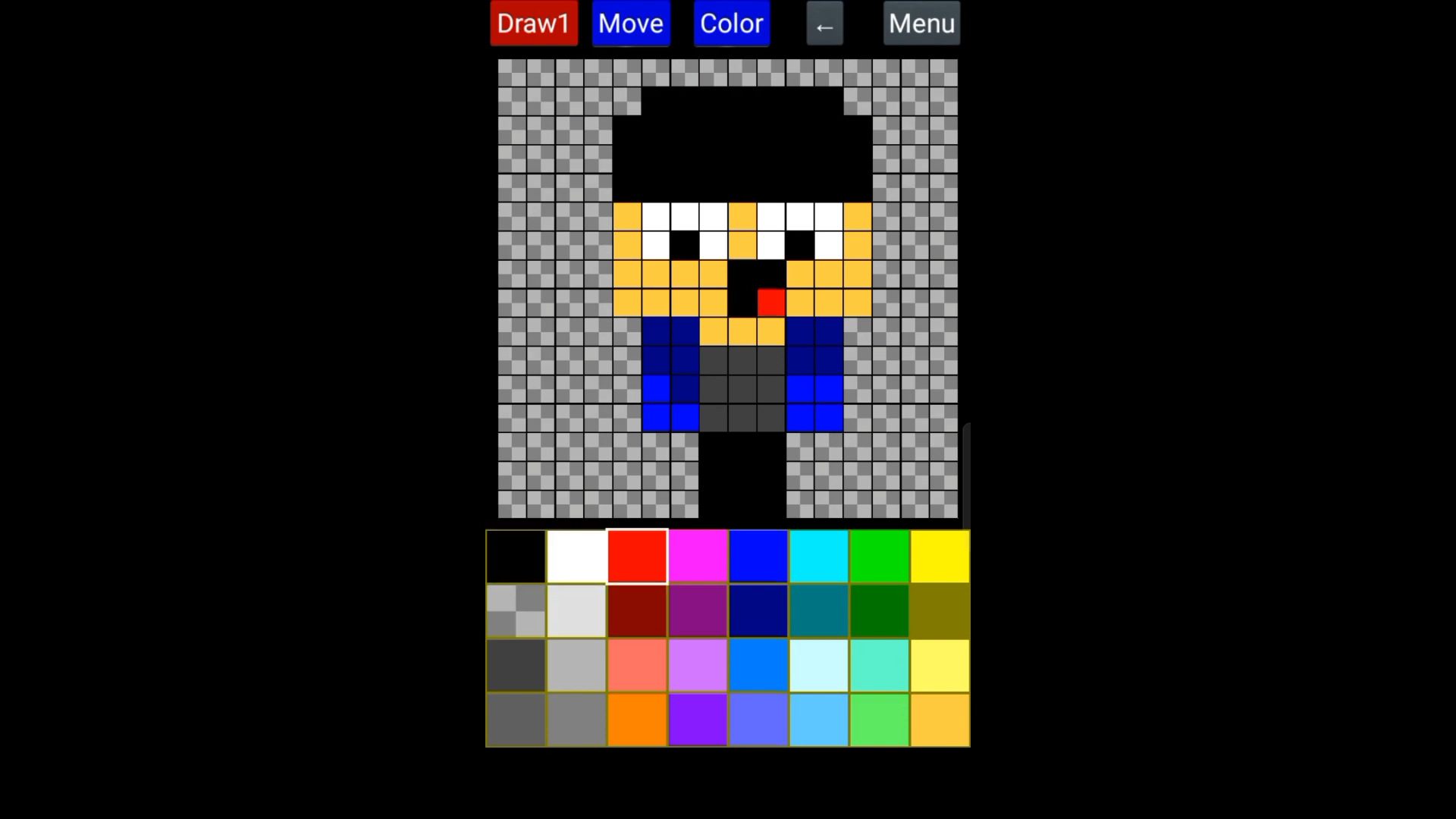
- Edit the copied texture in any program from a PC or phone. It will be faster and more convenient on a PC. For PC I recommend – Paint.net, and for phone (Android) – Ibis Paint X.
- Replace the “totem.png” texture in “TotemSG6 / textures / items” with your modified texture. IMPORTANT: The name of the photo must be “totem.png”. Texture resolution must be 16×16.
- SOUND: Go to “TotemSG6 / sounds / random” folder. Replace the file “use_totem.ogg” with your sound. The file name must be “use_totem.ogg”. The file extension must be “.ogg”. To convert “.mp3” file to “.ogg” – Follow the link , select “.mp3”, convert, download “.ogg” file.
- Go to the “TotemSG6” folder, select all files and folders, and archive them into a ZIP archive.
- Name the resulting archive – “TotemSG6.mcpack”.
- Open the resulting file in Minecraft Bedrock, and wait for the successful import of TotemSG RP.
- Go to Minecraft Settings/Global Resources and activate TotemSG6 Texture Pack.
- Done! You can go to any world or server and the Totem of Immortality will have your custom texture and sound.
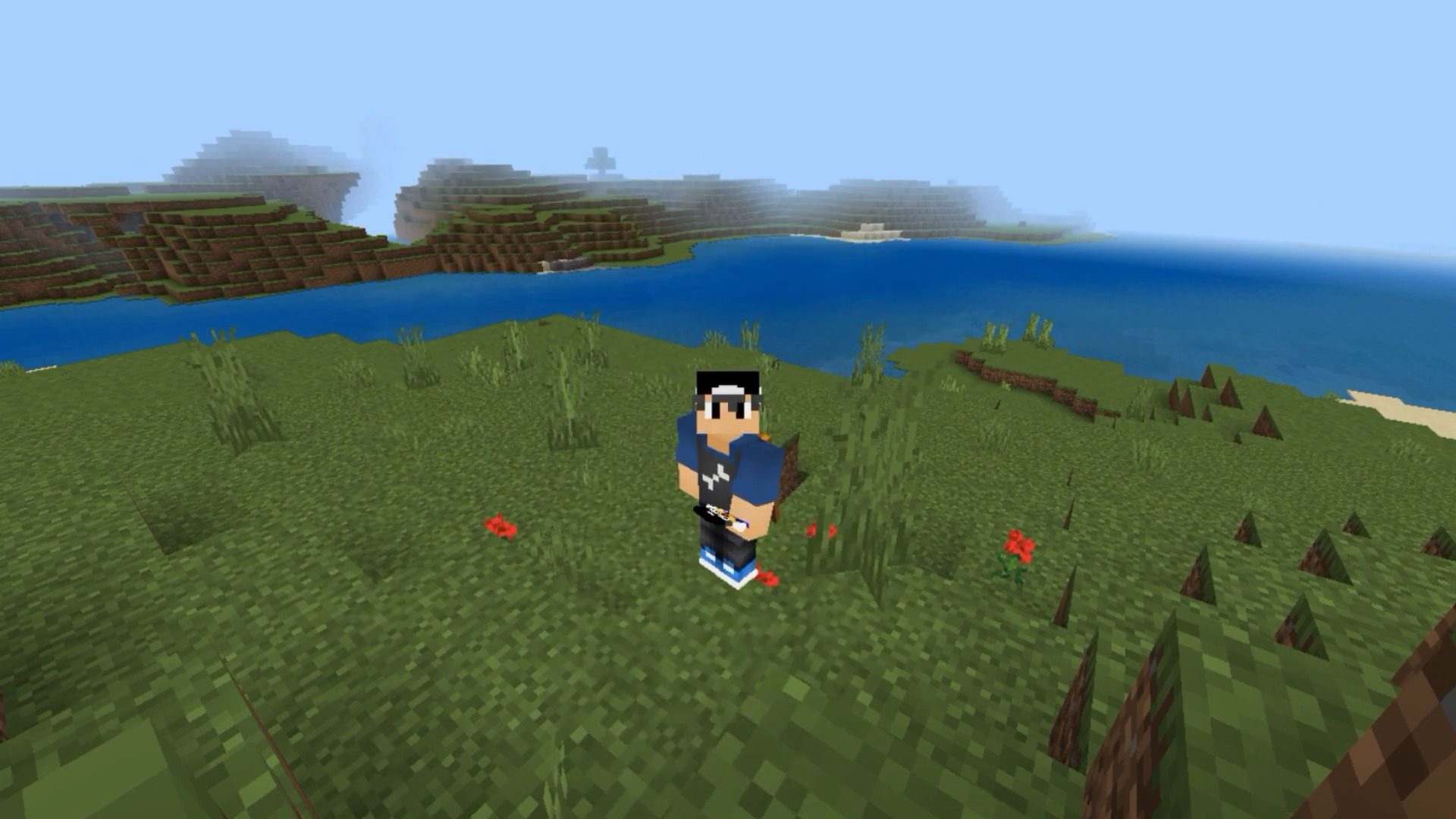
Screenshots:

Installation Note:
- Make sure you turn on the Experimental Gameplay.
How to install:
How To Install Mod / Addon on Minecraft PE
How To Install Texture Packs on Minecraft PE
How To Install Map on Minecraft PE
TotemSG Texture Pack (1.20, 1.19) Download Links
For Minecraft PE/Bedrock 1.20, 1.19
mcpack: Download from server 1 – Download from server 2