https://www.aadhu.com/wp-content/uploads/2024/12/ChatEx-Plugin-1201-1194-–-Spigot.jpg
ChatEx Plugin (1.20.1, 1.19.4) is recontinued and is being maintained again.

Features:
Vault needs to be installed to use most of the features.
– BungeeCord Support (Cross server chat)
– 1.16 and above: Hex color codes support
– Developer API
– Clearing chat
– Block and log advertisements
– Fully translatable
– Custom join and quit message
– PlaceholderAPI Support
– Multiple Prefixes and Suffixes
– Display prefix or suffix in tablist
– AntiSpam manager
– Block certain words
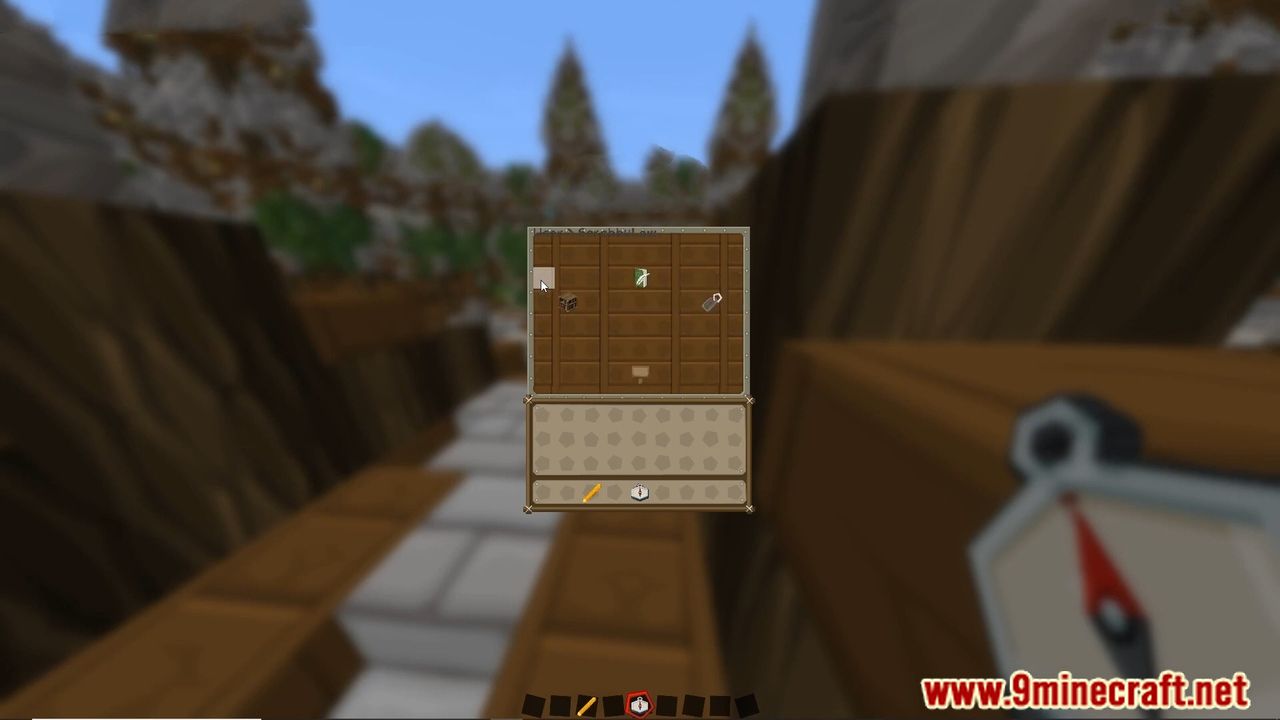
Screenshots:



How to install:
- Download a plugin of your choice.
- Place the .jar and any other files in your plugin’s directory.
- Run the server and wait for it to fully load.
- Type stop in your Minecraft server console to bring the server to a clean stop.
- Run the server.
- All done! Your plugin should be installed and ready to be used.
ChatEx Plugin (1.20.1, 1.19.4) Download Links
For All Versions from Minecraft Spigot 1.13 to Minecraft Spigot 1.19
Download from Server 1
For All Versions from Minecraft Spigot 1.19.2 to Minecraft Spigot 1.20.1
Download from Server 1 – Download from Server 2