https://www.aadhu.com/wp-content/uploads/2024/12/HelpGUI-Plugin-1122-–-Bukkit-Spigot-Paper.jpg
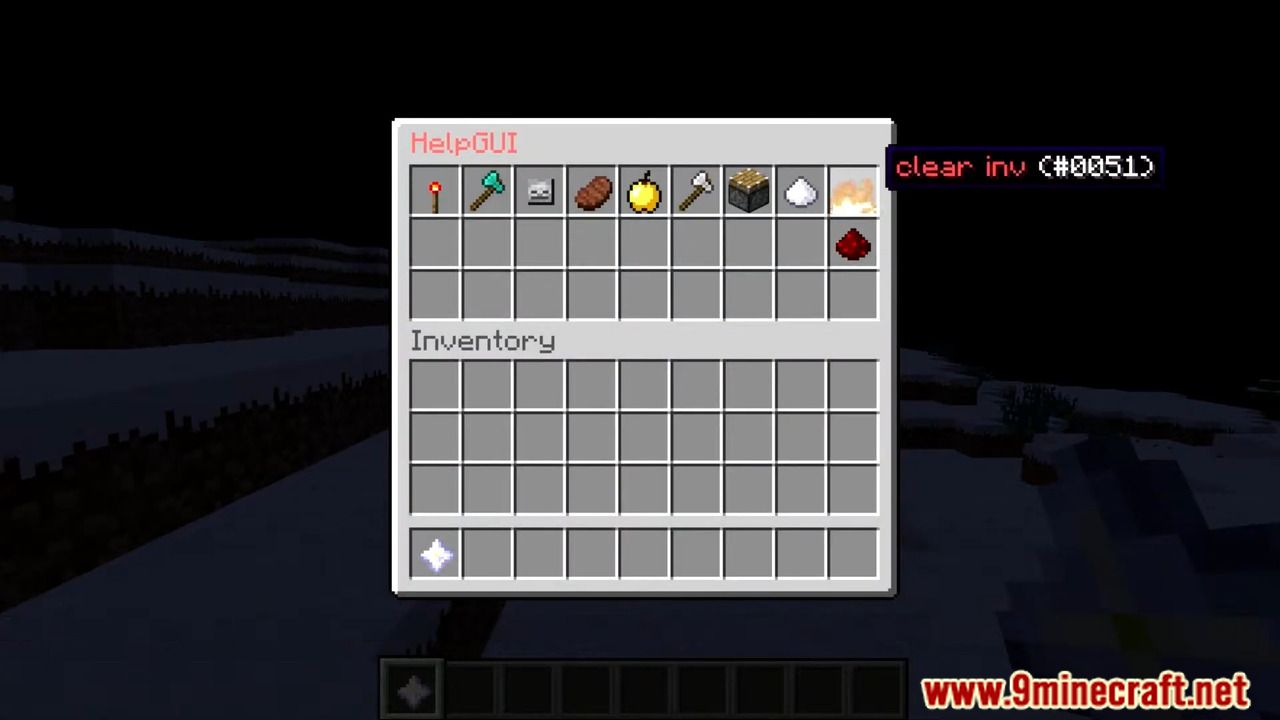
HelpGUI Plugin (1.12.2) is a simple and easy-to-use help-request plugin! You just need to type /help or /h in the chat and an Inventory with the head of every player on the server opens!
Commands and permissions
- /help or /h
Permission: helpgui.disablehelp
Use the permission, to disable the command for certain players. (This has no effect to players with OP) - helpgui [help/reload] or /hgui [help/reload]
Permission: helpgui.admin
Other functions
HelpGUI has some other functions, like…
- A lang.yml to change the text, like you want!
- Possibility to remove certain players from the Inventory. (config.yml -> DisabledPlayers)
You can turn it into a whitlist. In this mode, only players, that are in the list, will be visible in the inv. - Possibility to disable the command in certain worlds. (config.yml -> DisabledWorld)
- A staff-mode, that only shows player with the permission helpgui.admin
- You can search for specific players with /h [Name]
- You can search for groups with /h group:[Groupname]
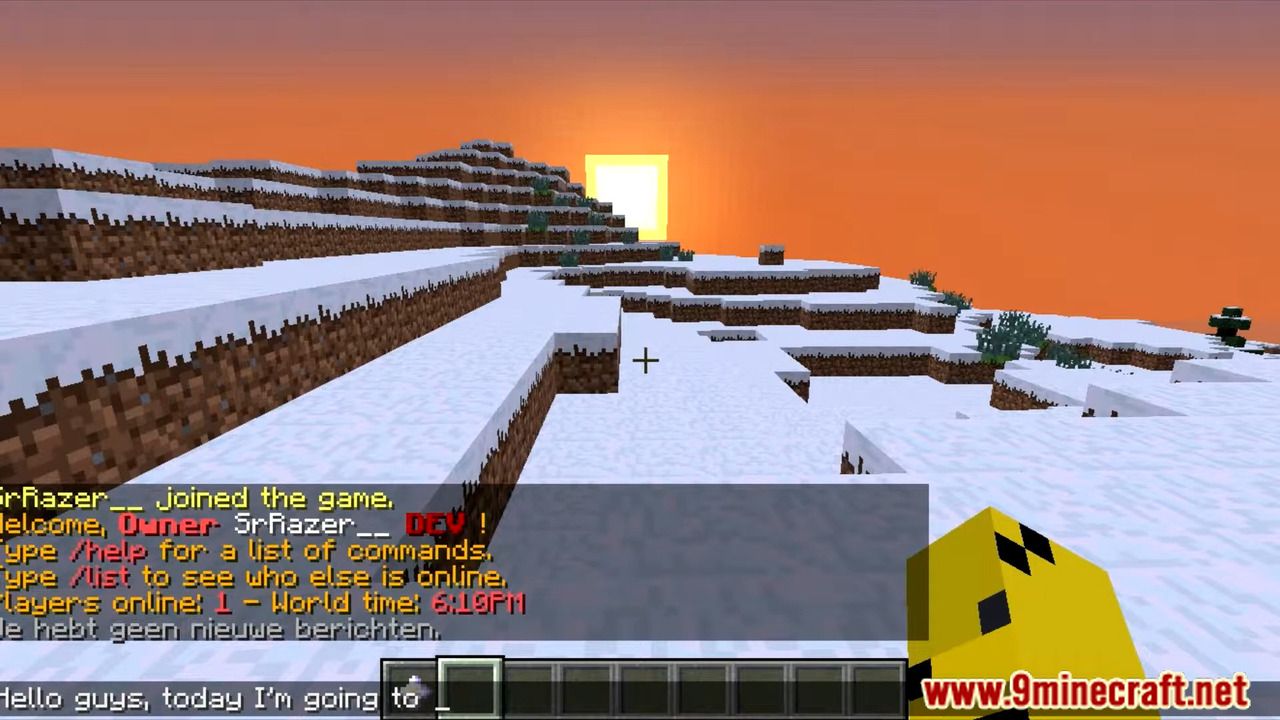
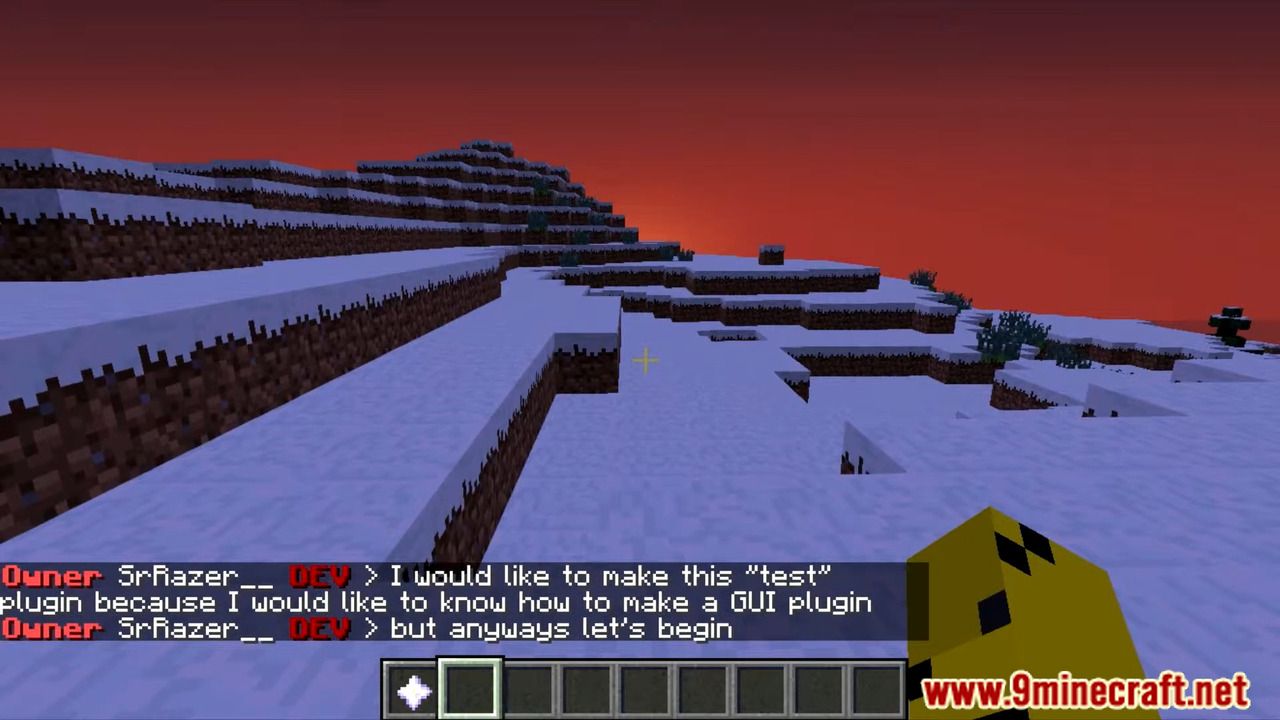
Screenshots:

How to install:
- Download a plugin of your choice.
- Place the .jar and any other files in your plugins directory.
- Run the server and wait for it to fully load.
- Type stop in your Minecraft server console to bring the server to a clean stop.
- Run the server.
- All done! Your plugin should be installed and ready to be used.
HelpGUI Plugin (1.12.2) Download Links
For All Versions from Minecraft Bukkit 1.8 to Minecraft Bukkit 1.12
Download from Server 1