https://www.aadhu.com/wp-content/uploads/2024/12/MinesweeperMC-Plugin-1194-1192-–-Spigot.png
MinesweeperMC Plugin (1.19.4, 1.19.2) is the plugin that has flexible configuration changes via GUI

Features:
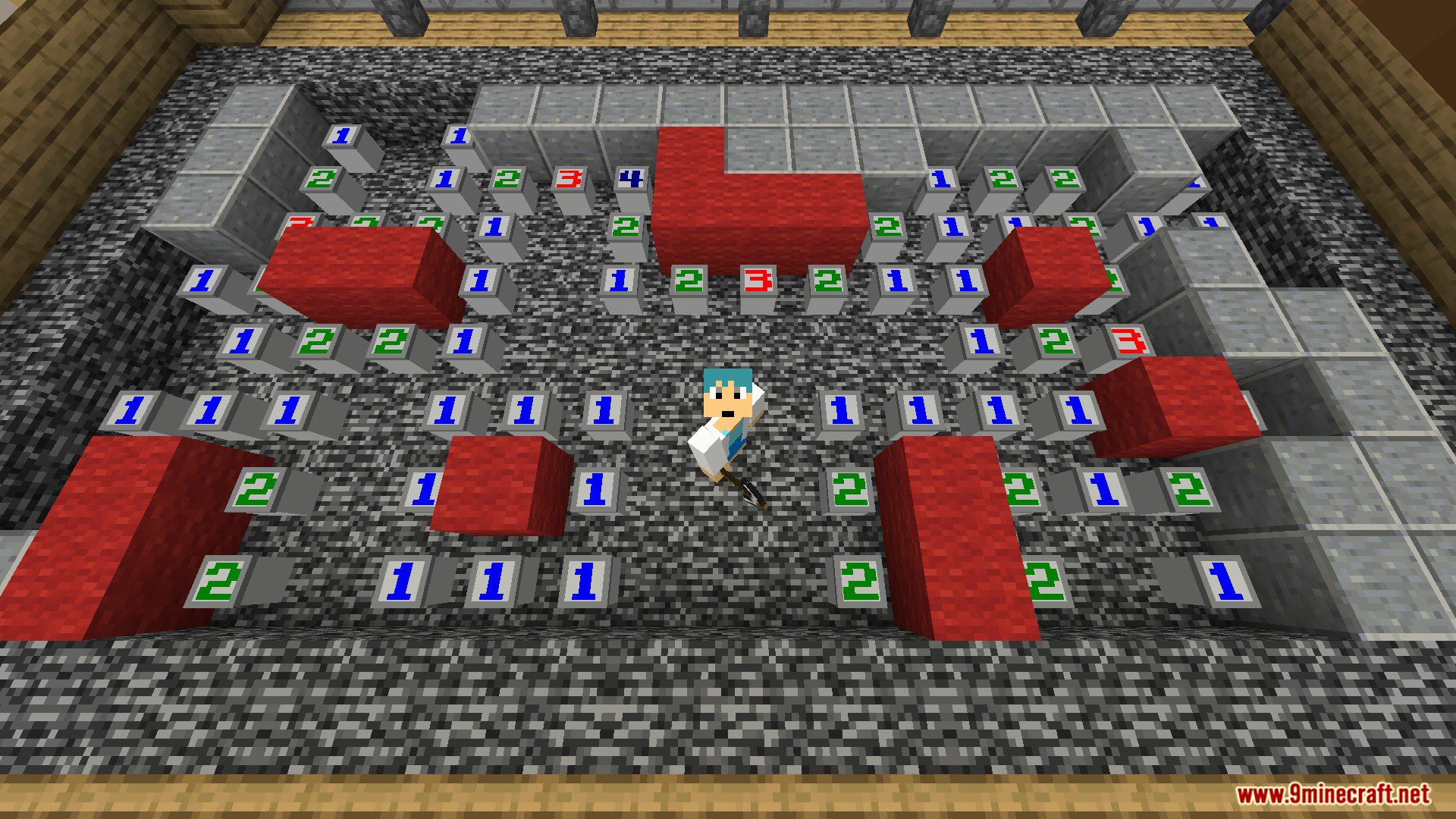
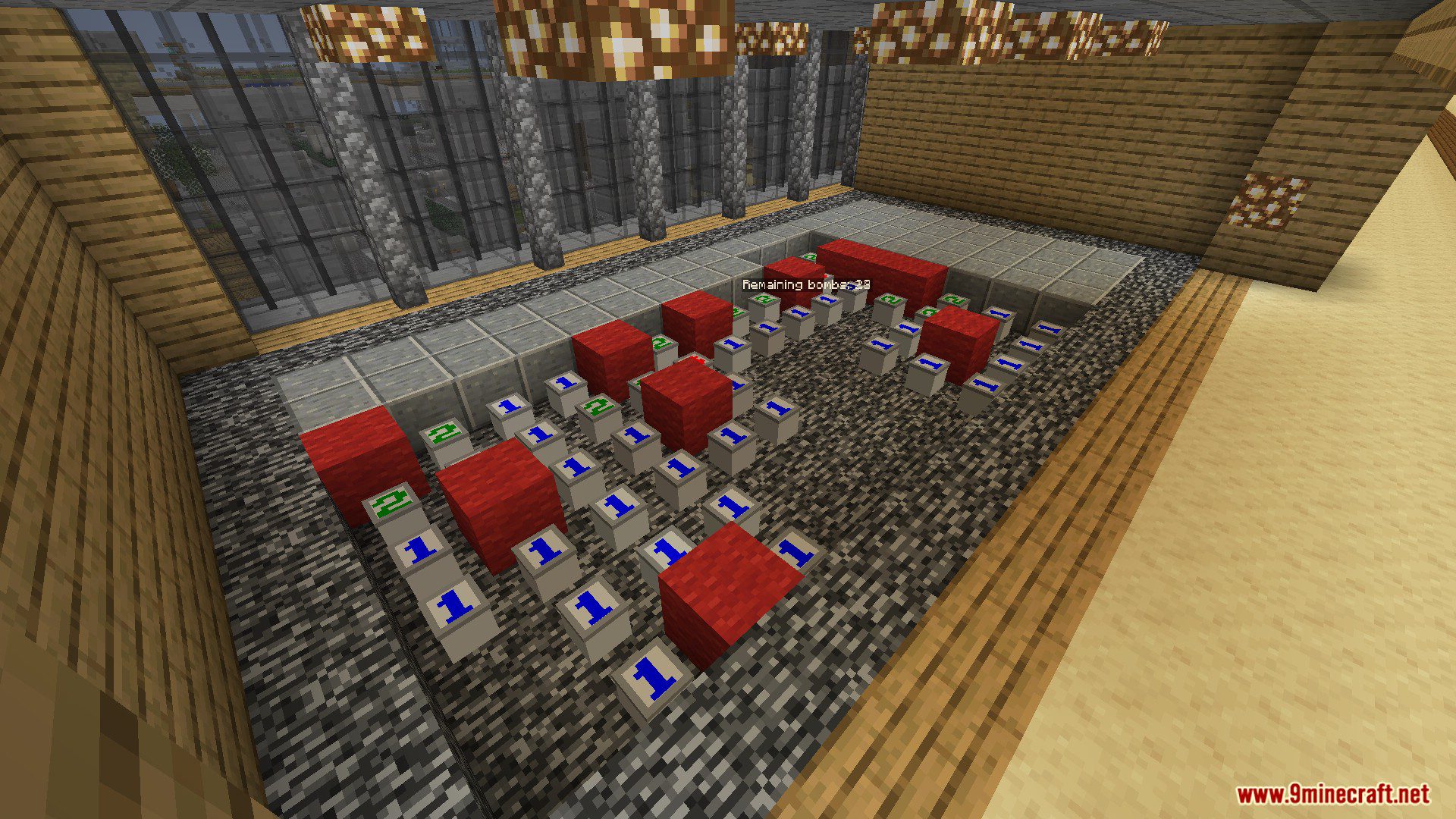
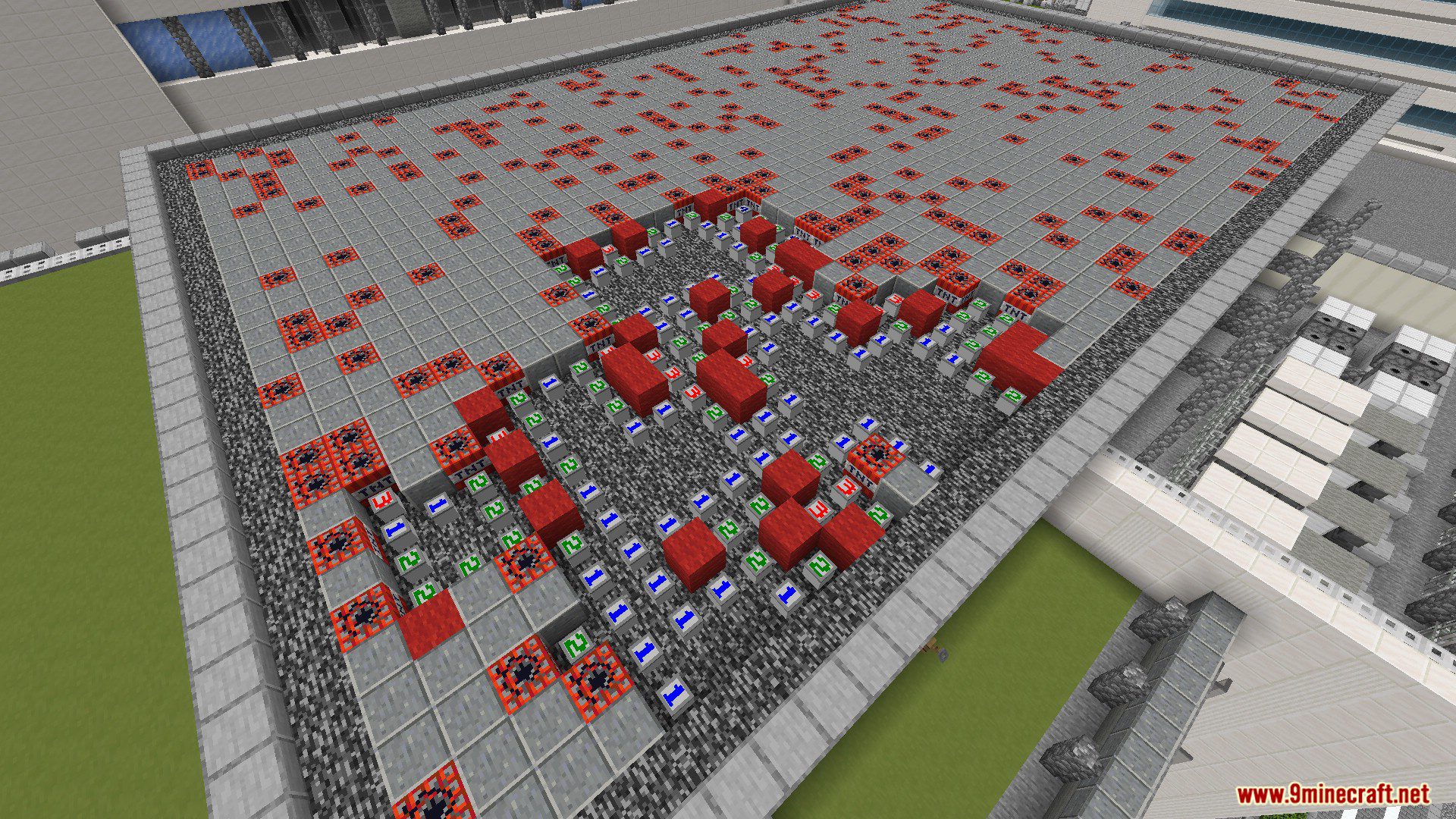
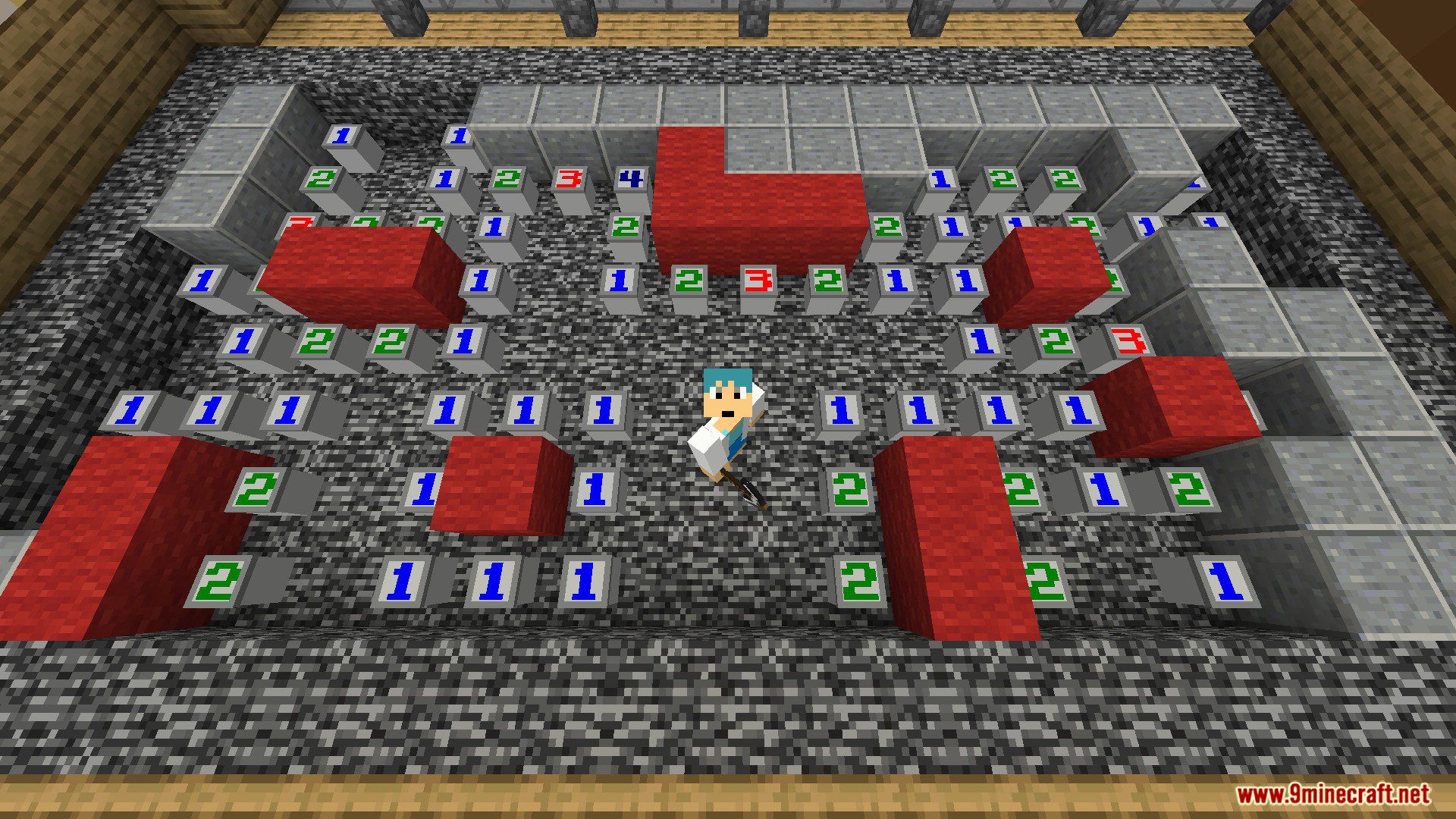
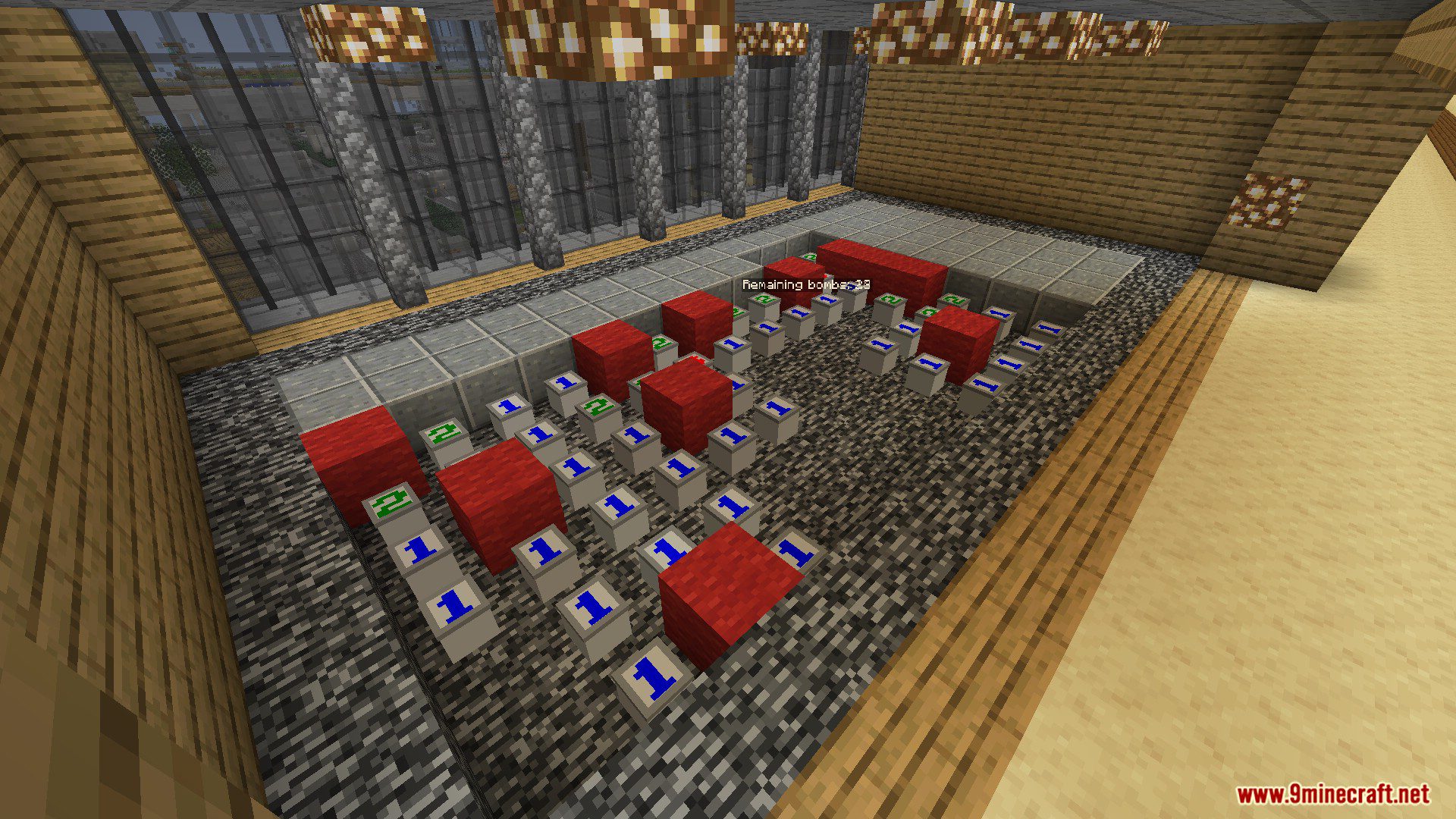
- Block-based Minesweeper
- Flexible configuration changes via GUI
- WorldGuard integration
Commands:
- /msmc create <x1> <y1> <z1> <x2> <y2> <z2> [world] – Create board
- /msmc list – Show board list
- /msmc reload – Reload config and languages
Permissions:
- minesweepermc.admin – for administrators
- minesweepermc.player – for general players
Screenshots:



How to install:
- Download a plugin of your choice.
- Place the .jar and any other files in your plugin’s directory.
- Run the server and wait for it to fully load.
- Type stop in your Minecraft server console to bring the server to a clean stop.
- Run the server.
- All done! Your plugin should be installed and ready to be used.
MinesweeperMC Plugin (1.19.4, 1.19.2) Download Links
For Minecraft Spigot 1.19.4, 1.19.2
Download from Server 1 – Download from Server 2