https://www.aadhu.com/wp-content/uploads/2024/12/OpeNLogin-Plugin-119-118-–-Spigot.jpg
OpeNLogin Plugin (1.19, 1.18) is an authentication system focused on being practical, secure, and friendly for your players.
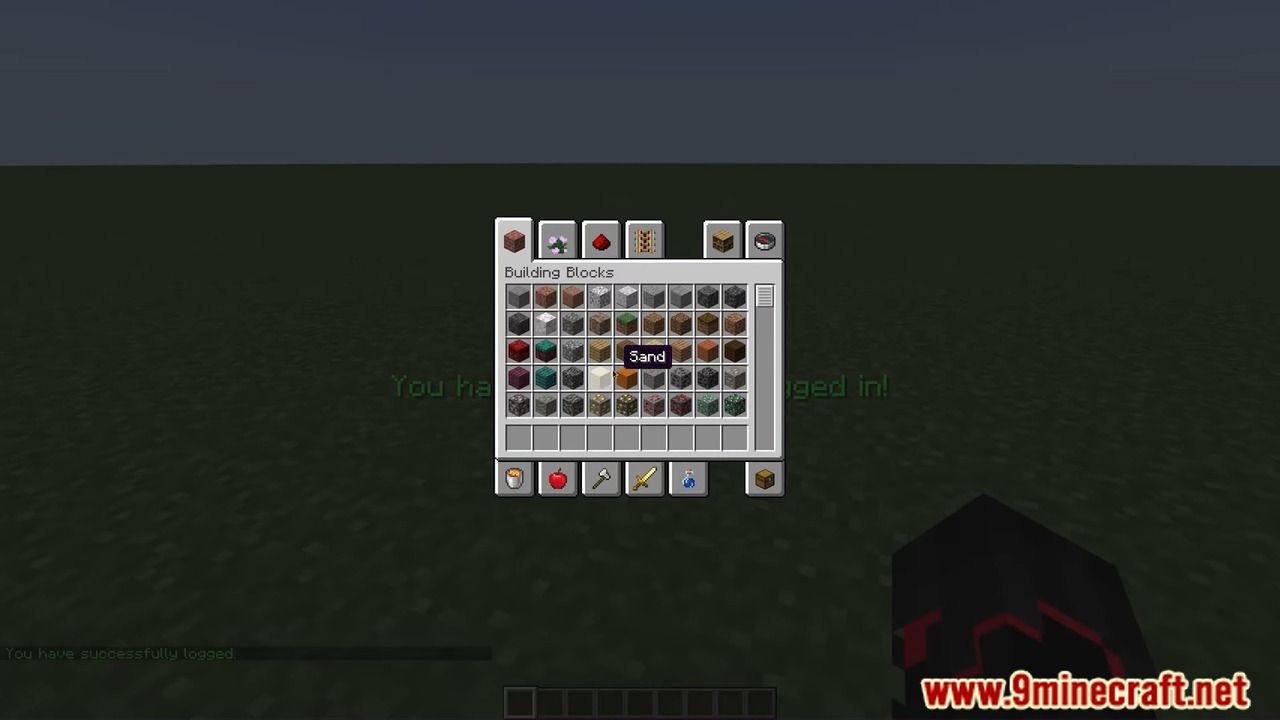
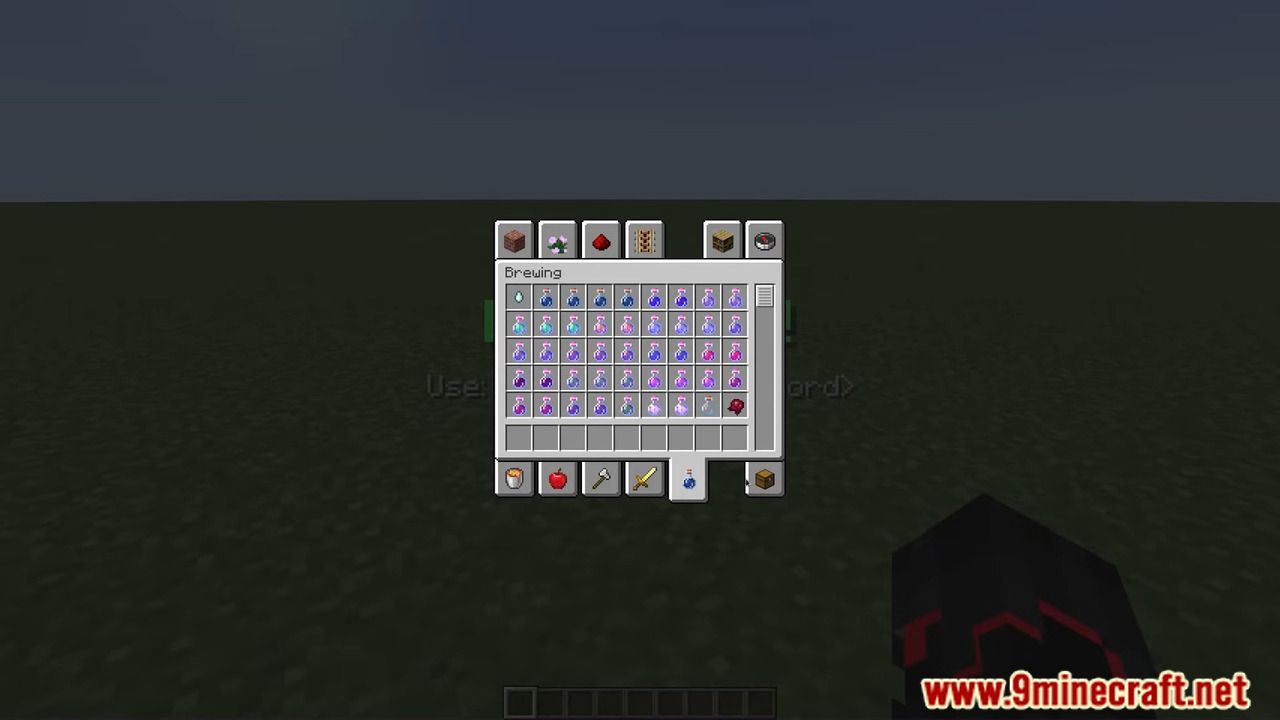
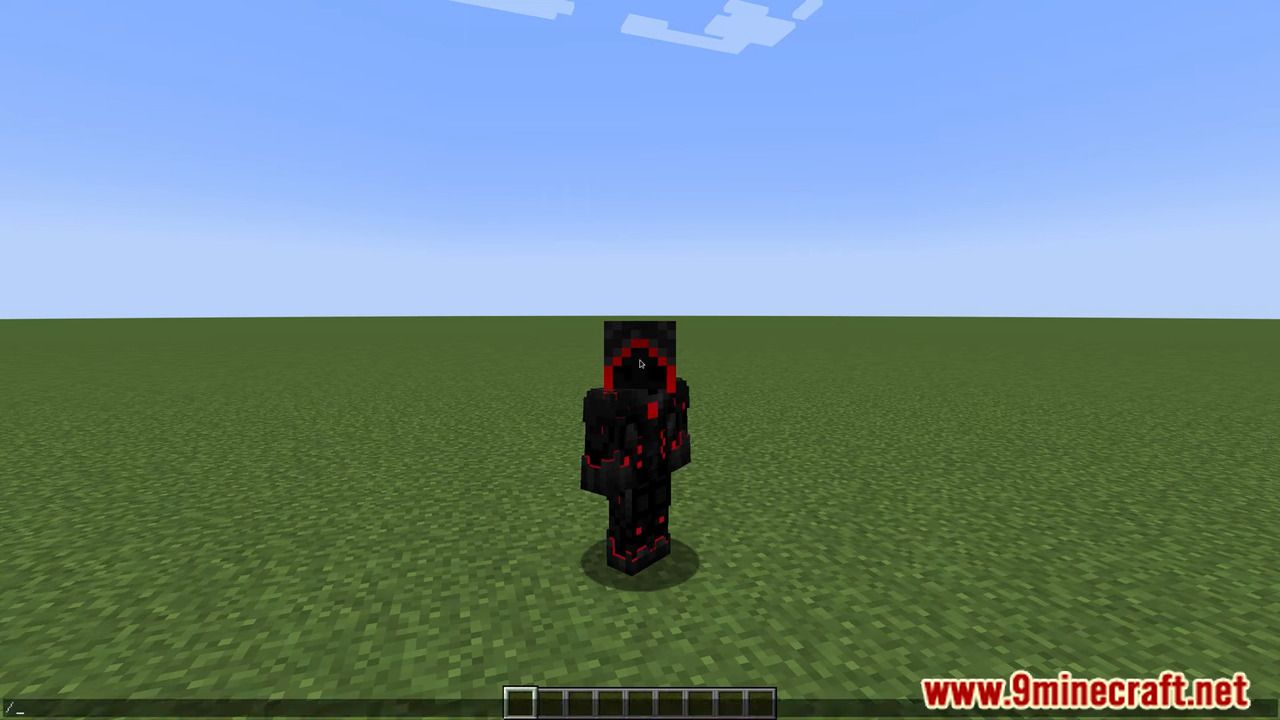
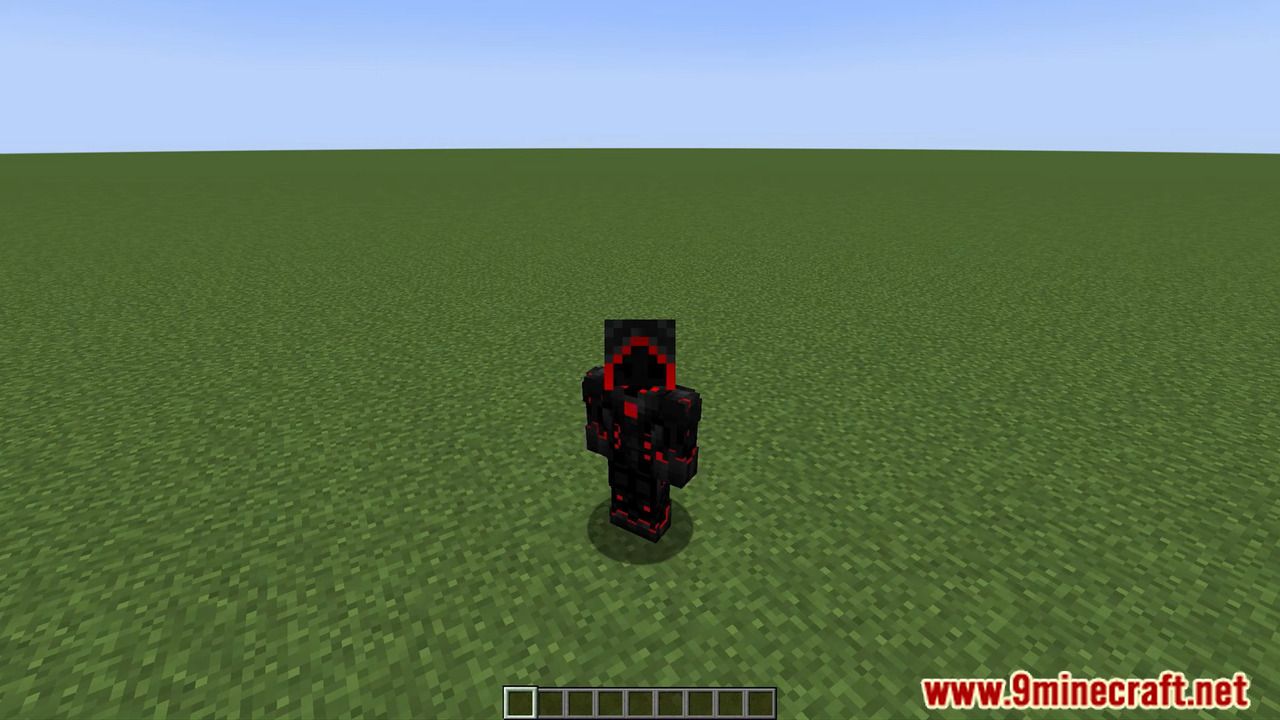
Screenshots:
How to install:
- Download a plugin of your choice.
- Place the .jar and any other files in your plugin’s directory.
- Run the server and wait for it to fully load.
- Type stop in your Minecraft server console to bring the server to a clean stop.
- Run the server.
- All done! Your plugin should be installed and ready to be used.
OpeNLogin Plugin (1.19, 1.18) Download Links
For All Versions from Minecraft Spigot 1.7 to Minecraft Spigot 1.19
Download from Server 1