https://www.aadhu.com/wp-content/uploads/2024/12/Redstone-Proximity-Sensor-Plugin-1152-1144-–-Bukkit-Spigot-Paper.png
Redstone Proximity Sensor Plugin (1.15.2, 1.14.4), or RPS, is a plugin that allows your players the ability to craft and then use the RPS Torch. The RPS Torch has the ability to trigger on/off via the power of entity proximity with a ton of customization possible. You wouldn’t want to give players access to a command block, I understand that, but what about the limitations of just proximity detection? That’s where RPS comes in.

Features
- Proximity Sensor based on entity distance
- YML Storage
- Permission Limiter (See below)
- bStats Metrics
- Update Checker
- Native support for many protection plugins.
- Set permissions per button so upgraded members can get more stuff!
- Custom “triggers” via API and native support for GriefPrevention,Towny, and LegacyFactions
Permissions
- rps.place (default: true) : Allows players to place the torch down.
- rps.create (default: true) : Allows players to craft the torch.
- rps.admin (default: op) : Allows user to use /rps command.
- rps.invisible(default: op) : Makes user invisible to the RPS when using /ignorerps
- rps.list(default: true) : Allows user to use /rpslist command
- rps.list.player(default: op) : Allows user to use /rpslist [player] command
Commands
- /ignorerps: Having the rps.invisible permission you can toggle if you trigger the RPS or not no matter the settings.
- /rps reload: Reloads Config and Lang file.
- /rps give <user> [amount]: Gives user a RPS torch
- /rps list <user>: Gives sender a print out of their (or user’s) RPS locations.
- /rpslist : Gives sender a print out of their (or user’s) RPS locations.
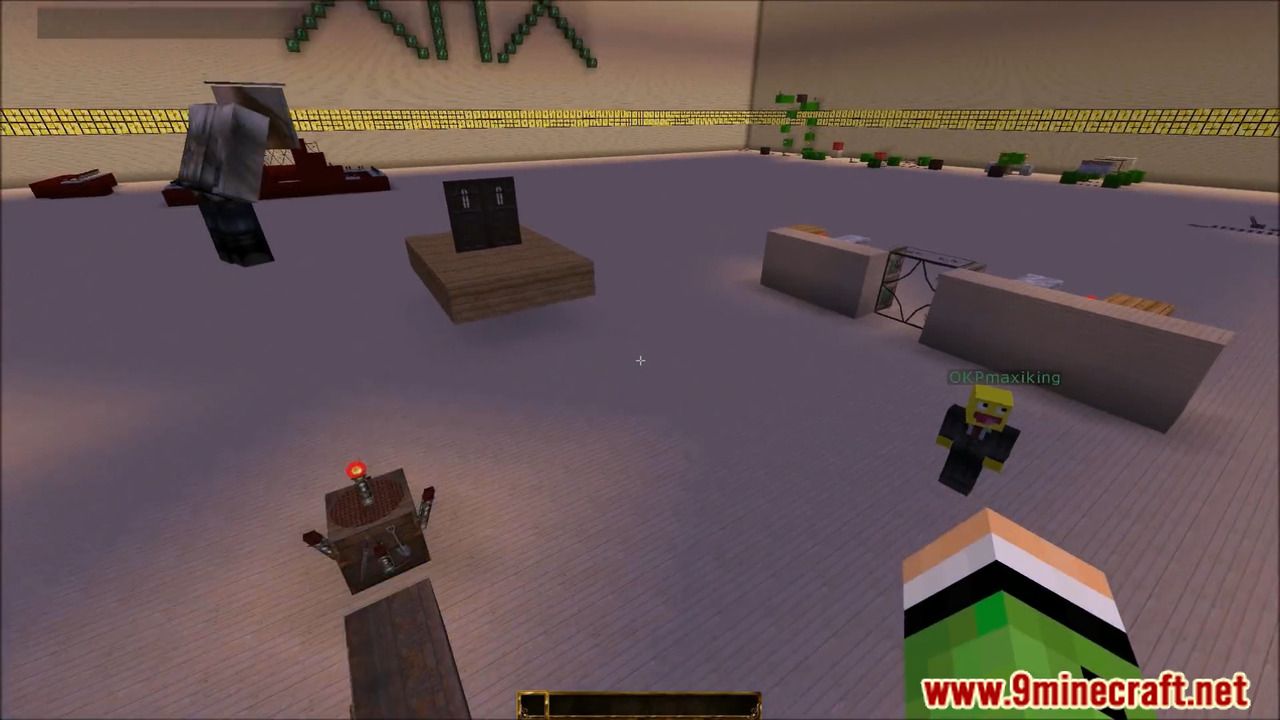
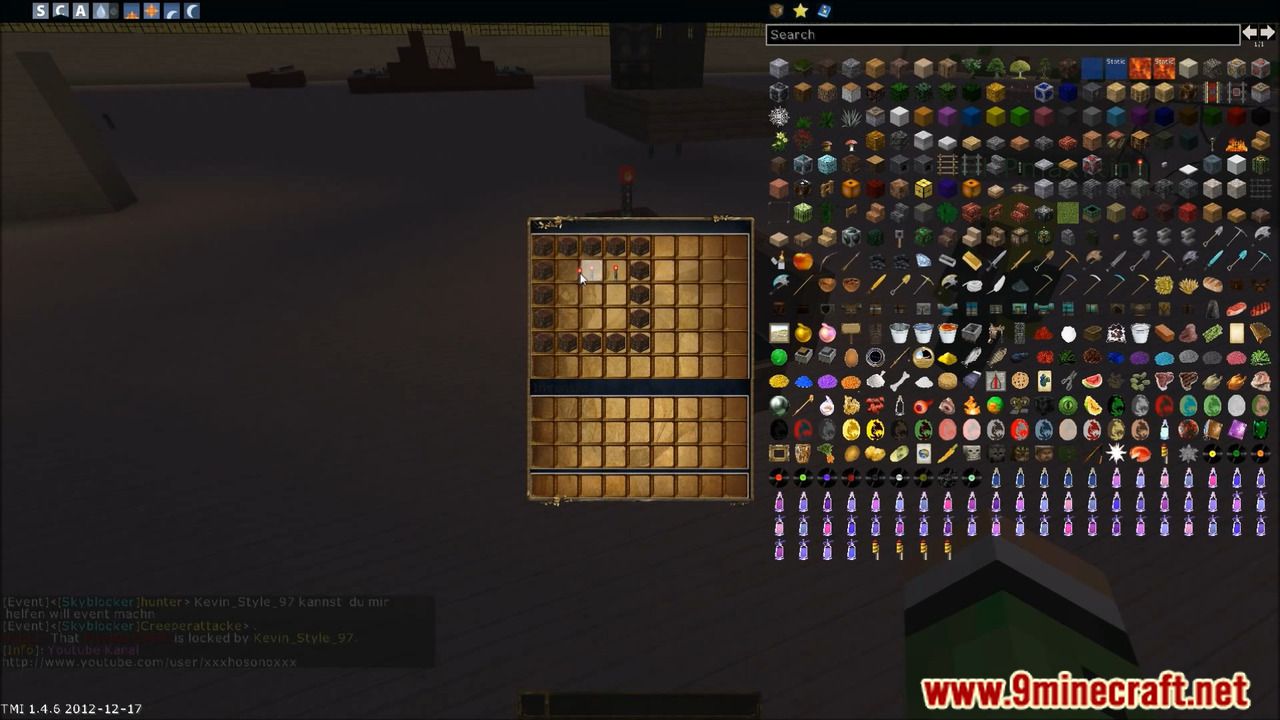
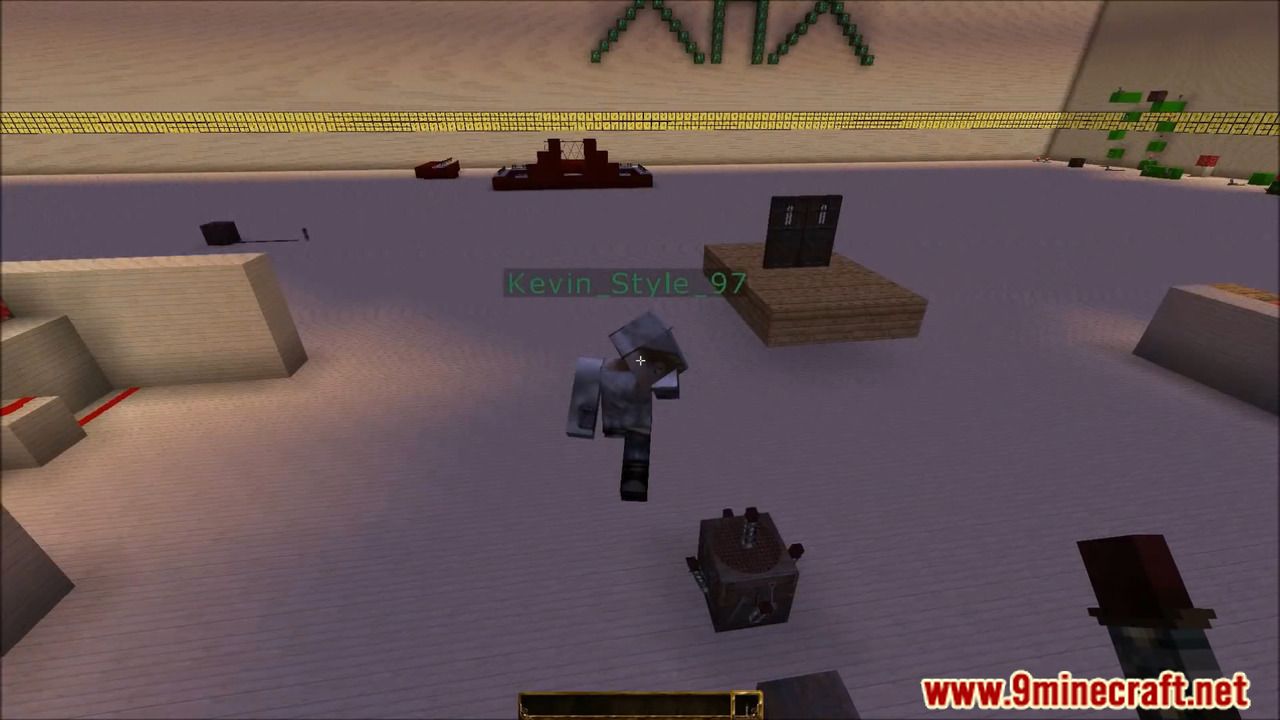
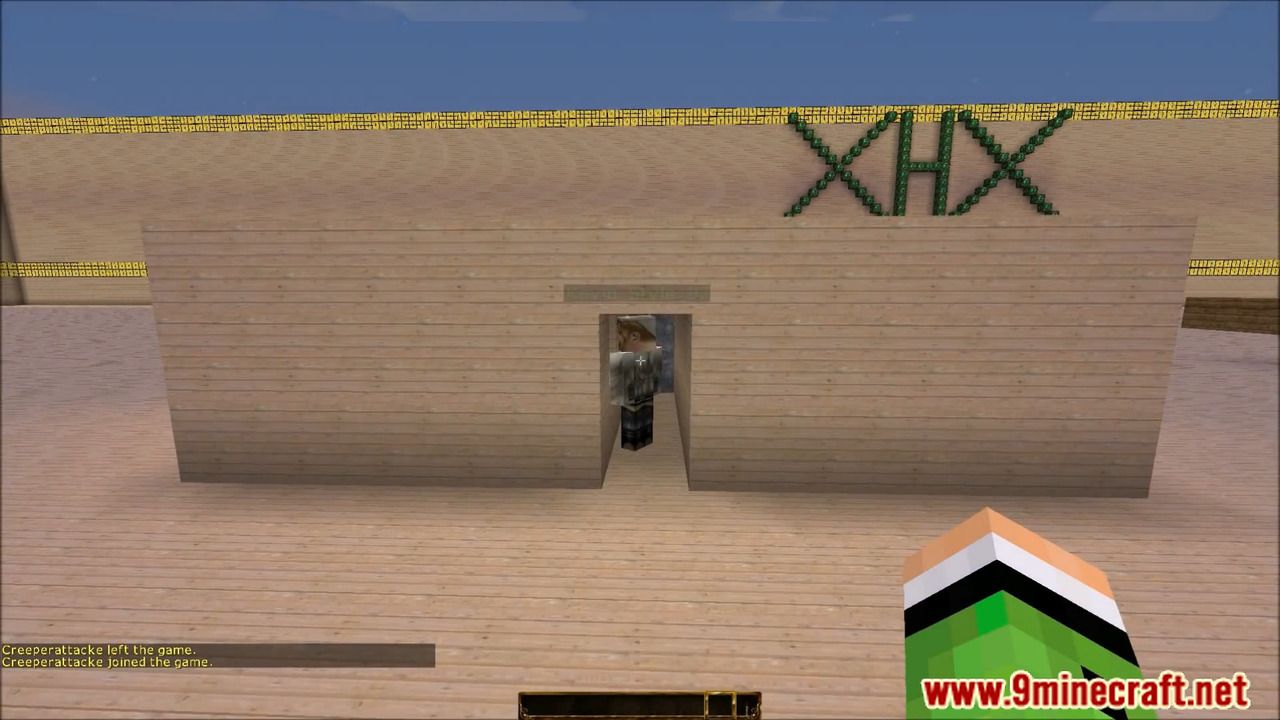
Screenshots:

How to install:
- Download a plugin of your choice.
- Place the .jar and any other files in your plugins directory.
- Run the server and wait for it to fully load.
- Type stop in your Minecraft server console to bring the server to a clean stop.
- Run the server.
- All done! Your plugin should be installed and ready to be used.
Redstone Proximity Sensor Plugin (1.15.2, 1.14.4) Download Links
For All Versions from Minecraft Bukkit 1.12 to Minecraft Bukkit 1.15
Download from Server 1