https://www.aadhu.com/wp-content/uploads/2024/12/The-Bridge-Plugin-119-118-–-Spigot.jpg
The Bridge Plugin (1.19, 1.18) is a new version of the popular game.

Features:
- Custom join and leave messages
- Custom kill messages
- Teams of 2 or teams of 4
- End command
- Configurable team colors
- Configurable map size / bridge size
- API
Commands:
- /tb set inventory bar
- /tb create <name>
- /tb delete <name>
- /tb edit <name>
- /tb join <name>
- /tb play
- /tb leave
Permissions:
- TheBridge.play
- TheBridge.admin
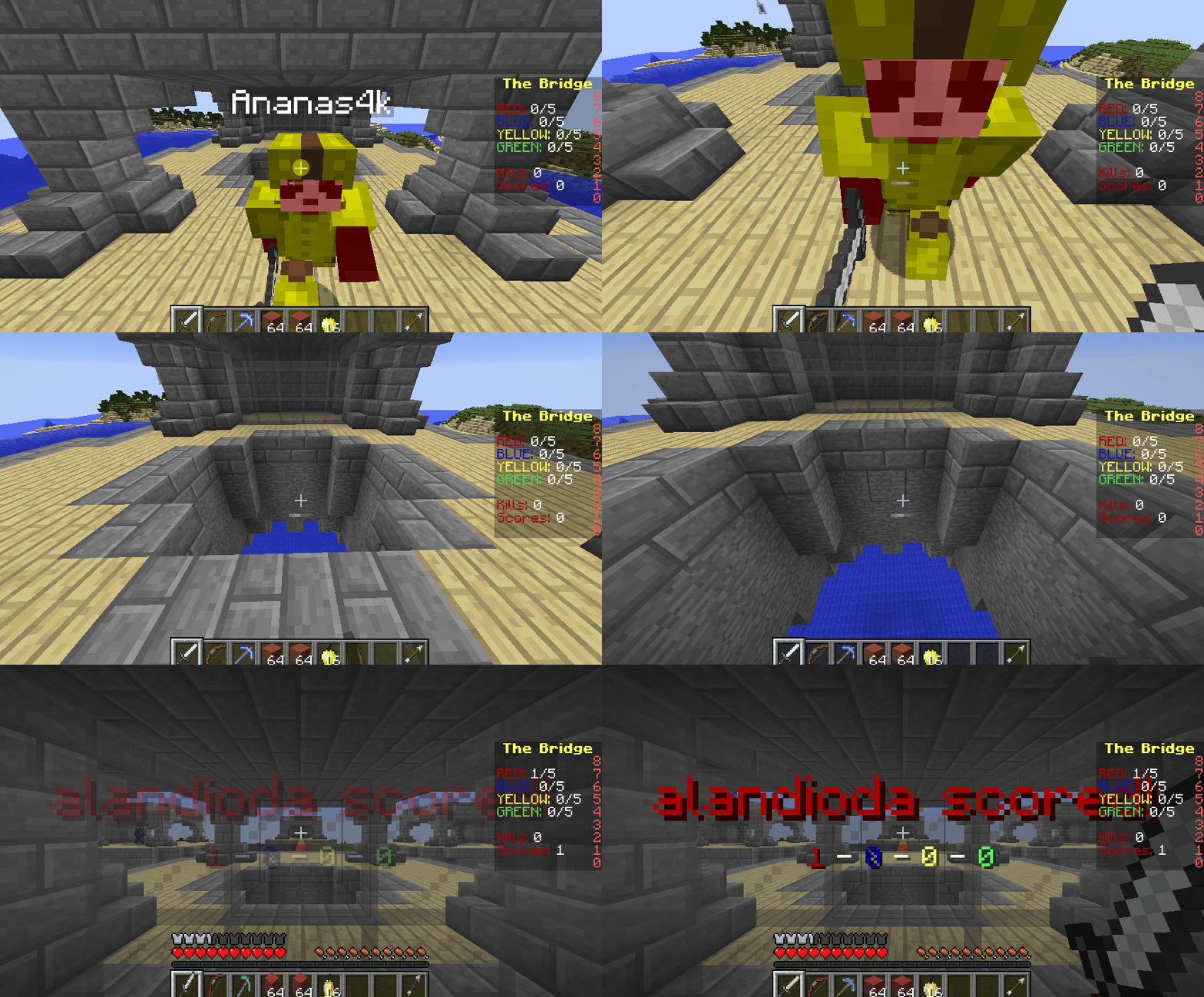
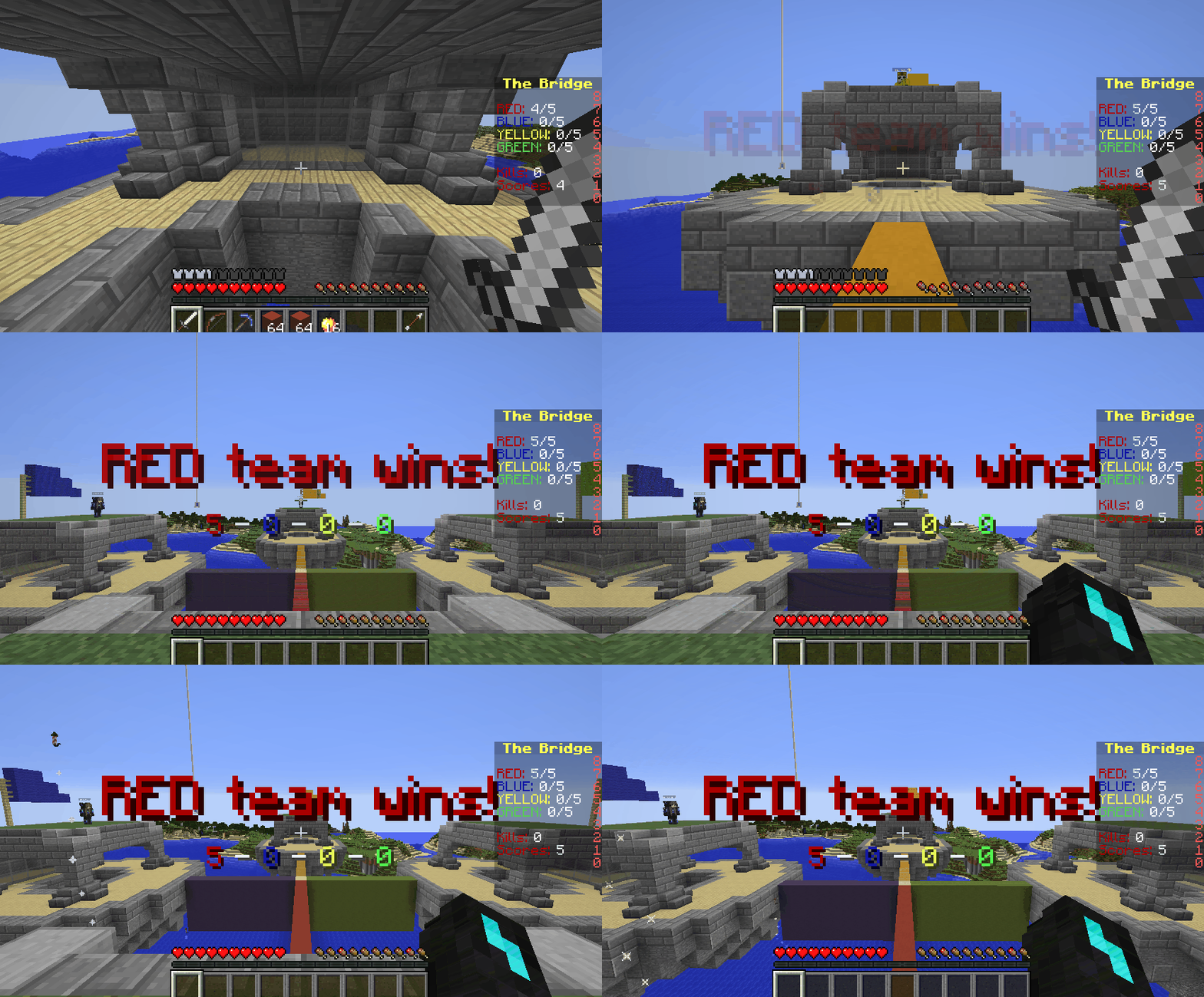
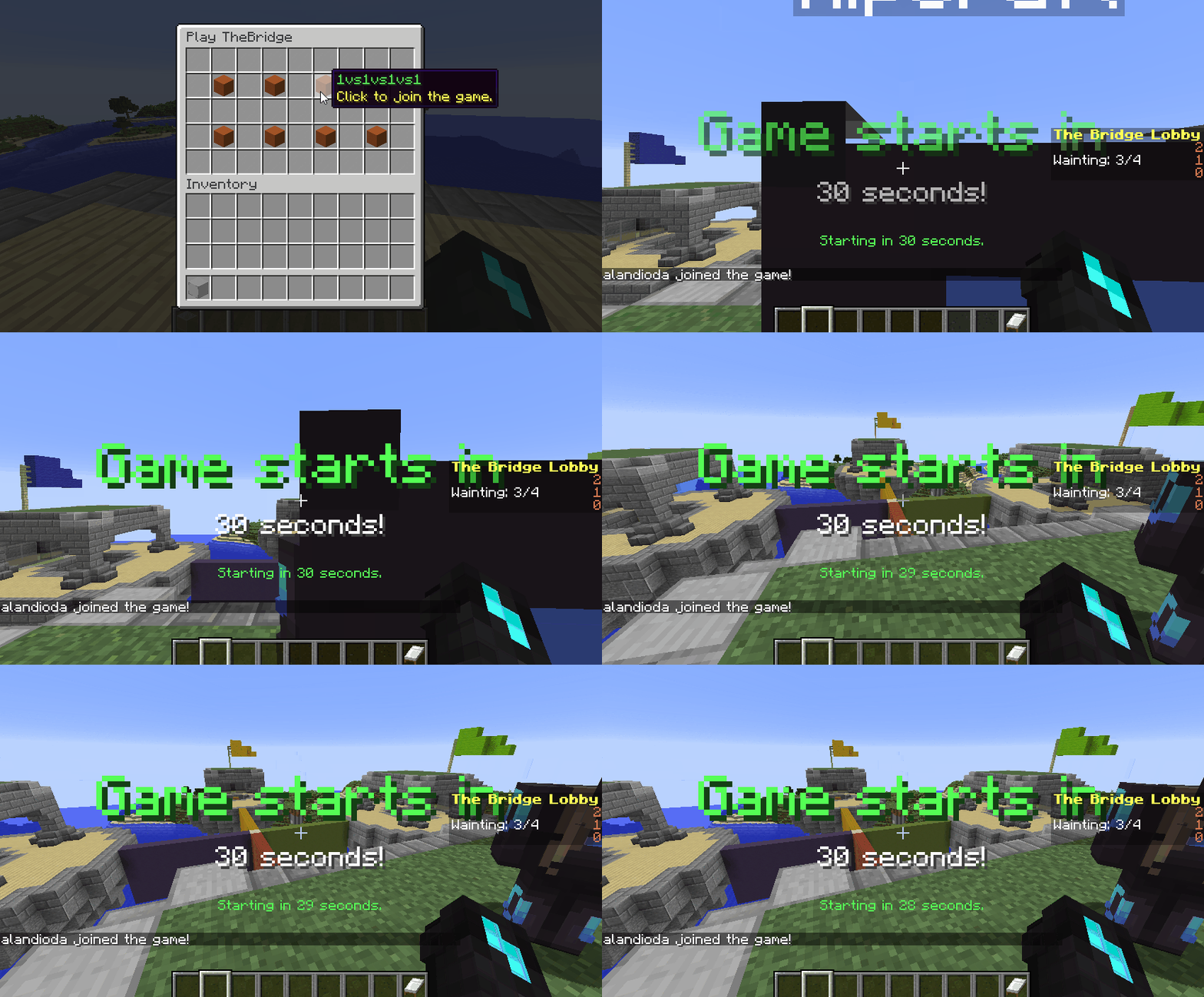
Screenshots:
How to install:
- Download a plugin of your choice.
- Place the .jar and any other files in your plugin’s directory.
- Run the server and wait for it to fully load.
- Type stop in your Minecraft server console to bring the server to a clean stop.
- Run the server.
- All done! Your plugin should be installed and ready to be used.
The Bridge Plugin (1.19, 1.18) Download Links
For All Versions from Minecraft Spigot 1.8 to Minecraft Spigot 1.19
Download from Server 1 – Download from Server 2