https://www.aadhu.com/wp-content/uploads/2024/12/Twerking-Crops-Plugin-1181-1171-–-Bukkit-Spigot-Paper.jpg
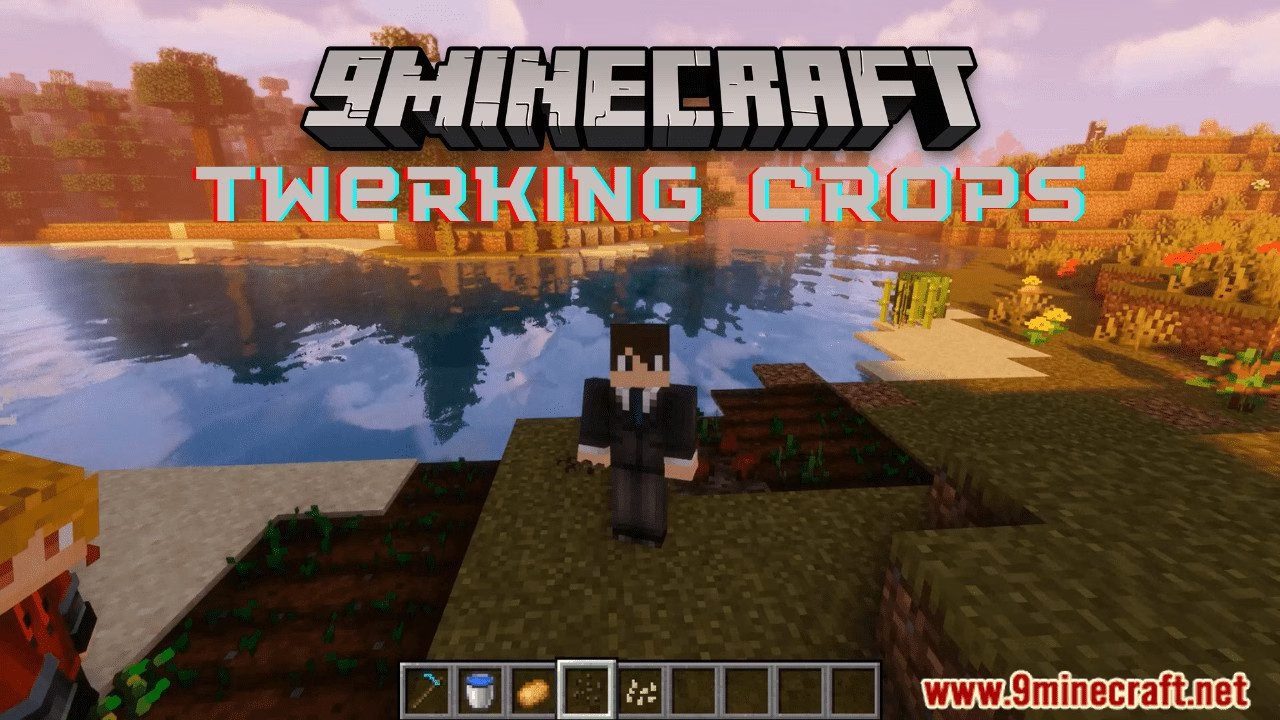
Twerking Crops Plugin (1.18.1, 1.17.1) provides a function that allows you to grow crops faster with Twerking.

Features:
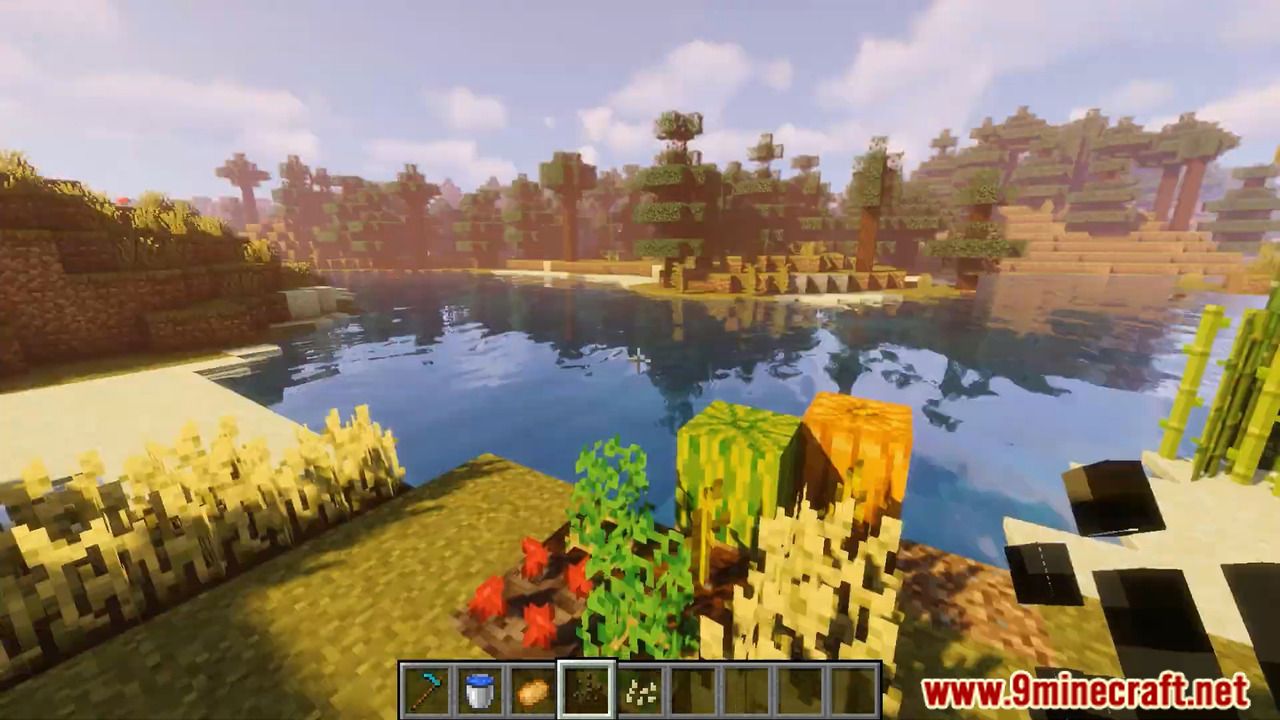
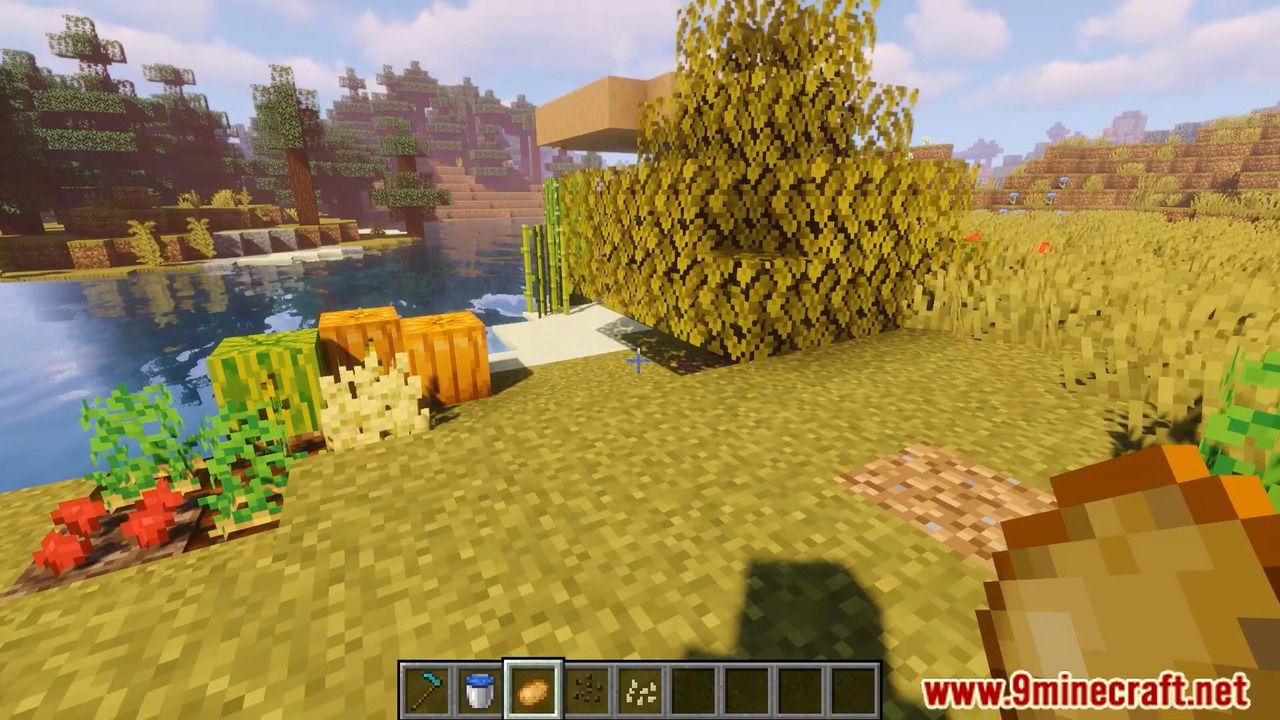
Currently, the plugin provides a function that allows you to grow crops faster with Twerking, twerk in a 3-block radius of your crops and an Area of 3×3 (You’re the Middle Point) Will be Bonemealed, Particle effects on the crops will show you which one has been affected!
There is also a Custom Growth Timer, with this function you can set a specified amount of x seconds per Crop to let them grow, so every 60 seconds ALL the carrots in the game will be Grown +1 Grow Stage.
The Randomizer will give a special functionality for a better experience, instead of always having Succes (Crops getting BoneMealed) this function will give it by default a 20% chance.
Both the Randomizer value and the block radius can be configured in-game or in the configuration file.
– Twerking for Crops/Trees/Cactus/Sugarcane/Mushrooms/Melons/Pumpkins/etc
– Set Command to set Functions True or False
– Blacklist Command to blacklist certain worlds or crops
– Growth Timer for custom growing Times per Crop
– Bonemeal Particles on the crops that are affected
– Randomizer so not every twerk is successful (20% Chance by default)
– Twerking Per Second To Display in ActionBar how many times you twerk per second
Available Commands
All the available commands are listed down below with the needed
permission to use this command, also a small description is provided
for each command.
- /set <GrowthTimer/Twerking/Particles/…> <True/False/…> (This command provides an function to set specified functions to true/false while In-Game, they instantly Update!)
- /blacklist <crop/world> <add/remove/list> [value]
Permissions
To use Several functions/commands you need some basic permissions all the permissions are listed down below! We have made the permissions really easy, so it does not take ages to give a player the permission it needs.
– Twerk.Use (To use the Twerk Function)
– Twerk.Staff (For The Commands)
– Twerk.noRandomizer (Disable randomizer for user)
Screenshots:



How to install:
- Download a plugin of your choice.
- Place the .jar and any other files in your plugins directory.
- Run the server and wait for it to fully load.
- Type stop in your Minecraft server console to bring the server to a clean stop.
- Run the server.
- All done! Your plugin should be installed and ready to be used.
Twerking Crops Plugin (1.18.1, 1.17.1) Download Links
For All Versions from Minecraft Bukkit 1.9 to Minecraft Bukkit 1.18.1
Download from Server 1