https://www.aadhu.com/wp-content/uploads/2025/01/AboutPlayer-Plugin-1122-–-Bukkit-Spigot-Paper.jpg
AboutPlayer Plugin (1.12.2) is a plugin that brings your community together.

Features
Allow your players to introduce themselves, with an About
An About is similar to an introduction. Your players can create their own About to let other players know more about themself; such as their favorite game mode, their in-game domination goal, and more.

Create an About to connect with more players
Whatever you want to share with other players, you can put in your About. If you want to share the fact that you’re a master builder of everything, then put that in your About.

View any player’s About to know more about them
Did you find a player you don’t know, but you would like to break the ice with them? Simply view the new player’s About to see what kind of information they are sharing about themself, then spark a conversation based upon what you found out.

Delete any player’s About in a snap
Sometimes, a player’s About can lack sufficient details. Other times, it can be inappropriate. When you run into an About you wish to be removed, just delete it and it’s gone – forever.

See how many times a player’s About has been viewed
With automatic view tracking, players can see how many times their current About has been viewed, as well as their all-time view count.

Commands
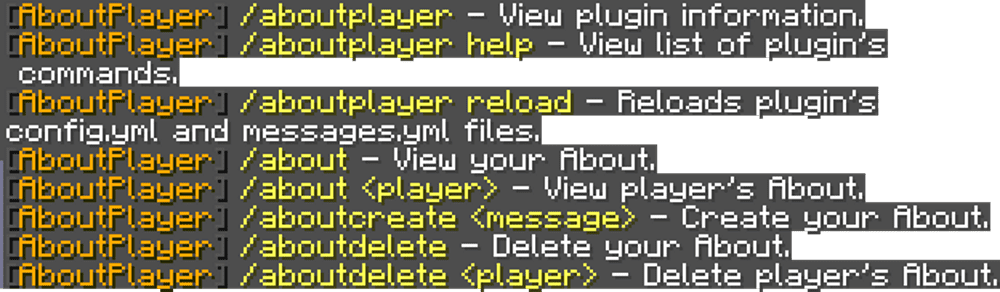
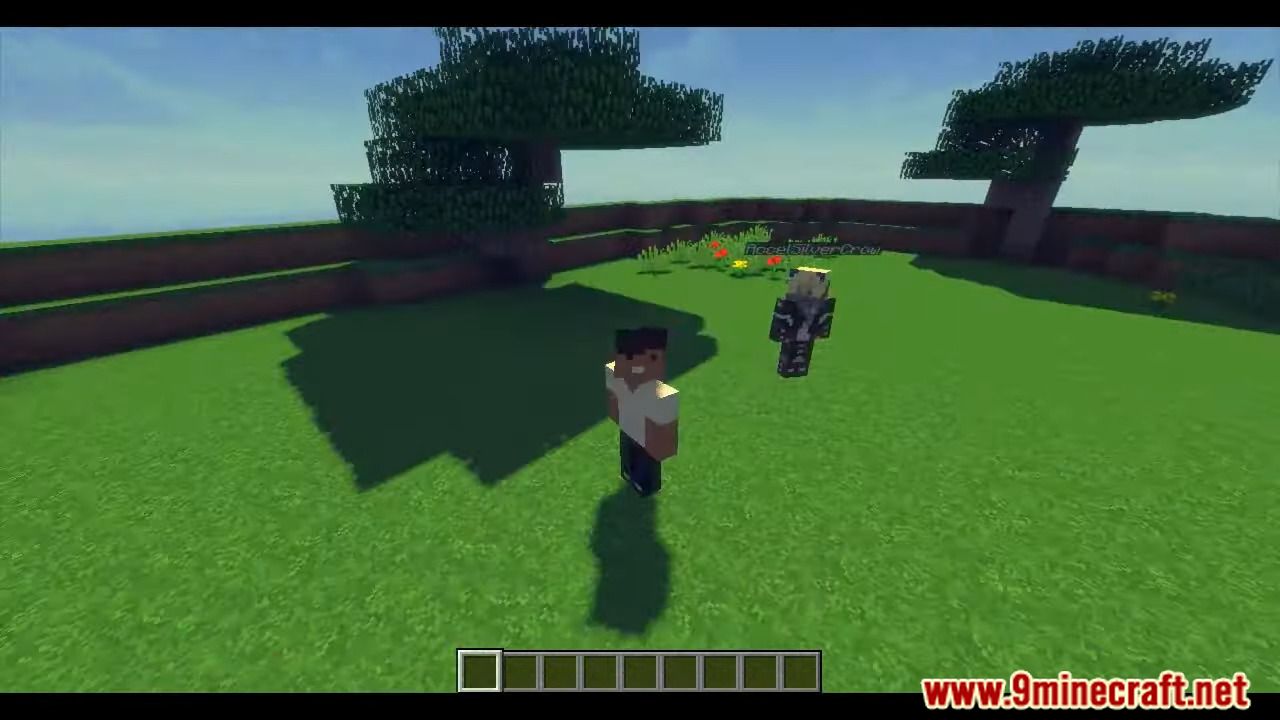
Screenshots:


How to install:
- Download a plugin of your choice.
- Place the .jar and any other files in your plugins directory.
- Run the server and wait for it to fully load.
- Type stop in your Minecraft server console to bring the server to a clean stop.
- Run the server.
- All done! Your plugin should be installed and ready to be used.
AboutPlayer Plugin (1.12.2) Download Links
For All Versions from Minecraft Bukkit 1.7.2 to Minecraft Bukkit 1.12
Download from Server 1