https://www.aadhu.com/wp-content/uploads/2025/02/XP-Storage-Plugin-1191-1182-–-Bukkit-Spigot-Paper.jpg
XP-Storage Plugin (1.19.1, 1.18.2) lets you store experience in a barrel and carry it away!

Features
- A barrel to store your experience in!
- A bottler to fill up custom experience bottles!
- Ownership. Decide if only you or other players can access your storage!
- The storage can be picked up and taken around, with the contents saved inside
- Automatic experience pickup in a range around the XP-Barrel. (Can be enabled/disabled and configured.)
- In-game viewing and editing of the recipes
- Fully translatable
- Control the ownership and access of your blocks
Planned Features
- Selling/buying experience. (With Items or balance.)
- Accessing storages over the world and dimensions
- [DONE] Option to decide which players can access the storage
Permissions
xps.admin
Gives access to the reload command and allows the editing and showing of every recipe regardless if they’re enabled or not.
- xps.commands.help
- xps.commands.info
- xps.commands.show
- xps.commands.show.others
- xps.commands.give
- xps.commands.give.others
- xps.commands.howto
- xps.commands.recipes
Gives access to the respective commands
others
define, if the command can be used on other players.
xps.commands.editrecipe
- Gives access to edit a recipe.
- Can be restricted to single recipes
Example: xps.commands.editrecipe.xpbarrel
xps.fullaccess
Allows a player to break and place XP-Barrels of other owners and the taking and saving of experience in their XP-Barrels.
xps.craft
- Gives access to craft a block/item of this plugins.
- If the player can’t craft the recipe, it is hidden to that user in the recipe inventory.
- Can be restricted to single recipes
Example: xps.craft.xpbarrel
Block and Item Names
XP-Barrel: xp-barrel
XP-Bottler: xp-bottler
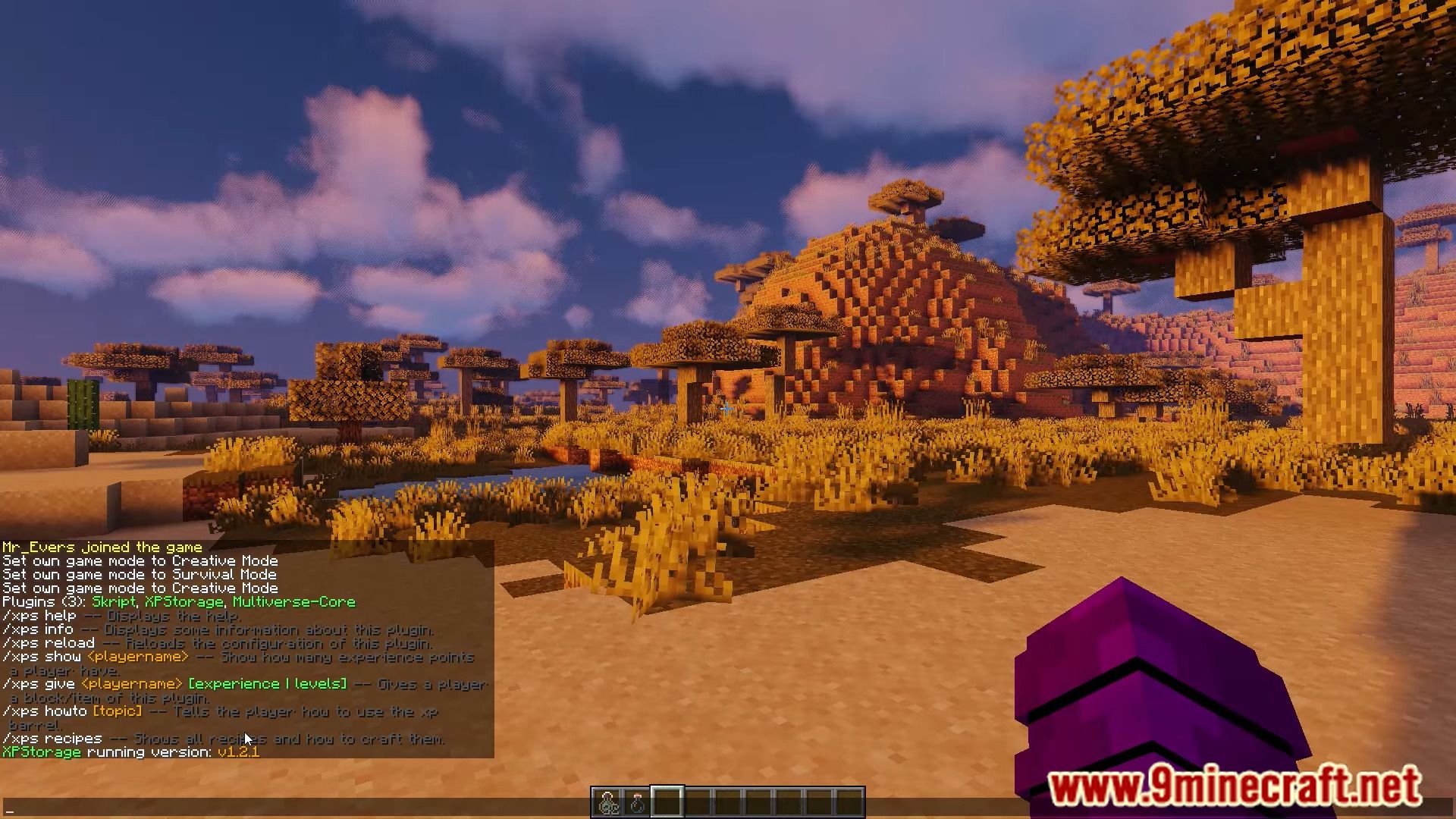
Screenshots:



How to install:
- Download a plugin of your choice.
- Place the .jar and any other files in your plugins directory.
- Run the server and wait for it to fully load.
- Type stop in your Minecraft server console to bring the server to a clean stop.
- Run the server.
- All done! Your plugin should be installed and ready to be used.
XP-Storage Plugin (1.19.1, 1.18.2) Download Links
For Minecraft Bukkit 1.14
Download from Server 1
For Minecraft Bukkit 1.15
Download from Server 1
For Minecraft Bukkit 1.16
Download from Server 1
For Minecraft Bukkit 1.17
Download from Server 1
For Minecraft Bukkit 1.18
Download from Server 1
For Minecraft Bukkit 1.18.2
Download from Server 1
For Minecraft Bukkit 1.19, 1.19.1
Download from Server 1