https://www.aadhu.com/wp-content/uploads/2025/06/Agni-Shader-121-MCPEBedrock.jpg
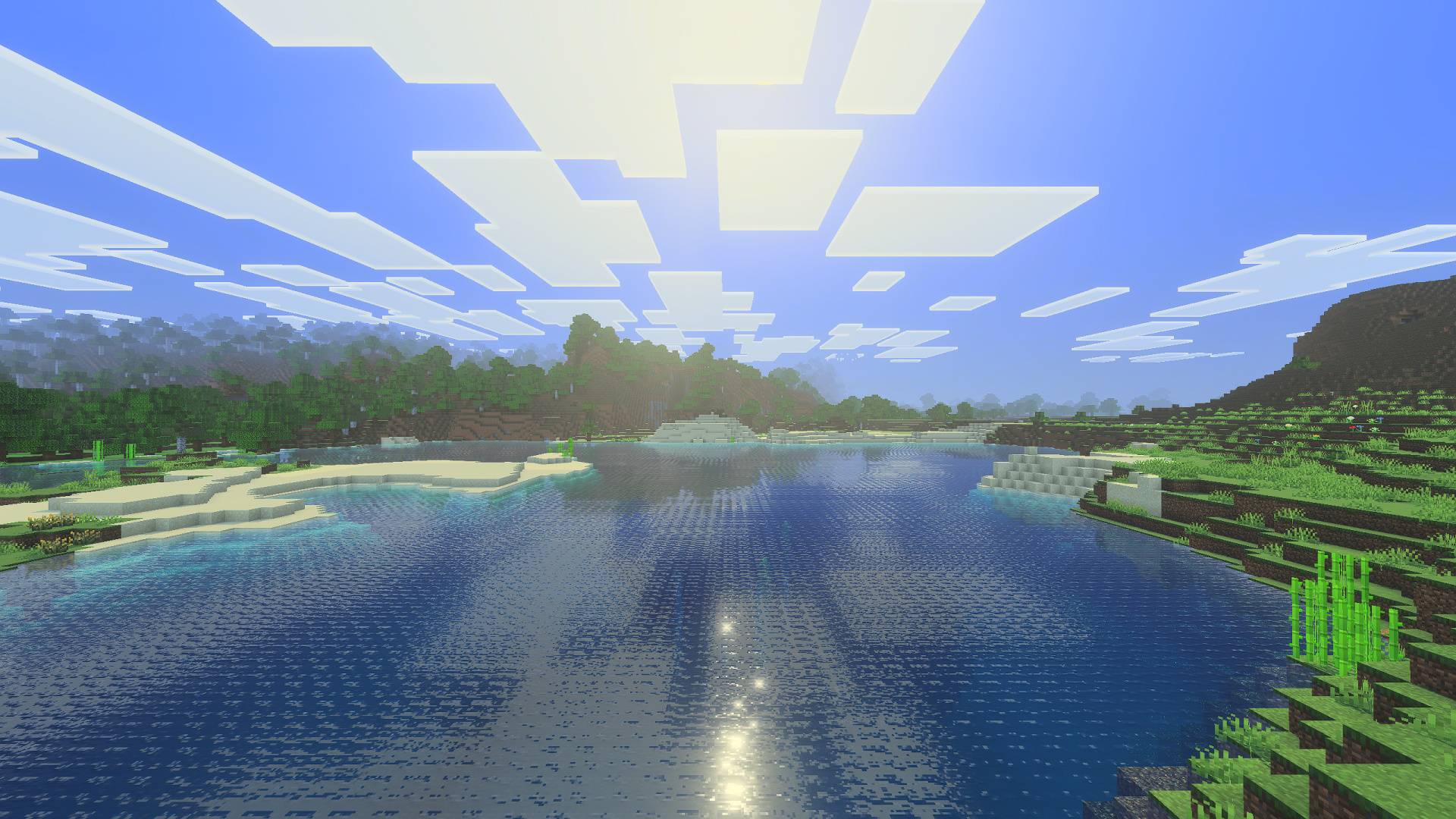
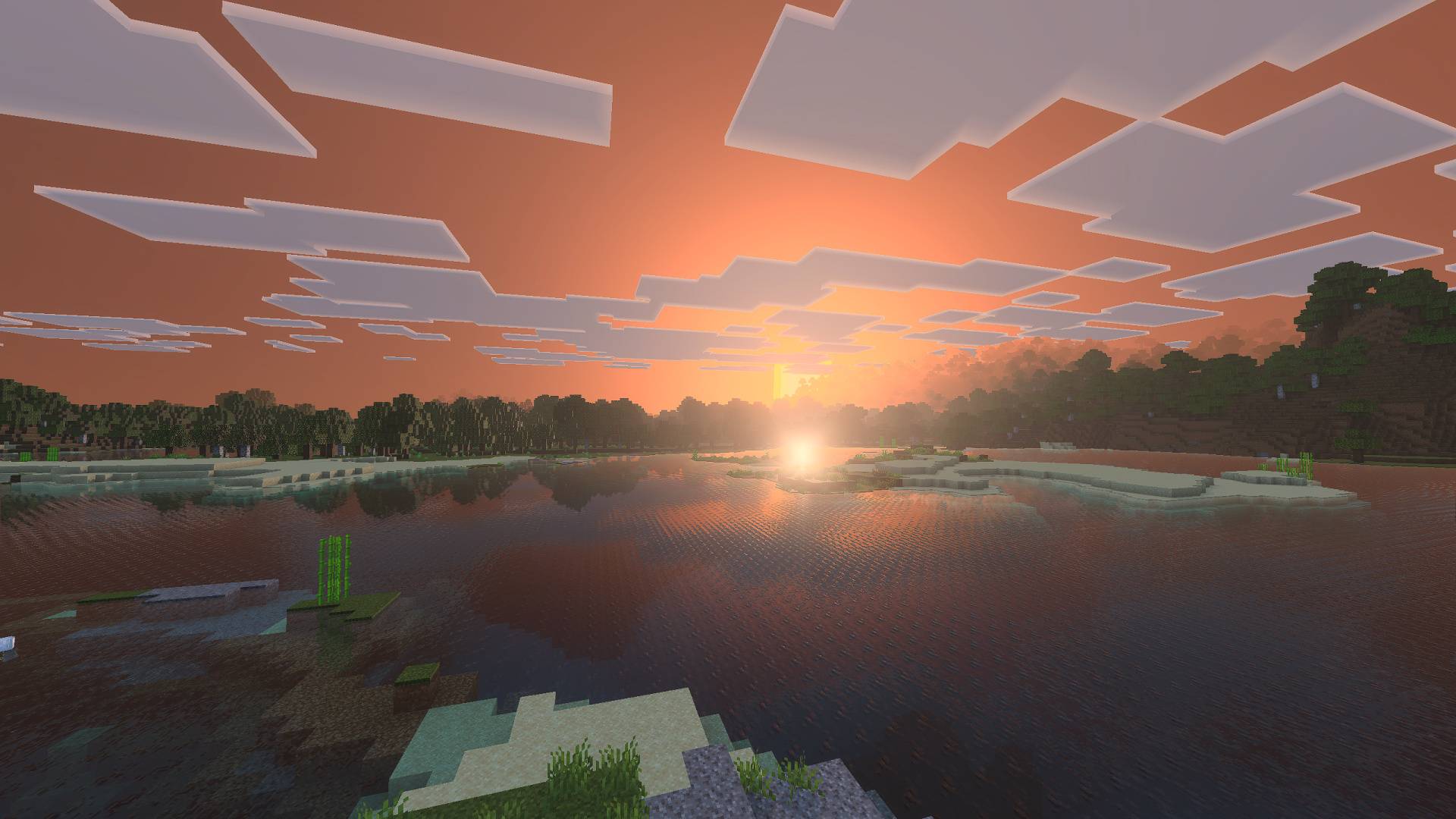
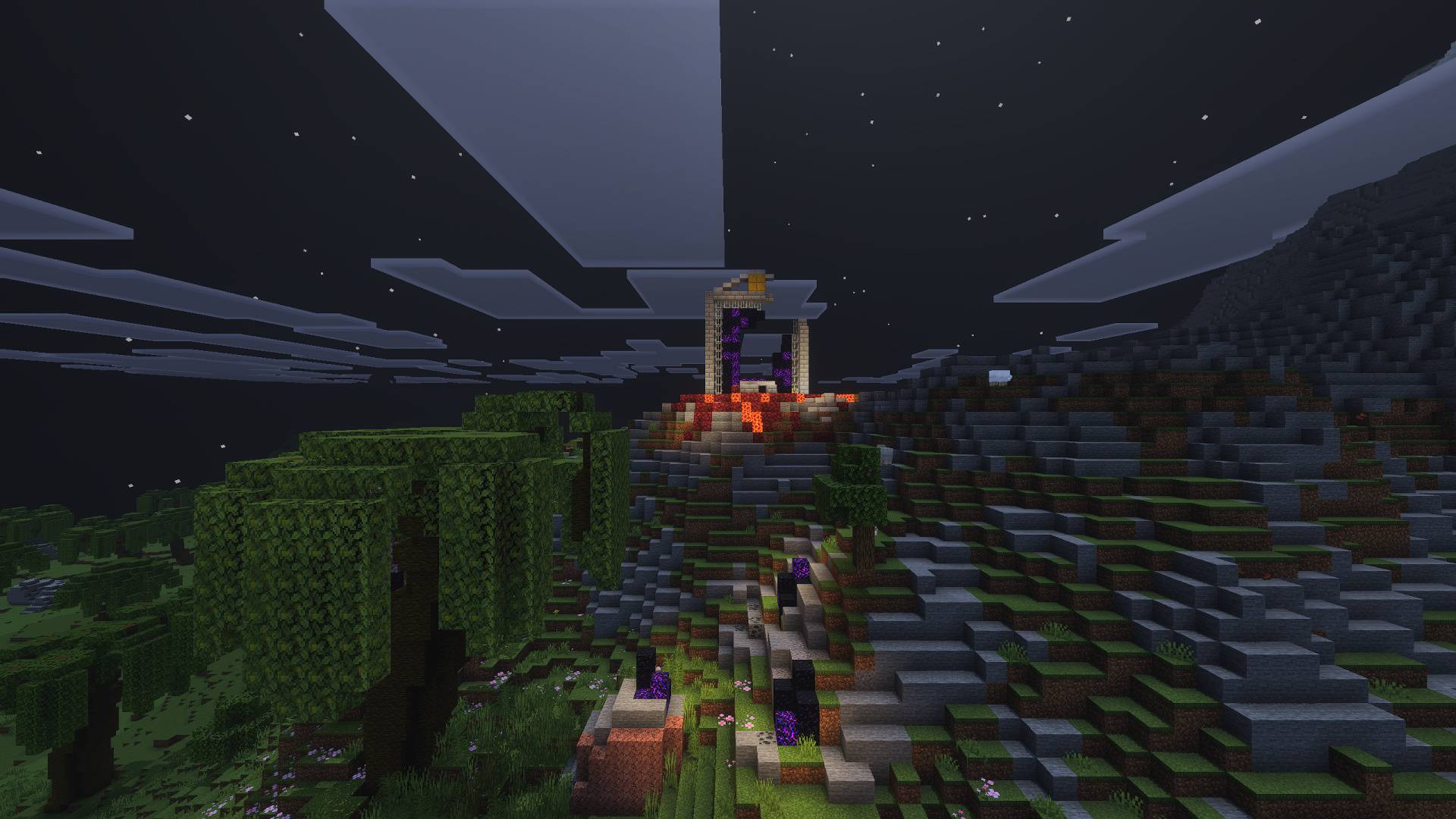
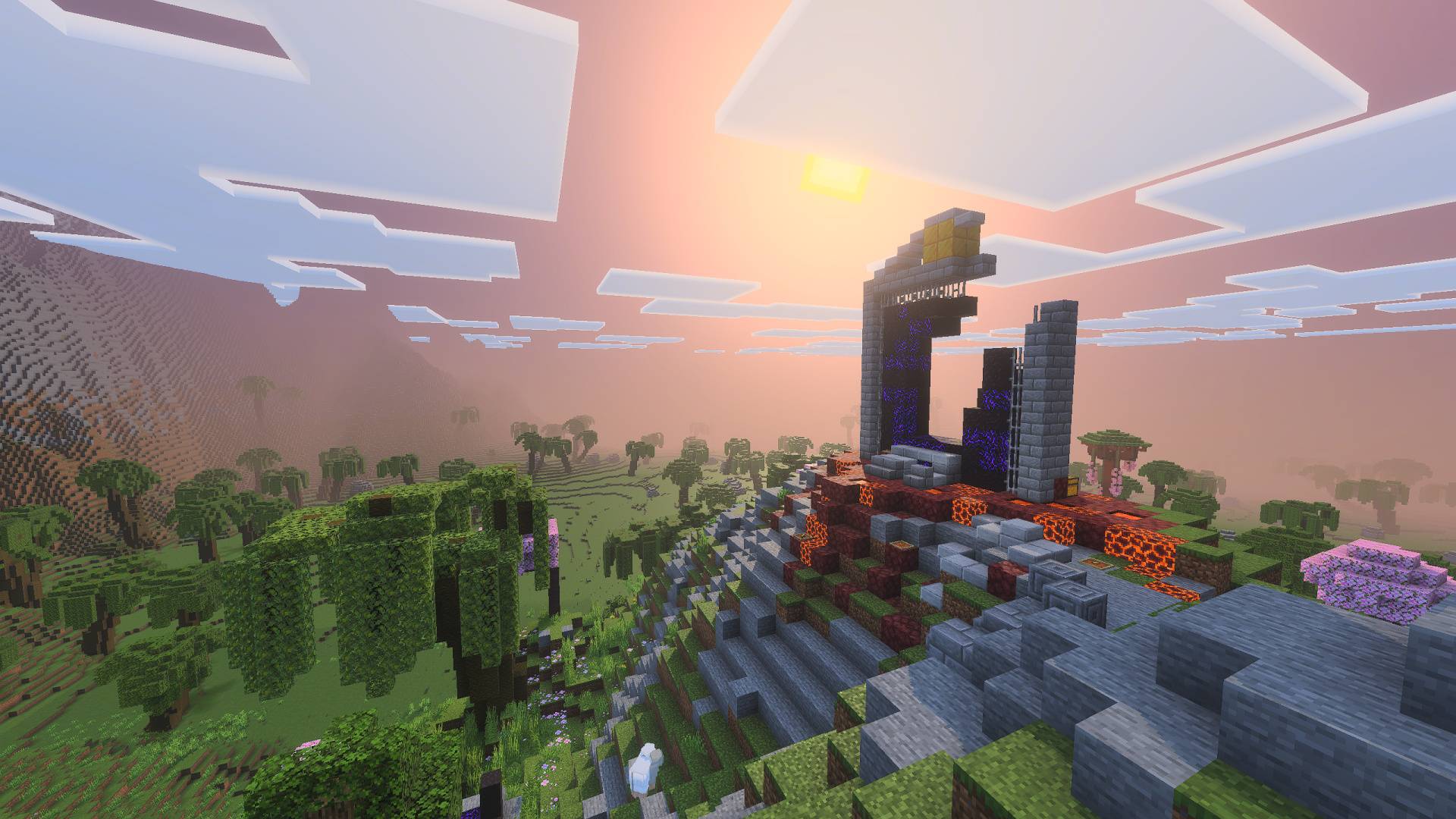
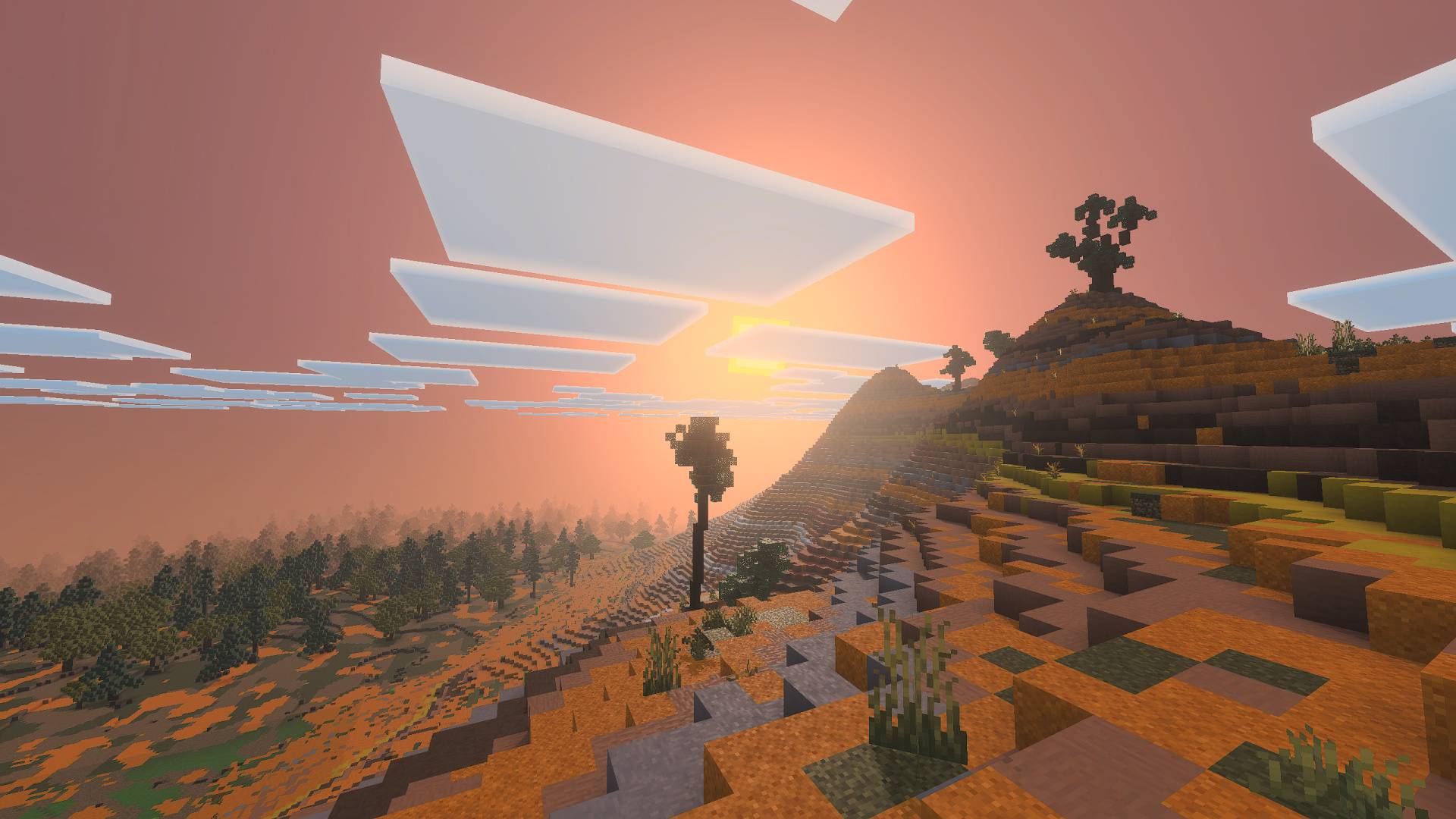
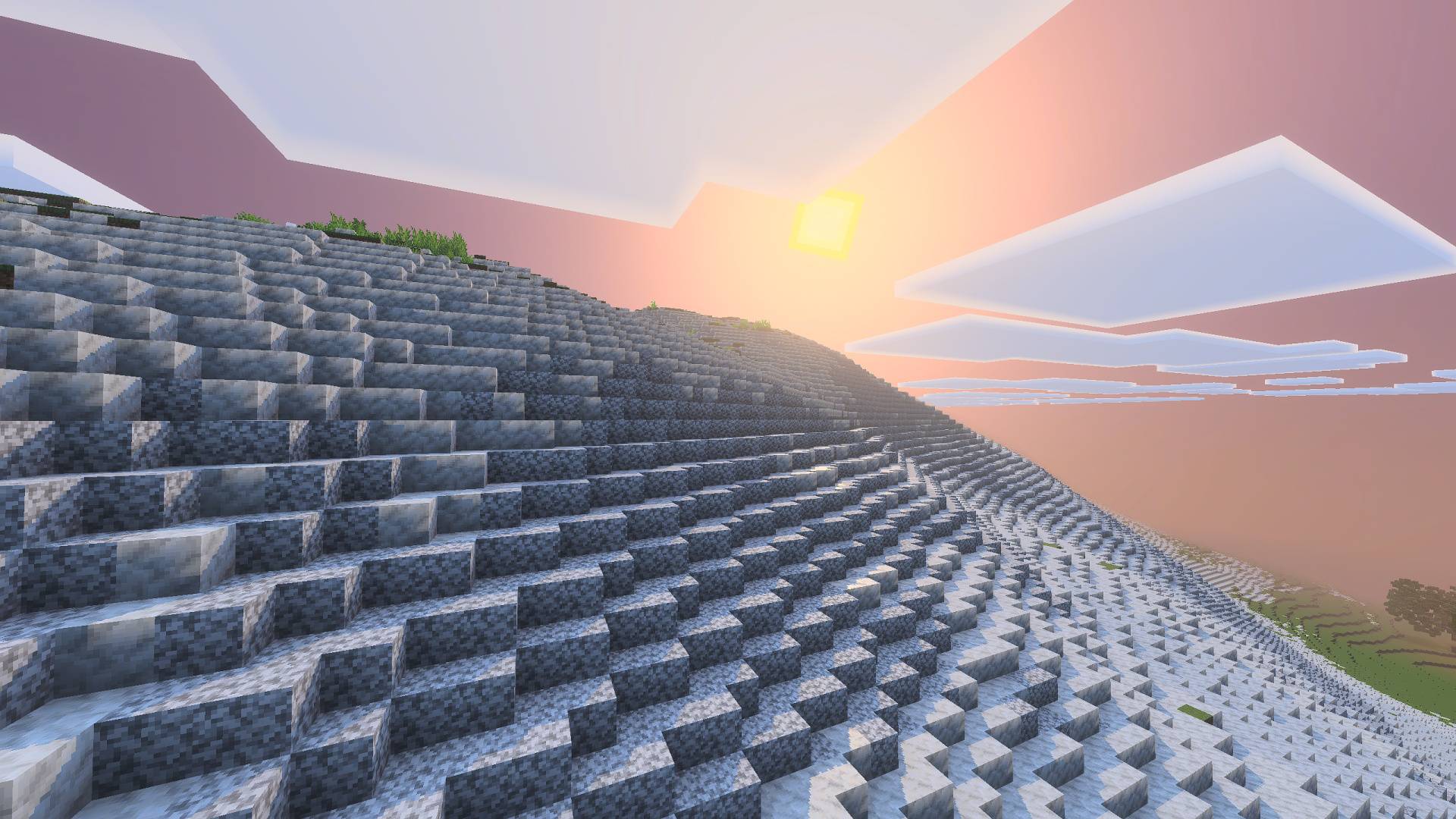
Shaders have finally returned to Minecraft Bedrock/PE, but why settle for poor performance? Agni Shader (1.21) is a game-changing visual enhancement designed to bring stunning graphics while remaining optimized for low-end devices. This shader delivers a perfect balance between realism and mysticism, creating an immersive atmosphere without compromising performance.

Features:
- Lighting: The lighting in the shader is very dynamic. Overall, it provides realistic and visually appealing lighting. The reflections and shadows are just the cherry on top. All these configurations make the lighting look truly amazing in the shader.
- Atmosphere/Sky: This is one of the most important parts of any shader. The sky here is mystical, yet the author also focused on making it look natural and realistic. It’s a perfect balance between the real and the unreal.
- Color Grading: Rich and natural colors ensure the shader remains vibrant and beautiful — something that should appeal to most players.
- Performance: This was one of my main goals: to achieve better performance than standard shaders. Not only does it perform better, but it also maintains similar visual quality. The shader is generally more performance-friendly than regular ones.
Important Note:
1. Make sure Vibrant Visuals is enabled in the Experiments tab of the world:

2. Also, Make Sure Vibrant Visuals is selected as the graphics Mode in the video settings:

Recommended Video Settings:
- First, activate the Lunac shaders in your world.
- Make sure you’re inside the world, then go to Settings > Video Settings.
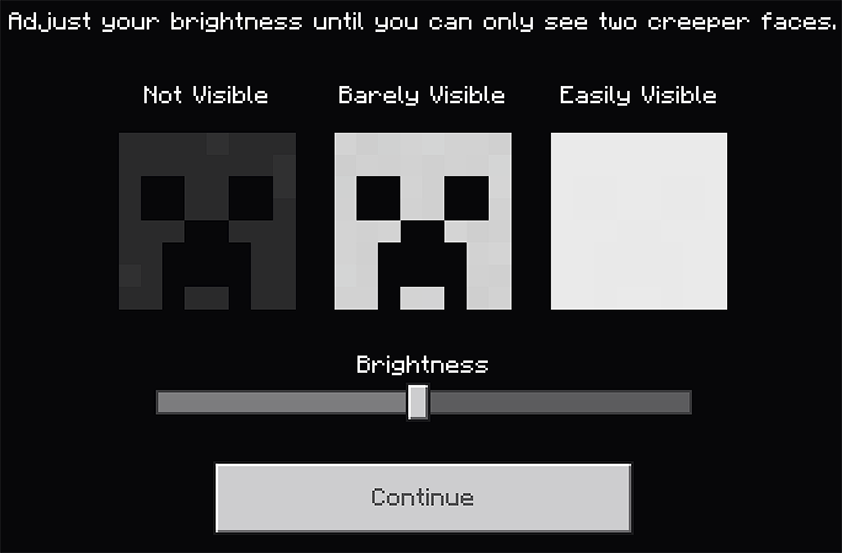
- In Graphics Mode, make sure “Vibrant Visuals” is selected
Screenshots:


How to install:
How To Install Mod / Addon on Minecraft PE
How To Install Texture Packs on Minecraft PE
How To Install Map on Minecraft PE
Agni Shader (1.21) Download Links
For Minecraft PE/Bedrock 1.21
mcpack: Download from server 1 – Download from server 2