https://www.aadhu.com/wp-content/uploads/2025/06/icJukeBox-Plugin-1122-189-Custom-Music-Plugin-With-Jukebox.png
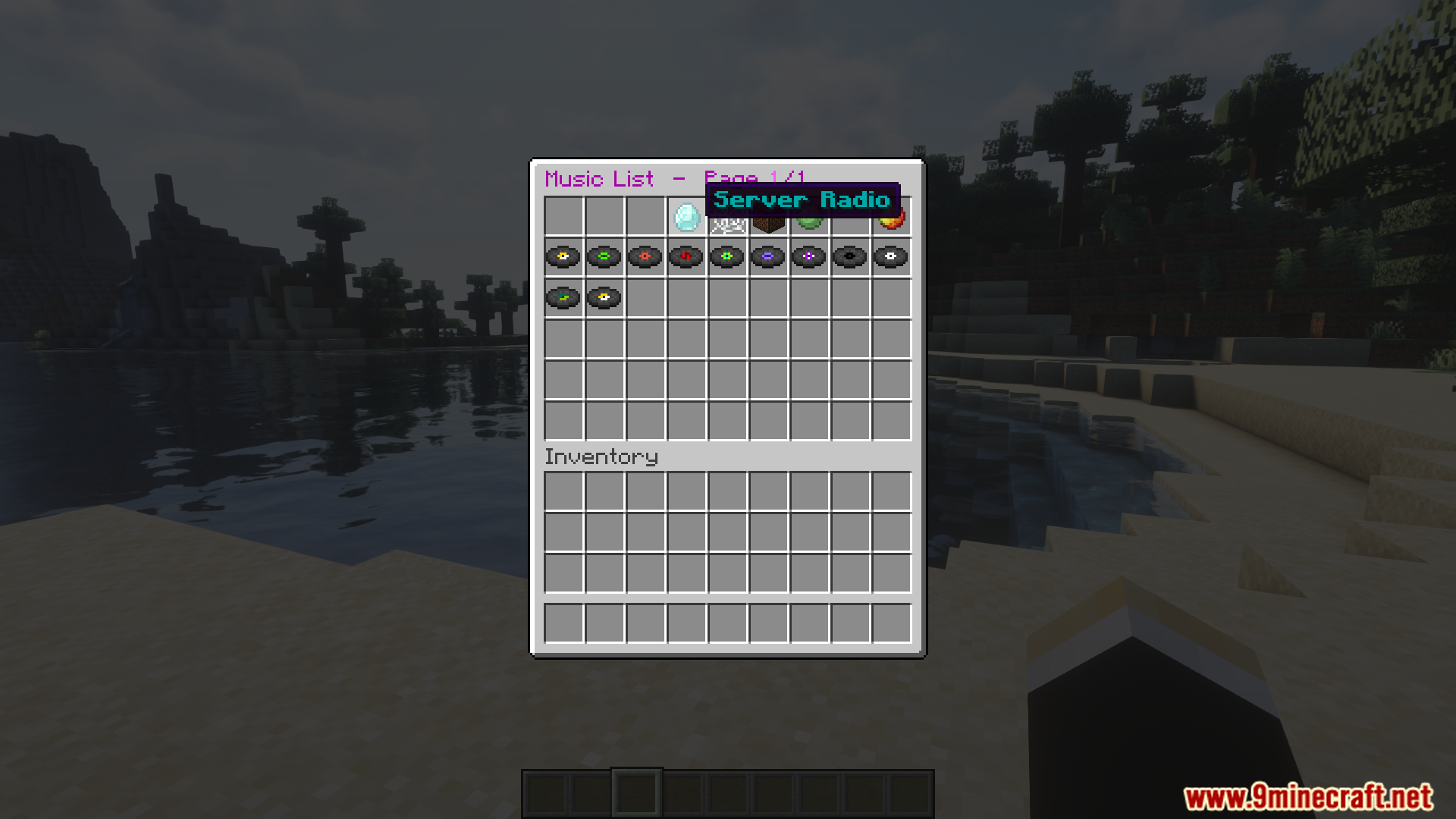
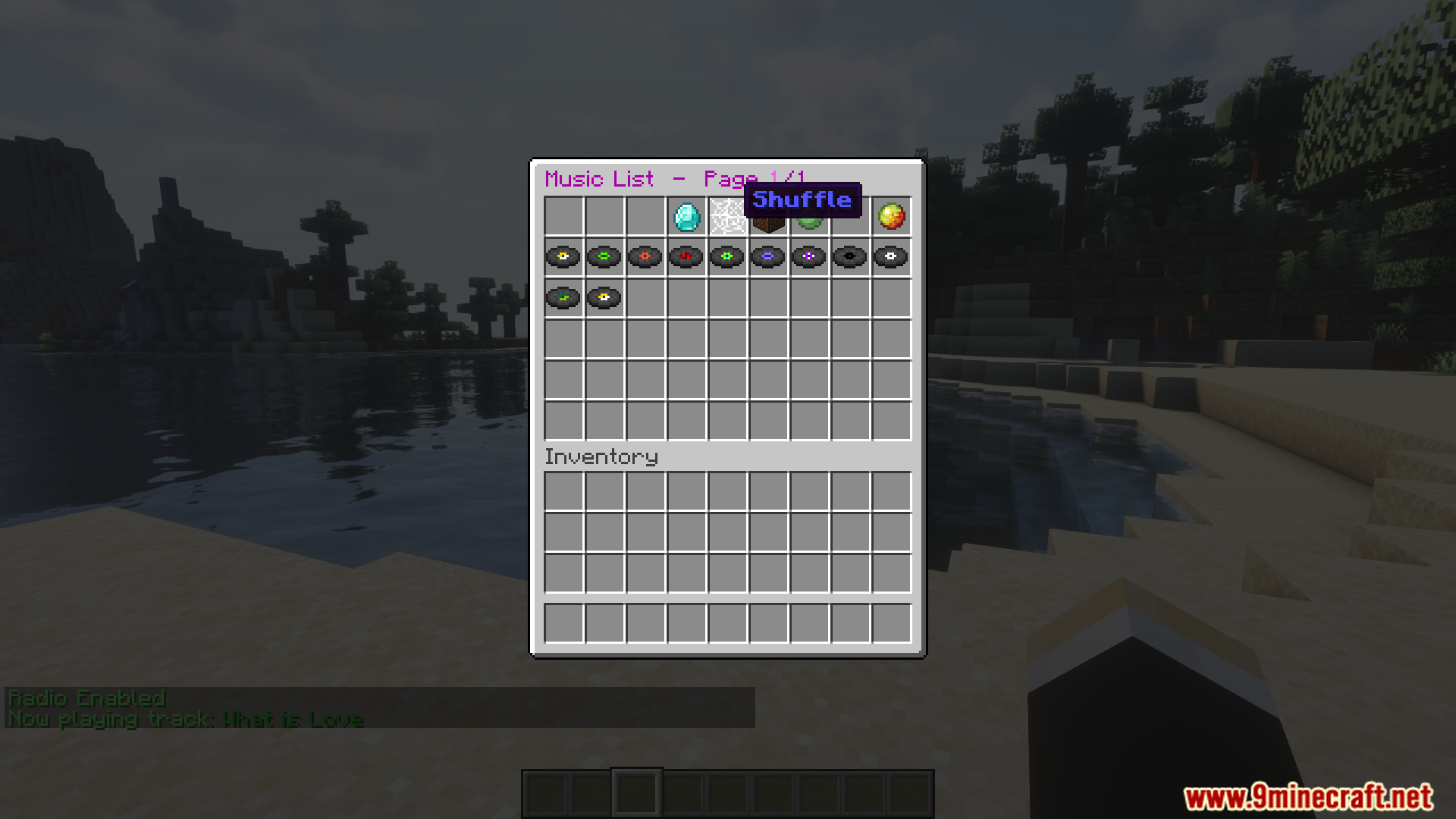
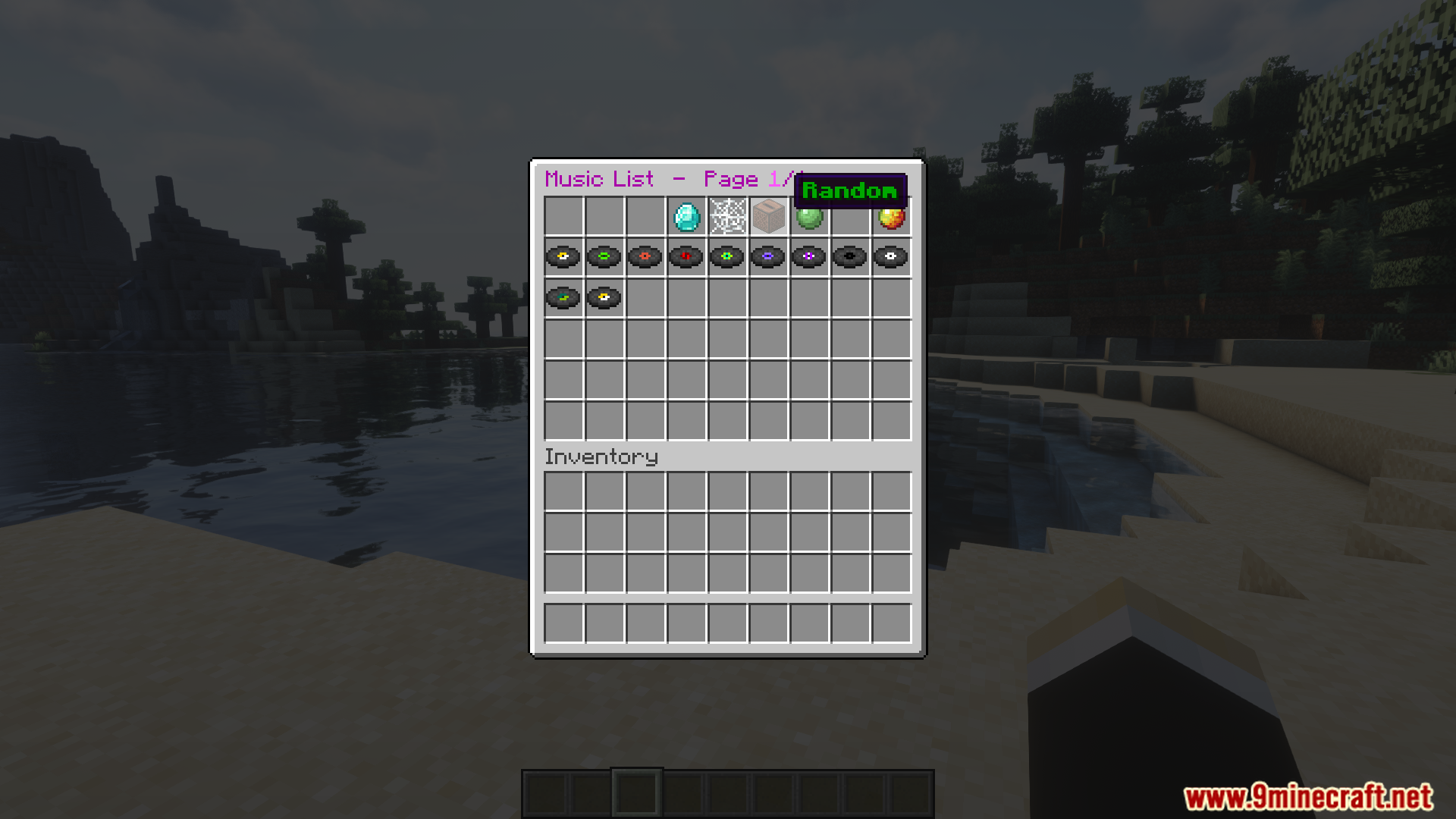
icJukeBox Plugin (1.12.2, 1.8.9) is a plugin that lets players play custom music on your Minecraft server using a modern and easy-to-use jukebox GUI. It supports NBS files and allows server owners to create music libraries players can browse and enjoy.

Features:
- Custom music playback using real audio files
- In-game jukebox GUI with interactive buttons
- Supports .nbs formats
- Songs can be organized into playlists
- Permissions-based access to music
- Optional radio-style playback
Screenshost:
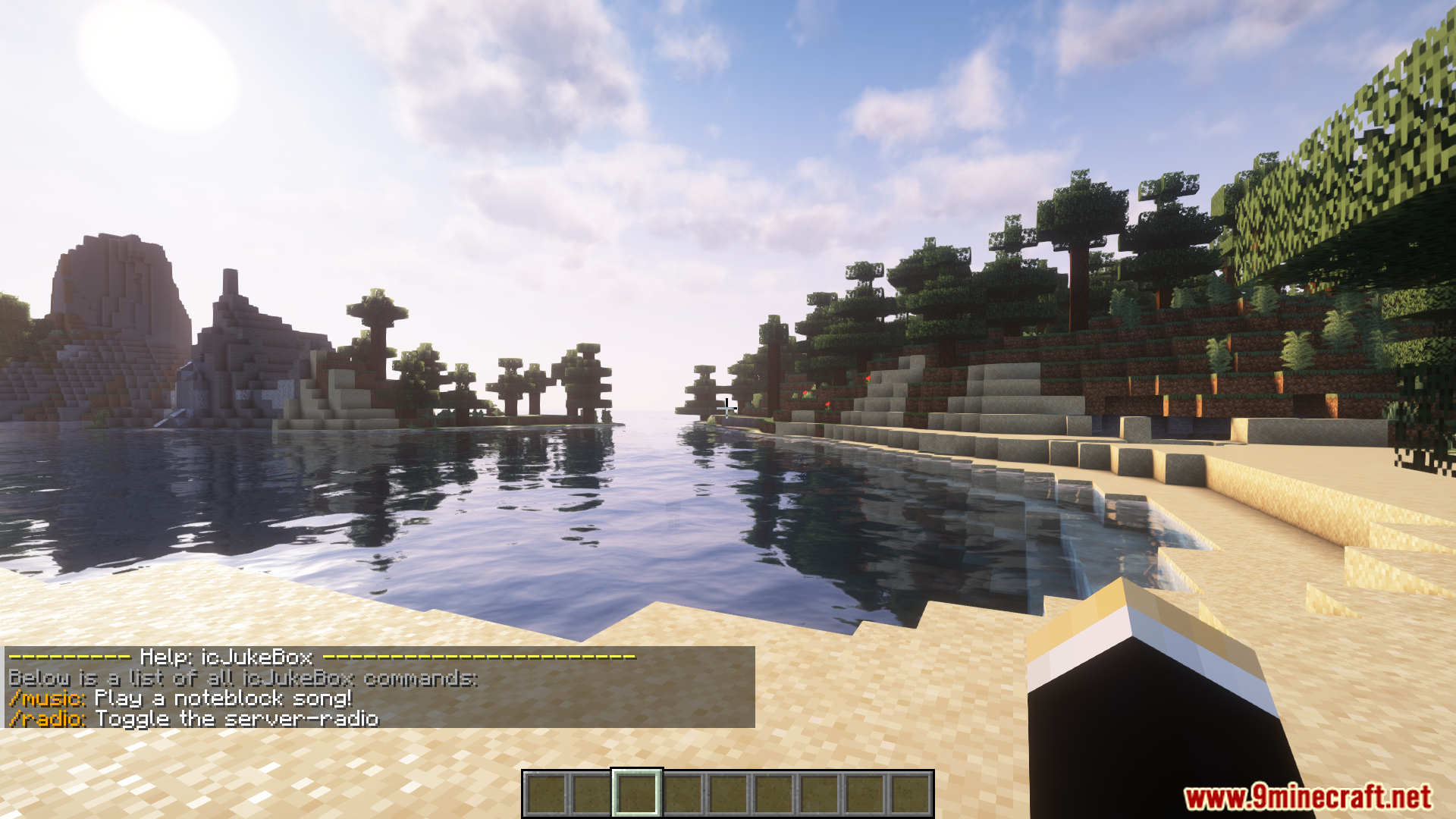


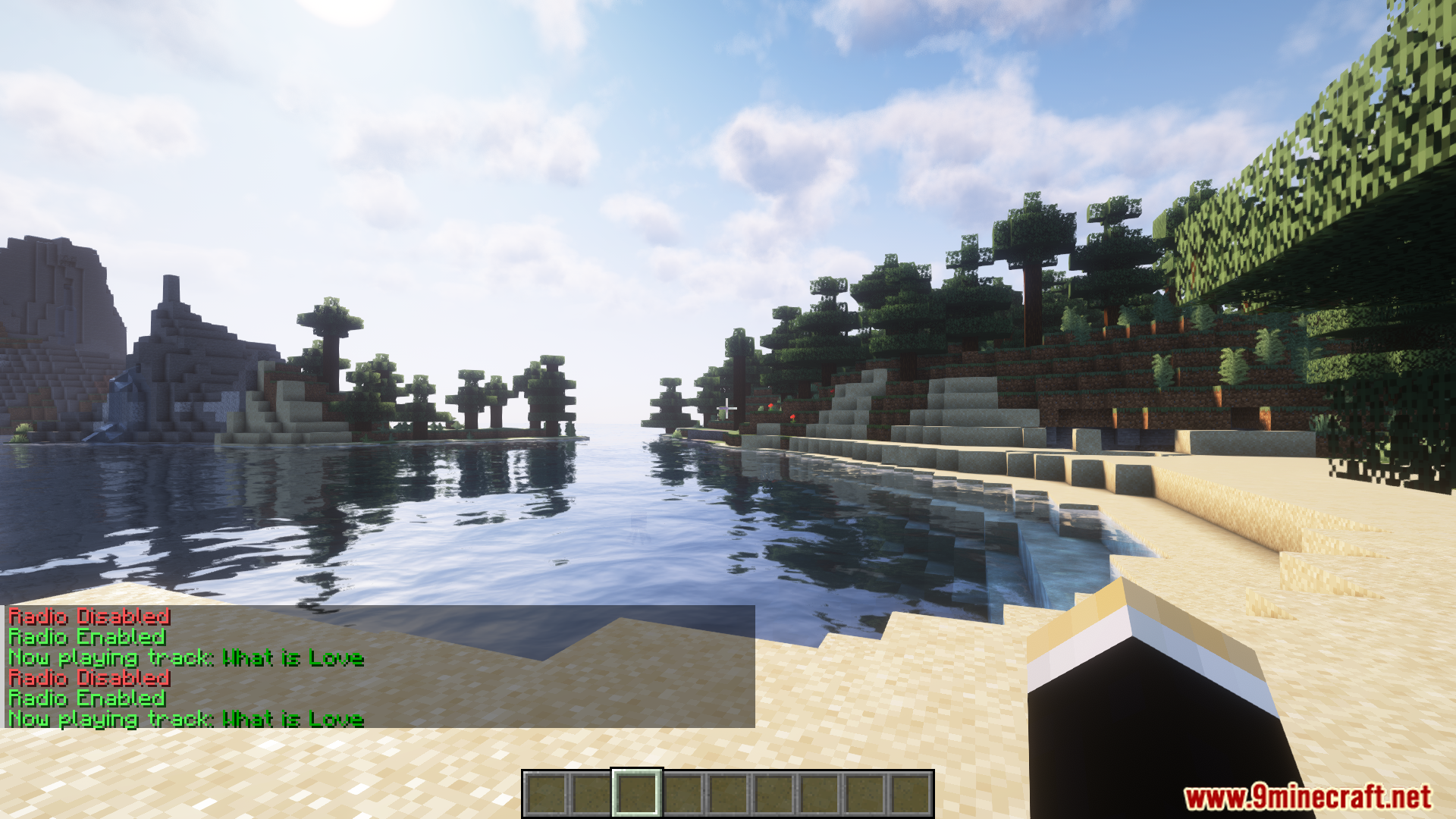

Commands:
- /music – Opens the music-GUI
- /music – Opens the music-GUI at the given page
- /music item [shuffle, random, radio, list] /music off – Turns off the current song
- /music random – Play a random song
- /music shuffle – Enable shuffle-mode
- /music shuffle skip – Skip a song during shuffle-mode
- /music reload – Reload icJukeBox configuration
- /music radio [on/off] – Toggle the server-radio for yourself
- /music radio skip – Skip a radio-song (global effect)
Permissions:
- music.list – Permission to use /music
- music.random – Permission to use /music random
- music.shuffle – Permission to use /music shuffle
- music.shuffle.skip – Permission to use /music shuffle skip
- music.reload – Permission to use /music reload
- music.radio – Permission to use /music radio
- music.radio.skip – Permission to use /music radio skip
- music.item.spawn.[shuffle/radio/random/list]
- music.item.use.[shuffle/radio/random/list]
How to install:
- Please visit the following link for full instructions: How To Download & Install Spigot Plugins
- Don’t miss out today’s latest Minecraft Plugins
icJukeBox Plugin (1.12.2, 1.8.9) Download Links
For All Versions from Minecraft 1.8 to Minecraft 1.12.2
Download from Server 1 – Download from Server 2