https://www.aadhu.com/wp-content/uploads/2025/07/Brazz-Shader-121-MCPEBedrock.png
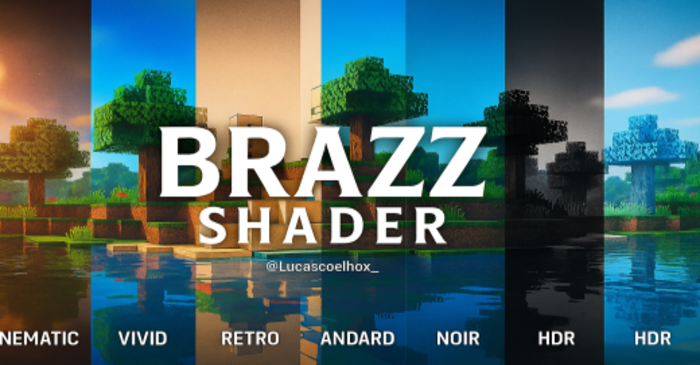
Brazz Shader (1.21) is a full visual upgrade pack that reimagines your game’s look. With multiple built-in filter options (subpacks), it lets you customize the visual style to match your vibe, whether you prefer something realistic, vibrant, or dreamy.
Features:
- Custom lighting and realistic hues
- Simulated Bloom, Grain, Lens Flare, and Fog effects
- Realistic-looking, reflective water
- Sky with smooth transitions between day cycles
- Compatible with Vibrant Visuals
Screenshots:
Available Visual Filters (Subpacks):
- Cinematic: Film effect with grain, flare, and soft colors

- Vivid: Strong colors, bright, ideal for survival or adventures.

- Retro: Nostalgic look with faded tones and old lighting.
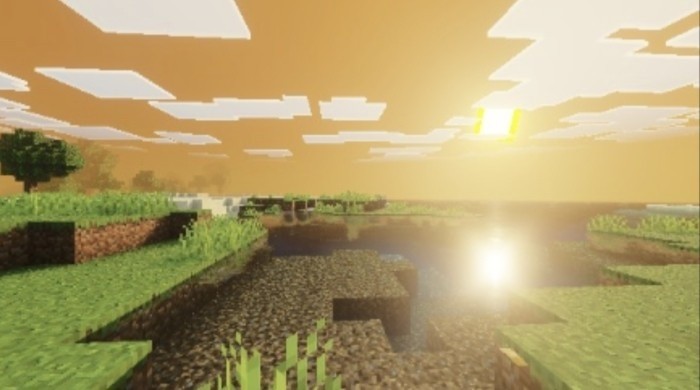
- Cartoon: Clean, streamlined style ideal for creative looks.

- Standard: Neutral visuals, balanced for any type of gameplay

- Noir: Black and white filter with dramatic lighting
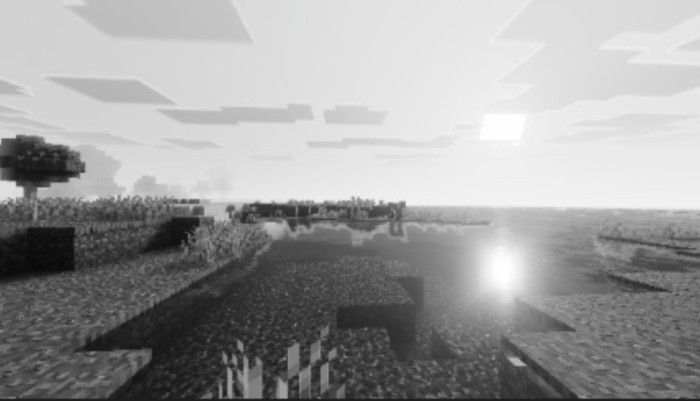
- Frozen: Cold, bluish look, like an eternal winter biome
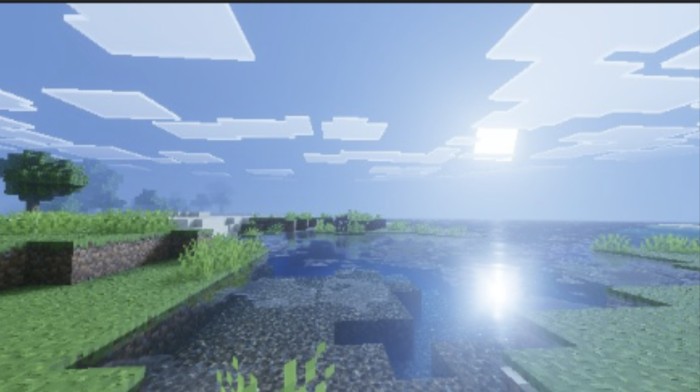
- HDR: Color enhancement with dynamic contrast and brightness

Installation Note:
- Minecraft Bedrock: 1.21.80+
- Compatible with RenderDragon
- Support for Android and Windows 10/11
- System-compatible Vibrant Visuals
How to install:
How To Install Mod / Addon on Minecraft PE
How To Install Texture Packs on Minecraft PE
How To Install Map on Minecraft PE
Brazz Shader (1.21) Download Links
You may also like
Top 10 Shader for Render Dragon
For Minecraft PE/Bedrock 1.21.80+
mcpack: Download from server 1 – Download from server 2
Minecraft PE Patched Download Links