https://www.aadhu.com/wp-content/uploads/2025/07/Mclogs-Plugin-1217-1201-One-Command-To-Share-It.png
Mclogs Plugin (1.21.7, 1.20.1) lets you upload and share Minecraft logs directly to mclo.gs with a single command, perfect for debugging, crash reports, or helping players troubleshoot issues fast. It’s lightweight, secure, and works across both client and server setups.

Features:
- Export old logs, crash reports, and network errors
- Automatically hides sensitive info like IP addresses
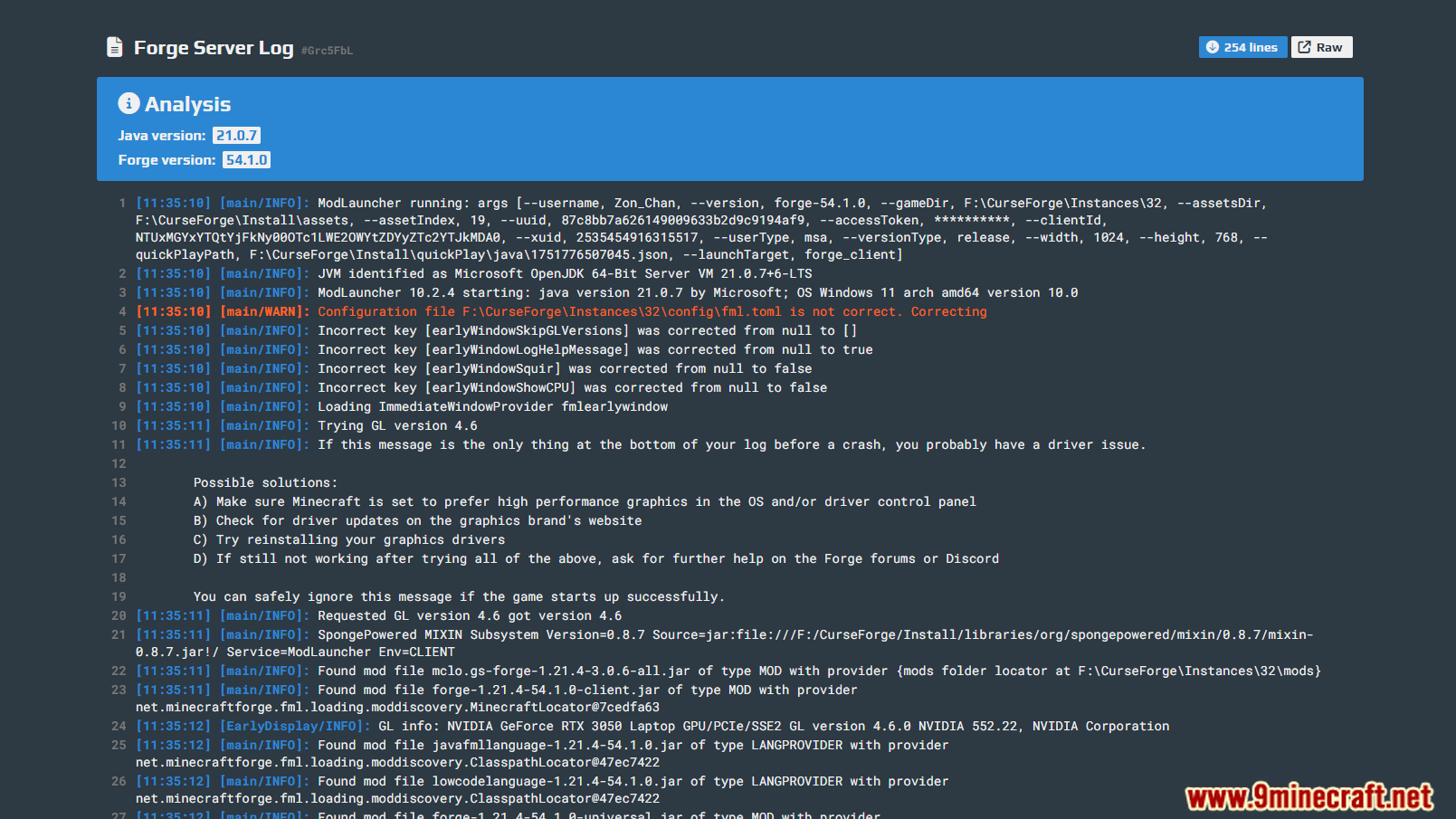
- Highlights errors, warnings, and version info for easy analysis
- Supports custom frontends via config.toml
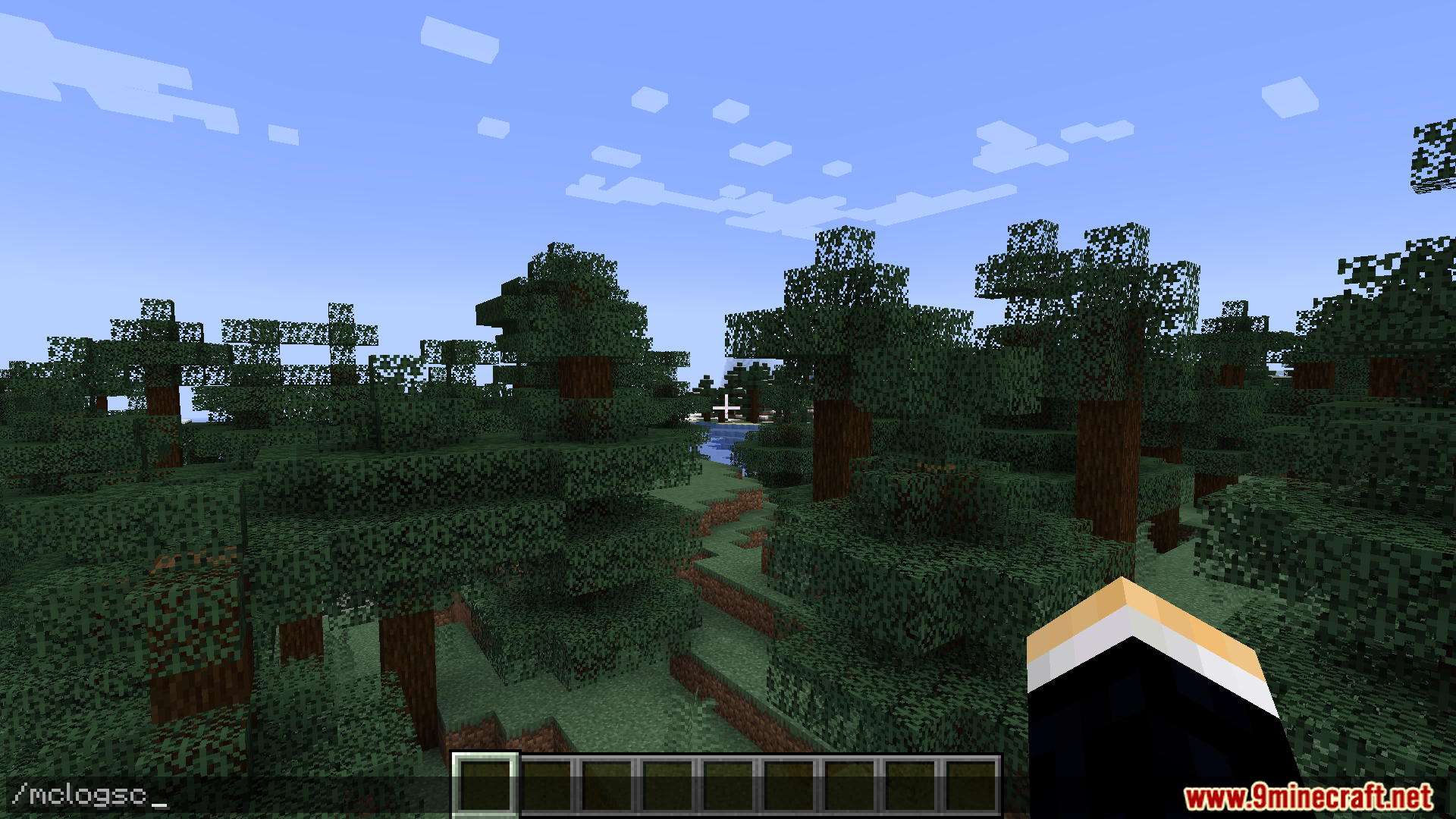
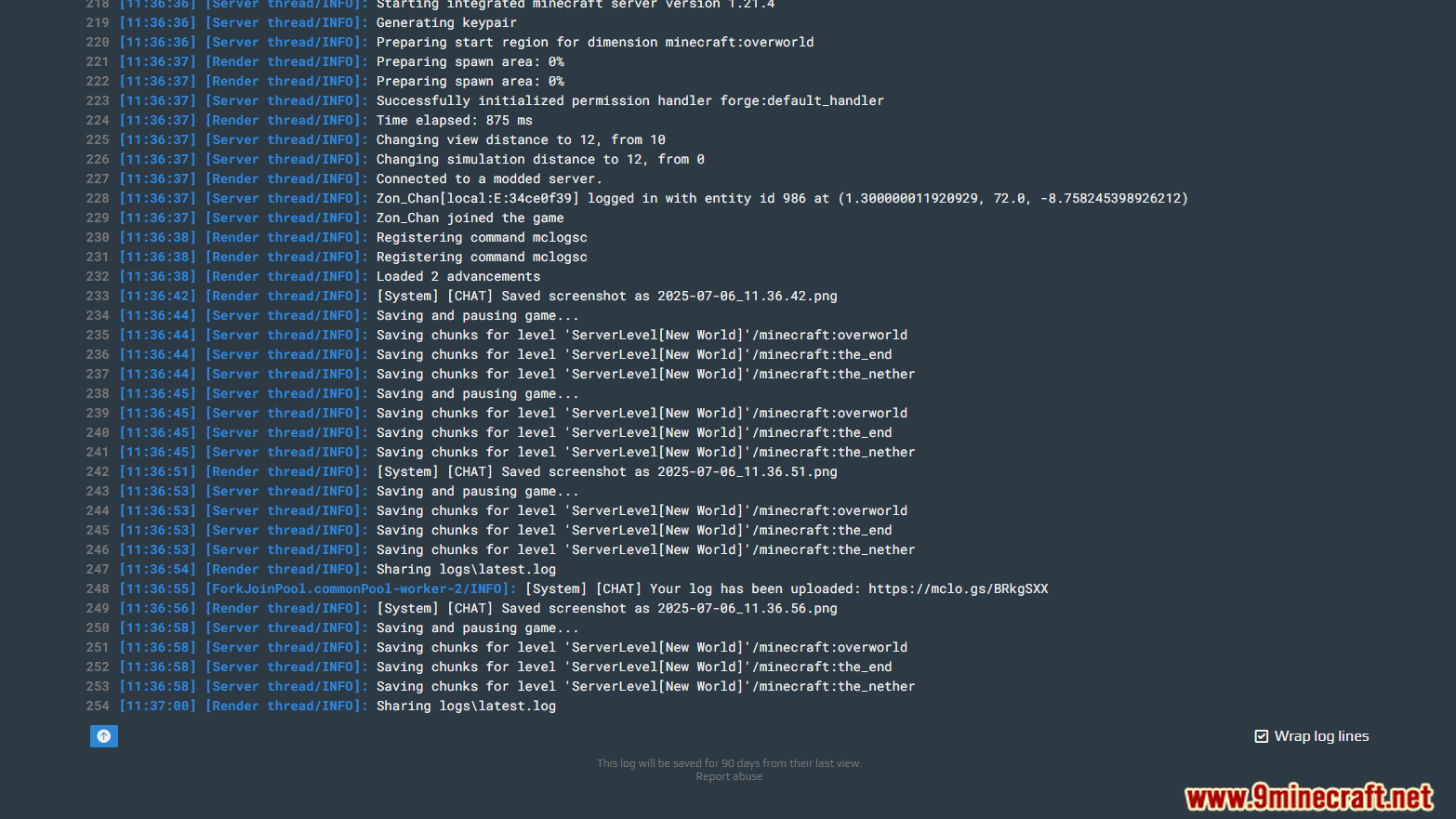
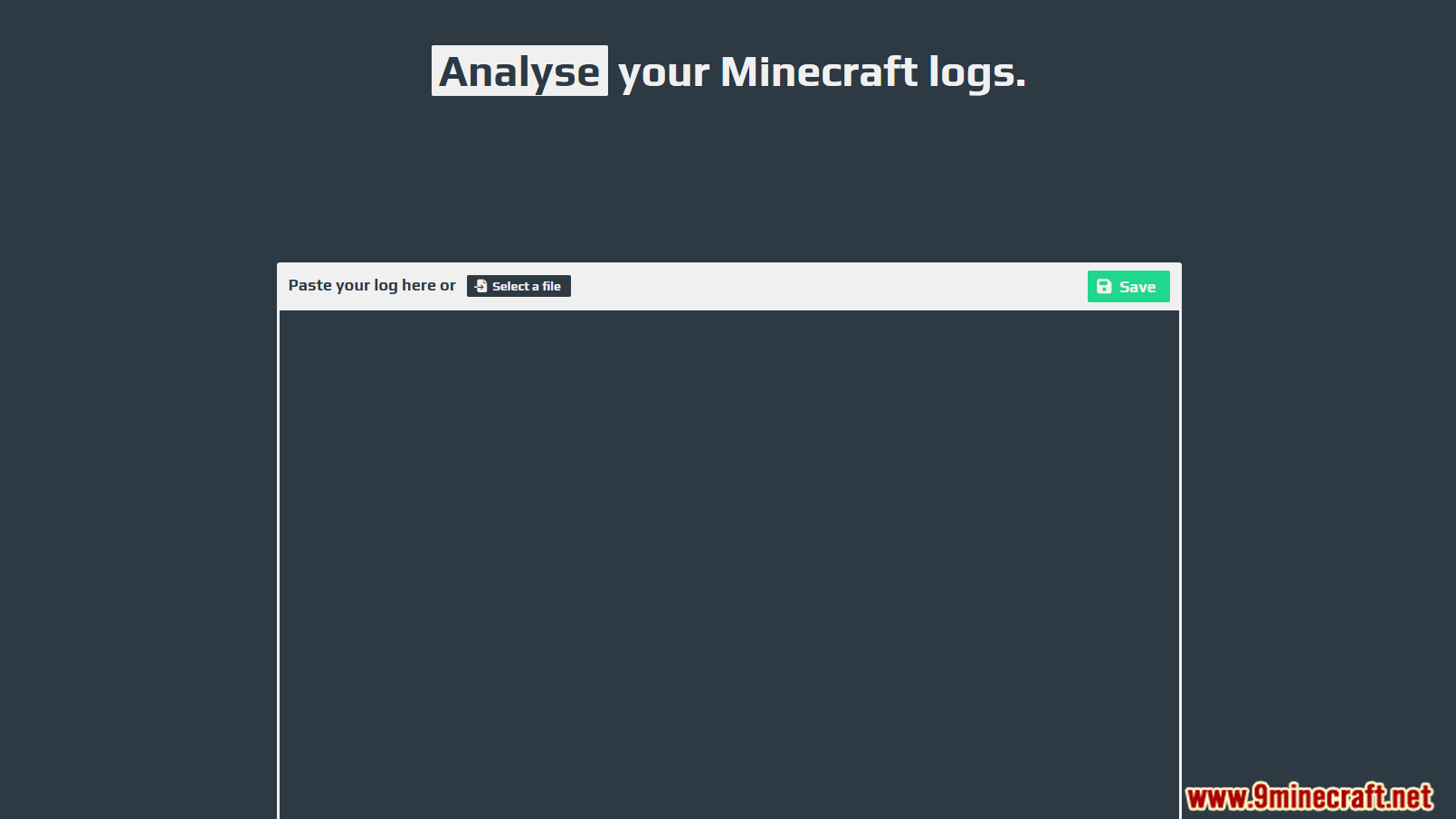
Screenshost:



Commands:
- /mclogs – Share the current server log
- /mclogs list – List server logs, crash- and network protocol error reports
- /mclogs share – Share a specific log, crash- or network protocol error report
Permissons:
- /mclogs
- /mclogs.list
- /mclogs.share
How to install:
- Please visit the following link for full instructions: How To Download & Install Spigot Plugins
- Don’t miss out today’s latest Minecraft Plugins
Mclogs Plugin (1.21.7, 1.20.1) Download Links
For All Versions from Minecraft 1.13 to Minecraft 1.20.6
Spigot/Paper/Purpur Version: Download from Server 1 – Download from Server 2
For Minecraft 1.21.4, 1.21.3, 1.21.2, 1.21.1, 1.21
Spigot/Paper/Purpur Version: Download from Server 1 – Download from Server 2
For Minecraft 1.21.5
Spigot/Paper/Purpur Version: Download from Server 1 – Download from Server 2
For Minecraft 1.21.7, 1.21.6
Spigot/Paper/Purpur Version: Download from Server 1 – Download from Server 2