https://www.aadhu.com/wp-content/uploads/2025/08/zAuctionHouse-Plugin-1218-1201-A-Professional-Auction-System.png
zAuctionHouse Plugin (1.21.8, 1.20.1) enables players to buy and sell items through a customizable auction system. The plugin integrates with various economy platforms such as Vault, PlayerPoint, TokenManager, and CoinsEngine. With an in-game interface powered by zMenu, multi-server synchronization via Redis, and support for plugins like ItemsAdder and Oraxen, zAuctionHouseV3 delivers a smooth and flexible auction experience suitable for all server types, from survival to Skyblock.

Features:
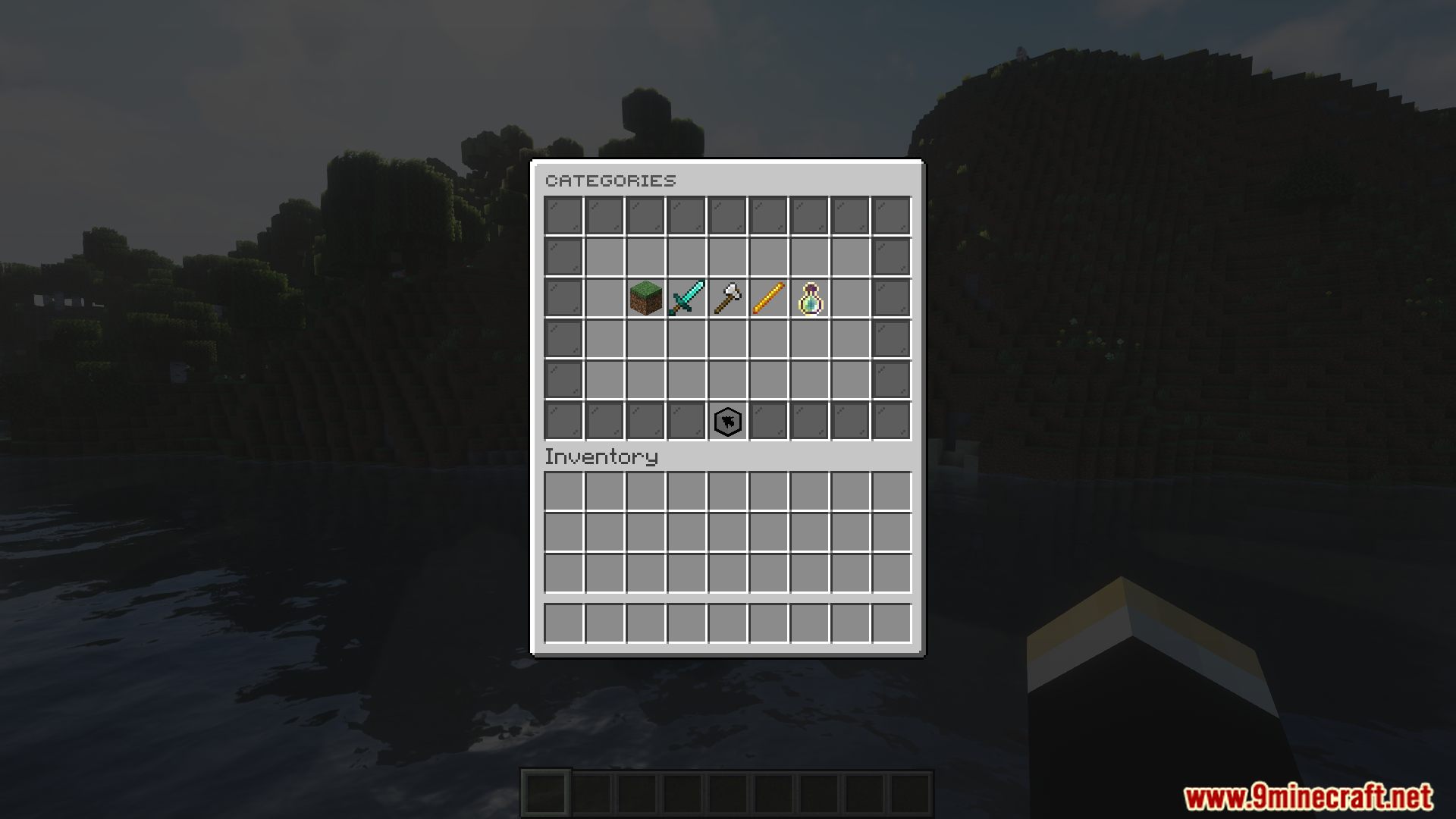
- Players can sell items using the command /ah sell [] or sell their entire inventory with /ah sellinventory. Categories, notifications, and the interface can be customized via zMenu or YAML configuration files.
- Utilizes Redis to synchronize auction data across servers, ensuring seamless transactions on BungeeCord networks. The storage system supports JSON, MySQL, PgSQL, and MariaDB, with the ability to convert data from other plugins.
- Supports multiple currencies (Vault, PlayerPoint, TokenManager, etc.) and integrates with ItemsAdder, Oraxen, HeadDatabase, and Citizen. An AntiDupe system automatically removes illegal items.
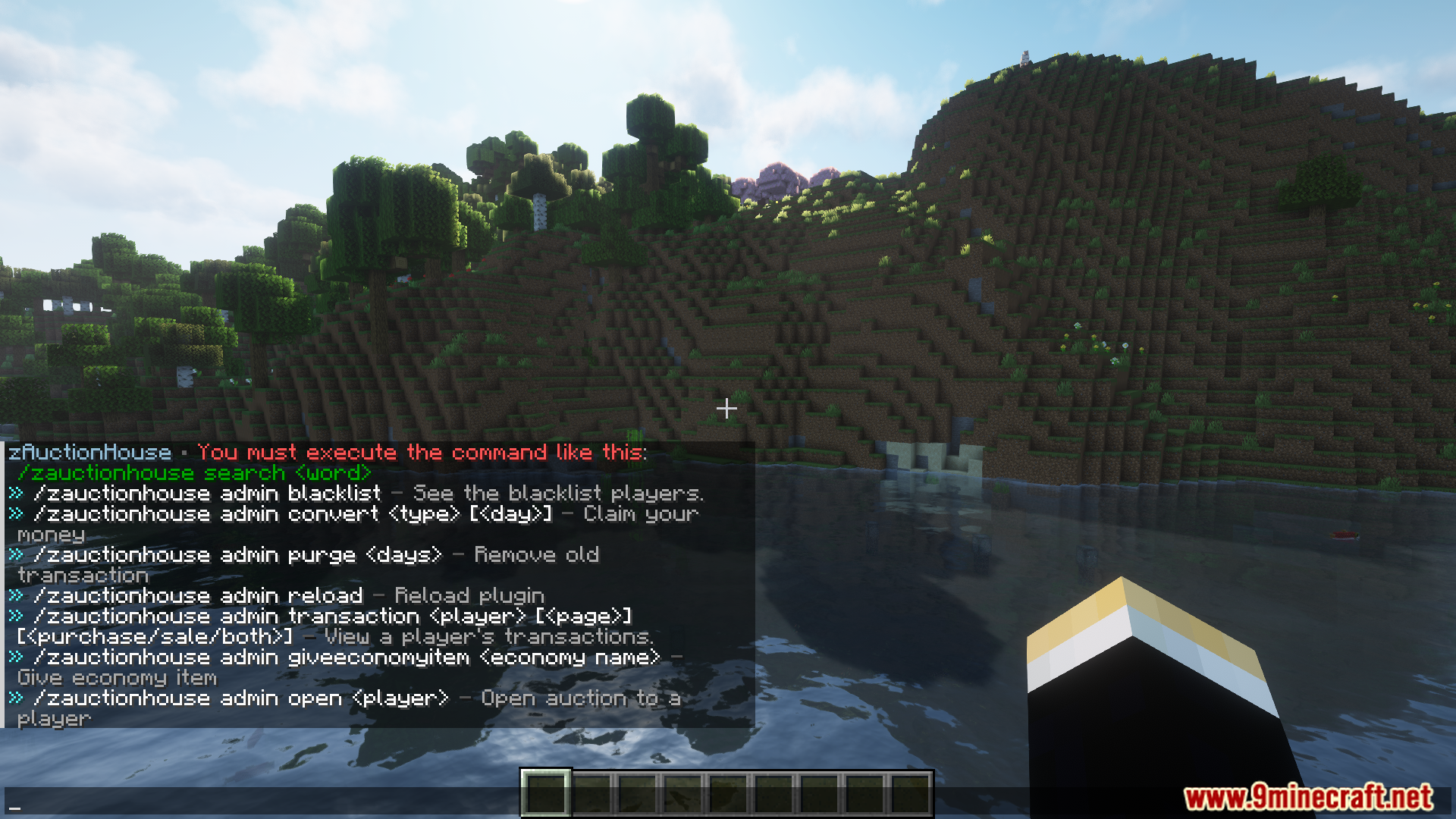
- Includes player blacklists, transaction history, limits on the number of items for sale, minimum/maximum price settings, and customizable taxes. Commands like /ah search allow detailed searches by item type, name, or seller.
- The plugin provides detailed logging, automatic JSON data backups, and Folia support for optimized performance. Recent updates have improved placeholders, fixed shulker box issues, and added options like item retrieval upon deletion.
Screenshost:




Commands:
- /zauctionhouse — Basic command (Aliases: /ah, /hdv, /zauction, /zah, /zhdv)
Permission: zauctionhouse.use - /ah sell [] — Sell an item (Aliases: /ah vendre, /ah s)
Permission: zauctionhouse.sell - /ah sellinventory — Sell inventory (Aliases: /ah vendreinventaire, /ah si, /ah vi)
Permission: zauctionhouse.sell.inventory - /ah reload — Reload the configuration files.
Permission: zauctionhouse.reload - /ah config — Configure the plugin in-game.
Permission: zauctionhouse.config - /ah version — View the plugin version.
Permission: no permission - /ah blacklist — View the list of blacklisted players. Permission
Permission: zauctionhouse.blacklist - /ah blacklist add — Add a player to the blacklist.
Permission: zauctionhouse.blacklist.add - /ah blacklist remove — Remove a player from the blacklist.
Permission: zauctionhouse.blacklist.remove - /ah history [] [] — View the purchase and/or sale history.
Permission: zauctionhouse.history - /ah transaction [] [] — View the purchase or sale history of a player.
Permission: zauctionhouse.transaction - /ah claim — Allows you to claim your pending money.
Permission: zauctionhouse.claim - /ah search — Allows you to search for any items, see the Filter page for more information on the filtering system.
Permission: zauctionhouse.search - /ah purge — Deletes old transactions.
Permission: zauctionhouse.purge
Additional Commands
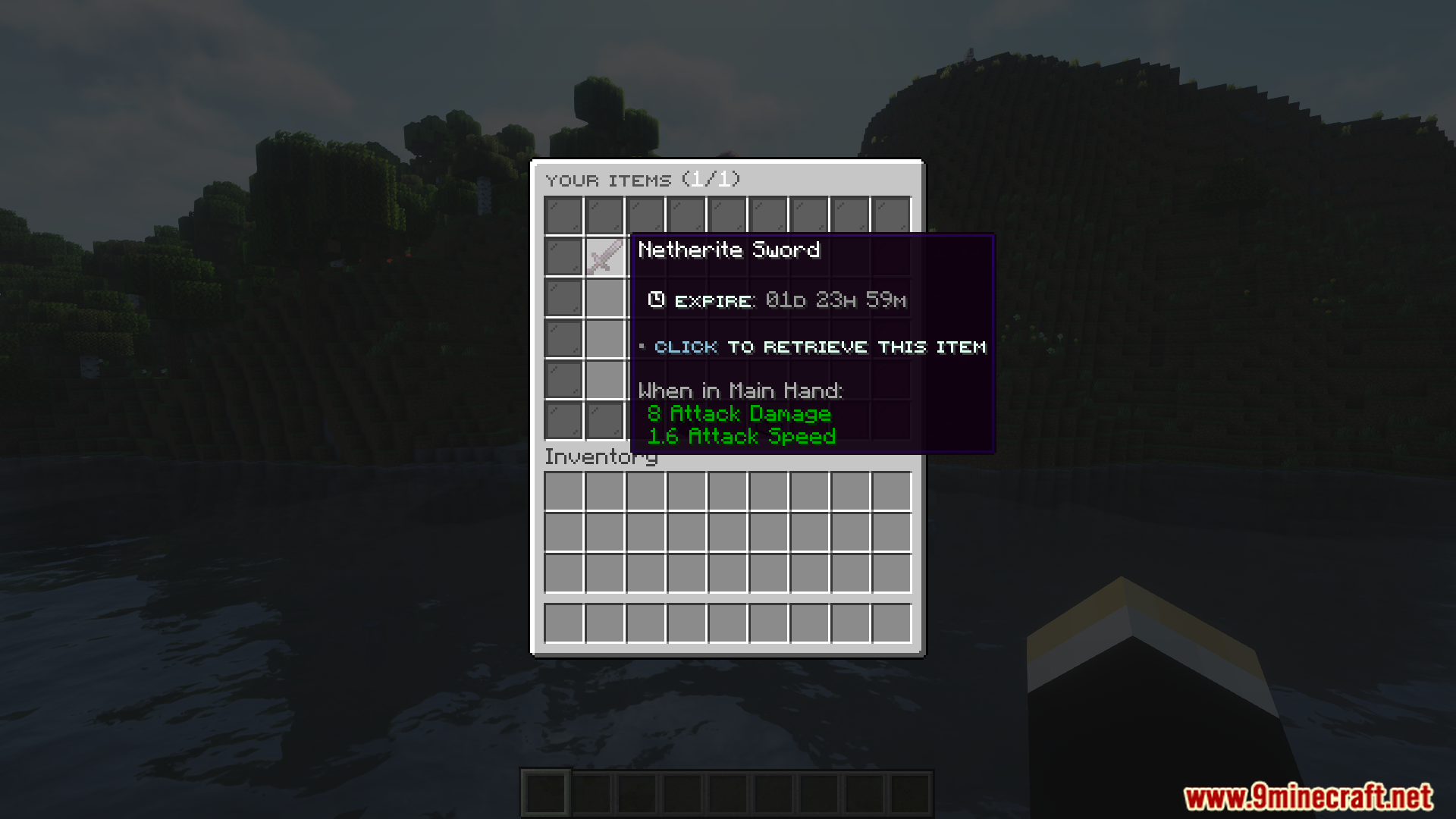
You can add 4 additional commands. The permission for these four commands is the same as for the /ah command. - /ah expire — Allows you to access the list of expired items.
- /ah buying — Allows you to access the list of purchased items.
- /ah categories — Allows you to access the list of categories.
- /ah items — Allows you to access your items for sale.
Requireds:
zMenu Plugin
How to install:
- Please visit the following link for full instructions: How To Download & Install Spigot Plugins
- Don’t miss out today’s latest Minecraft Plugins
zAuctionHouse Plugin (1.21.8, 1.20.1) Download Links
For All Versions from Minecraft 1.8 to Minecraft 1.21.8, 1.21.7
Spigot/Paper Version: Download from Server 1 – Download from Server 2