Description
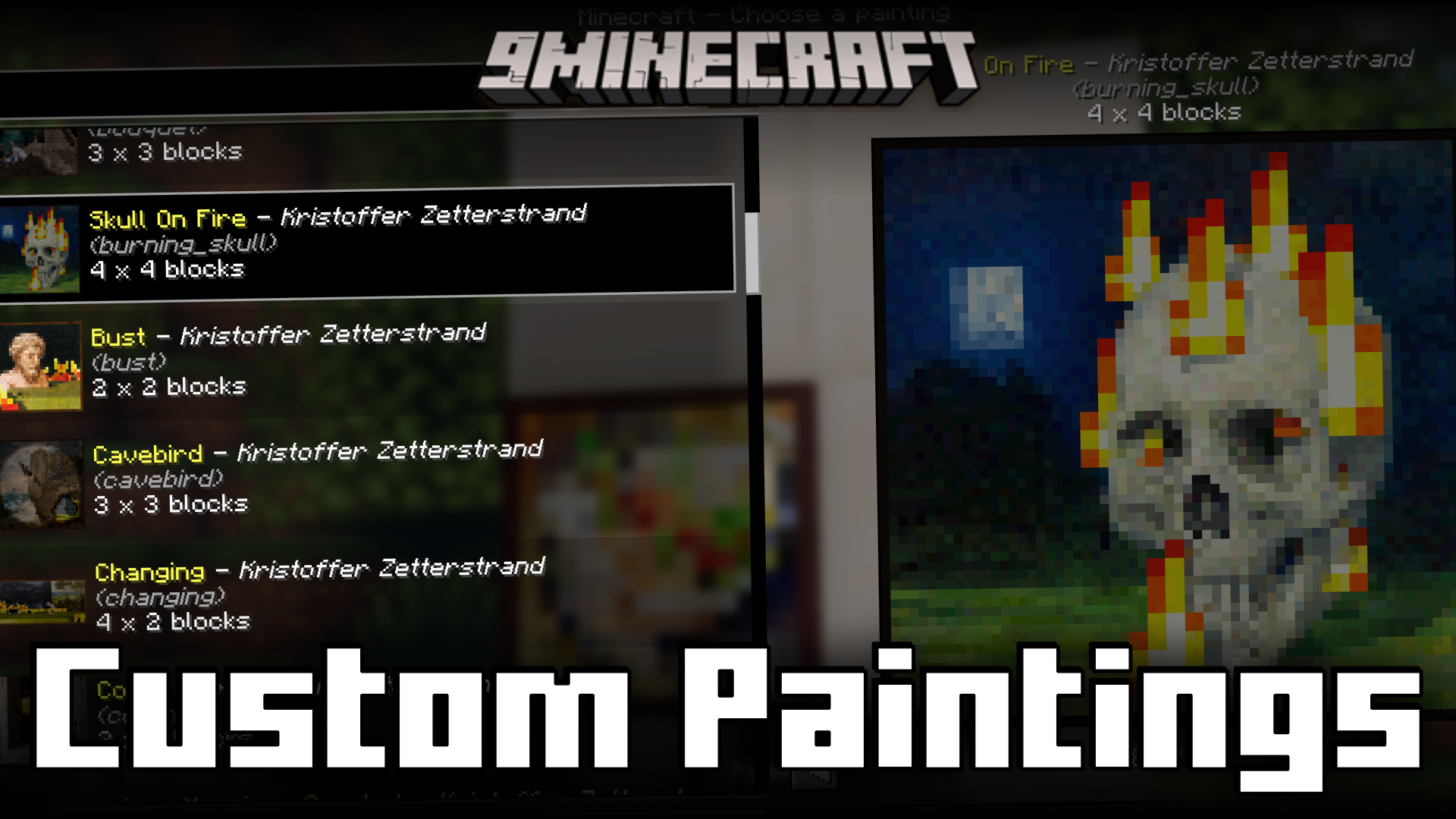
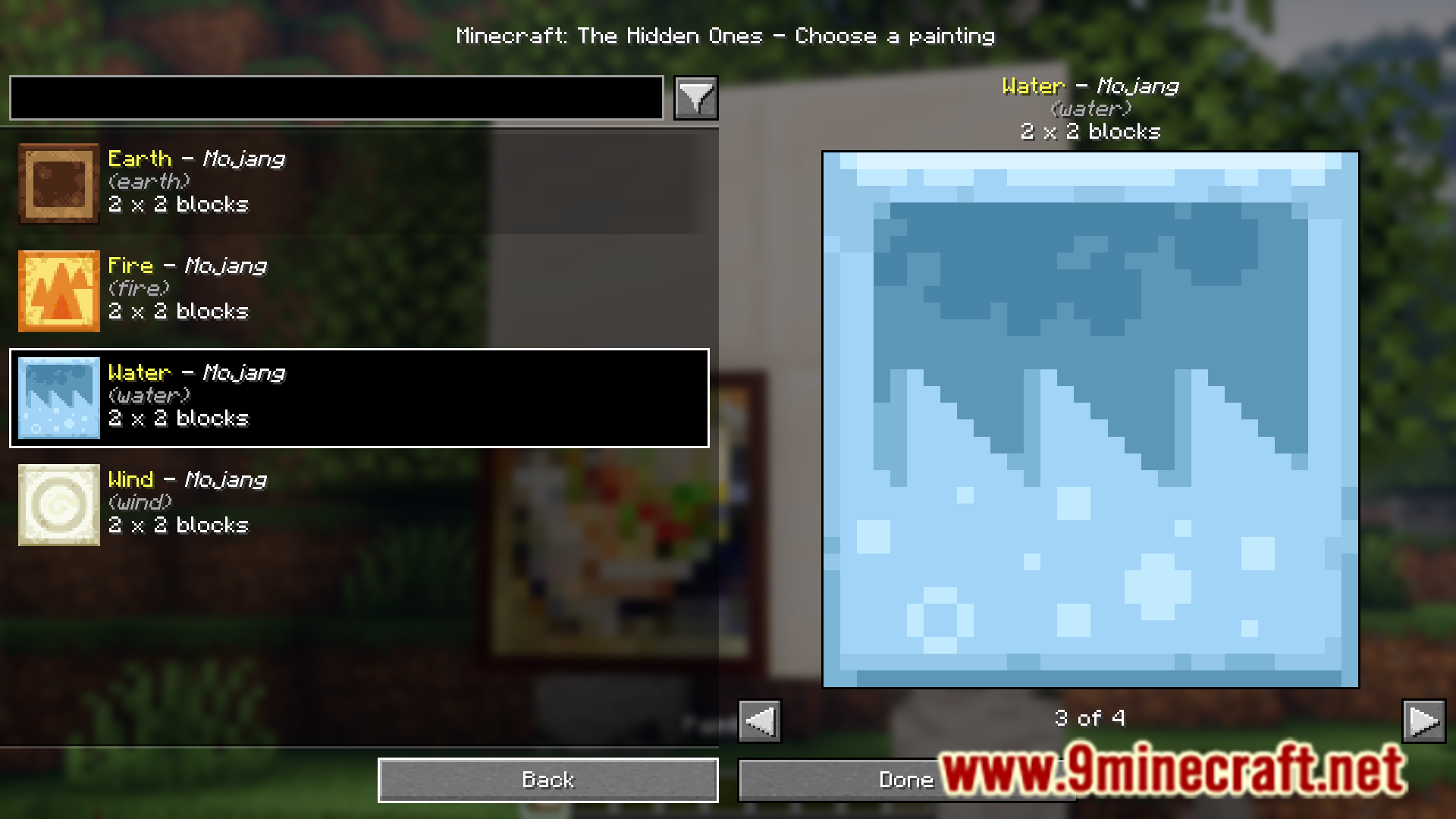
Paintings in Minecraft are placed at random. You can craft a painting and then place it down, only to find out that it is not the one you require. You then have to break the painting and place them again until your required painting is obtained. Custom Paintings Mod (1.21.10, 1.20.1) is here to make things a lot easier. With this mod installed, placing down a painting will open a custom GUI that allows you to select your required painting and place them. This makes working with painting a lot faster and more convenient.



Features
- Makes working with paintings a lot more convenient.
- Adds a custom GUI that opens up when you place down a painting.
- The GUI allows you to select the painting of your choice.
Requirements
Fabric API or Quilt Loader
Installation
Click the following link to view details: How to Install Mods for Minecraft Java Edition on PC: A Beginner Guide
📥 Custom Paintings Mod (1.21.10, 1.20.1) Download Links
📦 For Minecraft 1.19.2
🔗 Fabric/🔗 Quilt version: 🔗 Download from Server 1 – 🔗 Download from Server 2
📦 For Minecraft 1.19.4
🔗 Fabric/🔗 Quilt version: 🔗 Download from Server 1 – 🔗 Download from Server 2
📦 For Minecraft 1.20.1, 1.20
🔗 Fabric/🔗 Quilt version: 🔗 Download from Server 1 – 🔗 Download from Server 2
📦 For Minecraft 1.20.6
Fabric/Quilt version🔗 Download from Server 1 – 🔗 Download from Server 2
📦 For Minecraft 1.21.1, 1.21
Fabric/Quilt version🔗 Download from Server 1 – 🔗 Download from Server 2
📦 For Minecraft 1.21.4
Fabric/Quilt version🔗 Download from Server 1 – 🔗 Download from Server 2
📦 For Minecraft 1.21.7, 1.21.6
Fabric/Quilt version🔗 Download from Server 1 – 🔗 Download from Server 2
📦 For Minecraft 1.21.8
Fabric/Quilt version🔗 Download from Server 1 – 🔗 Download from Server 2
📦 For Minecraft 1.21.10, 1.21.9
Fabric/Quilt version🔗 Download from Server 1 – 🔗 Download from Server 2
Alternate sources: CurseForge search · MCPEDL search