

Description
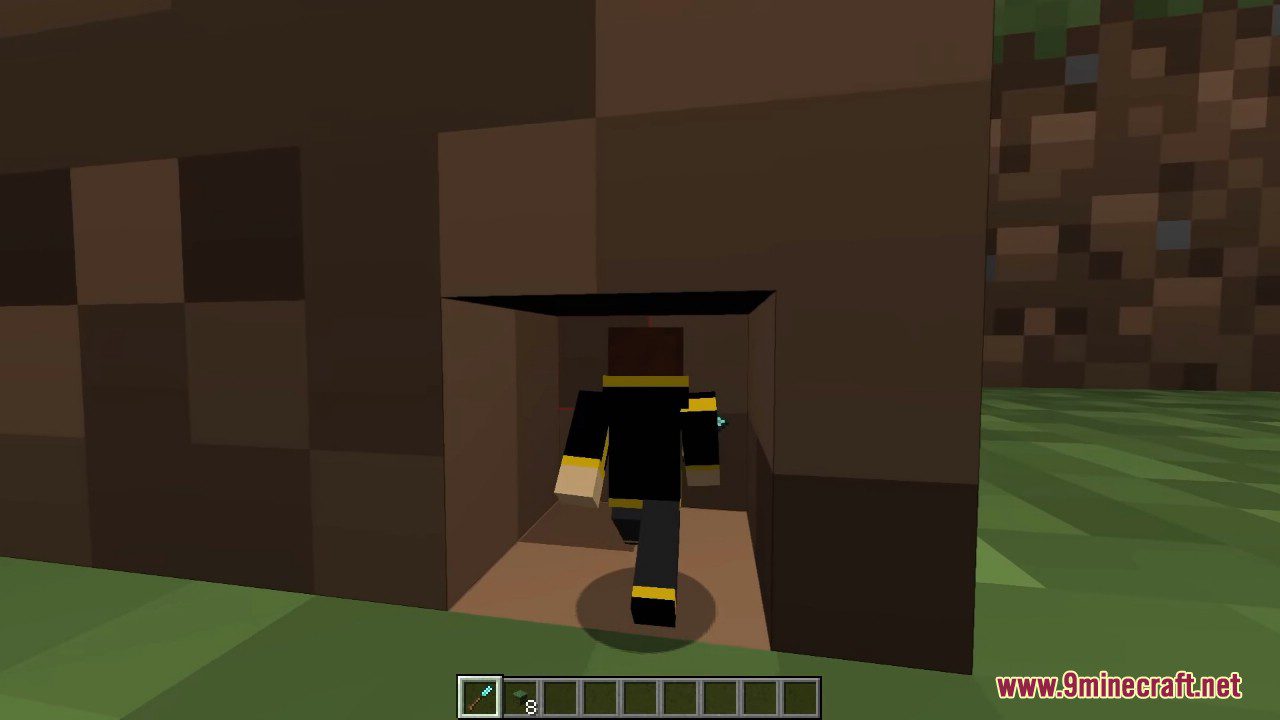
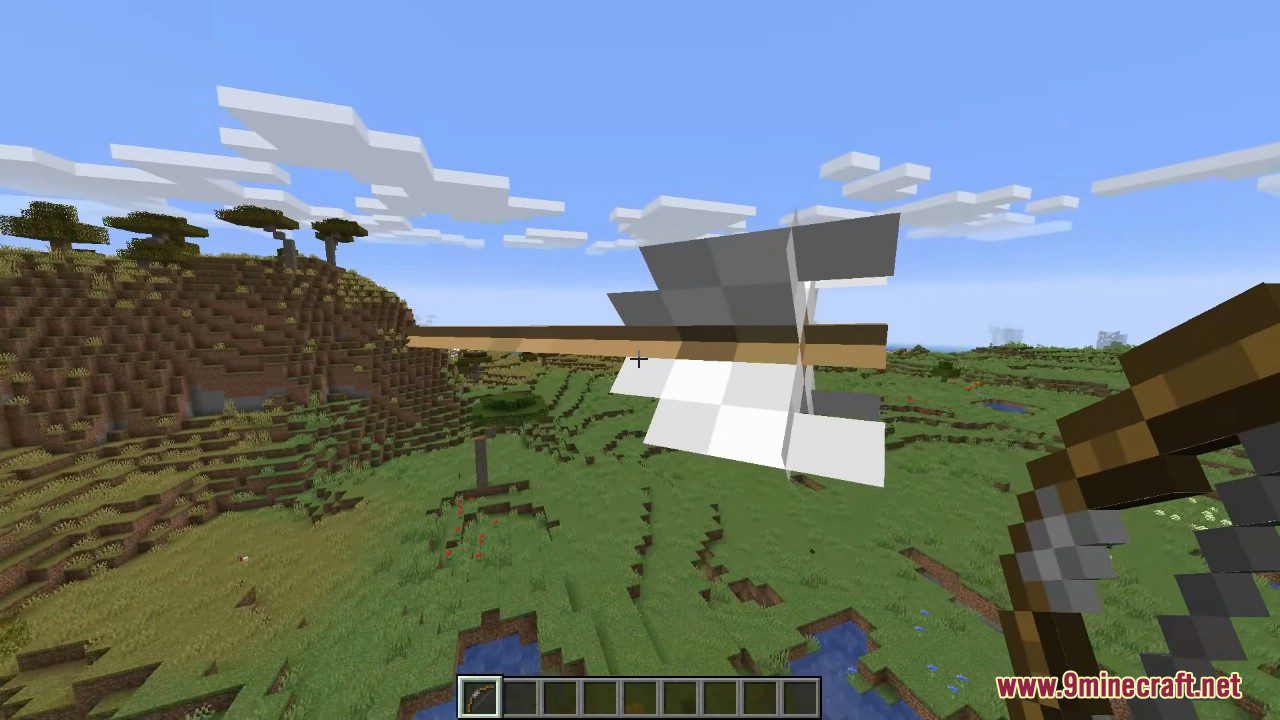
Pehkui Mod (1.21.11, 1.20.1) allows mod developers to modify the size of entities.This mod allows for most entities to have their size changed, either enlarging or shrinking them.
It also provides an API that other mods can make use of to manipulate the size of entities and the time it takes for their size to change. Removing this mod will revert entities back to their normal size. Adding it back in will not restore their size.


Features
- Change the size of entities through modifying scale data.
- Affect other properties of an entity that are considered as dependant on the size (e.g. movement speed, explosion size, reach distance).
- Have the scalable properties of an entity be affected by other scale data types or by external data through scale modifiers.
If you have no mods that add ways to rescale entities, you can modify and view the scale and scaling delay of an entity in-game using the /scale command:
- /scale set [entity]
- /scale set [entity]
- /scale <add|subtract|multiply|divide> [entity]
- /scale <add|subtract|multiply|divide> [entity]
- /scale get [entity]
- /scale get [entity]
- /scale compute [entity]
- /scale delay set [entity]
- /scale delay set [entity]
- /scale delay get [entity]
- /scale delay get [entity]
- /scale reset [entity]
- /scale reset [entity]
- /scale nbt get [entity]
If you want your player’s scale to persist after you respawn, there’s a /scale subcommand for that as well:
- /scale persist set <true|false> [entity]
- /scale persist set <true|false> [entity]
- /scale persist get [entity]
- /scale persist reset [entity]
- /scale persist reset [entity]
Requirements
Minecraft Forge or Fabric API or Quilt Loader or NeoForge Installer
Installation
Click the following link to view details: How to Install Mods for Minecraft Java Edition on PC: A Beginner Guide
How To Download & Install Mods with Quilt Loader
📥 Download Links
- 🔗 How To Download & Install Mods with Quilt Loader
- 🔗 Download from Server 1
- 🔗 Download from Server 1
- 🔗 Download from Server 1
- 🔗 Download from Server 1
- 🔗 Download from Server 1
- 🔗 Download from Server 1
- 🔗 Download from Server 1
- 🔗 Download from Server 1
- 🔗 Download from Server 2
- 🔗 Download from Server 1
- 🔗 Download from Server 2
- 🔗 Download from Server 1
- 🔗 Download from Server 2
- 🔗 Download from Server 1
- 🔗 Download from Server 2
- 🔗 Download from Server 1
- 🔗 Download from Server 2
- 🔗 Download from Server 1
- 🔗 Download from Server 2
- 🔗 Download from Server 1
- 🔗 Download from Server 2
- 🔗 Download from Server 1
- 🔗 Download from Server 2
- 🔗 Download from Server 1
- 🔗 Download from Server 2
- 🔗 Download from Server 1
- 🔗 Download from Server 2
- 🔗 Download from Server 1
- 🔗 Download from Server 2
- 🔗 Download from Server 1
- 🔗 Download from Server 2
- 🔗 Download from Server 1
- 🔗 Download from Server 2
- 🔗 Download from Server 1
- 🔗 Download from Server 2
- 🔗 Download from Server 1
- 🔗 Download from Server 2
- 🔗 Download from Server 1
- 🔗 Download from Server 2
- 🔗 Download from Server 1
- 🔗 Download from Server 2
- 🔗 Download from Server 1
- 🔗 Download from Server 2
- 🔗 Download from Server 1
- 🔗 Download from Server 2
- 🔗 Download from Server 1
- 🔗 Download from Server 2


