Description
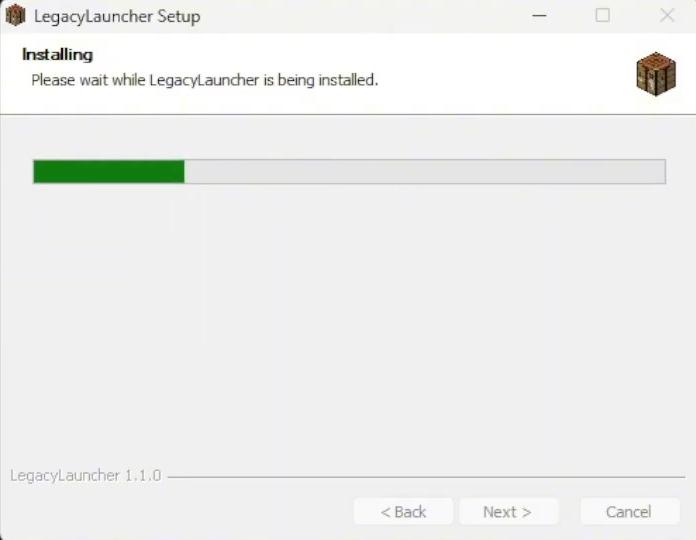
Legacy Console Edition Launcher gives you a custom way to play the classic console versions of Minecraft on your computer. It brings an authentic pixelated menu that looks just like the old game. You can save your username, track how long you play, and download the latest game files straight from the menu. This launcher works on both Windows and Linux computers.



Features
- Classic Menu: Brings back the pixelated interface with the old font and style you remember from consoles.
- Auto Updates: Grabs the newest game files directly from the source repository so you never miss a fix.
- Player Profiles: Saves your in-game name and keeps track of your total playtime.
- Works on both Windows and Linux operating systems.
- Lets you change launch settings like the server IP address and port number for multiplayer games.
- Includes a server mode so you can run the game without the visual graphics.
- Gives Linux players choices to run the game using Wine or Steam’s Proton tools.
- Shows what you are playing on Discord so your friends can see your activity.
📥 Legacy Console Edition Launcher Download Links
🔗 Download from Server 1 — 🔗 Download from Server 2🔗 Download from Server 1 — 🔗 Download from Server 2🔗 Download from Server 1 — 🔗 Download from Server 2🔗 Download from Server 1 — 🔗 Download from Server 2
No files match the selected filters.