Description
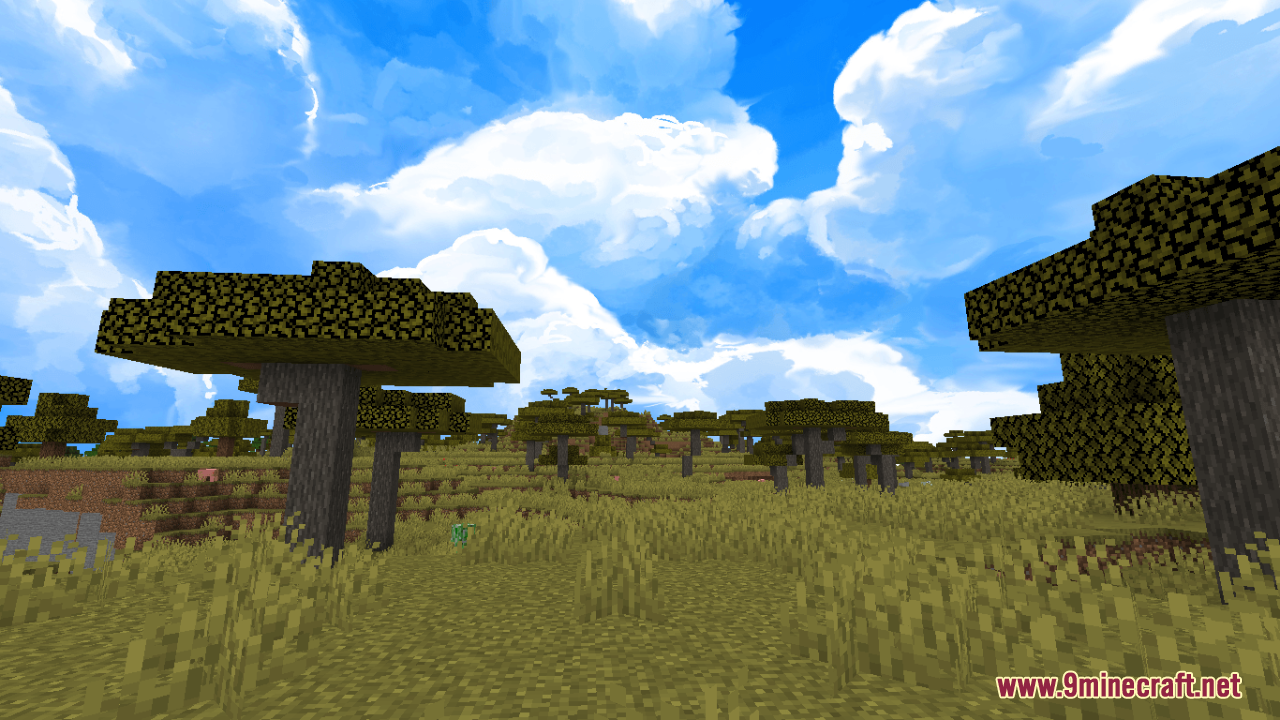
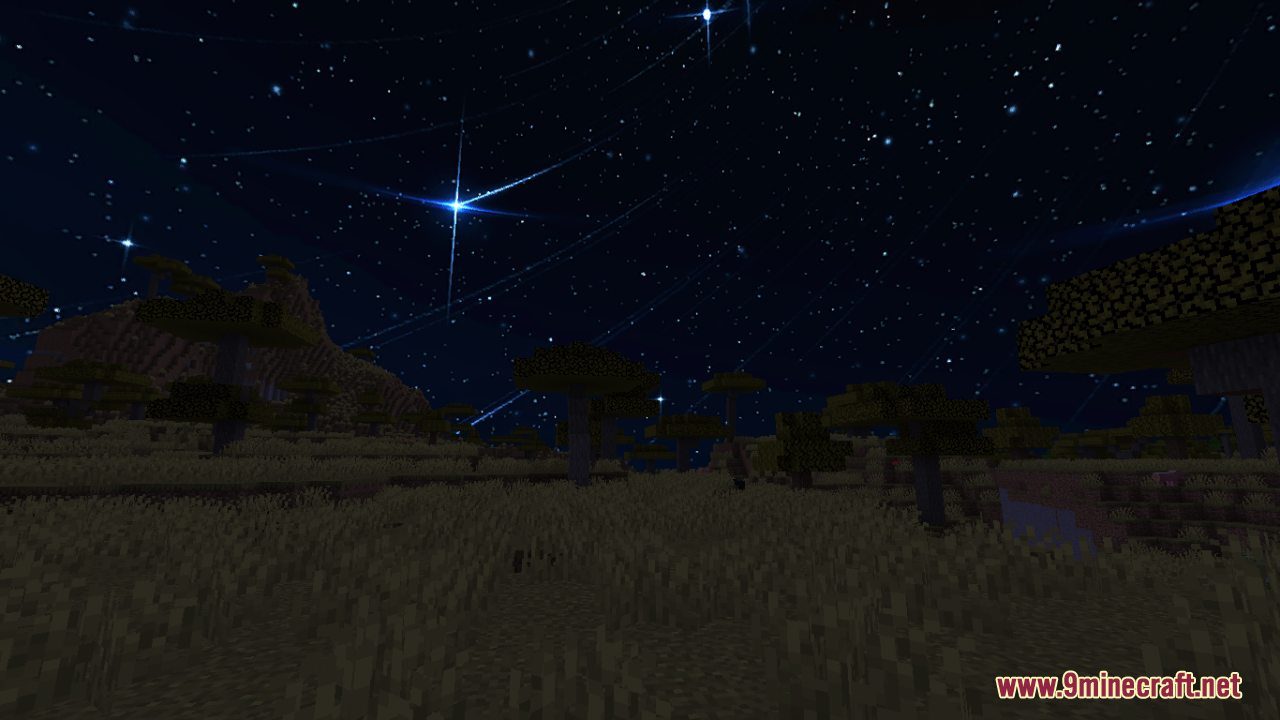
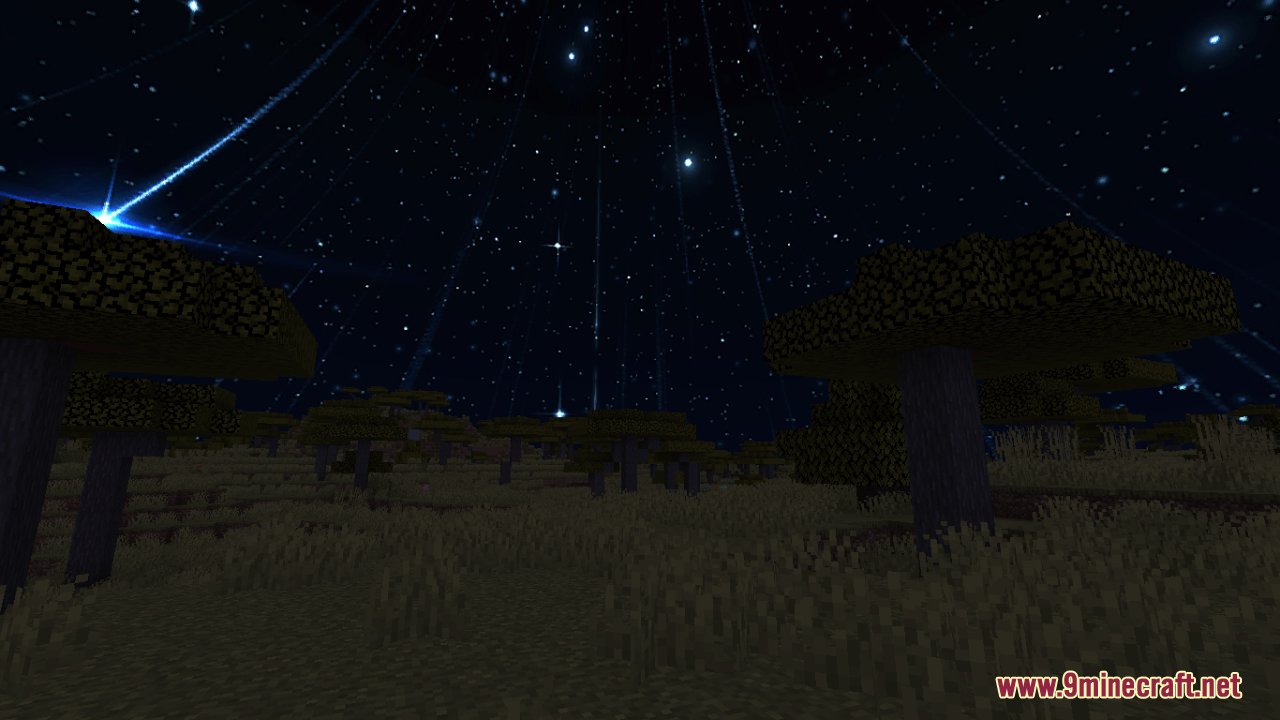
Sky Anime Resource Pack replaces the normal Minecraft sky with a beautiful painted background. This pack acts as a simple overlay for your game. You look up and see detailed clouds and colors that look straight out of an anime movie. It changes nothing about the blocks or mobs on the ground, so you keep the normal game look everywhere else.







Features
- Changes the plain default sky into a colorful anime-style painted background.
- Works as an overlay so you keep all your normal block and item textures.
- Sits perfectly on top of other resource packs in your game menu.
- Requires Optifine to load the custom graphics properly.
- Players must turn on Custom Sky, Stars, Sun, and Moon in their video settings for it to work.
Installation
New to Minecraft? Follow our step-by-step guide to install Resource Packs on your PC.View Guide
📥 Sky Anime Resource Pack Download Links
📦
For Minecraft
1.21.x
All Versions Covered
1.21.8
1.21.7
1.21.6
1.21.4
1.21.3
1.21.1
1.21
1.20.6
1.20.4
1.20.2
All Versions Covered
1.21.8
1.21.7
1.21.6
1.21.4
1.21.3
1.21.1
1.21
1.20.6
1.20.4
1.20.2
🔗 Download from Server 1 — 🔗 Download from Server 2
📦
For Minecraft
1.20.x
All Versions Covered
1.20.1
1.20
All Versions Covered
1.20.1
1.20
🔗 Download from Server 1 — 🔗 Download from Server 2
📦
For Minecraft
1.19.x
All Versions Covered
1.19.2
1.19.1
1.19
All Versions Covered
1.19.2
1.19.1
1.19
🔗 Download from Server 1 — 🔗 Download from Server 2
📦
For Minecraft
1.18.x
All Versions Covered
1.18.2
1.18.1
1.18
All Versions Covered
1.18.2
1.18.1
1.18
🔗 Download from Server 1 — 🔗 Download from Server 2
📦
For Minecraft
1.16.x
All Versions Covered
1.16.5
1.15.2
All Versions Covered
1.16.5
1.15.2
🔗 Download from Server 1 — 🔗 Download from Server 2
📦
For Minecraft
1.12.x
All Versions Covered
1.12.2
1.12.1
1.12
1.11.2
1.11
All Versions Covered
1.12.2
1.12.1
1.12
1.11.2
1.11
🔗 Download from Server 1 — 🔗 Download from Server 2
📦
For Minecraft
1.8.x
All Versions Covered
1.8.9
1.8.8
1.8
1.7.10
All Versions Covered
1.8.9
1.8.8
1.8
1.7.10
🔗 Download from Server 1 — 🔗 Download from Server 2