Description
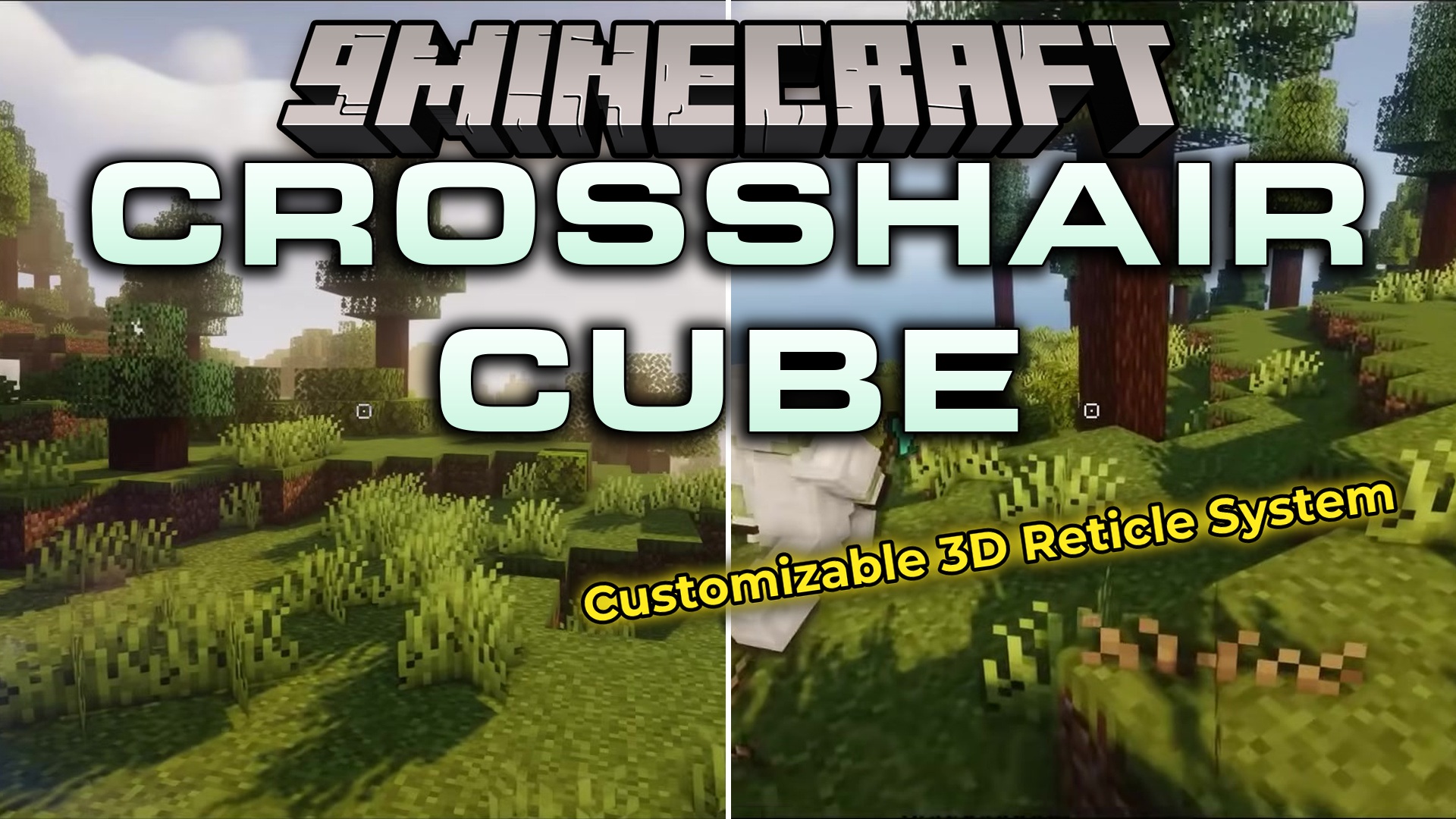
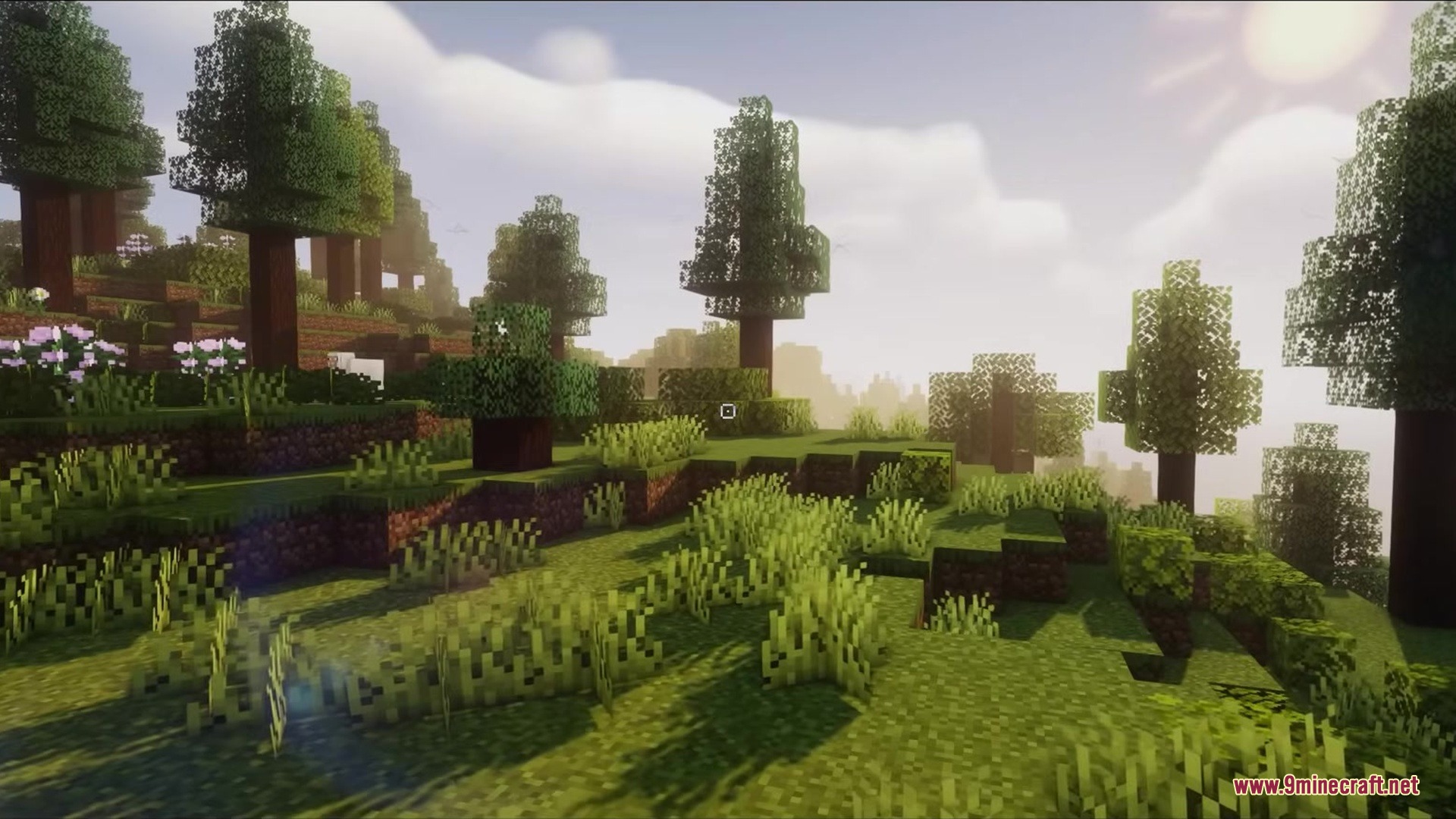
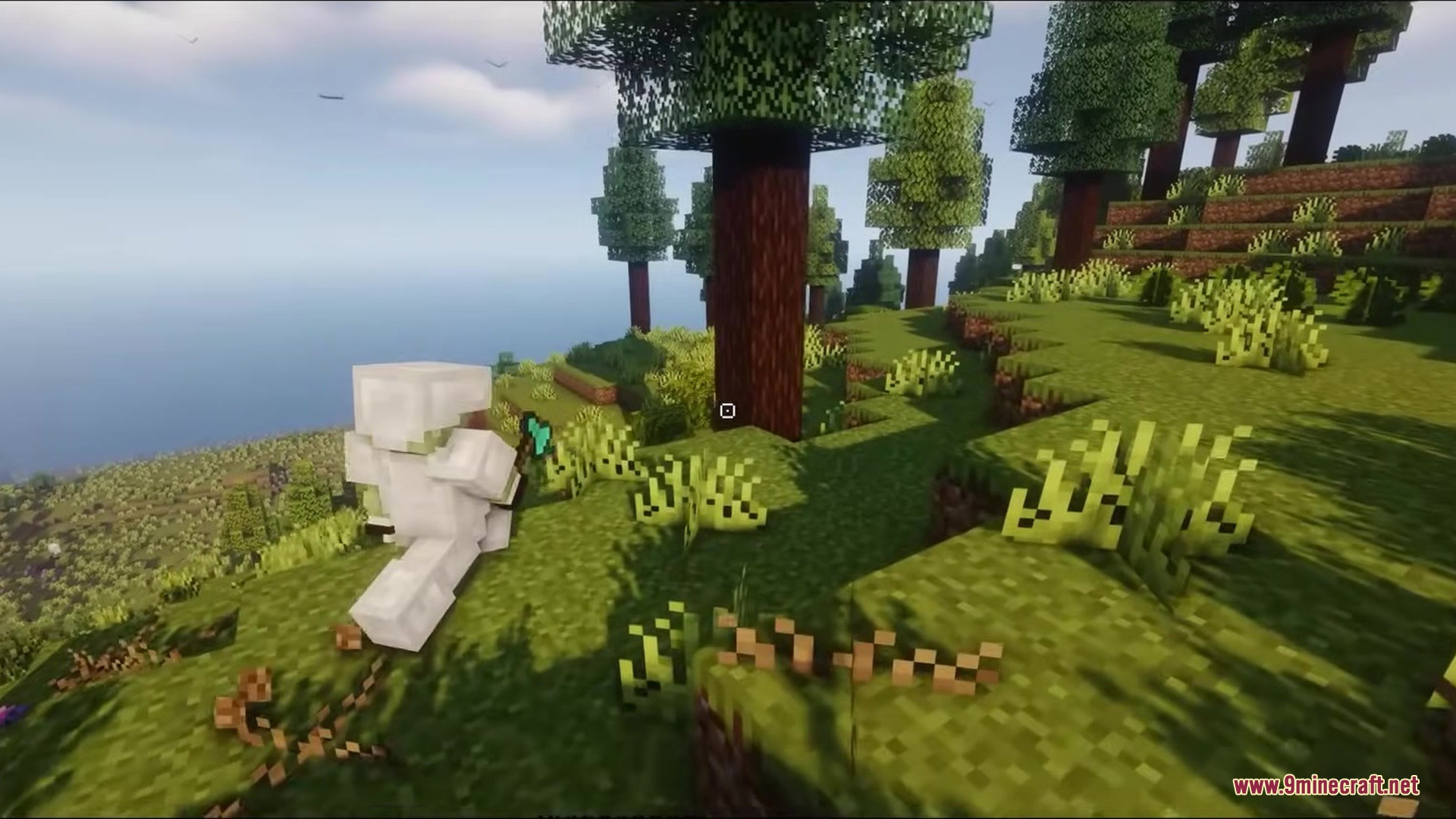
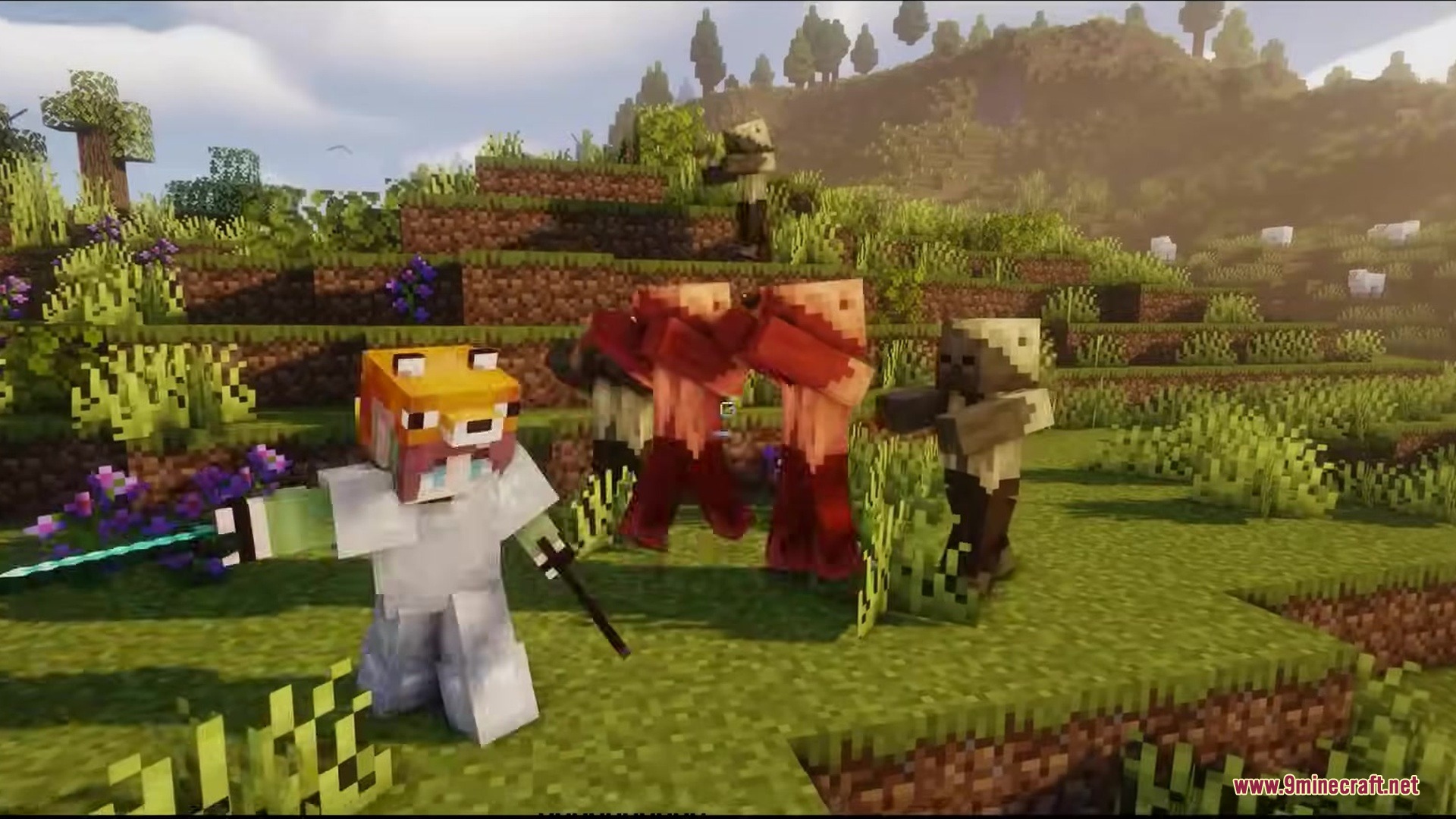
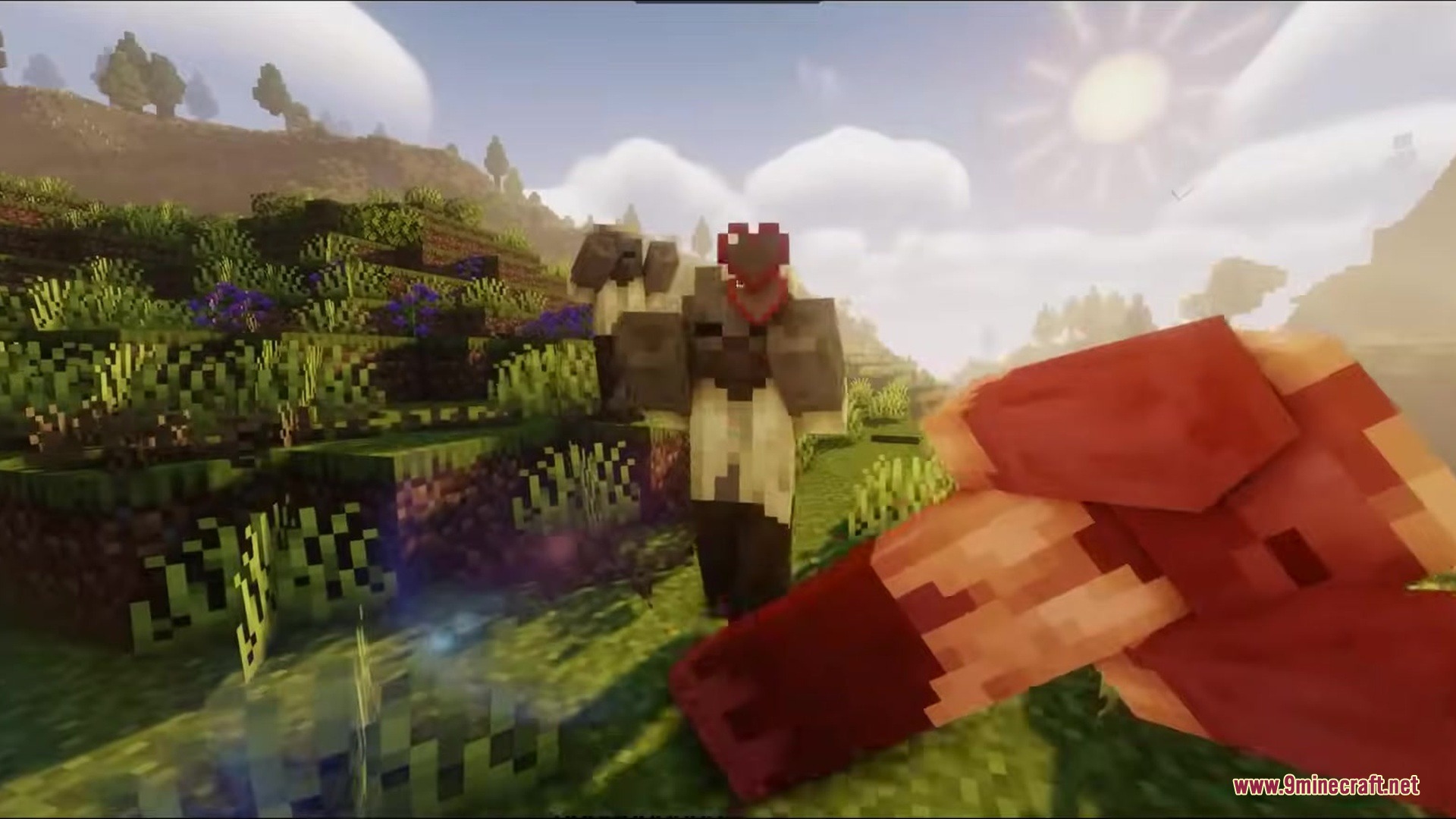
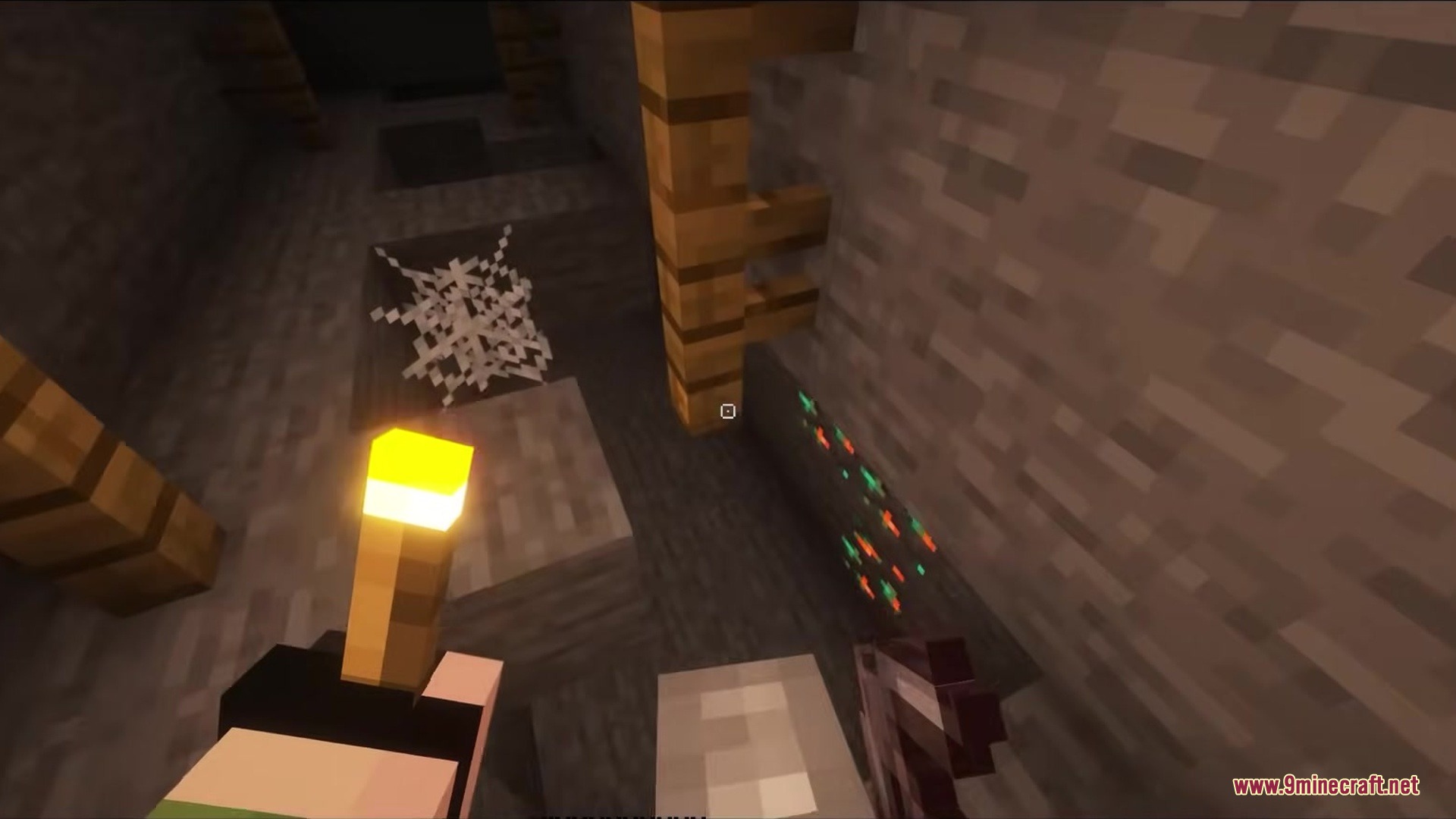
Crosshair CUBE Resource Pack replaces vanilla crosshairs with a clean, square shape. This pack changes the small plus sign in the middle of your screen into a blocky design. It gives your aiming tool a fresh look that fits the blocky world of Minecraft. The new shape sits right in the center of your view and helps you point at blocks or mobs.


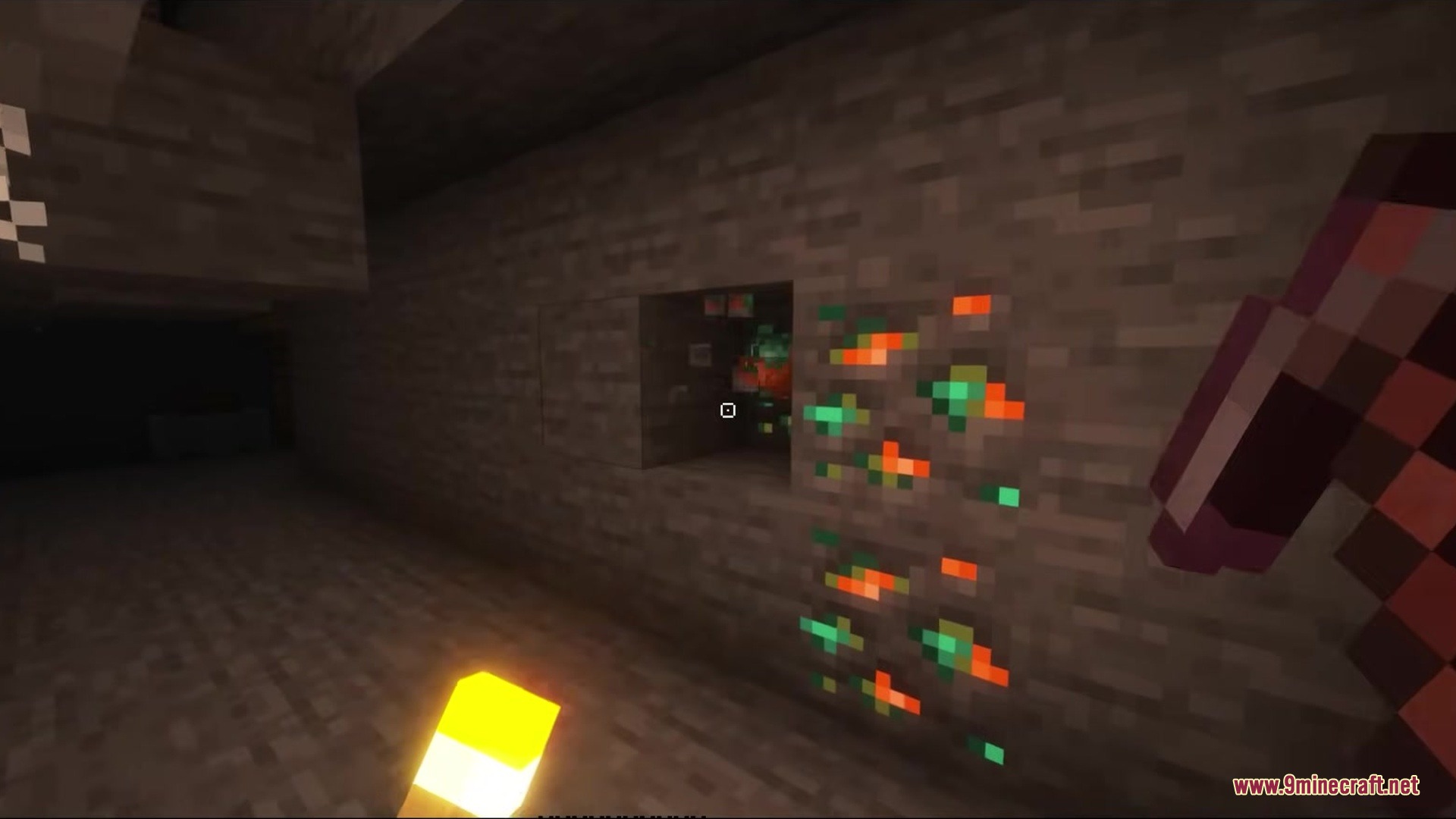
Features
- Square Shape: Replaces the old cross pattern with a new hollow box design.
- Keeps the center of your screen clear so you can see exactly what you point at.
- Matches the overall blocky art style of the game better than the old plus sign.
- Works right away without needing any extra game settings changed.
Installation
New to Minecraft? Follow our step-by-step guide to install Resource Packs on your PC.View Guide
📥 Crosshair CUBE Resource Pack Download Links
📦
For Minecraft
1.20.x
All Versions Covered
1.20.6
1.20.5
1.20.4
1.20.3
1.20.2
1.20.1
1.20
All Versions Covered
1.20.6
1.20.5
1.20.4
1.20.3
1.20.2
1.20.1
1.20
🔗 Download from Server 1 — 🔗 Download from Server 2
📦
For Minecraft
1.19.x
All Versions Covered
1.19.4
1.19.3
1.19.2
1.19.1
1.19
All Versions Covered
1.19.4
1.19.3
1.19.2
1.19.1
1.19
🔗 Download from Server 1 — 🔗 Download from Server 2
📦
For Minecraft
1.18.x
All Versions Covered
1.18.2
1.18.1
1.18
All Versions Covered
1.18.2
1.18.1
1.18
🔗 Download from Server 1 — 🔗 Download from Server 2
📦
For Minecraft
1.16.x
All Versions Covered
1.16.5
1.16.4
1.16.3
1.16.2
1.16.1
1.16
All Versions Covered
1.16.5
1.16.4
1.16.3
1.16.2
1.16.1
1.16
🔗 Download from Server 1 — 🔗 Download from Server 2
📦
For Minecraft
1.12.x
All Versions Covered
1.12.2
1.12.1
1.12
1.11.2
1.11.1
1.11
All Versions Covered
1.12.2
1.12.1
1.12
1.11.2
1.11.1
1.11
🔗 Download from Server 1 — 🔗 Download from Server 2