Description
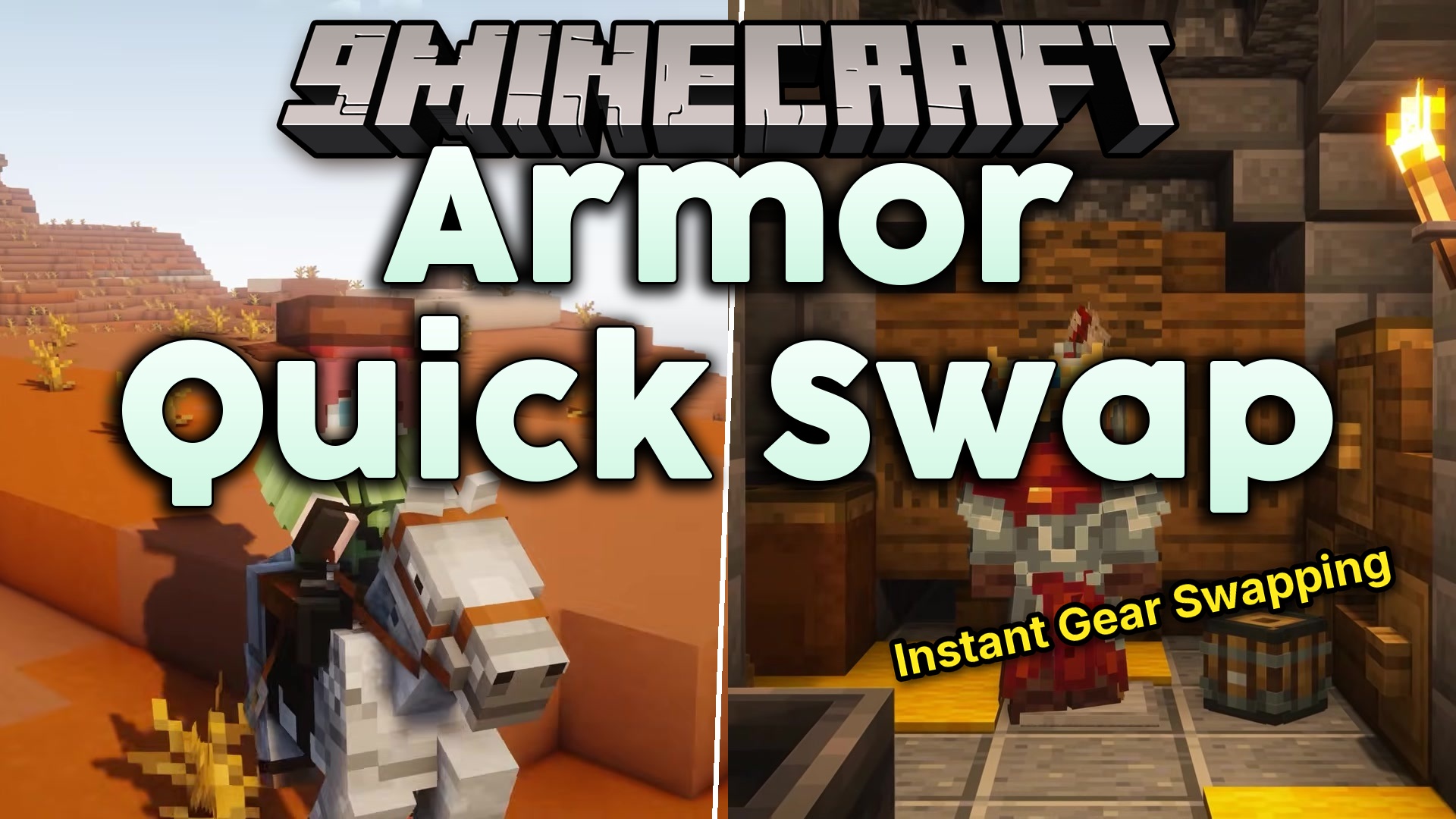
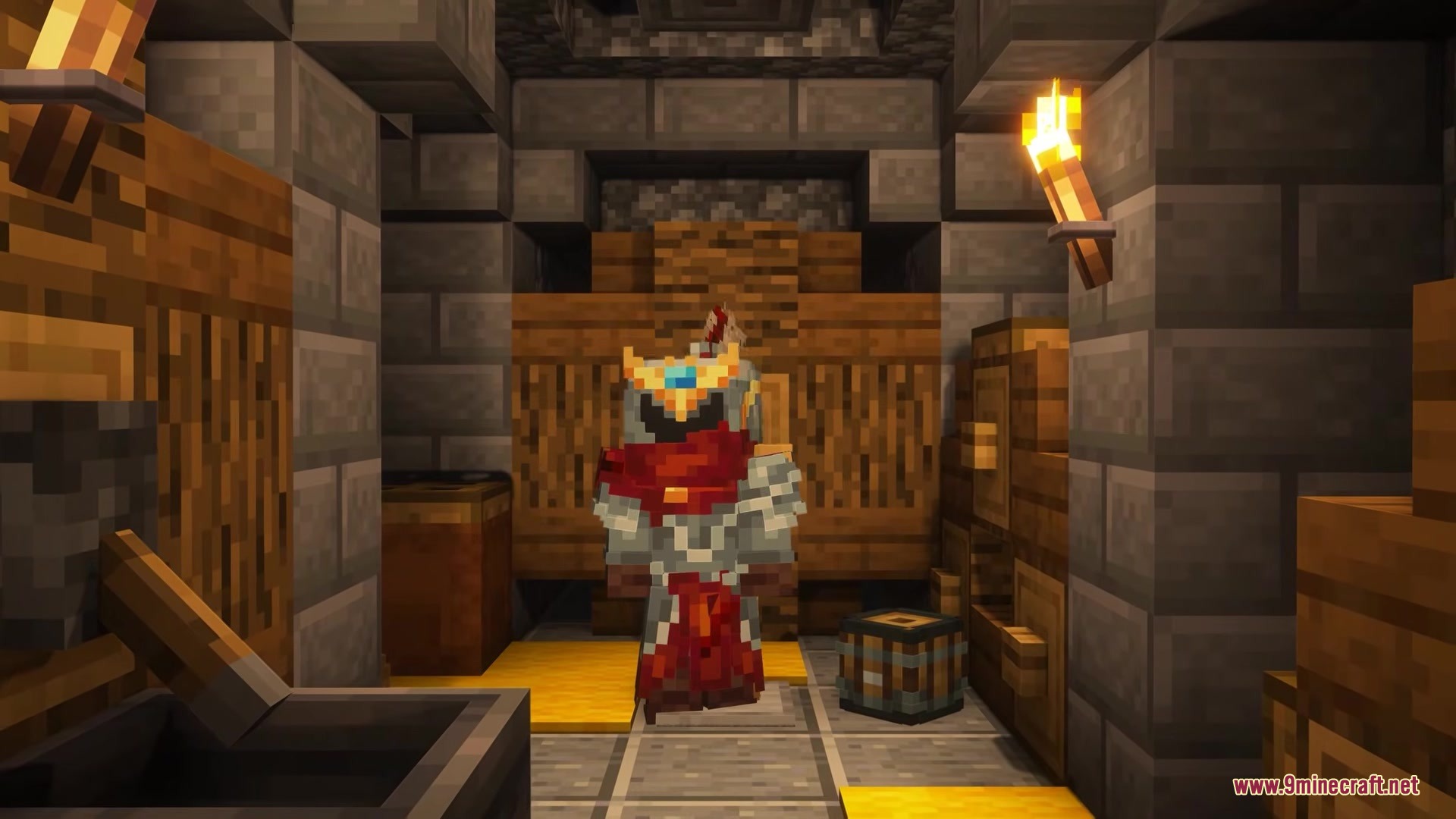
Armor Quick Swap Mod lets you change your gear in a flash. Instead of dragging items around, you just right-click an armor piece in your inventory to equip it. It instantly trades places with whatever you are currently wearing. You can even change your whole outfit at once by sneaking and right-clicking an armor stand. This saves you time when you need to switch from mining clothes to battle armor.



 Fabric-Loader-500×282-2.jpg” alt=”” class=”wp-image-160640″ title=””>Fabric-API-500×281-2.jpg” alt=”” class=”wp-image-160641″ title=””>
 Forge-500×313-4.jpg” alt=”” class=”wp-image-160643″ title=””>Forge-Config-Screens-Mod-500×281-1.jpg” alt=”” class=”wp-image-160644″ title=””>
Features
- Inventory Swapping: Right-click any armor piece in your bags to instantly put it on.
- Armor Stand Swapping: Sneak and right-click an armor stand to trade your worn clothes for the ones on the stand.
- Places your old gear exactly where the new gear used to be.
- Works on both single-player worlds and multiplayer servers.
Requirements
Fabric Loader RequiredFabric API RequiredNeoForge RequiredMinecraft Forge RequiredForge Config Screens Mod RequiredPuzzles Lib RequiredForge Config API Port Mod Required
Installation
New to Minecraft? Follow our step-by-step guide to install Mods on your PC.View Guide
📥 Armor Quick Swap Mod Download Links
📦
For Minecraft
26.2
🔗 Download from Server 1
— 🔗 Download from Server 2🔗 Download from Server 1
— 🔗 Download from Server 2
📦
For Minecraft
26.1.2,
26.1.1,
26.1
🔗 Download from Server 1
— 🔗 Download from Server 2🔗 Download from Server 1
— 🔗 Download from Server 2
📦
For Minecraft
1.21.11
🔗 Download from Server 1
— 🔗 Download from Server 2🔗 Download from Server 1
— 🔗 Download from Server 2
📦
For Minecraft
1.21.10,
1.21.9
🔗 Download from Server 1
— 🔗 Download from Server 2🔗 Download from Server 1
— 🔗 Download from Server 2
📦
For Minecraft
1.21.8,
1.21.7,
1.21.6
🔗 Download from Server 1
— 🔗 Download from Server 2🔗 Download from Server 1
— 🔗 Download from Server 2
📦
For Minecraft
1.21.5
🔗 Download from Server 1
— 🔗 Download from Server 2🔗 Download from Server 1
— 🔗 Download from Server 2
📦
For Minecraft
1.21.4
🔗 Download from Server 1
— 🔗 Download from Server 2🔗 Download from Server 1
— 🔗 Download from Server 2
📦
For Minecraft
1.21.1,
1.21
🔗 Download from Server 1
— 🔗 Download from Server 2🔗 Download from Server 1
— 🔗 Download from Server 2
📦
For Minecraft
1.20.1,
1.20
🔗 Download from Server 1
— 🔗 Download from Server 2🔗 Download from Server 1
— 🔗 Download from Server 2