Description
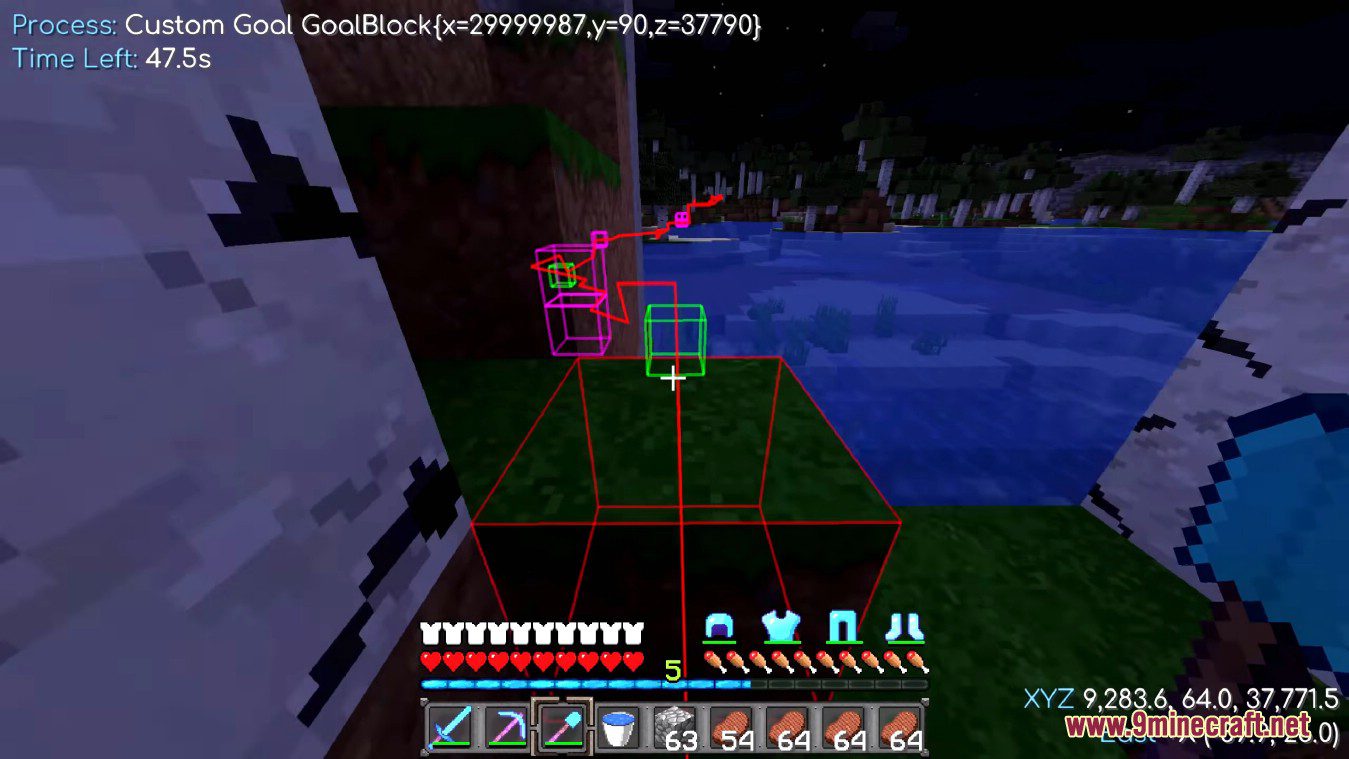
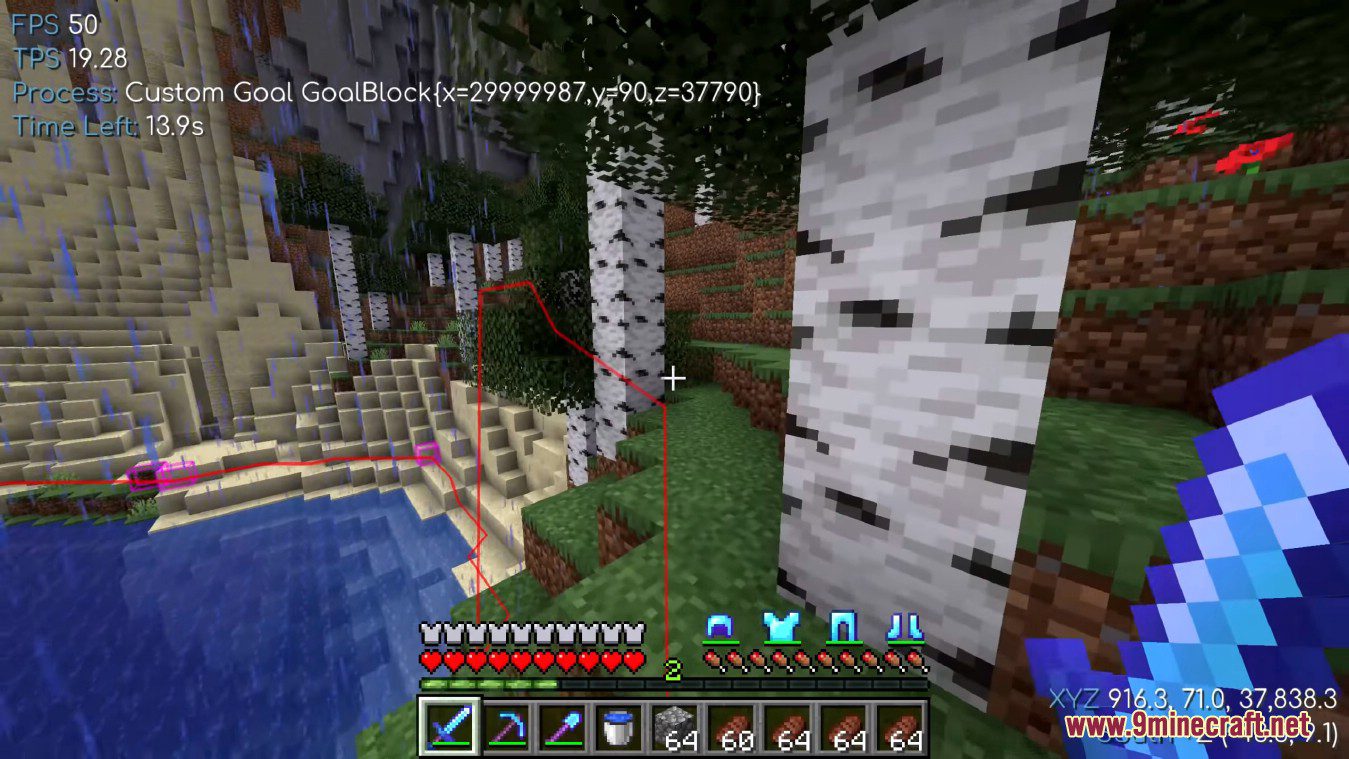
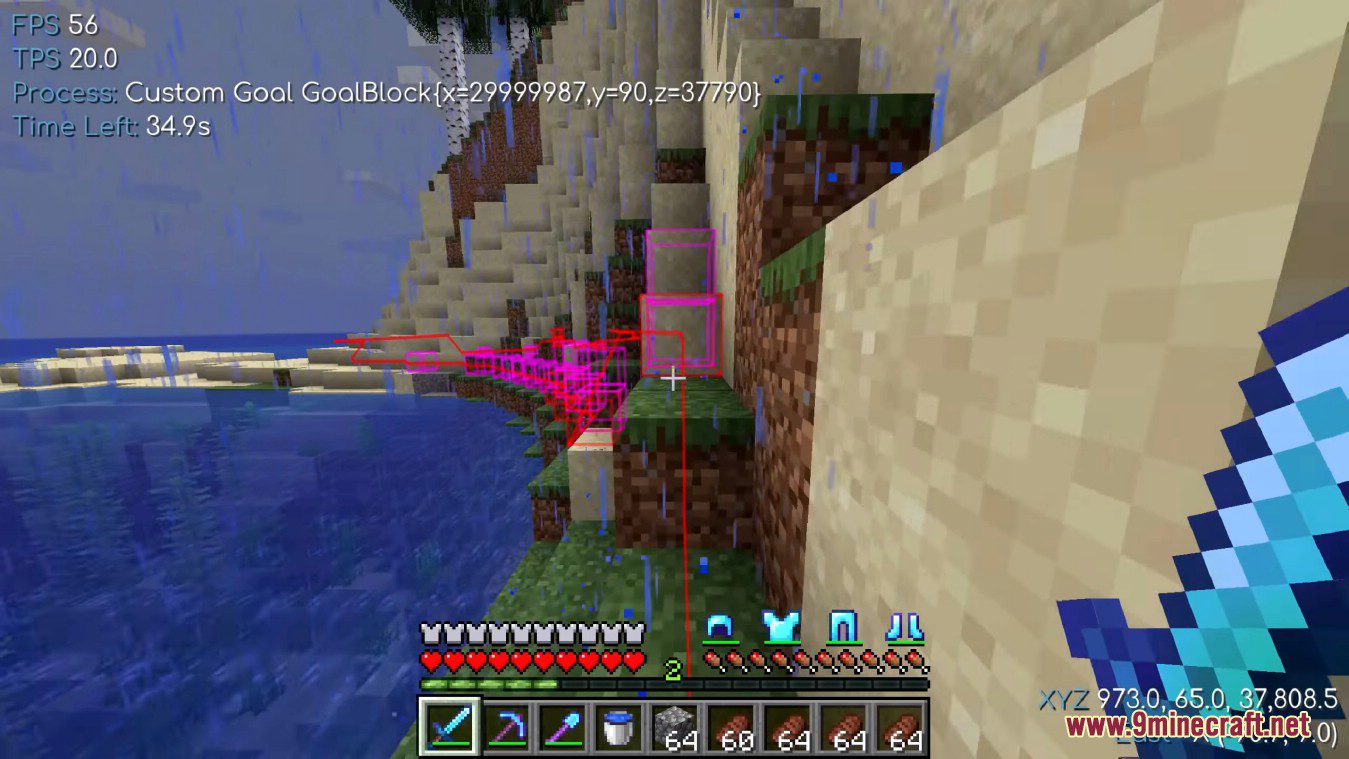
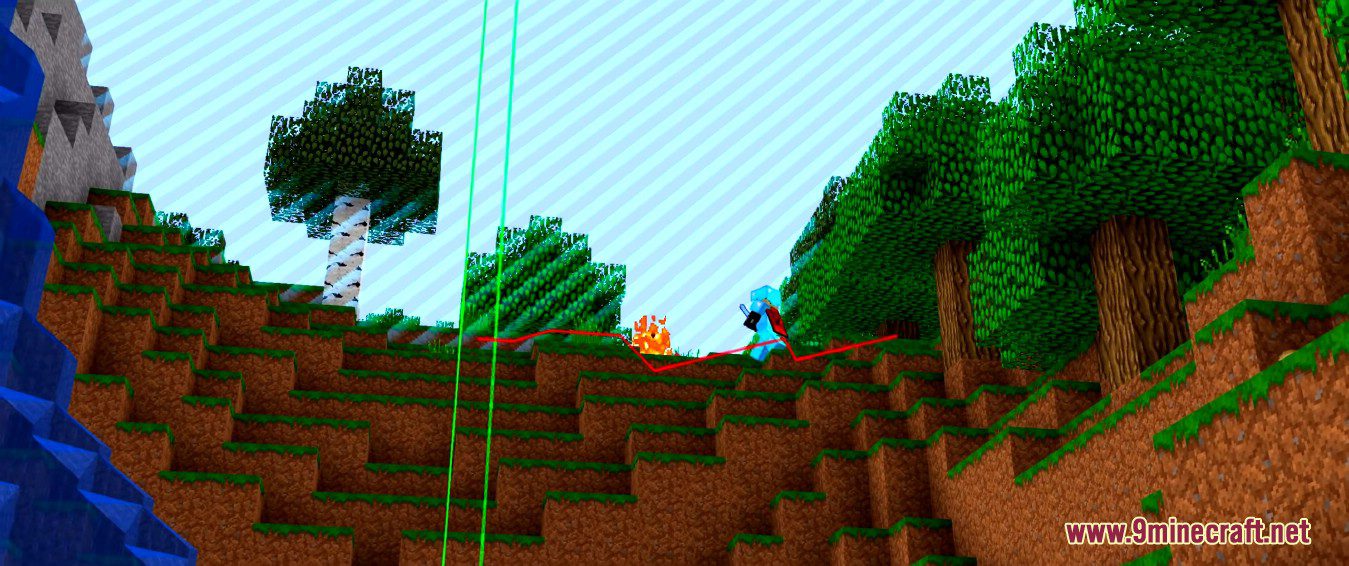
Baritone Client Mod is a pathfinding system in the minecraft game which is being used in Impact. It helps the players to travel to different locations and mine ores and other mineable blocks with the help of an artificial intelligence pathfinding system. Baritone is an automated Minecraft-playing robot. It can assist you with traveling to certain locations, mining ores, and other minable blocks, and performing Worldedit-style operations by manipulating your Minecraft client using an artificial pathfinding intelligence.
Features
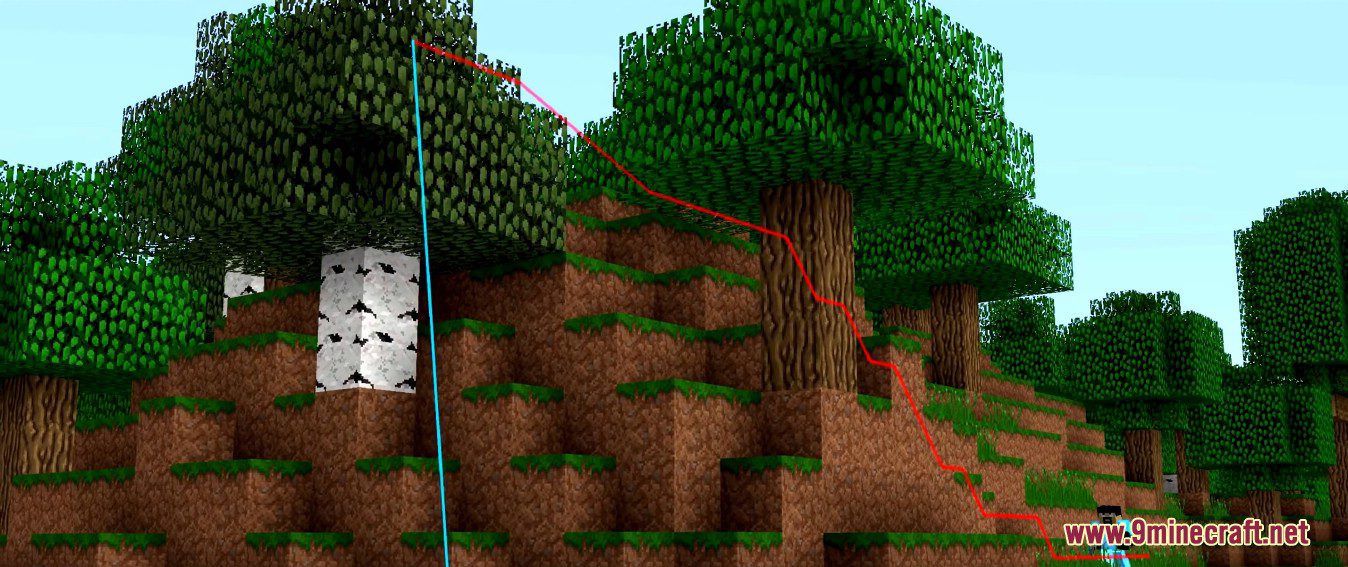
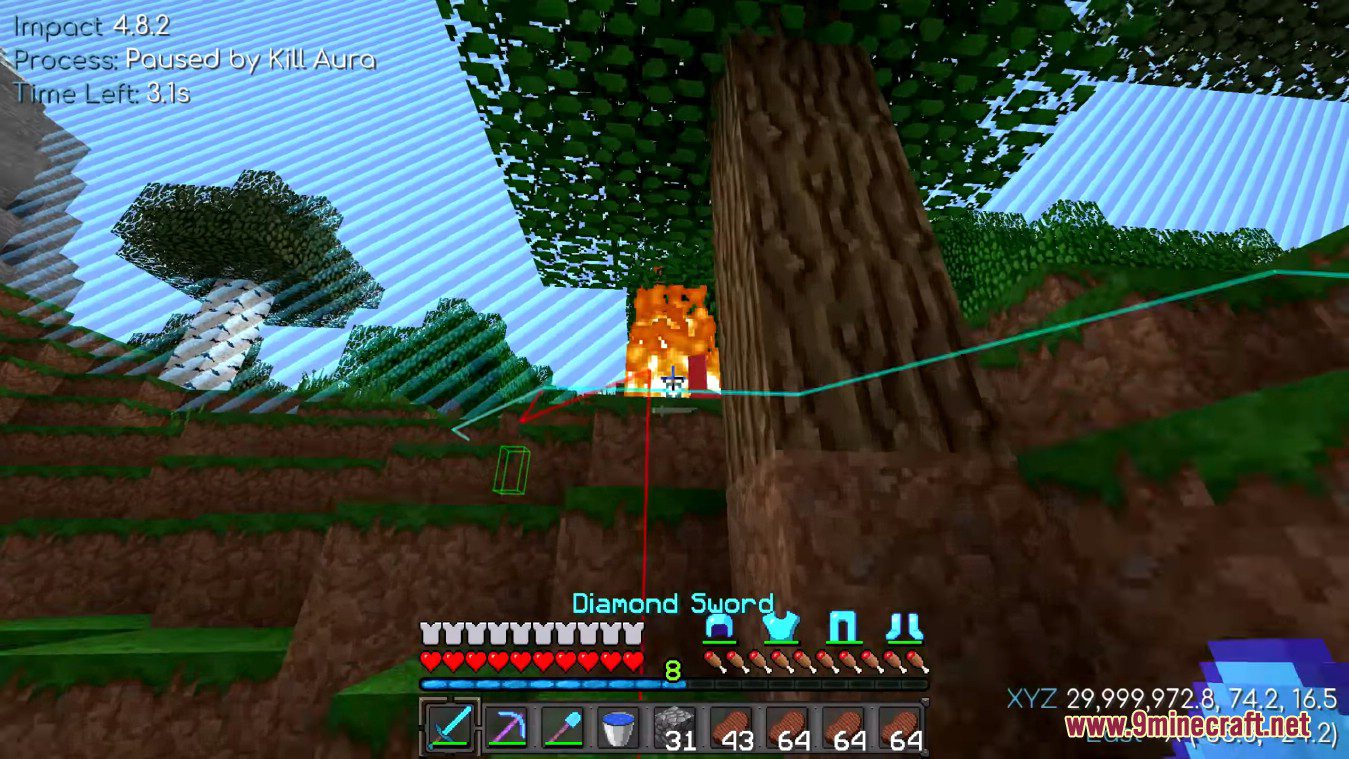
- Long distance pathing and splicing Baritone calculates paths in segments, and precalculates the next segment when the current one is about to end, so that it’s moving towards the goal at all times.
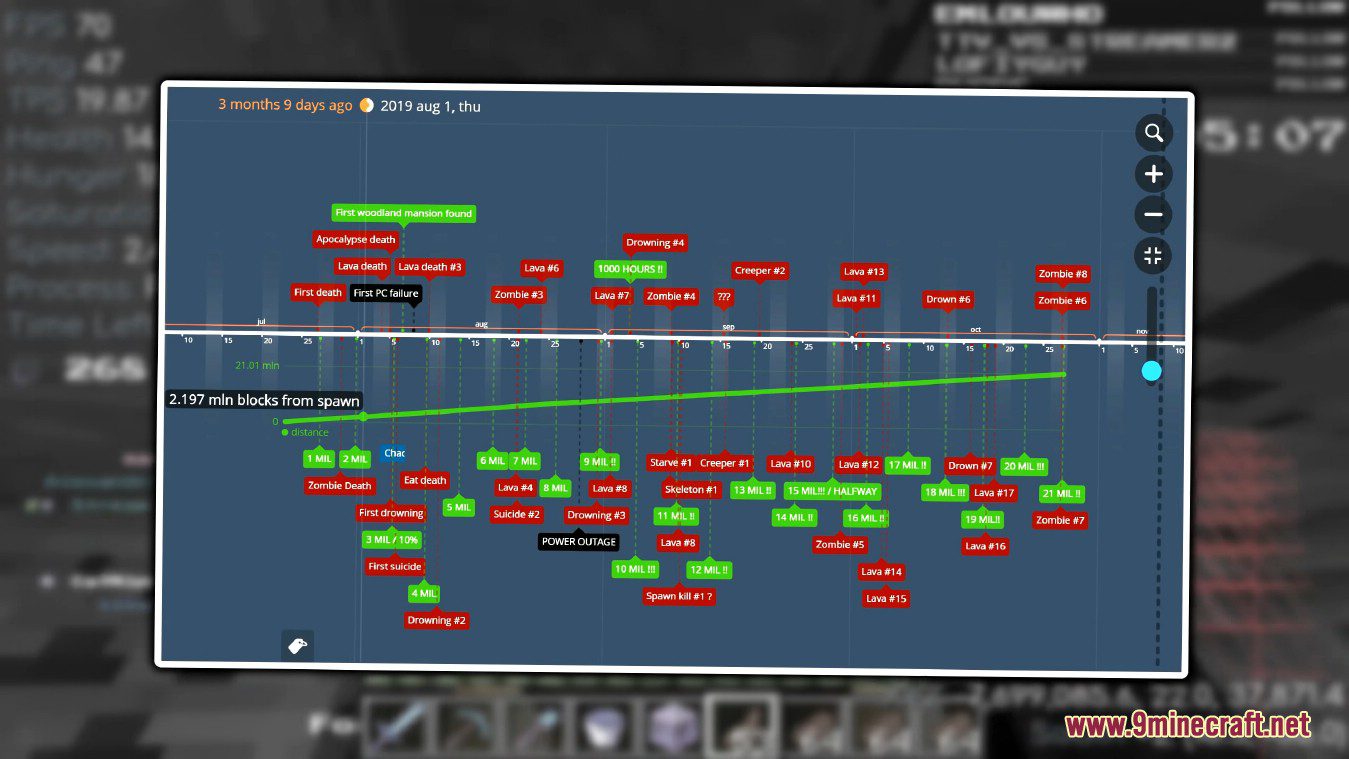
- Chunk caching Baritone simplifies chunks to a compacted internal 2-bit representation (AIR, SOLID, WATER, AVOID) and stores them in RAM for better very-long-distance pathing. There is also an option to save these cached chunks to disk. Example
- Block breaking Baritone considers breaking blocks as part of its path. It also takes into account your current tool set and hot bar. For example, if you have a Eff V diamond pick, it may choose to mine through a stone barrier, while if you only had a wood pick it might be faster to climb over it.
- Block placing Baritone considers placing blocks as part of its path. This includes sneak-back-placing, pillaring, etc. It has a configurable penalty of placing a block (set to 1 second by default), to conserve its resources. The list of acceptable throwaway blocks is also configurable, and is cobble, dirt, or netherrack by default. Example
- Falling Baritone will fall up to 3 blocks onto solid ground (configurable, if you have Feather Falling and/or don’t mind taking a little damage). If you have a water bucket on your hotbar, it will fall up to 23 blocks and place the bucket beneath it. It will fall an unlimited distance into existing still water.
- Vines and ladders Baritone understands how to climb and descend vines and ladders. There is experimental support for more advanced maneuvers, like strafing to a different ladder / vine column in midair (off by default, setting named allowVines). Baritone can break its fall by grabbing ladders / vines midair, and understands when that is and isn’t possible.
- Opening fence gates and doors
- Slabs and stairs
- Falling blocks Baritone understands the costs of breaking blocks with falling blocks on top, and includes all of their break costs. Additionally, since it avoids breaking any blocks touching a liquid, it won’t break the bottom of a gravel stack below a lava lake (anymore).
- Avoiding dangerous blocks Obviously, it knows not to walk through fire or on magma, not to corner over lava (that deals some damage), not to break any blocks touching a liquid (it might drown), etc.
- Parkour Sprint jumping over 1, 2, or 3 block gaps
- Parkour place Sprint jumping over a 3 block gap and placing the block to land on while executing the jump. It’s really cool.
- Pigs It can sort of control pigs.
Requirements
NeoForge Required
Installation
New to Minecraft? Follow our step-by-step guide to install Mods on your PC.View Guide
📥 Baritone Client Mod Download Links
📦 📦 For Minecraft 26.1.2+
We’ve developed a brand-new version of Baritone called Baritone 9minecraft Client Mod. This new build comes with many new features, major improvements, and continuous updates for the latest Minecraft versions as fast as possible. Download the new version here: 🔗 https:///baritone-9minecraft-client-mod/
📦
For Minecraft
26.2
🔗 Download from Server 1
— 🔗 Download from Server 2🔗 Download from Server 1
— 🔗 Download from Server 2
📦
For Minecraft
26.1.2,
26.1.1,
26.1
🔗 Download from Server 1
— 🔗 Download from Server 2🔗 Download from Server 1
— 🔗 Download from Server 2
📦
For Minecraft
1.21.11
🔗 Download from Server 1
— 🔗 Download from Server 2🔗 Download from Server 1
— 🔗 Download from Server 2
📦
For Minecraft
1.21.10,
1.21.9
🔗 Download from Server 1
— 🔗 Download from Server 2🔗 Download from Server 1
— 🔗 Download from Server 2
📦
For Minecraft
1.21.8,
1.21.7,
1.21.6
🔗 Download from Server 1
— 🔗 Download from Server 2🔗 Download from Server 1
— 🔗 Download from Server 2
📦
For Minecraft
1.21.5
🔗 Download from Server 1
— 🔗 Download from Server 2🔗 Download from Server 1
— 🔗 Download from Server 2
📦
For Minecraft
1.21.4
🔗 Download from Server 1
— 🔗 Download from Server 2🔗 Download from Server 1
— 🔗 Download from Server 2
📦
For Minecraft
1.21.3,
1.21.2
🔗 Download from Server 1
— 🔗 Download from Server 2🔗 Download from Server 1
— 🔗 Download from Server 2
📦
For Minecraft
1.21.1,
1.21
🔗 Download from Server 1
— 🔗 Download from Server 2🔗 Download from Server 1
— 🔗 Download from Server 2
📦
For Minecraft
1.20.6
🔗 Download from Server 1
— 🔗 Download from Server 2🔗 Download from Server 1
— 🔗 Download from Server 2
📦
For Minecraft
1.20.4
🔗 Download from Server 1
— 🔗 Download from Server 2🔗 Download from Server 1
— 🔗 Download from Server 2
📦
For Minecraft
1.20.2
🔗 Download from Server 1
— 🔗 Download from Server 2🔗 Download from Server 1
— 🔗 Download from Server 2
📦
For Minecraft
1.20.1,
1.20
🔗 Download from Server 1
— 🔗 Download from Server 2
📦
For Minecraft
1.19.4
🔗 Download from Server 1
— 🔗 Download from Server 2
📦
For Minecraft
1.19.3
🔗 Download from Server 1
— 🔗 Download from Server 2
📦
For Minecraft
1.19.2,
1.19.1,
1.19
🔗 Download from Server 1
— 🔗 Download from Server 2
📦
For Minecraft
1.18.2
🔗 Download from Server 1
— 🔗 Download from Server 2
📦
For Minecraft
1.17.1
🔗 Download from Server 1
— 🔗 Download from Server 2
📦
For Minecraft
1.16.5
🔗 Download from Server 1
— 🔗 Download from Server 2
📦
For Minecraft
1.15.2
🔗 Download from Server 1
— 🔗 Download from Server 2
📦
For Minecraft
1.14.4
🔗 Download from Server 1
— 🔗 Download from Server 2
📦
For Minecraft
1.13.2
🔗 Download from Server 1
— 🔗 Download from Server 2
📦
For Minecraft
1.12.2
🔗 Download from Server 1
— 🔗 Download from Server 2