Description
🌐 Good news — we’ve translated this article into other languages!
Or pick the one you like: EnglishРусскийEspañolPortuguês (BR)DeutschFrançaisBahasa IndonesiaTürkçePolskiTiếng Việtไทย日本語한국어中文ItalianoالعربيةУкраїнськаNederlandsहिन्दीFilipinoفارسی
РусскийEspañolPortuguês (BR)DeutschFrançaisBahasa IndonesiaTürkçePolskiTiếng Việtไทย日本語한국어中文ItalianoالعربيةУкраїнськаNederlandsहिन्दीFilipinoفارسی
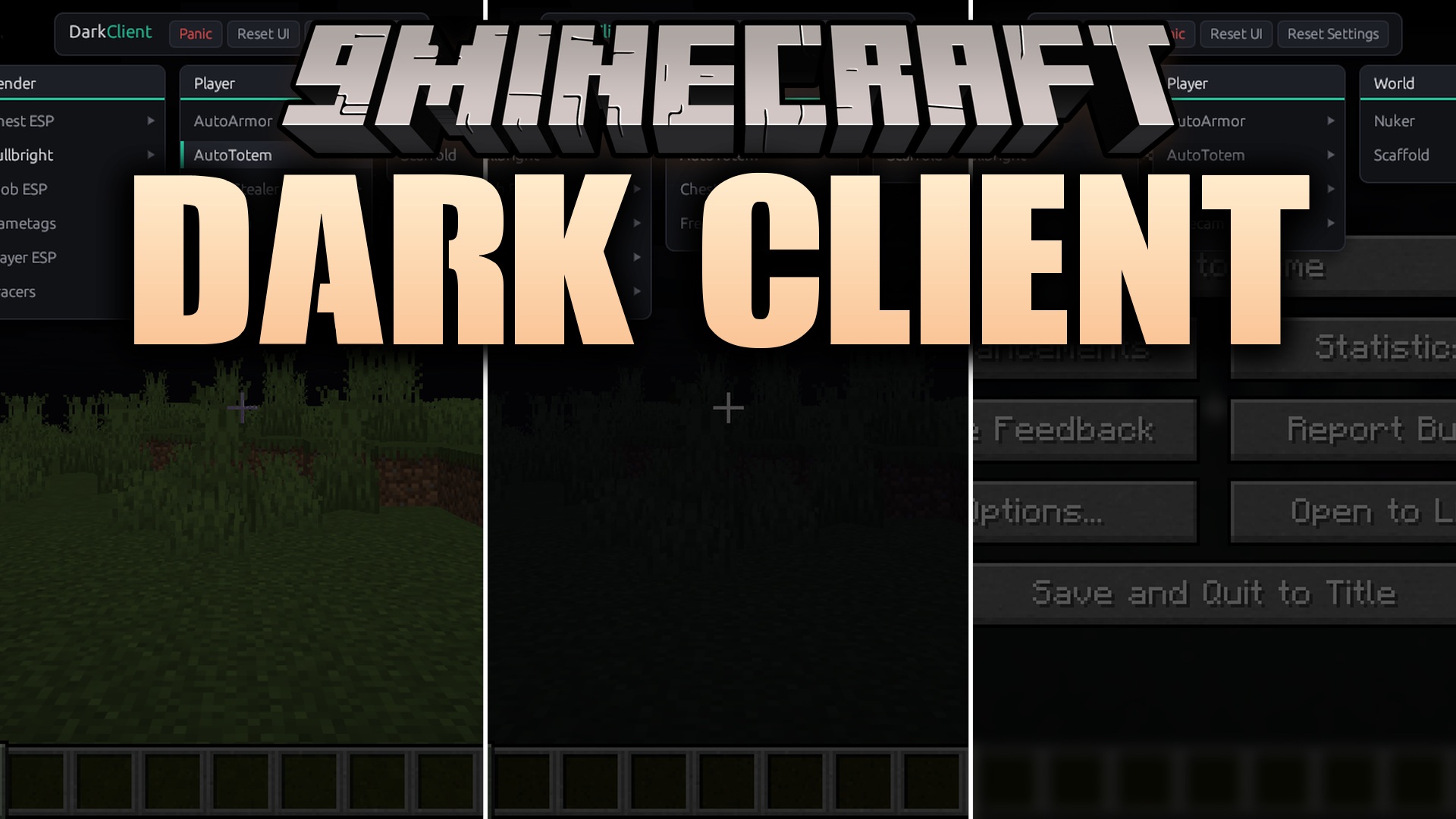
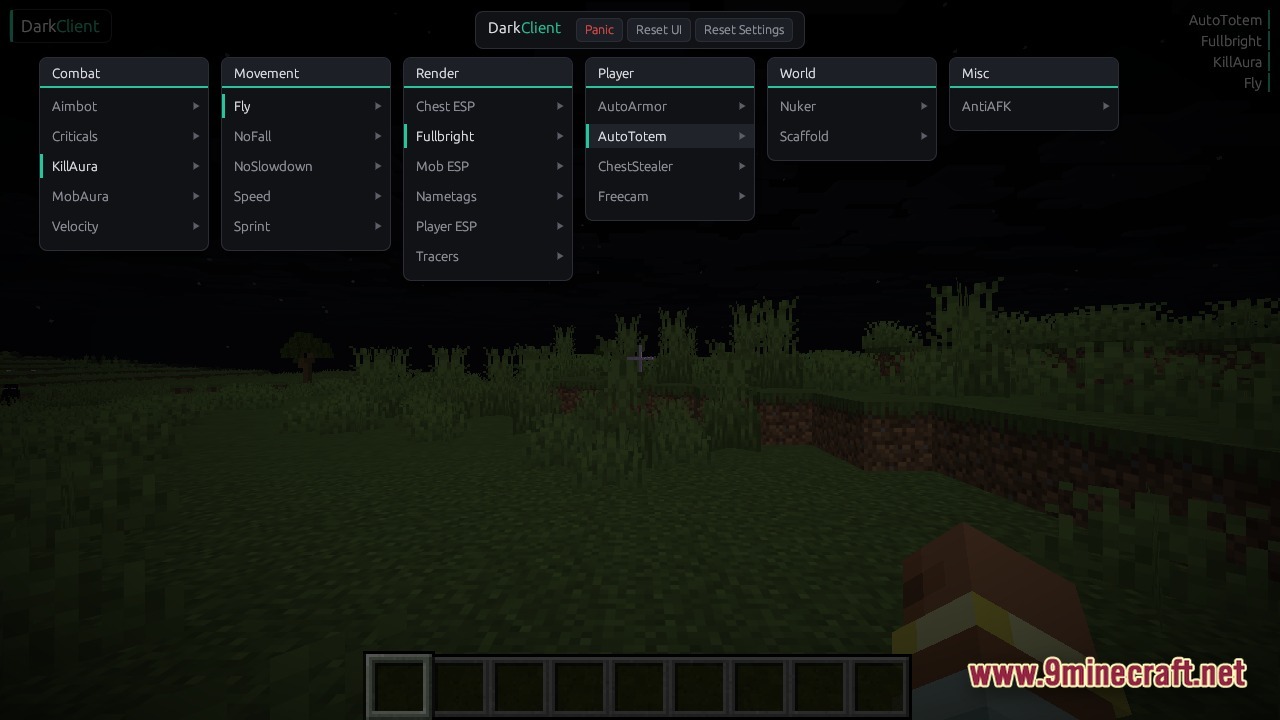
Dark Client brings a collection of visual tools and utility modules to your game. This client runs directly alongside your normal launcher and loads its menus into the active game process without requiring a restart. You get instant access to a custom interface where you can toggle options for combat, movement, and world interaction. It works across different game versions and loaders. The menu stays hidden until you need it, keeping your screen clean while you play.

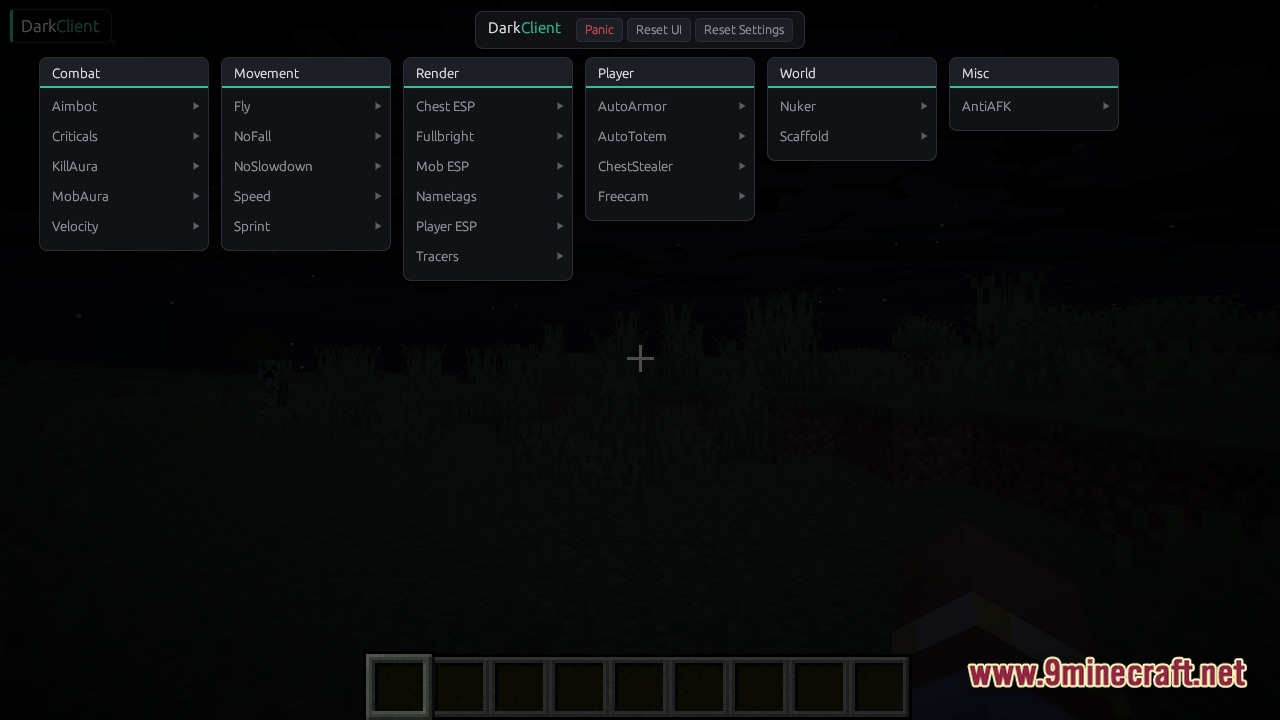
Features
- Loads into the game instantly without forcing you to restart your launcher.
- Saves your custom keybinds, active modules, and menu layout for your next session.
- Hooks directly into the network pipeline to stop knockback and fall damage.
- Runs on multiple operating systems including Windows and Linux.
- Adapts to different game versions automatically through a smart mapping system.
📥 Dark Client Download Links
📦 For Minecraft 26.1.2
🔗 Download from Server 1 — 🔗 Download from Server 2