Description
🌐 Good news — we’ve translated this article into other languages!
Or pick the one you like: EnglishРусскийEspañolPortuguês (BR)DeutschFrançaisBahasa IndonesiaTürkçePolskiTiếng Việtไทย日本語한국어中文ItalianoالعربيةУкраїнськаNederlandsहिन्दीFilipinoفارسی
РусскийEspañolPortuguês (BR)DeutschFrançaisBahasa IndonesiaTürkçePolskiTiếng Việtไทย日本語한국어中文ItalianoالعربيةУкраїнськаNederlandsहिन्दीFilipinoفارسی
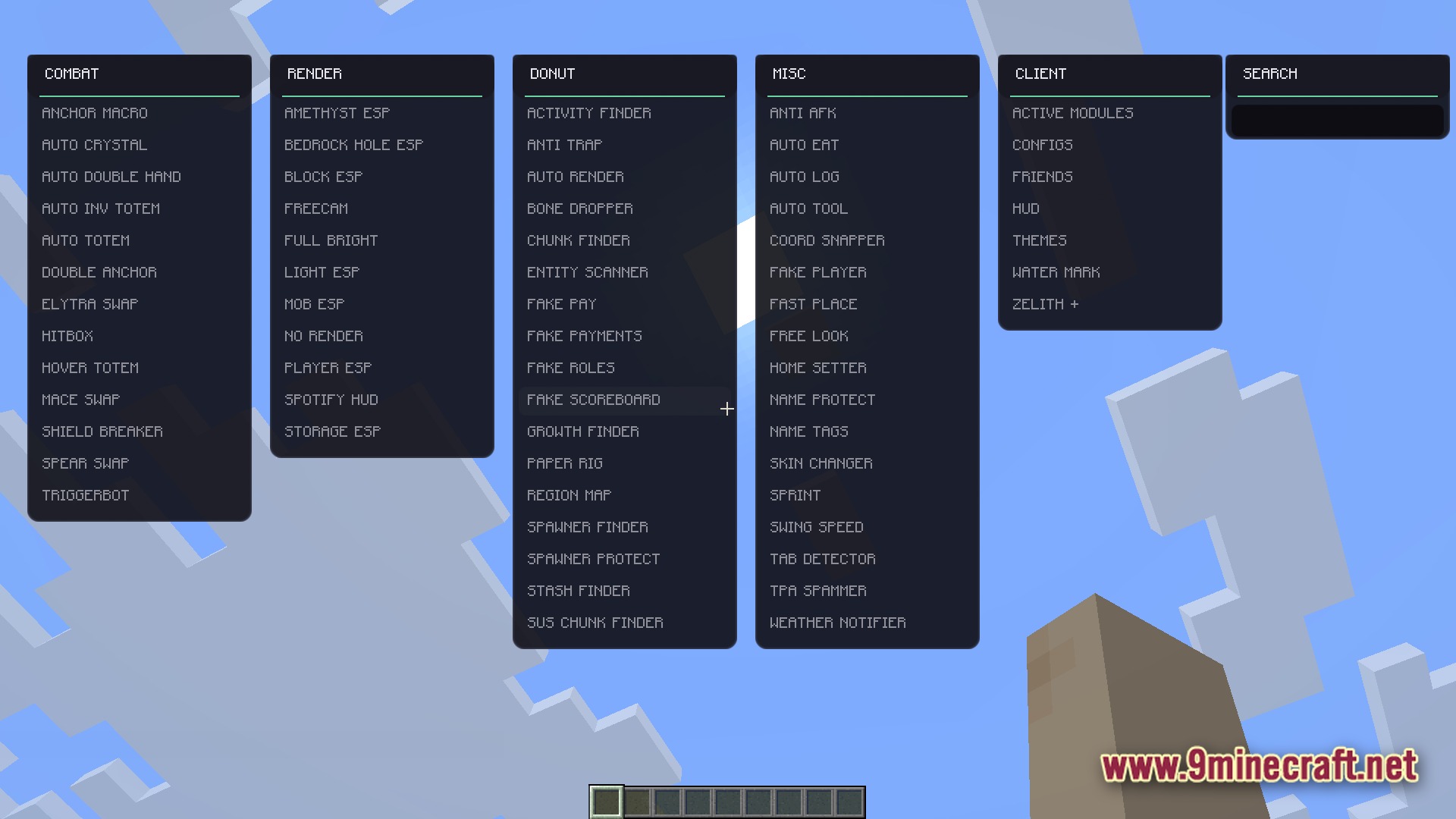
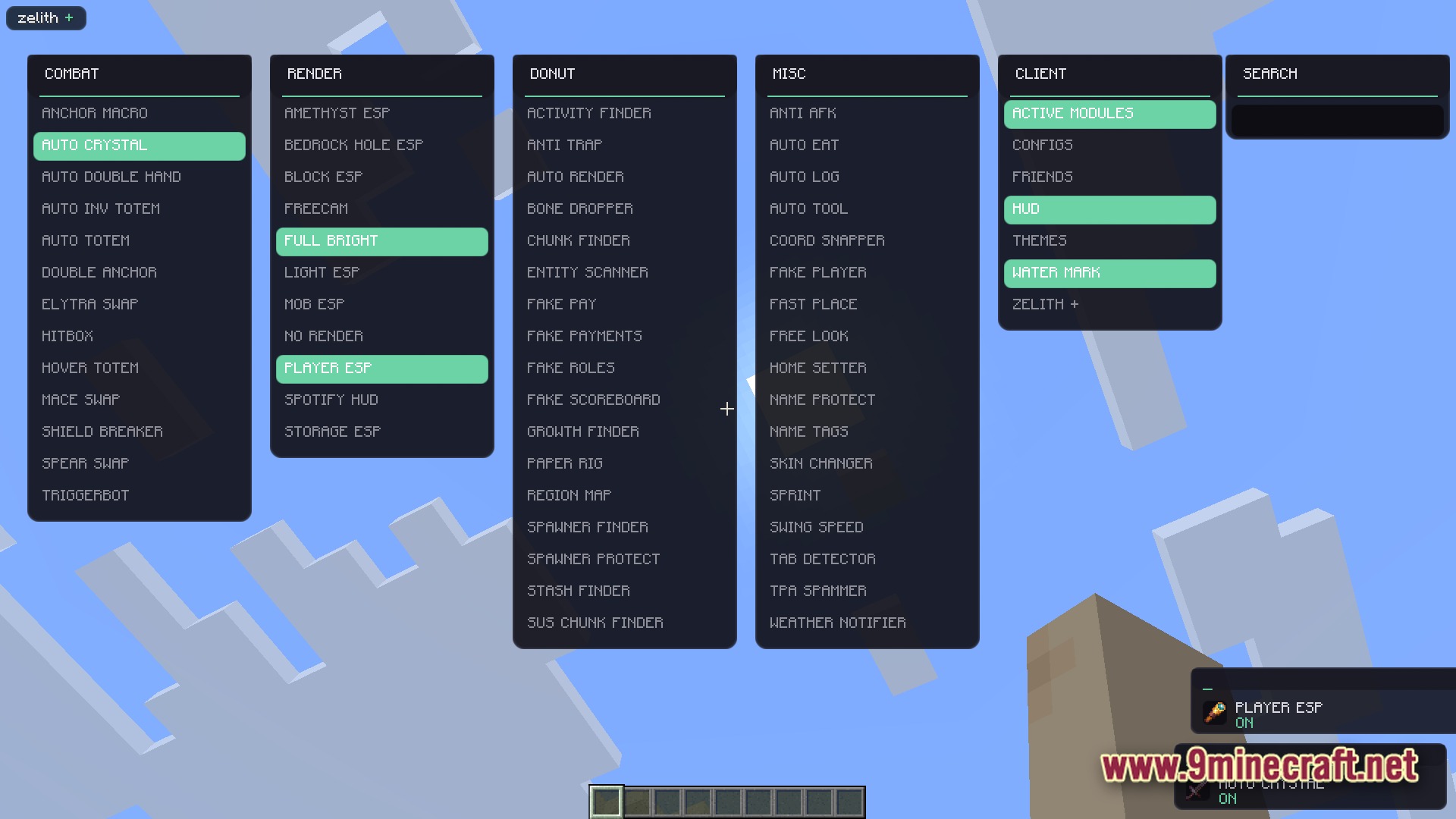
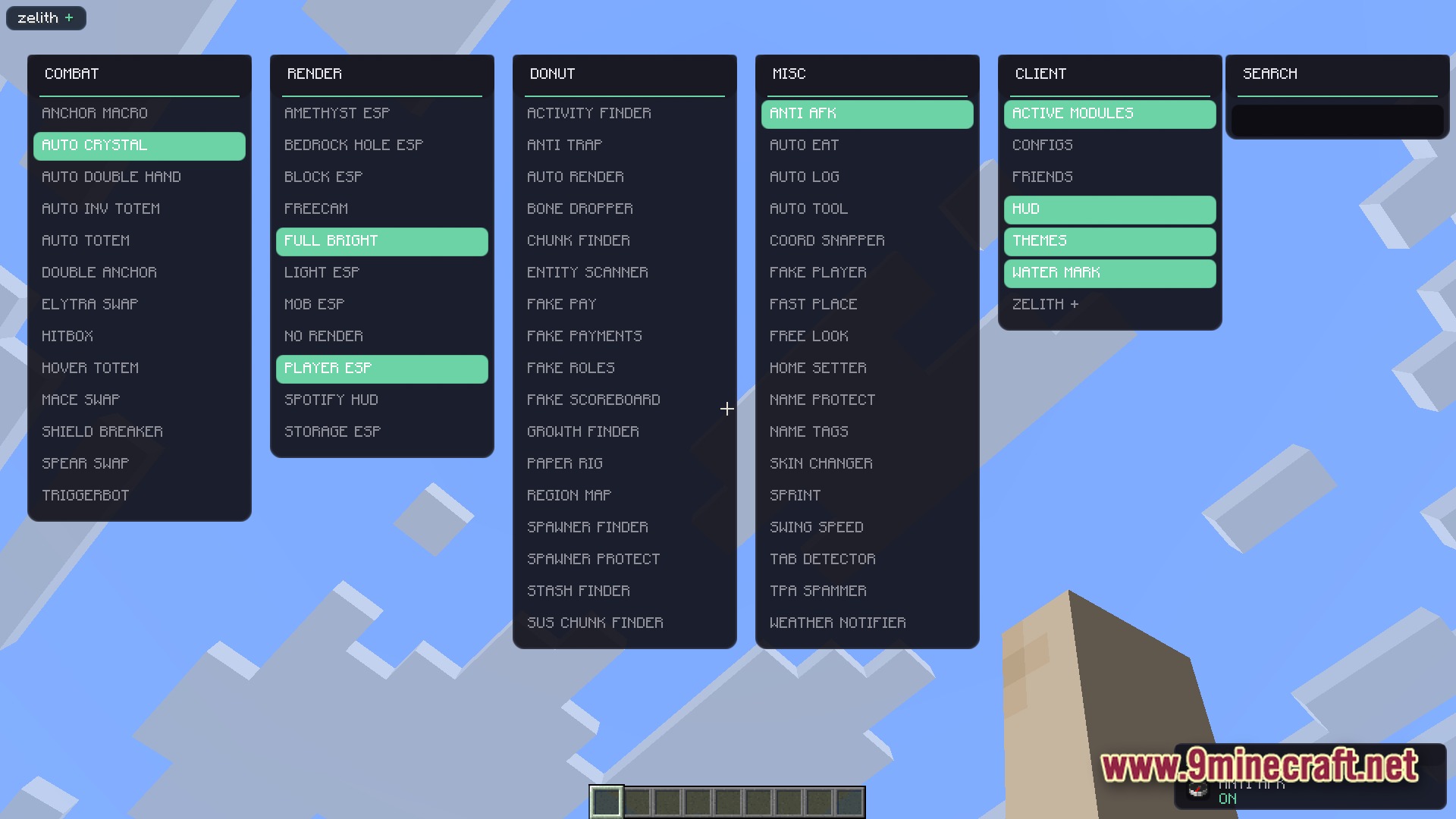
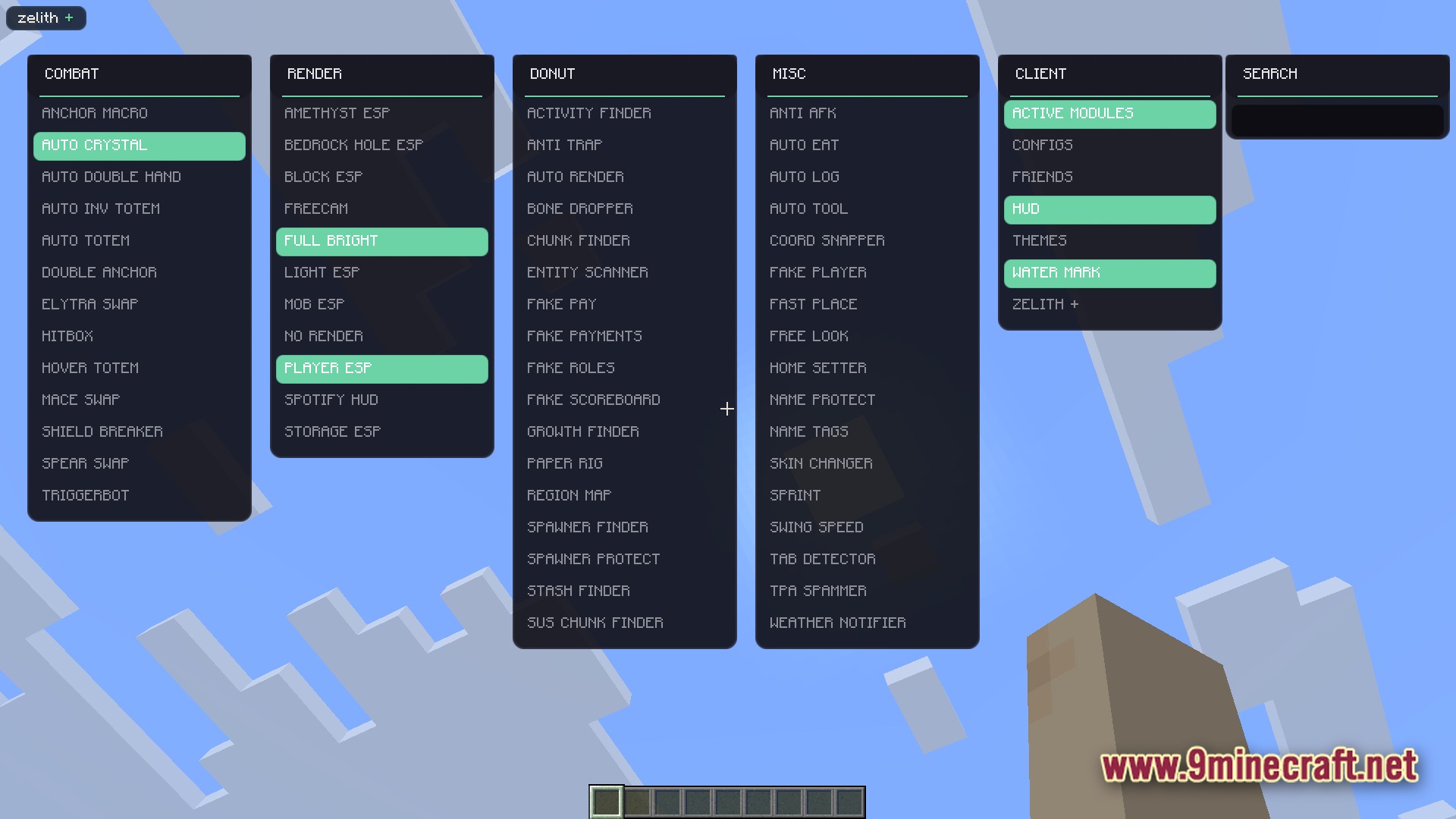
Zelith Client Mod gives you a massive menu filled with helpful tools for your Minecraft world. It packs in hundreds of different settings to help you fight better, see through walls, and automate boring tasks. You can quickly open the menu while playing to turn features on or off. The mod also lets you change how your screen looks and saves your favorite setups for later.

Features
- ClickGUI Menu: Press a single key to open a clean menu where you can control everything.
- Custom Themes: Change the colors and look of the menu to match your style.
- Shows a helpful message on your screen whenever you turn a tool on or off.
- Lets you save your favorite settings so you do not have to set them up again.
- Adds a custom display on your screen to show which tools are currently active.
Requirements
Fabric Loader RequiredFabric API Required
Installation
New to Minecraft? Follow our step-by-step guide to install Mods on your PC.View Guide
📥 Zelith Client Mod Download Links
📦 For Minecraft 1.21.11
🔗 Download from Server 1 — 🔗 Download from Server 2