Description
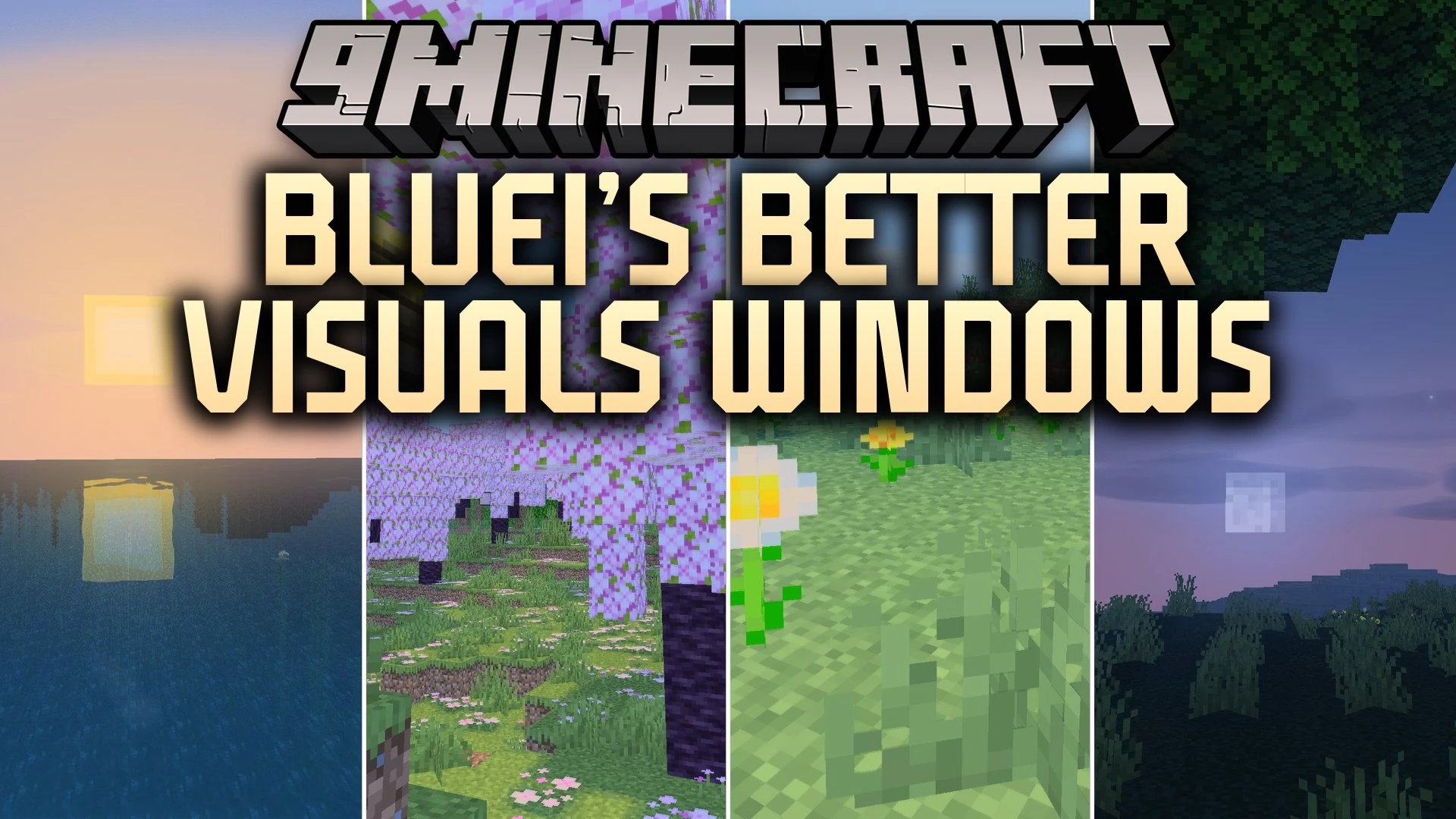
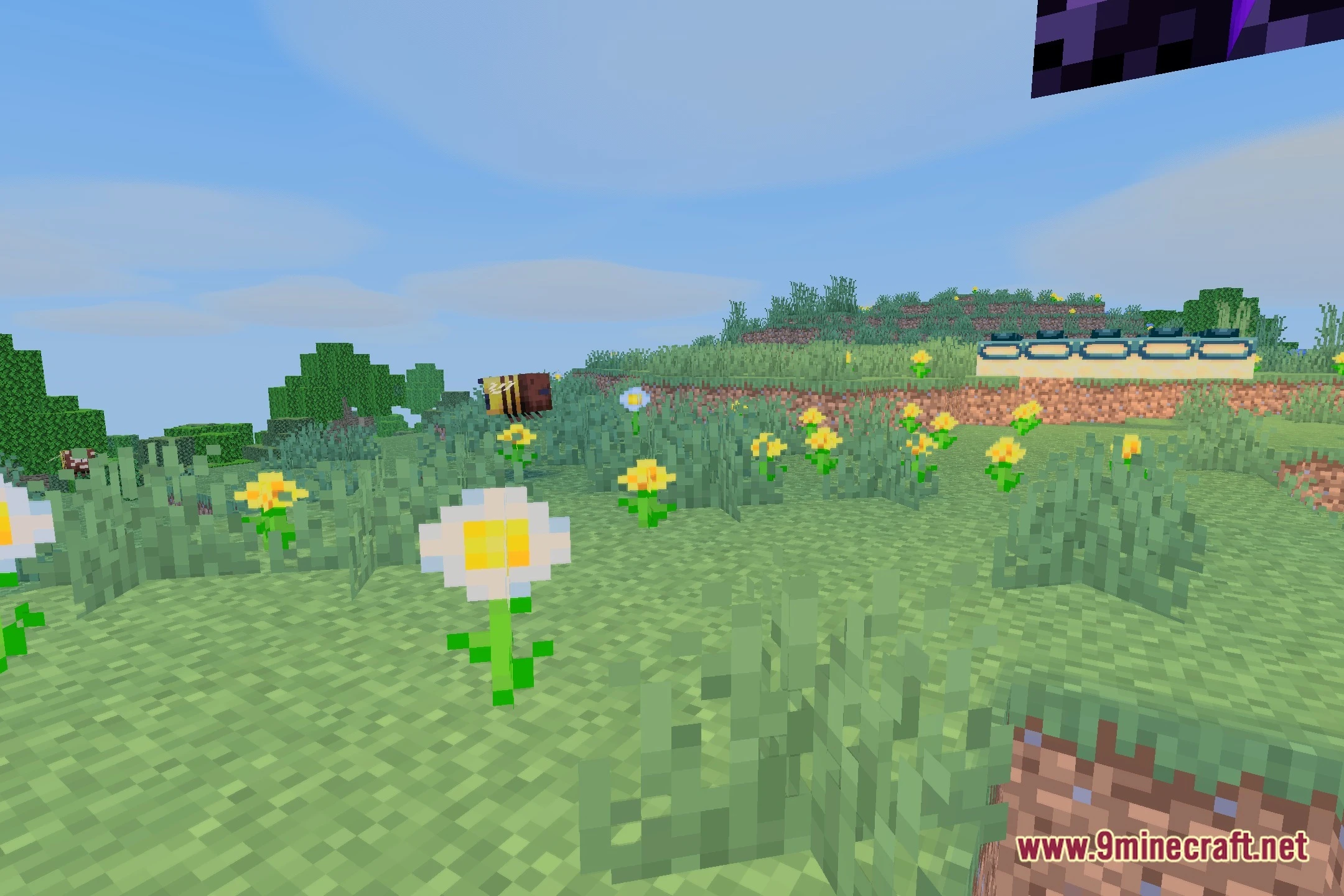
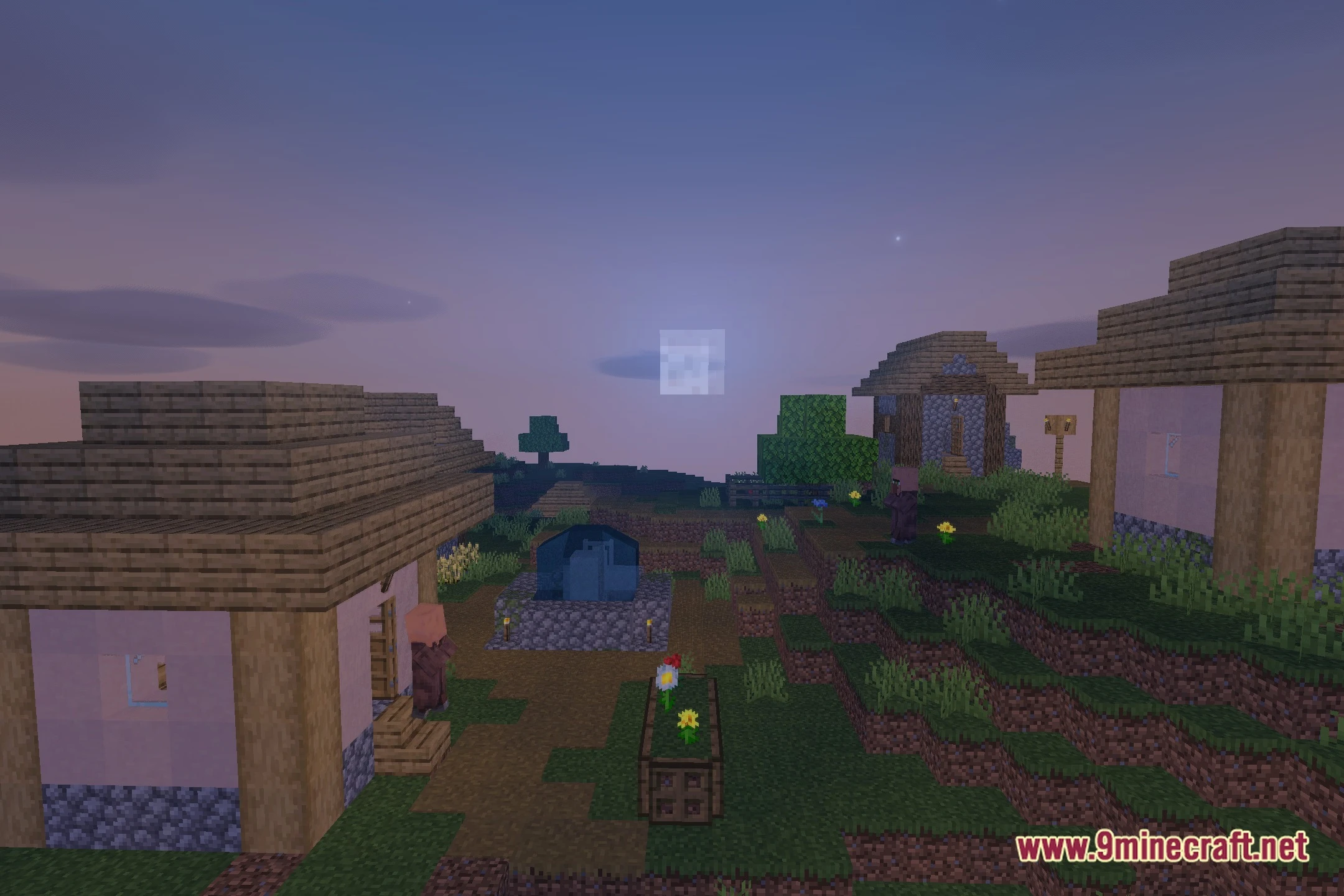
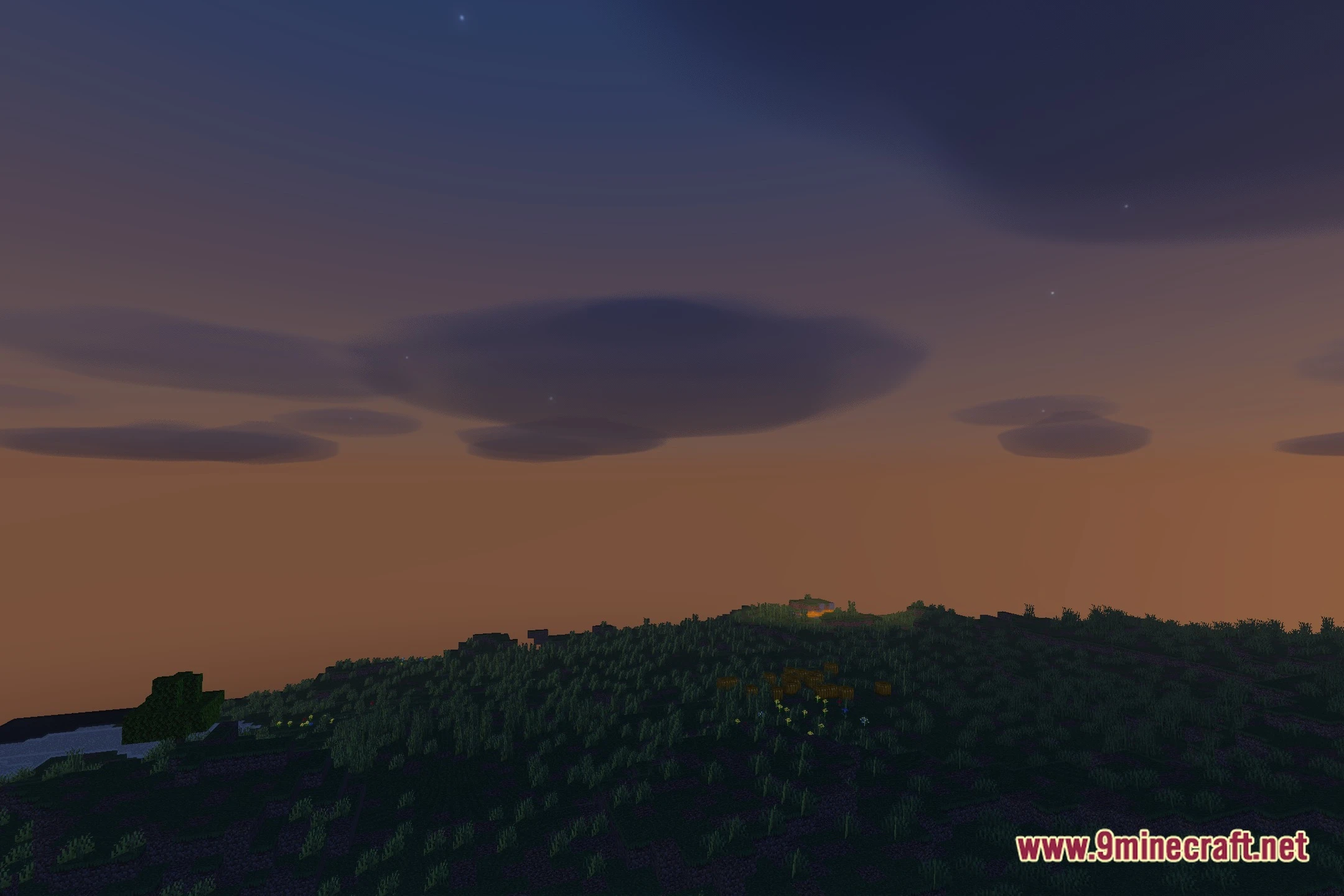
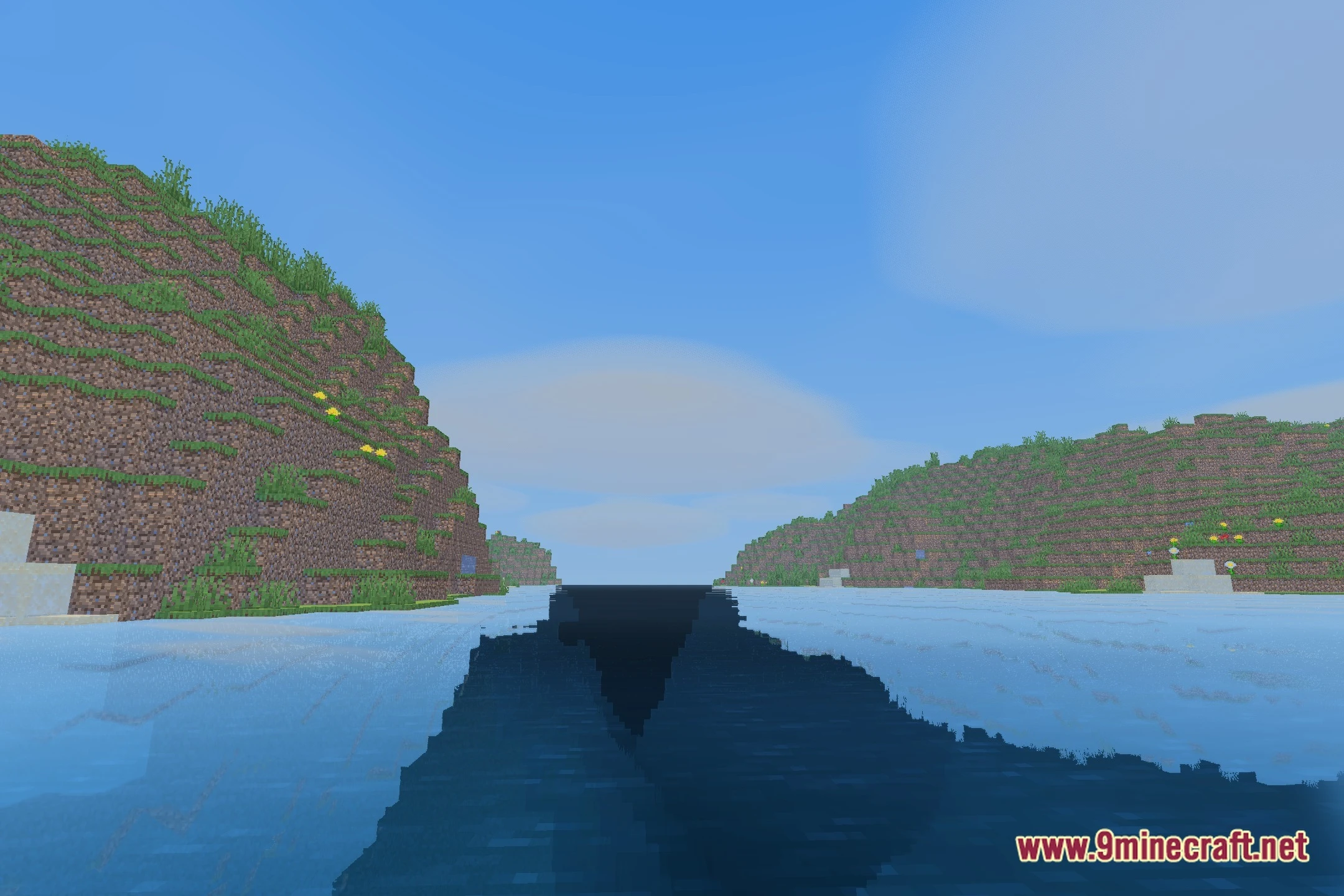
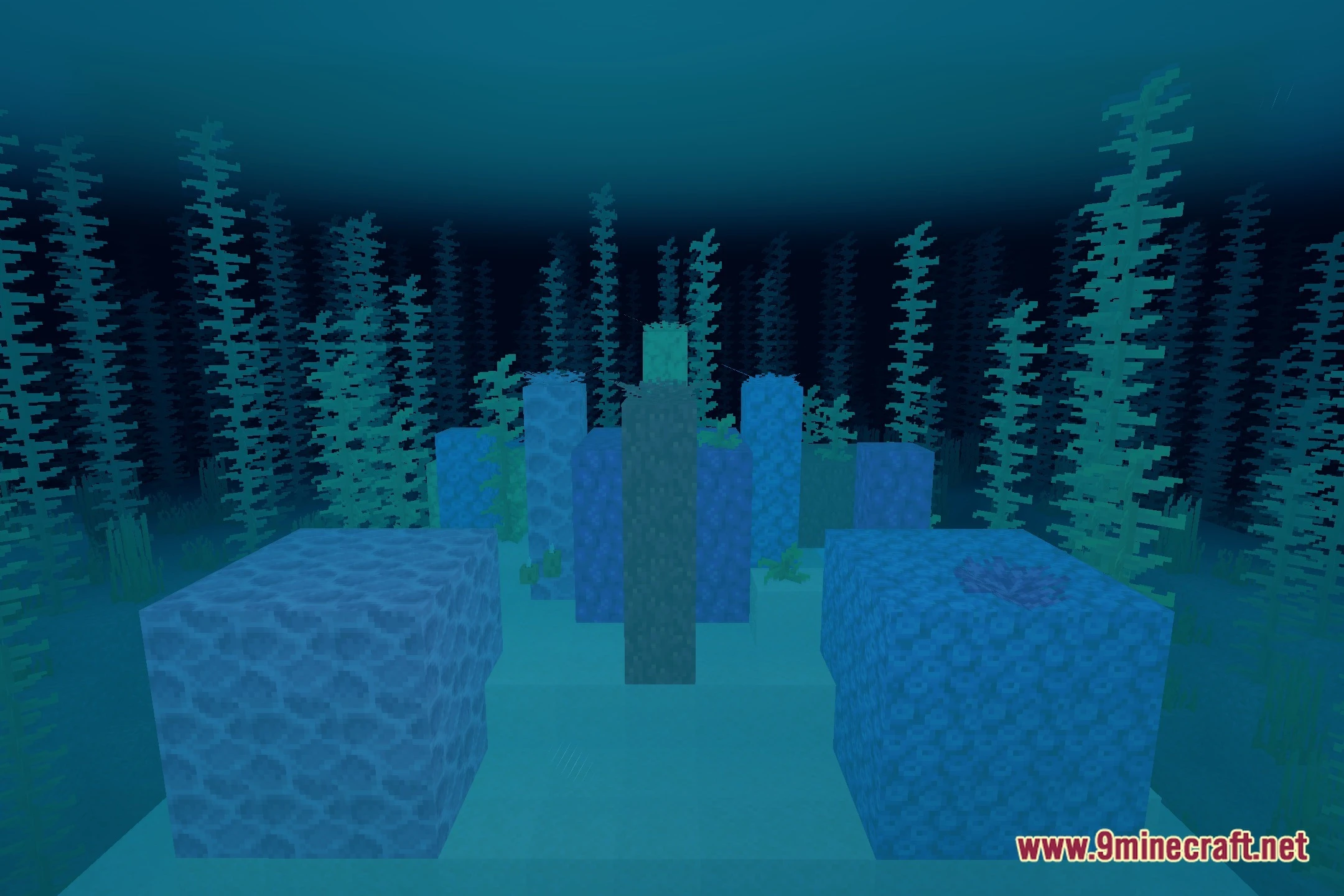
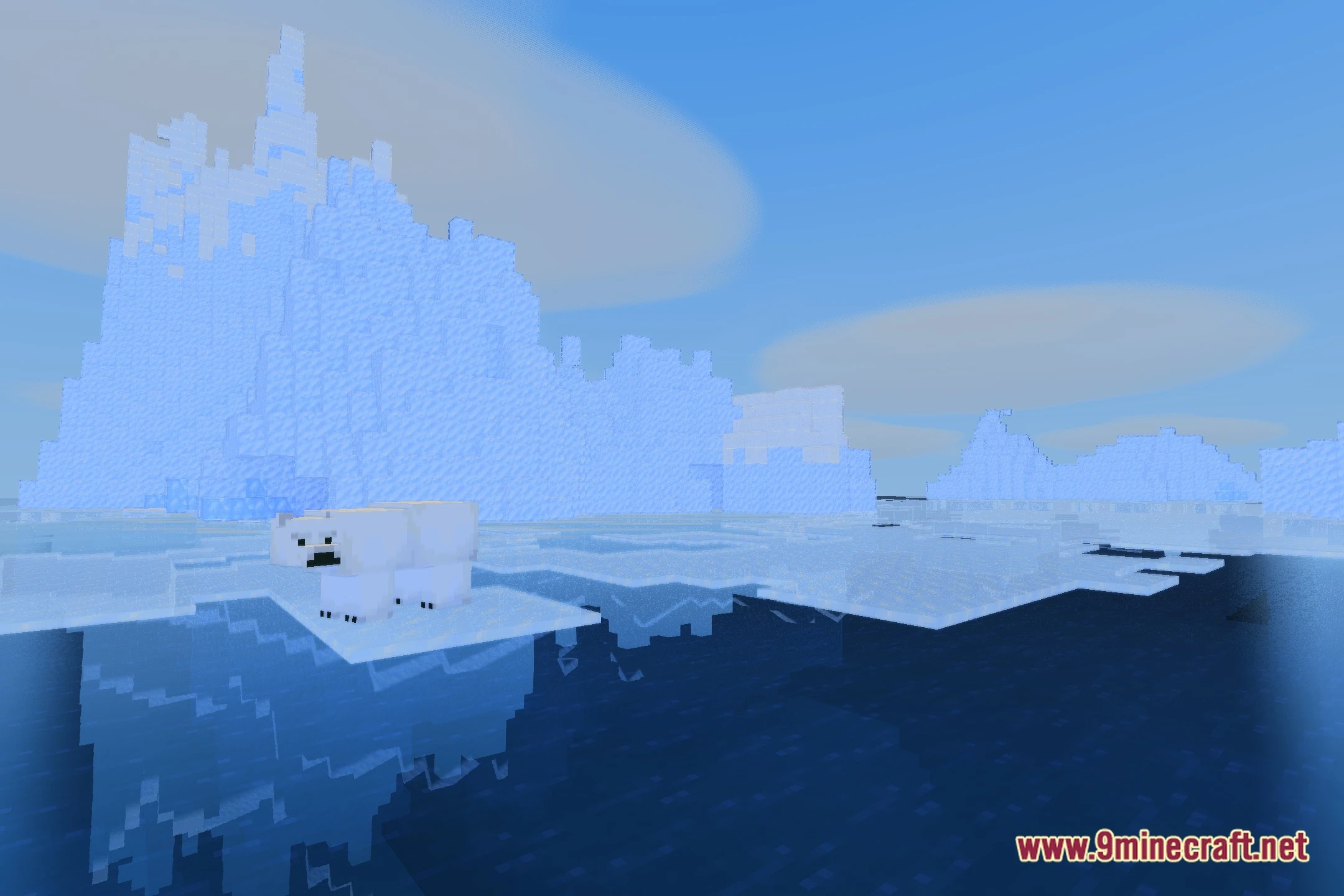
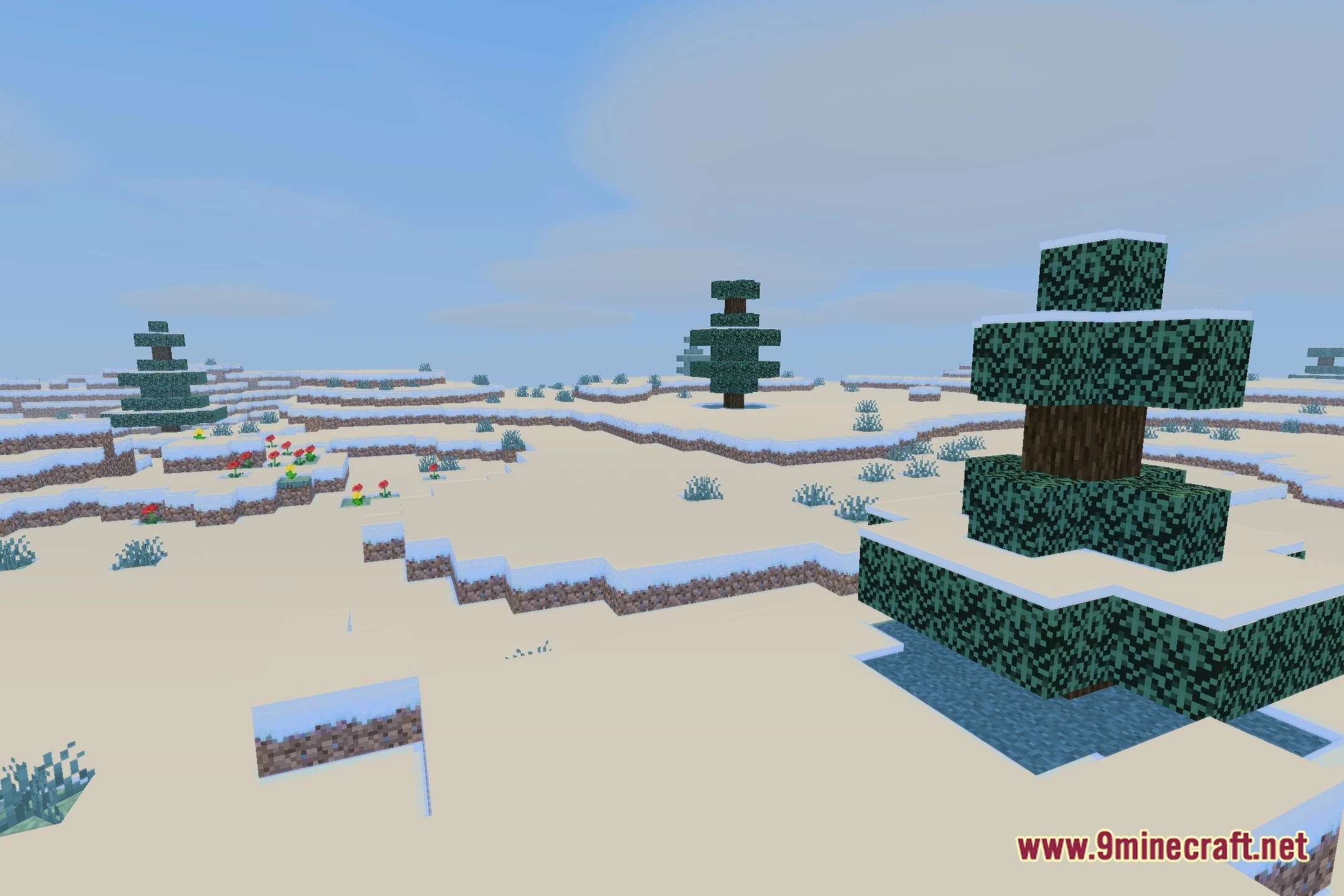
Bluei’s Better Visuals Windows Shaders transforms the look of Minecraft while keeping the game running fast. It works well on many computers, including slower ones often called potato PCs. This shader pack makes the world look better without changing the core feel of the game. You get nicer lighting and soft shadows that look natural in every biome. It provides a great choice for players who want a visual boost without losing performance.

Features
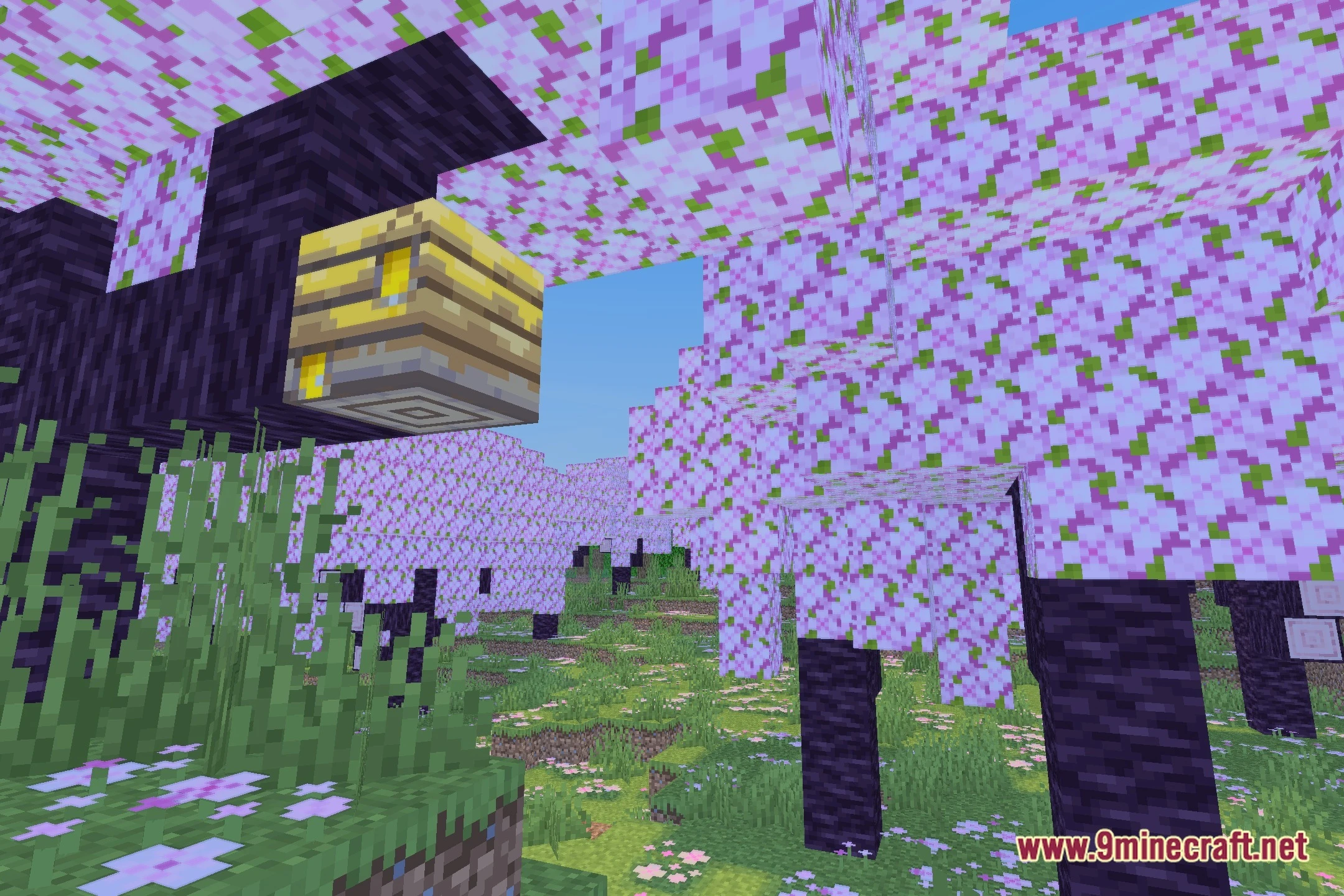
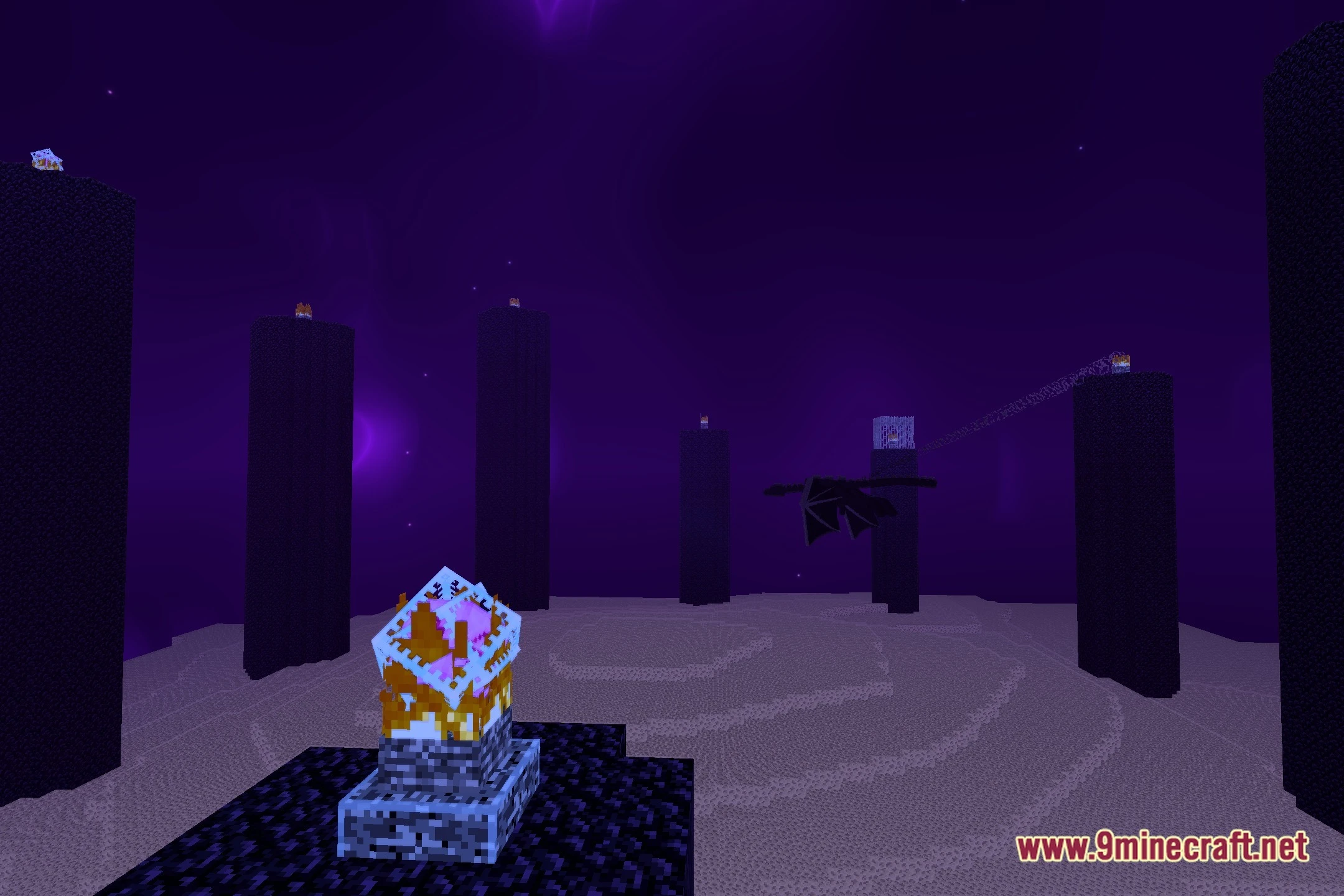
- Natural Lighting: Improves how light hits blocks to make the world look warmer and more inviting.
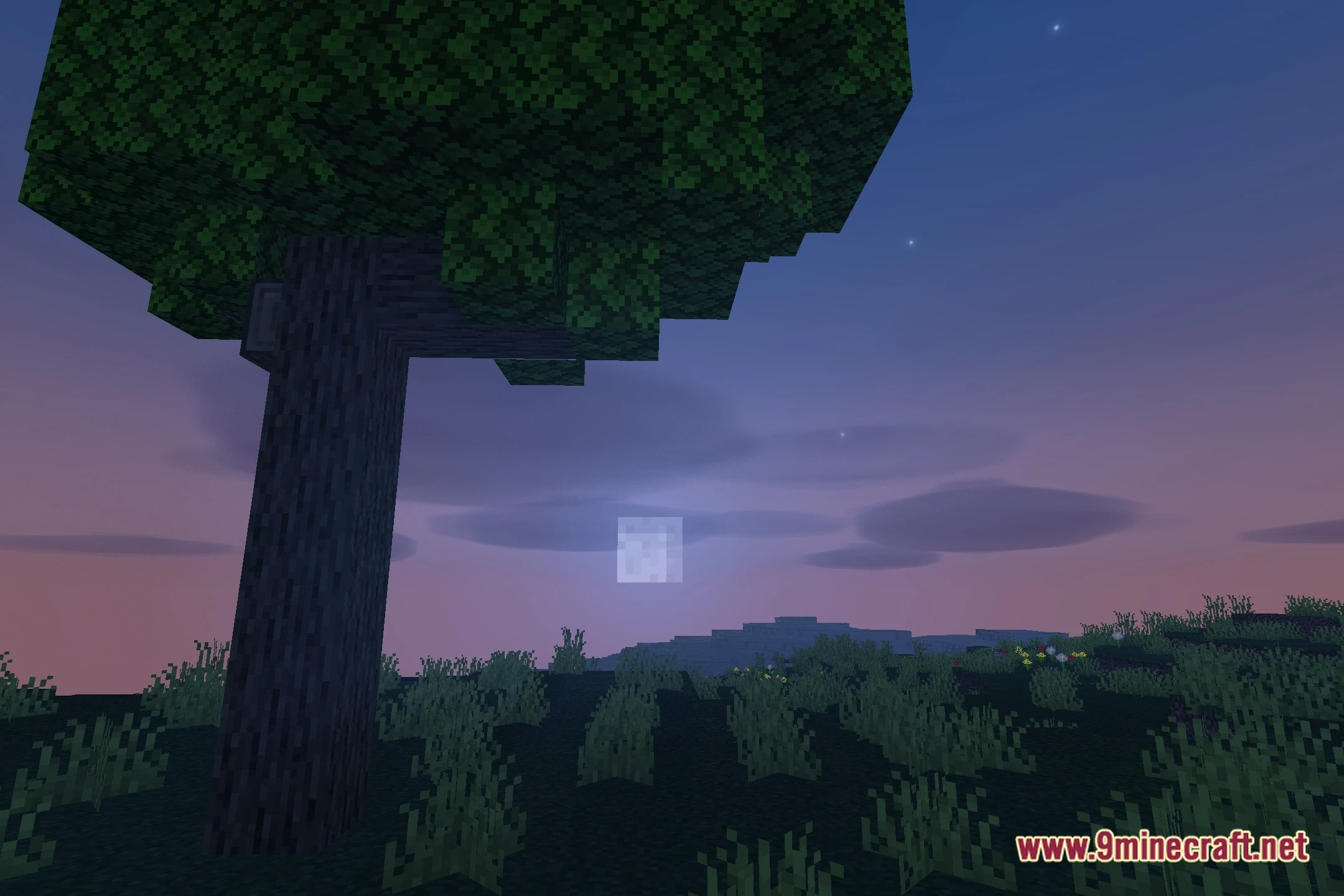
- Soft Shadows: Adds gentle shadows under trees and buildings to give the world more depth.
- Keeps the frame rate high so you can play without any lag.
- Works on low-end hardware and older Windows computers.
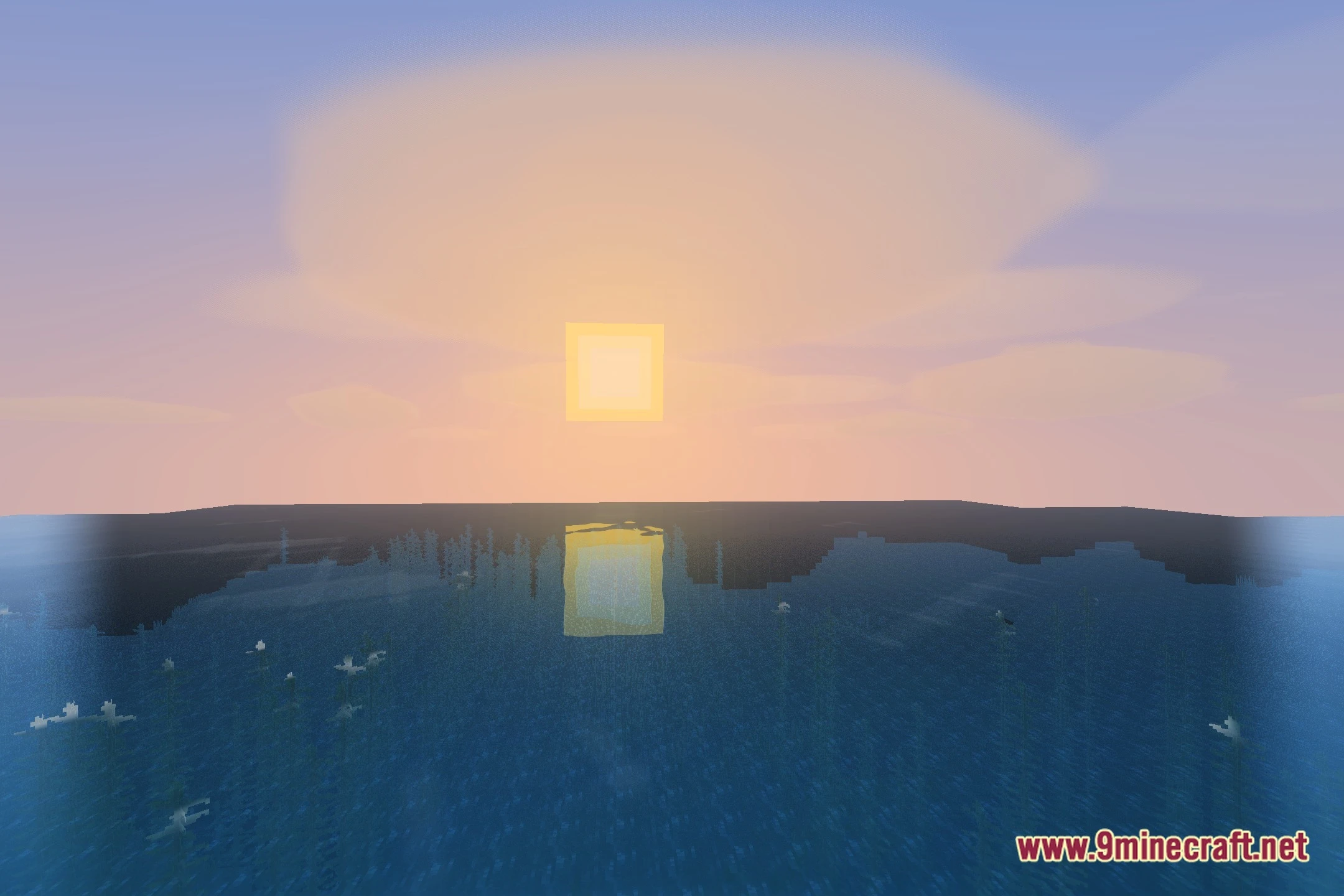
- Paints the sky with cleaner colors during different times of the day.
- Changes the way water looks to make it clearer and more pleasant to look at.
- Offers different quality settings ranging from low to high to fit your computer.
Installation
New to Minecraft? Follow our step-by-step guide to install Shaders on your PC.View Guide
📥 Bluei’s Better Visuals Windows Shaders Download Links
🔗 Download from Server 1 — 🔗 Download from Server 2