Description
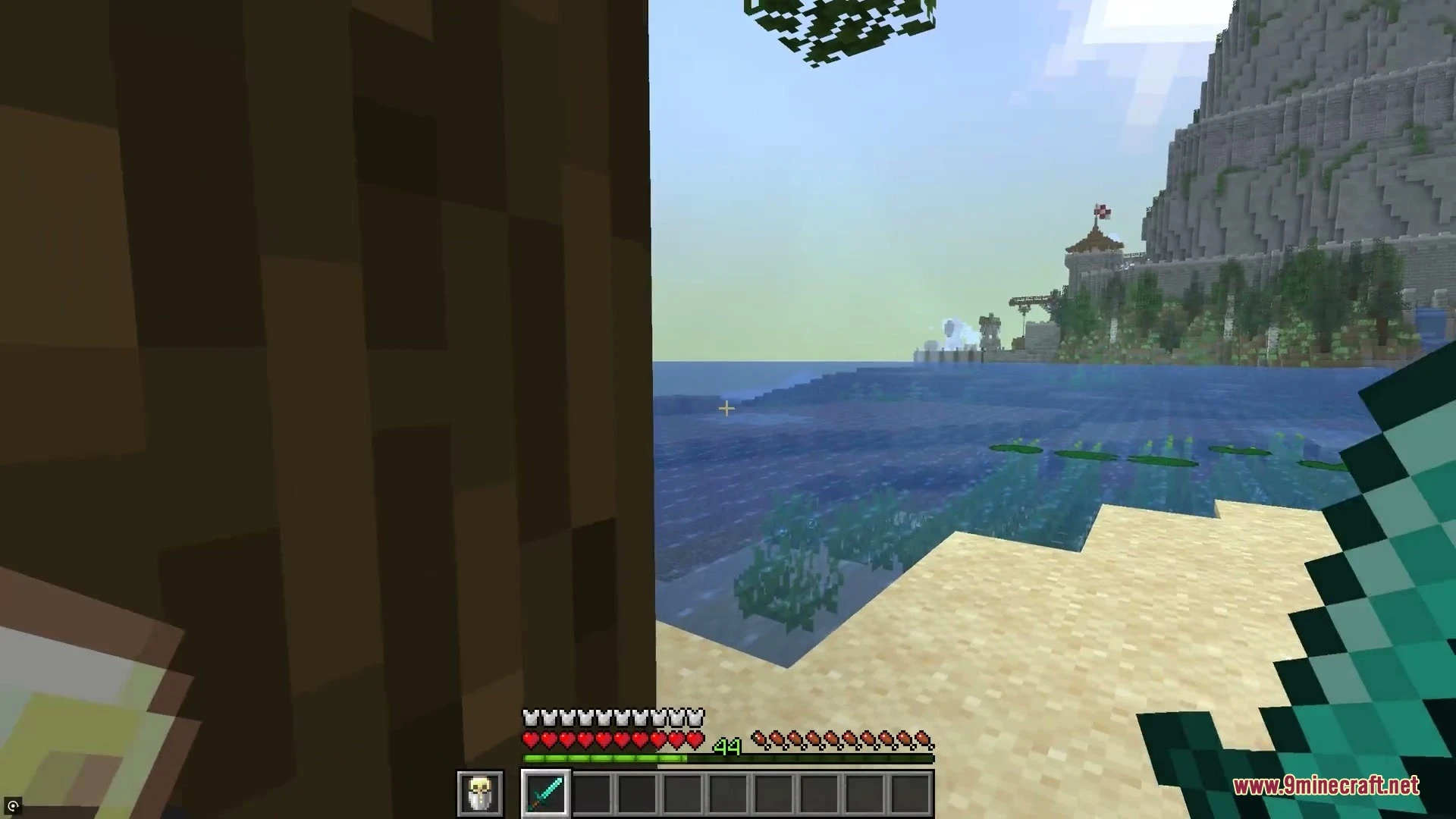
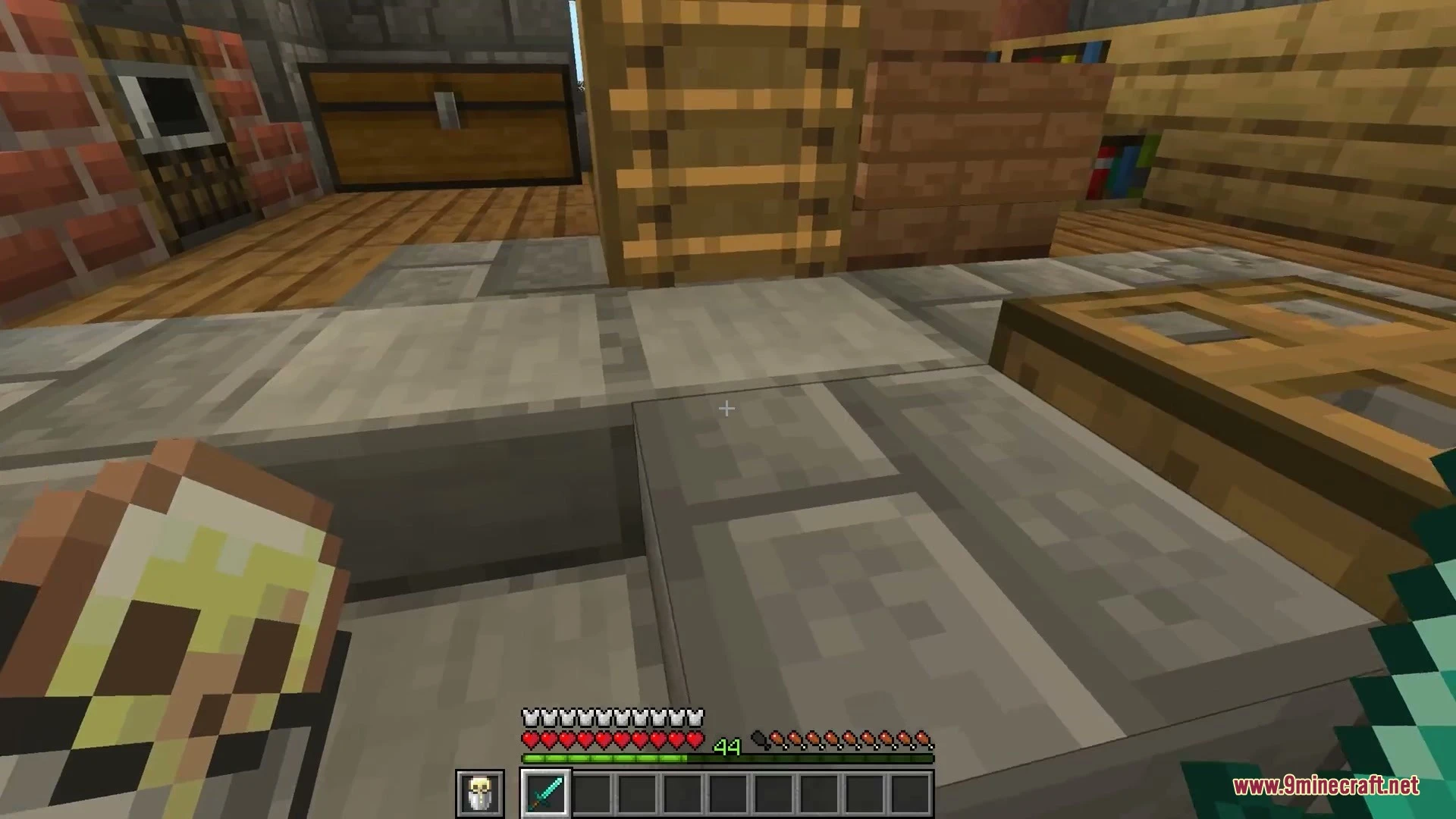
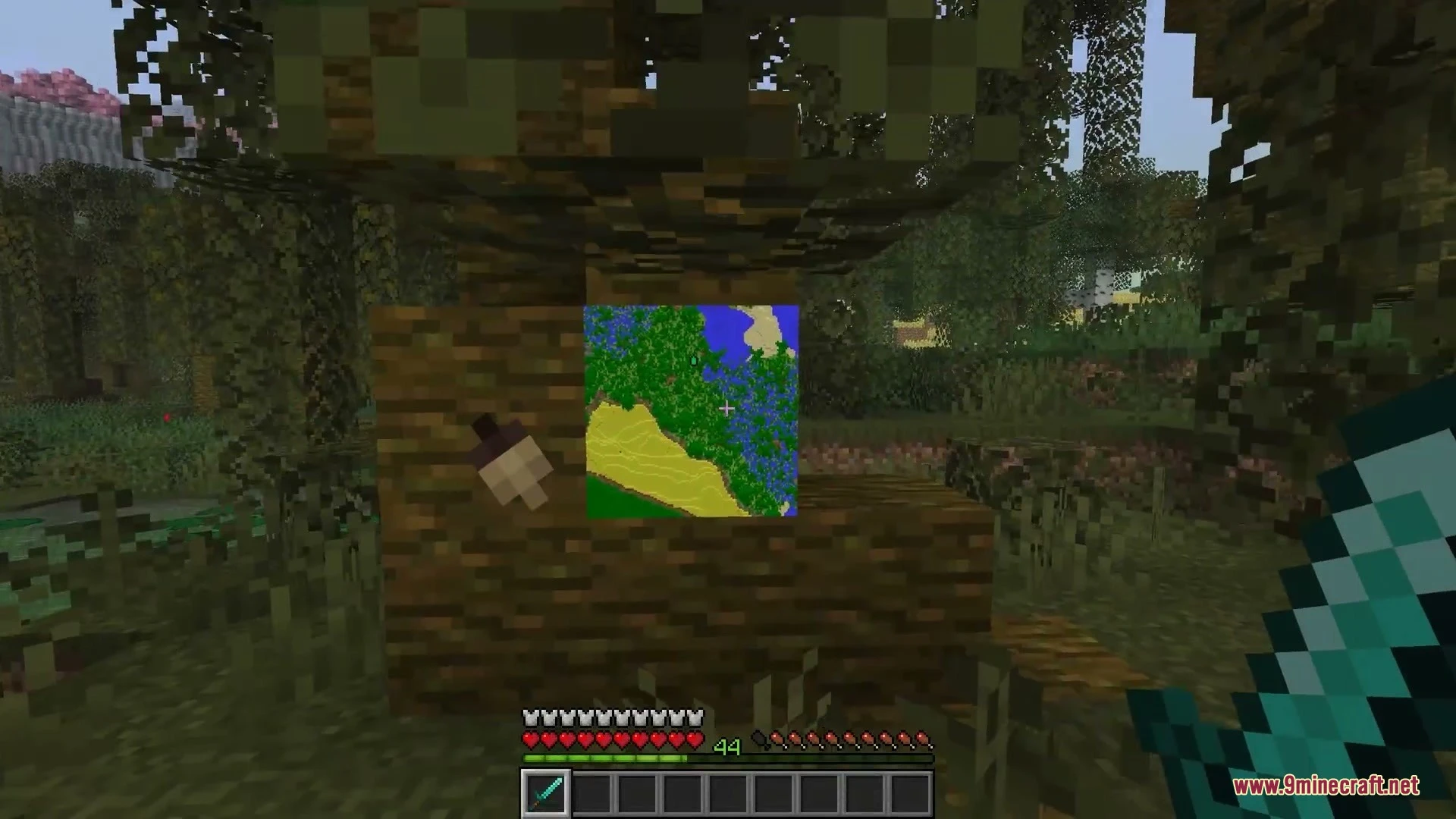
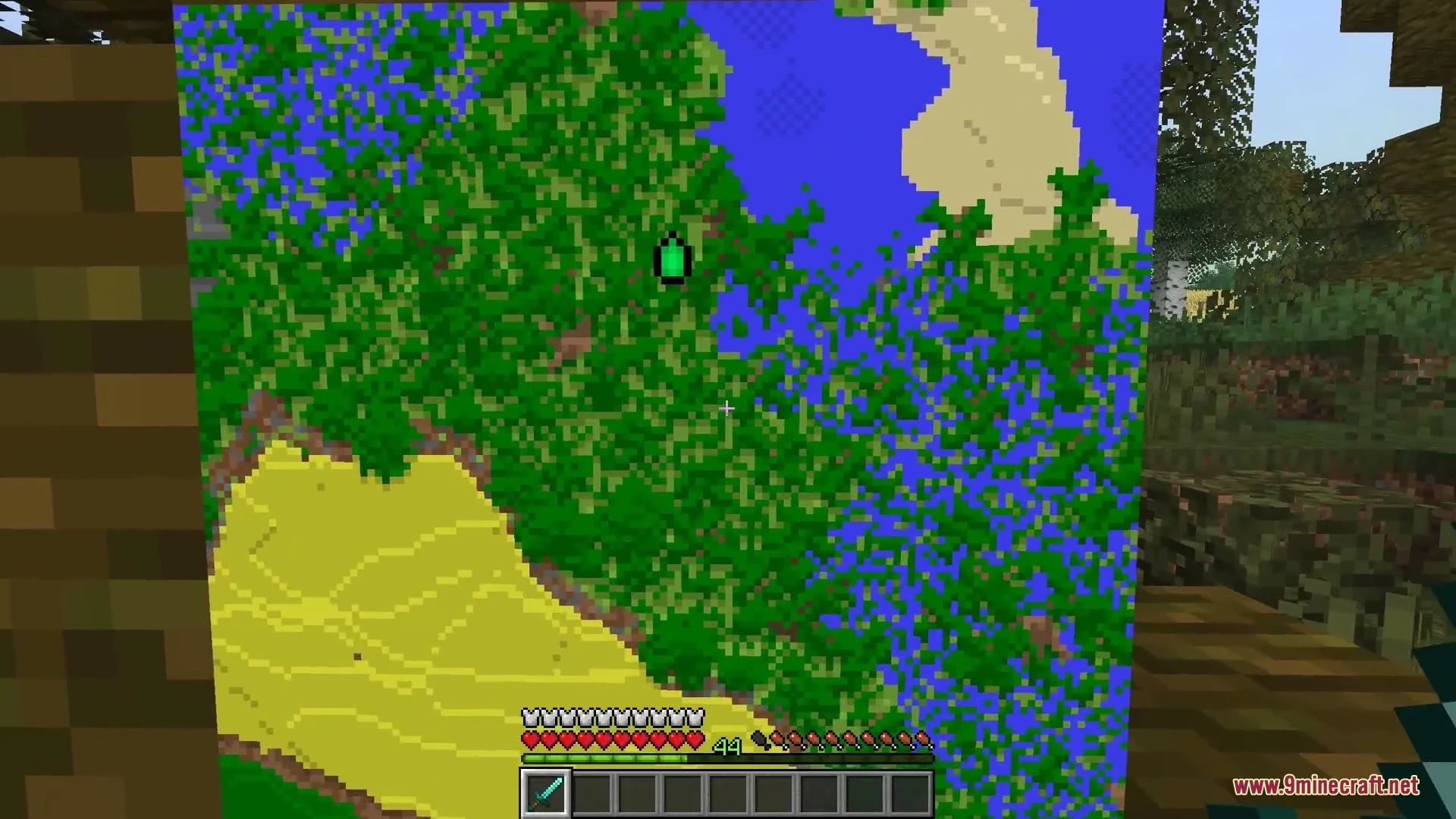
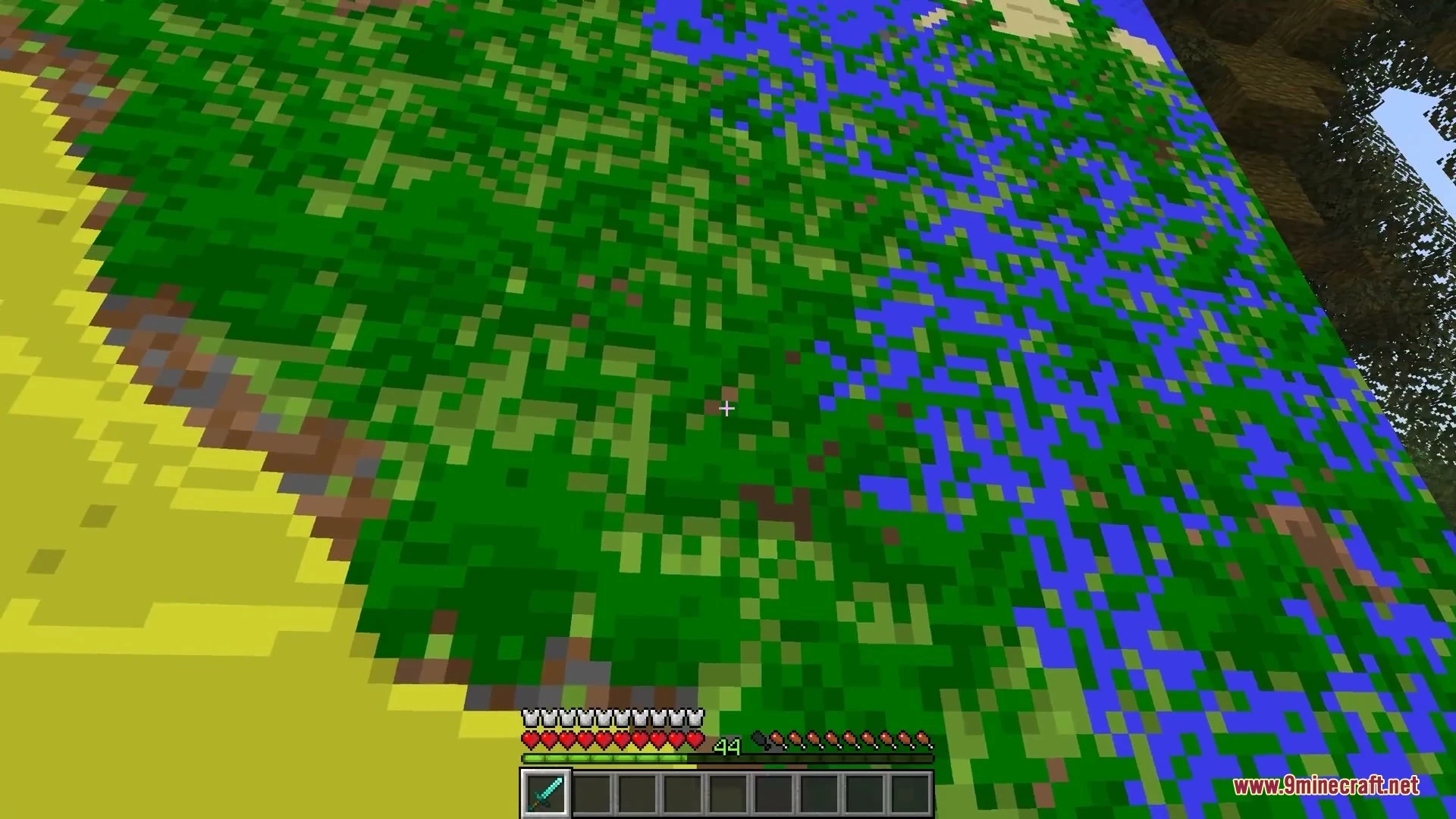
Crampedness Mod adds smooth first-person animations that pull held items closer to you near walls, solid blocks, and mobs. Step away from an obstacle, and your hands move smoothly back to their normal spot. It works completely on the client side, meaning you can bring it to any multiplayer server without extra server setup. Empty hands and maps keep their normal view, and your reach stays untouched.






Features
- Held items smoothly retract towards your screen when walking close to walls, blocks, mobs, and players.
- Each hand moves with its own animation for natural movement in tight spaces.
- Works for left-handed play without visual glitches.
- Lowers the retraction effect whenever you swing a tool or mine a block.
- Pauses the animation while eating food or aiming bows.
- Runs fully on the client side with no server installation needed.
- Keeps block reach distance, player hitboxes, and core game rules unchanged.
- Works alongside weapon mods such as Punchy and Vic’s Point Blank.
Requirements
NeoForge RequiredMinecraft Forge RequiredFabric Loader RequiredFabric API Required
Installation
New to Minecraft? Follow our step-by-step guide to install Mods on your PC.View Guide
📥 Crampedness Mod Download Links
📦 For Minecraft 26.2
🔗 Download from Server 1 — 🔗 Download from Server 2🔗 Download from Server 1 — 🔗 Download from Server 2🔗 Download from Server 1 — 🔗 Download from Server 2
📦 For Minecraft 26.1.2, 26.1.1, 26.1
🔗 Download from Server 1 — 🔗 Download from Server 2🔗 Download from Server 1 — 🔗 Download from Server 2🔗 Download from Server 1 — 🔗 Download from Server 2
📦 For Minecraft 1.21.11
🔗 Download from Server 1 — 🔗 Download from Server 2🔗 Download from Server 1 — 🔗 Download from Server 2🔗 Download from Server 1 — 🔗 Download from Server 2
📦 For Minecraft 1.21.1, 1.21
🔗 Download from Server 1 — 🔗 Download from Server 2🔗 Download from Server 1 — 🔗 Download from Server 2🔗 Download from Server 1 — 🔗 Download from Server 2
📦 For Minecraft 1.20.1, 1.20
🔗 Download from Server 1 — 🔗 Download from Server 2🔗 Download from Server 1 — 🔗 Download from Server 2🔗 Download from Server 1 — 🔗 Download from Server 2
📦 For Minecraft 1.19.2
🔗 Download from Server 1 — 🔗 Download from Server 2🔗 Download from Server 1 — 🔗 Download from Server 2
📦 For Minecraft 1.18.2
🔗 Download from Server 1 — 🔗 Download from Server 2🔗 Download from Server 1 — 🔗 Download from Server 2
📦 For Minecraft 1.16.5
🔗 Download from Server 1 — 🔗 Download from Server 2🔗 Download from Server 1 — 🔗 Download from Server 2
📦 For Minecraft 1.12.2
🔗 Download from Server 1 — 🔗 Download from Server 2
📦 For Minecraft 1.8.9
🔗 Download from Server 1 — 🔗 Download from Server 2
📦 For Minecraft 1.7.10
🔗 Download from Server 1 — 🔗 Download from Server 2