Description
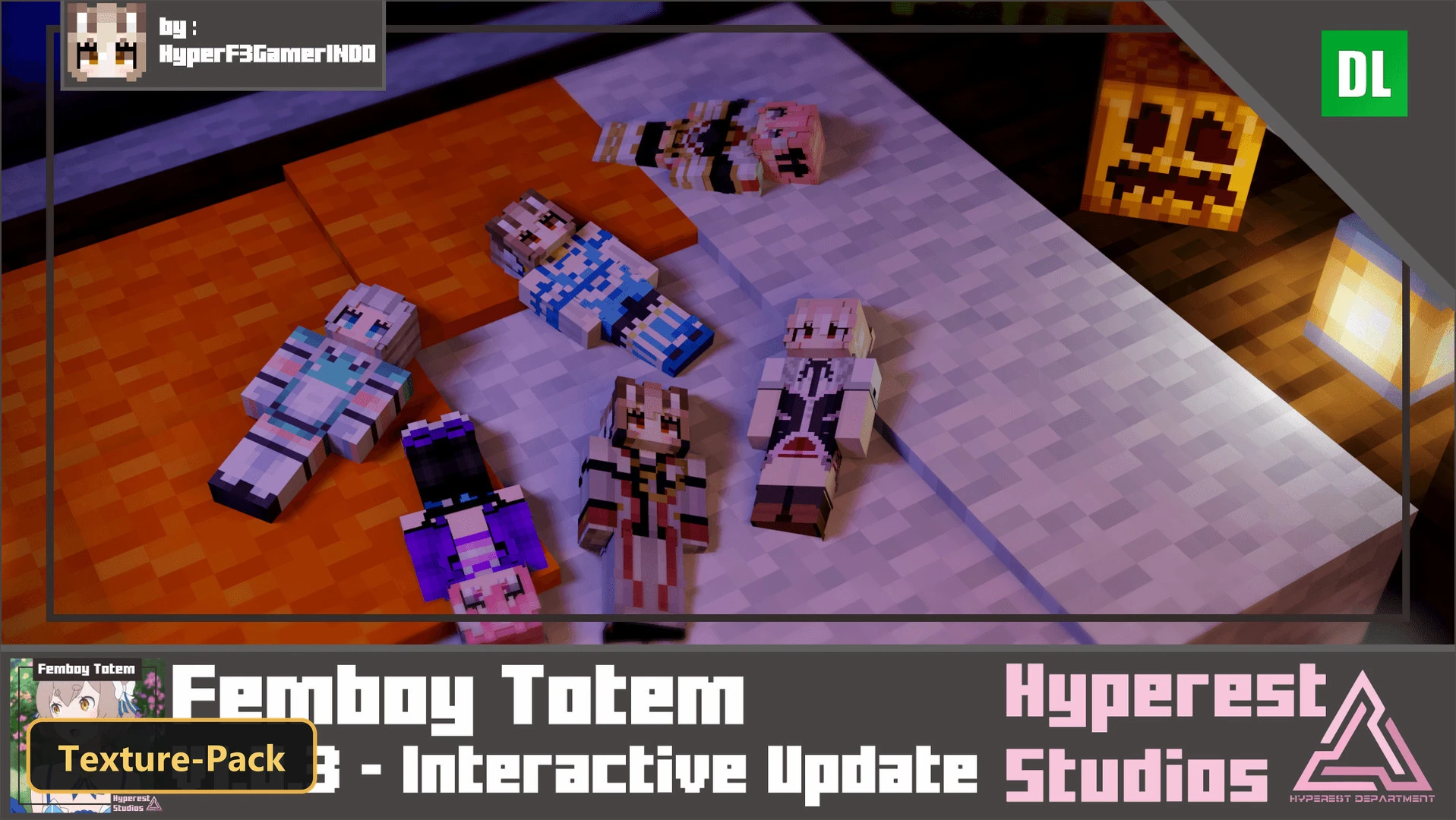
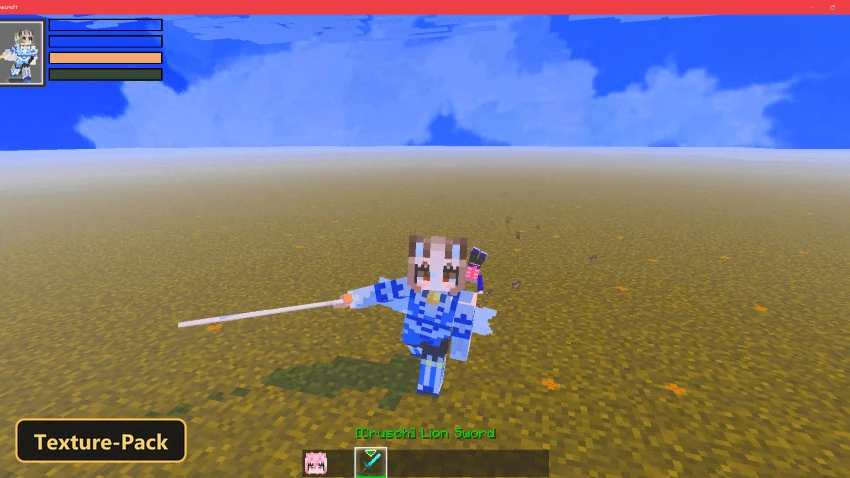
Animated anime-style characters take over the Totem of Undying in Femboy Totem. Nine presets cover Felix Argyle in a blue dress or knight outfit, Astolfo in a purple outfit or rider form, Hideri as a maid, Gasper in a school outfit, and Venti in his default look.
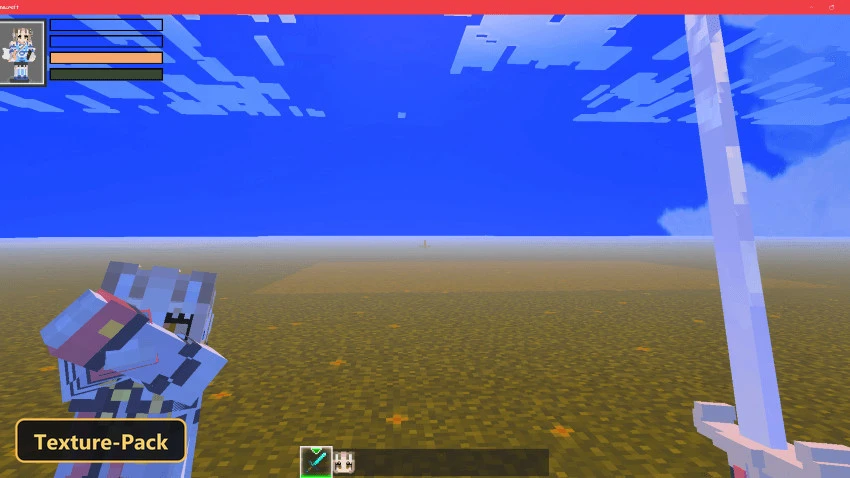
The presets are chosen from the global resources settings by tapping the gear icon next to the pack. Custom skin options are included as well. The totems are drawn at 441×442 and animated, so the item stays detailed when it pops up. The pack changes only the totem in Minecraft Bedrock and leaves the rest of the game as it was.


Features
- 9 quality presets to pick in-game: [Felix] Turning to Felix Argyle Blue Dress Version (memory tier 1), [Felix] Turning to Felix Argyle Knight Version (memory tier 2), [Astolfo] Turning to Astolfo Purple Outfit Version (memory tier 3), [Astolfo] Turning to Astolfo Rider Version (memory tier 4), [Hideri] Turning to Hideri Default Version (memory tier 5), [Gasper] Turning to Gasper School Outfit Version (memory tier 5), [Venti] Turning to Venti Default Version (memory tier 6), [Custom Skin 4×4] Turning to Custom skin Version Replace this Texture subpacks/custom4x4/textures/femboytotem/hp_custom4x4.png Replace this Item subpacks/custom4x4/textures/items/hp_totem.png (memory tier 7), [Custom Skin 4×3] Turning to Custom skin Version Replace this Texture subpacks/custom4x3/textures/femboytotem/hp_custom4x3.png Replace this Item subpacks/custom4x3/textures/items/hp_totem.png (memory tier 8)
- Retextures items at 441×442 resolution
Requirements
- MCPE/Bedrock 1.14 – 1.21.101
all 57 versions
1.21.101, 1.21.100, 1.21.94, 1.21.93, 1.21.92, 1.21.90, 1.21.82, 1.21.81, 1.21.80, 1.21.73, 1.21.72, 1.21.71, 1.21.70, 1.21.61, 1.21.60, 1.21.51, 1.21.50, 1.21.44, 1.21.43, 1.21.41, 1.21.40, 1.21.30, 1.21.21, 1.21.20, 1.21.2, 1.21, 1.20.80, 1.20.70, 1.20.60, 1.20.50, 1.20.40, 1.20.1, 1.20, 1.19.23, 1.19.20, 1.19.10, 1.19, 1.18.31, 1.18.30, 1.18.12, 1.18.10, 1.18.2, 1.18.1, 1.18, 1.17.2, 1.17.1, 1.17, 1.16.22, 1.16.21, 1.16.2, 1.16.1, 1.16, 1.15, 1.14.3, 1.14.2, 1.14.1, 1.14
Installation
New to Minecraft PE? Follow our step-by-step guide to install Texture Packs on your Mobile.View Guide
📥 Download Links
- 🔗 Download from Server 1
- 🔗 Download from Server 2
- 🔗 Download from Server 1
- 🔗 Download from Server 2
- 🔗 Download from Server 1
- 🔗 Download from Server 2
- 🔗 Download from Server 1
- 🔗 Download from Server 2