Description
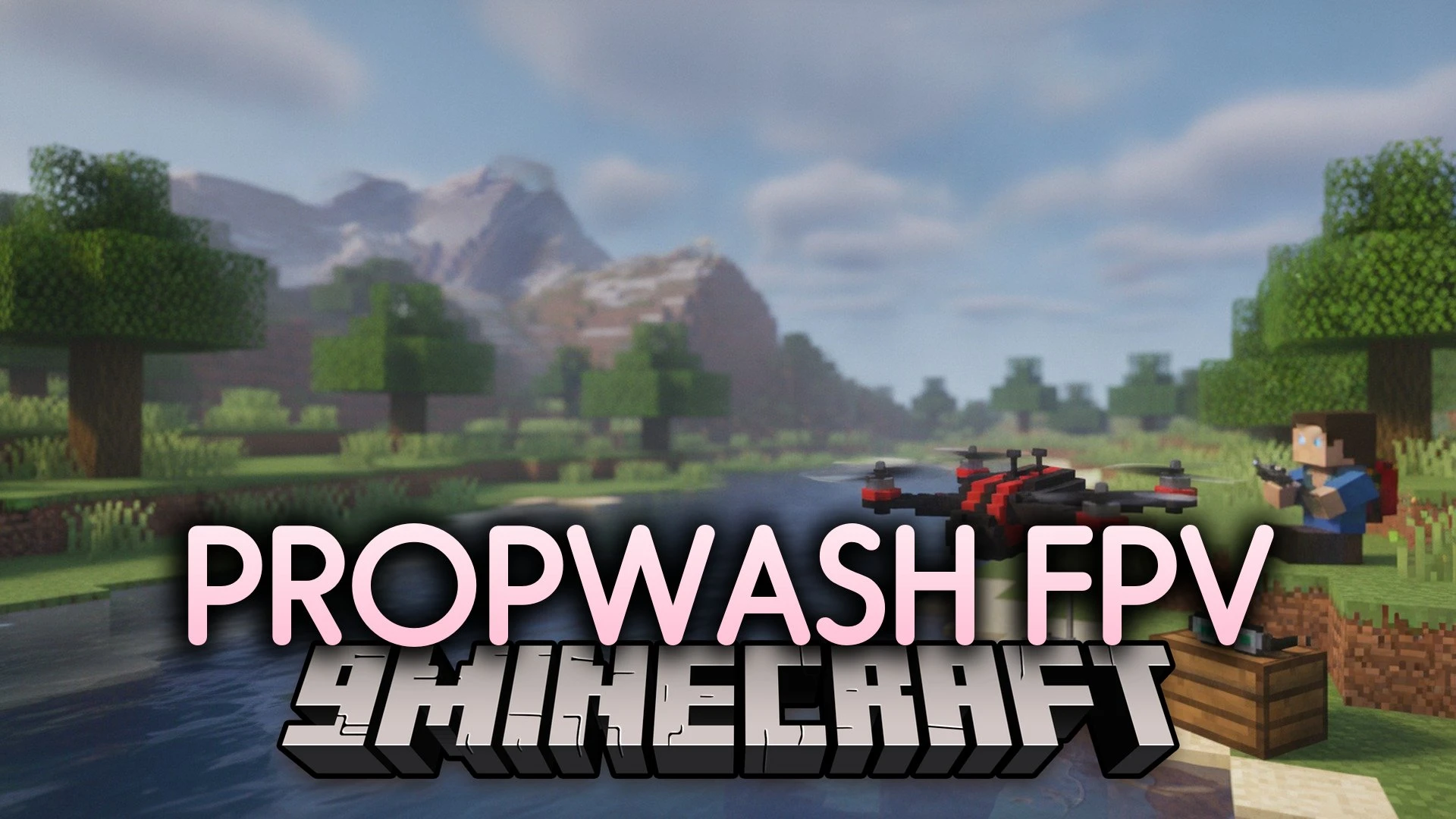
Propwash FPV Mod brings realistic drone flying and quadcopter racing straight into your blocky worlds. You build custom drones piece by piece using a specialized workbench. After putting your parts together, you slip on video goggles and take to the skies in first-person view. The mod lets you fly using actual gamepads, radio controllers, or regular keyboard inputs. You can race through checkpoints, pull off aerial stunts, or capture video clips from high above the ground.


Features
- Drone Workbench: Assemble custom quadcopters from individual frames, motors, propellers, batteries, and flight controllers with a live 3D preview.
- Flight Controller Modes: Switch between Acro, Angle, and Horizon flight styles alongside tuning tools like PID adjustments and GPS Rescue.
- Realistic Aerodynamics: Flight behavior changes based on real physics like rotor thrust, wind gusts, battery voltage drop, and prop wash.
- First-Person Goggles: View the world through the drone camera with analog or digital signal feeds that break up around distant obstacles.
- Multiple Control Options: Fly using modern gamepads, radio controllers, or standard keyboard keys.
- Drone Accessories: Attach action cameras that record MP4 video files, colorful LED strips, or grabbers that pick up dropped items.
- Crashes cause physical wear and tear on parts like your propellers, motors, and camera.
- Includes an in-game Flight School that walks beginners through flight controls step by step.
- Set up race gates with built-in lap timing to host fast competitions with other players.
- Server game rules let administrators choose if drones damage nearby mobs or shatter glass blocks.
How to Install:
New to Minecraft? Follow our step-by-step guide to install Mods on your PC.View Guide
Requirements:
Fabric Loader RequiredFabric API Required
Requirements
Fabric Loader RequiredFabric API Required
Installation
New to Minecraft? Follow our step-by-step guide to install Mods on your PC.View Guide
📥 Propwash FPV Mod Download Links
📦 For Minecraft 26.3
🔗 Download from Server 1 — 🔗 Download from Server 2