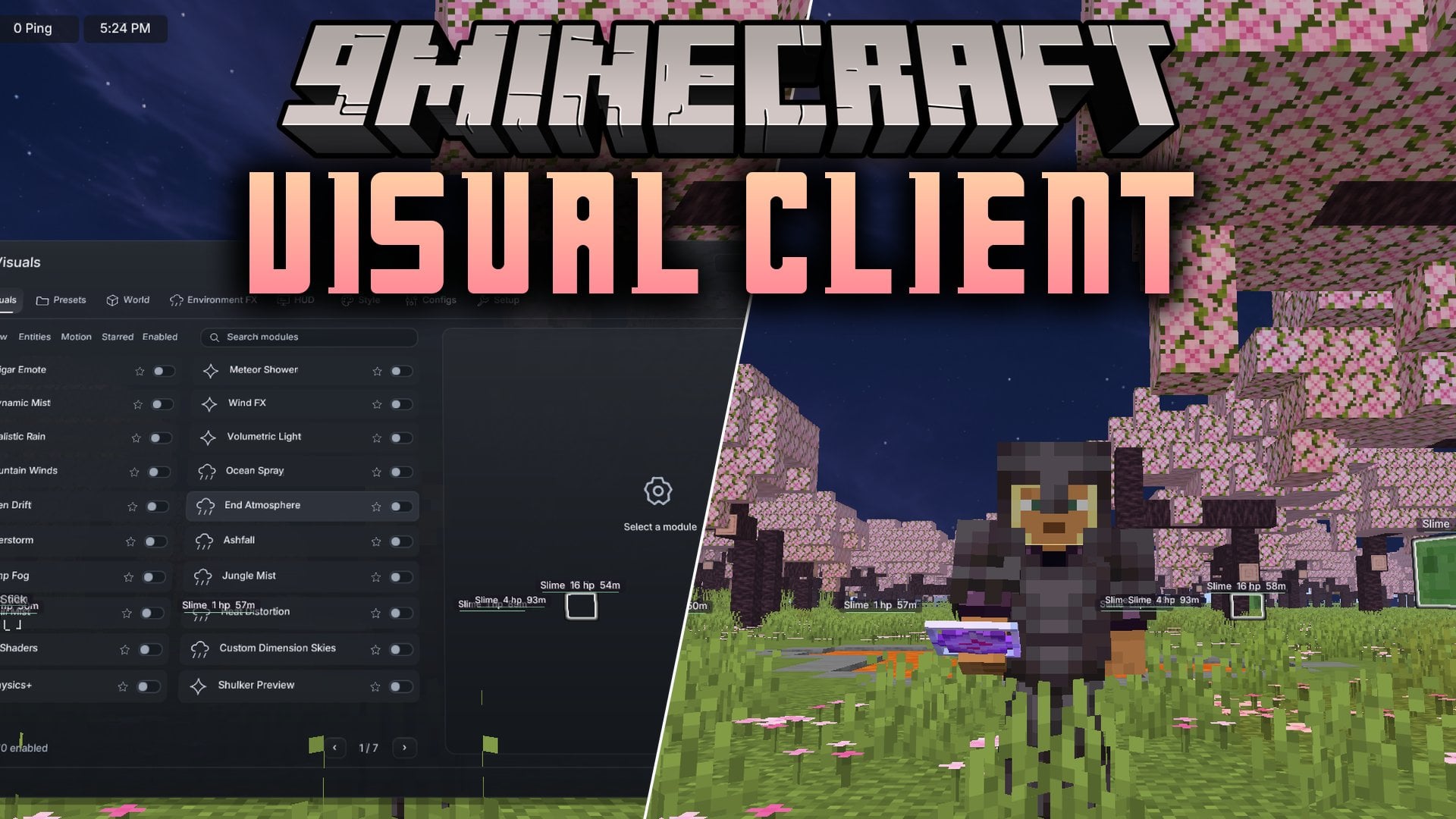
Description
Xiaoli Client Mod gives you a full menu of combat, movement, visual, utility and world modules. Press Right Shift to open it. Modules sit in clear columns, and you can save your own setups as profiles.


Features
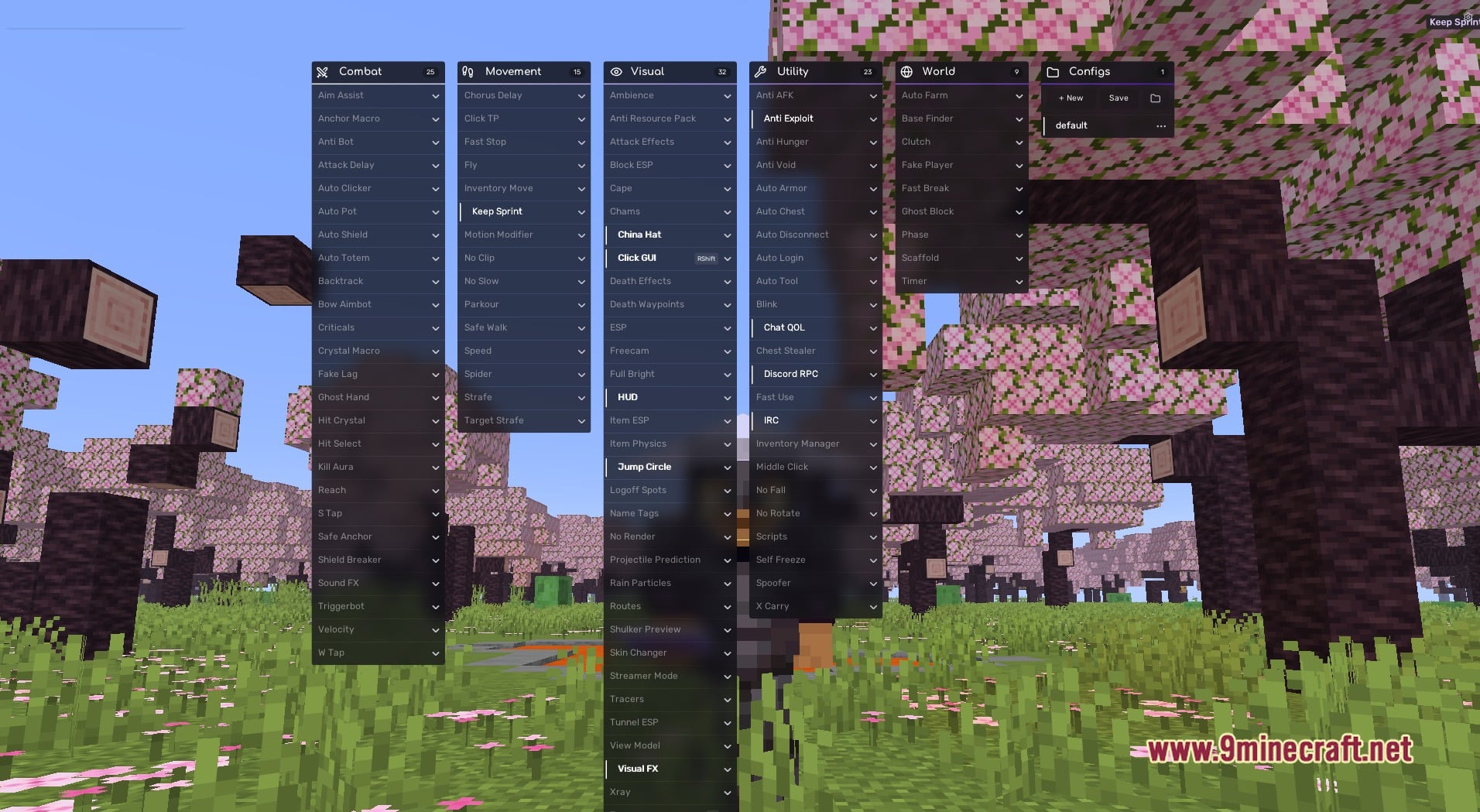
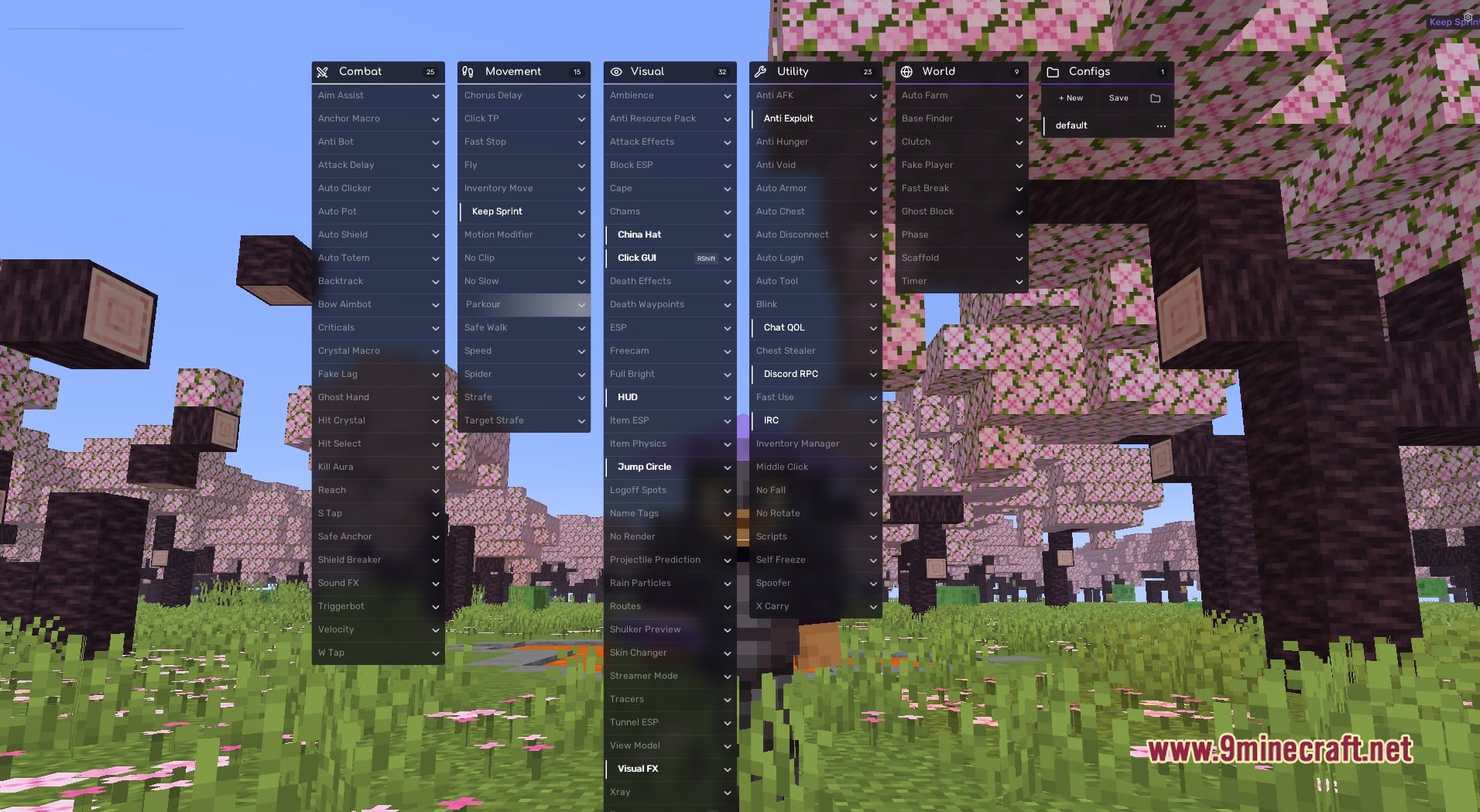
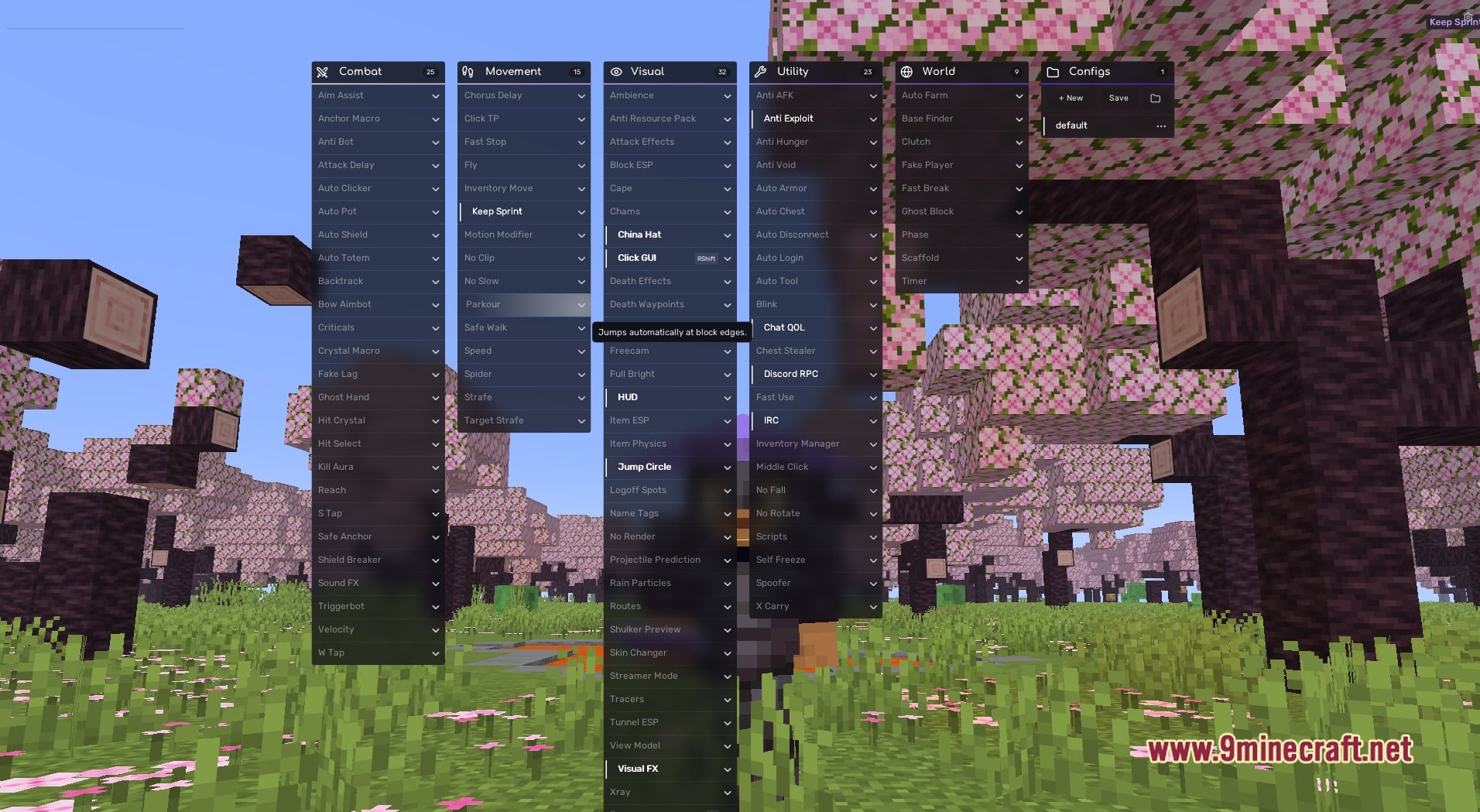
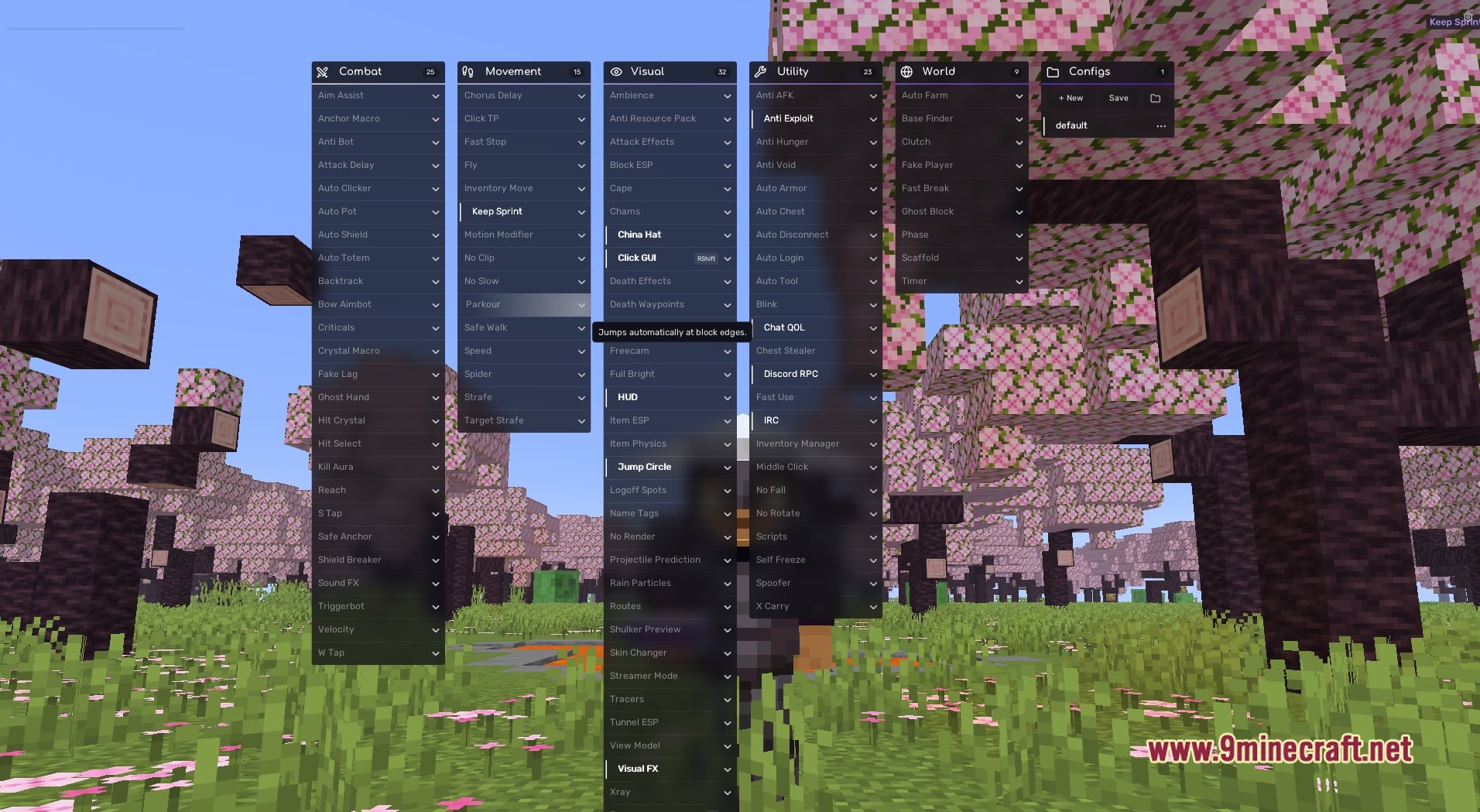
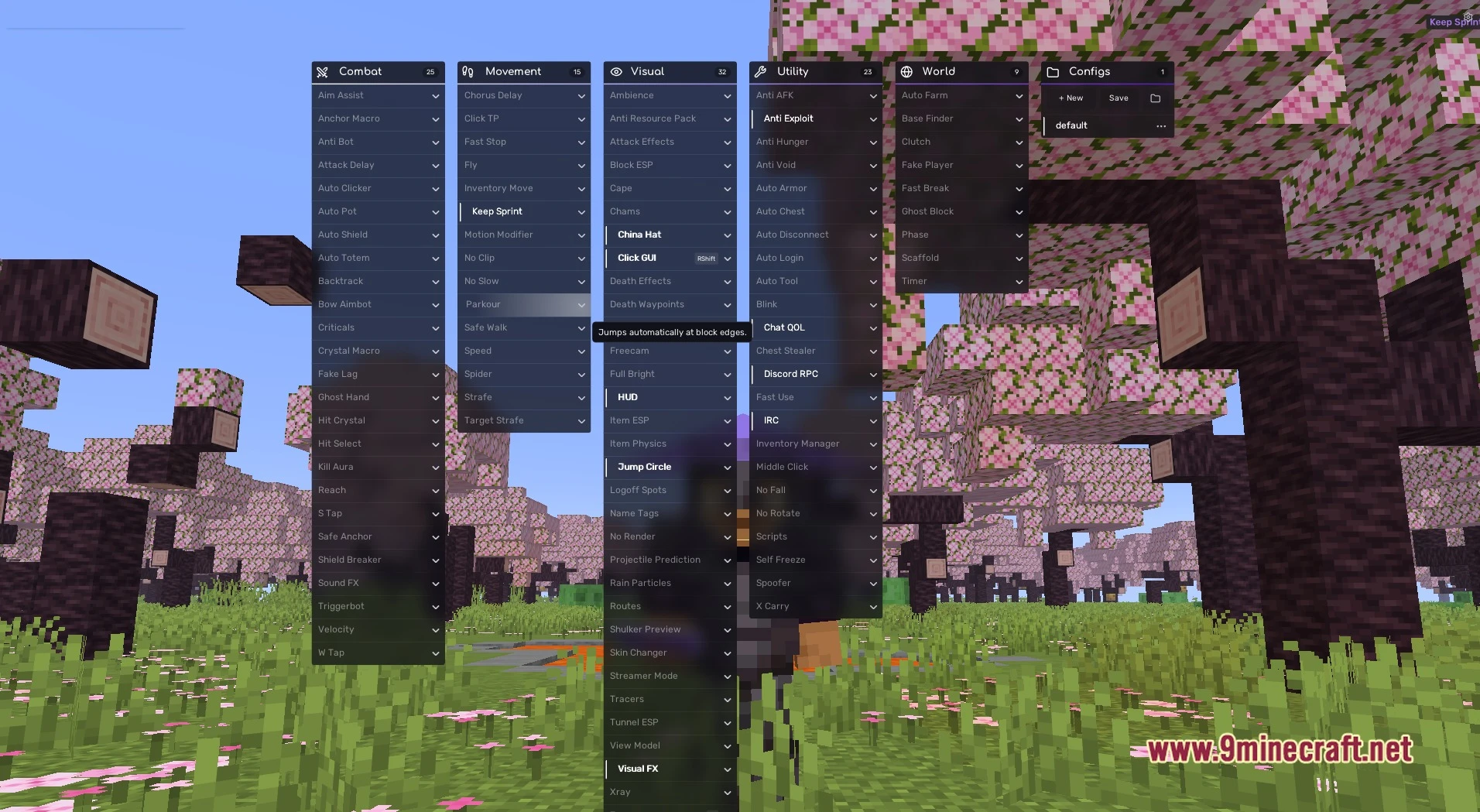
- Clickable Menu: Press Right Shift to open a menu with six columns: Combat, Movement, Visual, Utility, World and Configs.
- Combat Column: Holds 25 combat modules for PvP fights, so your fight tools stay in one place.
- Configs Column: Has New and Save buttons above a “default” profile, so you can keep more than one setup.
- Gives every module row its own expand arrow, which opens more options for that module.
- Packs 15 movement modules into the Movement column.
- Puts the render and ESP tools in the Visual column, so you can change how the world looks and pick out things around you.
- Groups world tools in the World column and helper tools for repeated jobs in the Utility column.
- Lets you tune your HUD and visuals, then save the result in a config profile.
Requirements
Fabric Loader RequiredFabric API Required
Installation
New to Minecraft? Follow our step-by-step guide to install Mods on your PC.View Guide
📥 Xiaoli Client Mod Download Links
📦 For Minecraft 1.21.11
🔗 Download from Server 1 — 🔗 Download from Server 2