https://www.aadhu.com/wp-content/uploads/2024/10/Minepacks-Plugin-121-1201-–-Bukkit-Spigot-Paper.jpg
Minepacks Plugin (1.21, 1.20.1) is a backpack plugin with different backpack sizes, multilanguage and MySQL storage support. It is a simple plugin, but still has a lot of functions.

Features:
- Configuration
- Backpack size controlled by permissions
- Auto item-collect on full inventory (can be enabled in the config)
- Multiple storage back-ends (Files, SQLite, MySQL)
- Multi-language support (multiple language files included)
- Item filter (block items from being stored in the backpack)
- Preserves the NBT data of items (everything that can be stored in a chest can be stored in the backpack)
- Support for name changing / UUIDs
- Auto-updater
- API for developers
Requirements:
- Java 8
- Bukkit, Spigot, or Paper for Minecraft 1.7 or newer
- (Optional) PCGF PluginLib (Advantages of using the PCGF PluginLib)
Commands:
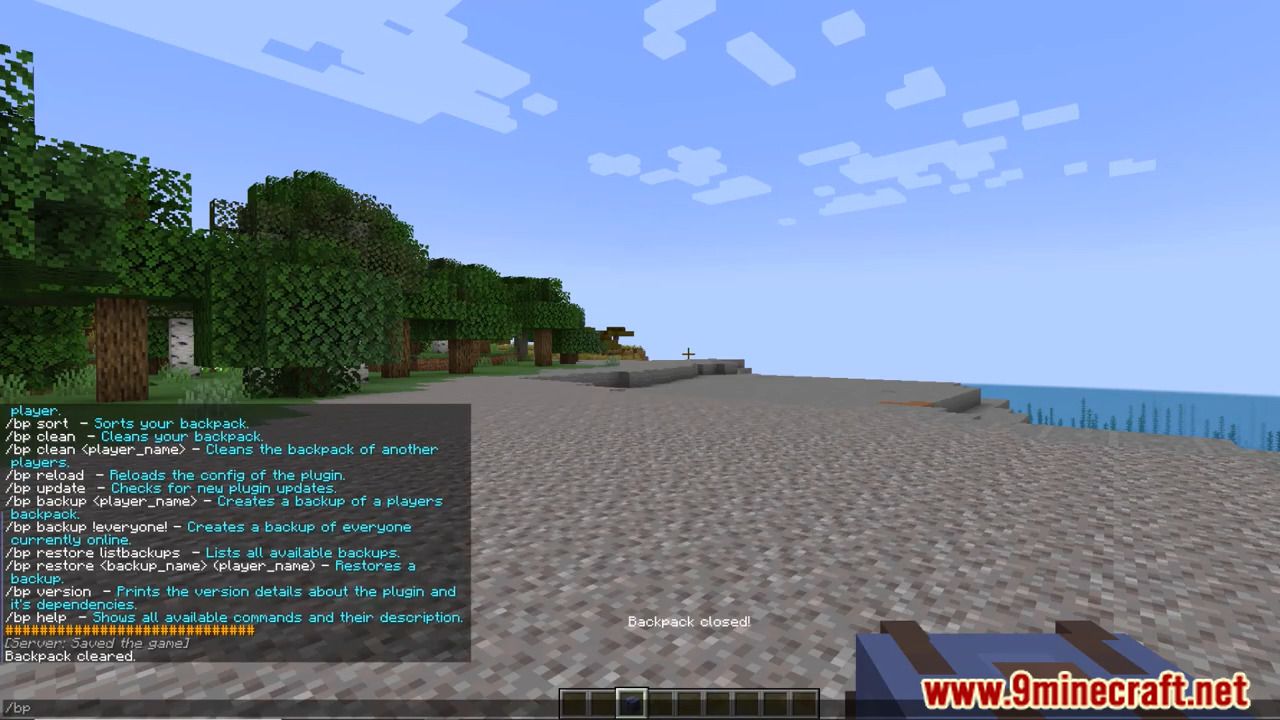
- /backpack help – Lists all the commands of this plugin.
- /backpack – Opens the players backpack.
- /backpack clean – Removes all items from the players backpack.
- /backpack clean – Removes all items from another players backpack.
- /backpack – Shows the backpack of another player.
Permissions:
- backpack.* – Gives access to the full MinePacks functionality. (for admins)
- backpack.use – Allows a player to open the backpack.
- backpack.fullpickup – Allows the player to automatically pick up items when their inventory is full (function needs to be enabled in the config)
- backpack.size.1 – Mini size for a backpack, if the player has backpack permission he will also have at least a backpack with the size 1.
- backpack.size.2 – 2*9 backpack
- backpack.size.3 – 3*9 backpack
- backpack.size.4 – 4*9 backpack
- backpack.size.5 – 5*9 backpack
- backpack.size.6 – 6*9 backpack
- backpack.clean – Allows the player to clean their own backpack.
- backpack.clean.other – Allows the player to clean other players backpacks.
- backpack.others – Allows the player open backpacks of other players.
- backpack.others.edit – Allows the player to edit backpacks of other players.
- backpack.keepOnDeath – Allows the player to keep their items in their backpack on death.
- backpack.noCooldown – Allows to bypass the cooldown to open the backpack.
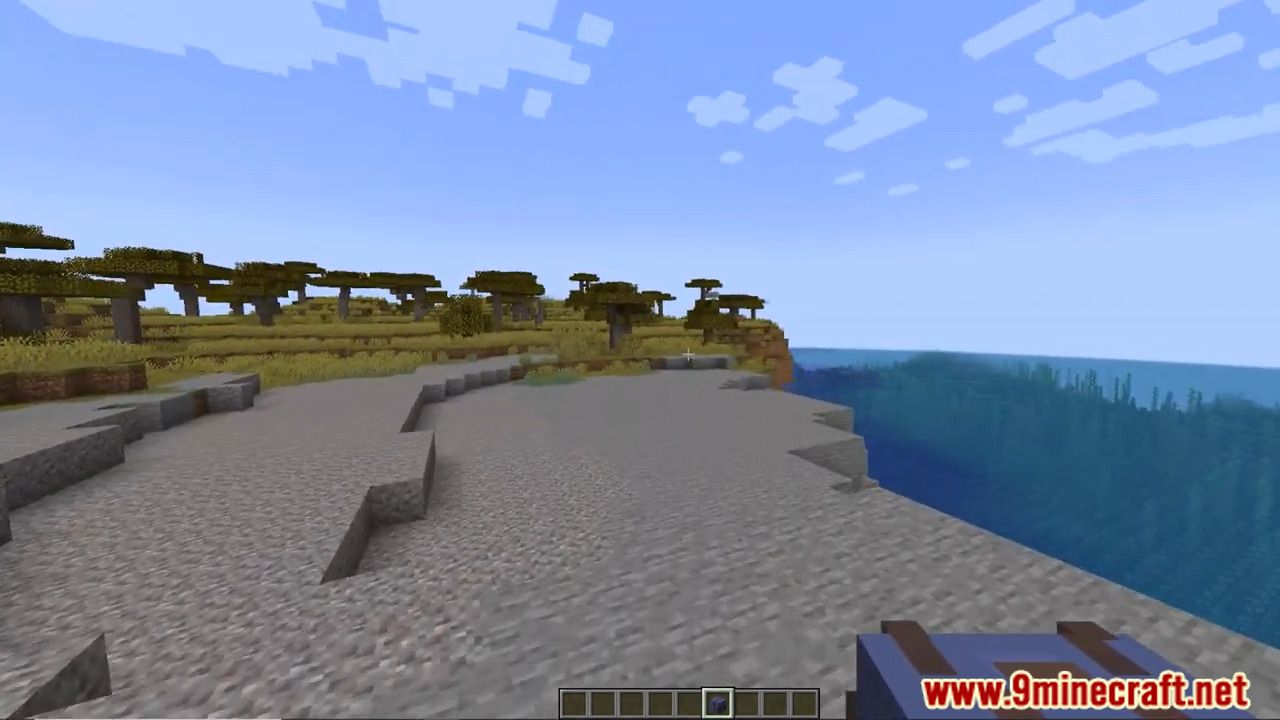
Screenshots:



How to install:
- Download a plugin of your choice.
- Place the .jar and any other files in your plugins directory.
- Run the server and wait for it to fully load.
- Type stop in your Minecraft server console to bring the server to a clean stop.
- Run the server.
- All done! Your plugin should be installed and ready to be used.
Minepacks Plugin (1.21, 1.20.1) Download Links
For Minecraft Bukkit from 1.12 to 1.19.1
Download from Server 1
For Minecraft Bukkit 1.19.3, 1.19.2
Download from Server 1
For Minecraft Bukkit 1.19.4
Download from Server 1
For Minecraft Bukkit 1.20.1, 1.20
Download from Server 1 – Download from Server 2
For All Versions from Minecraft Bukkit 1.20.2 to Minecraft 1.21
Download from Server 1 – Download from Server 2