https://www.aadhu.com/wp-content/uploads/2024/10/X-Ray-Pro-Texture-Pack-121-120-MCPEBedrock.png
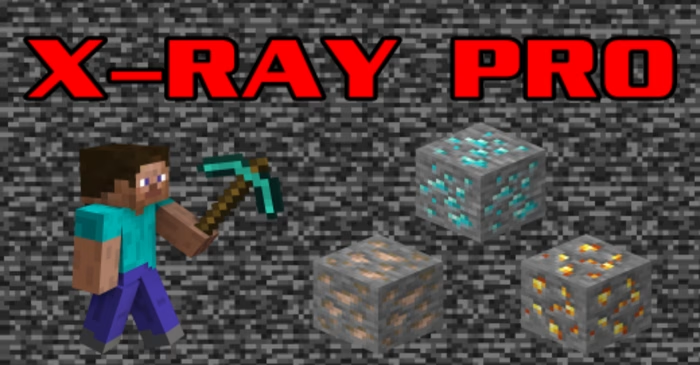
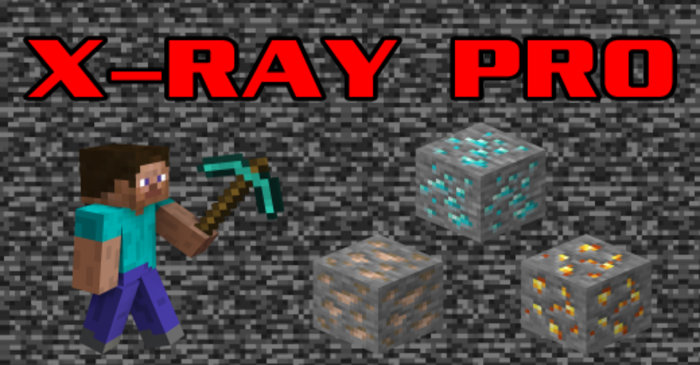
X-Ray Pro Texture Pack (1.21, 1.20) is essential for Minecraft players, especially beginners. They enable you to see through unimportant blocks, making finding valuable resources like ores and chests easier. Plus, they’re undetectable on servers, so no worries about getting banned!
Features:
This is unique as it gives you three different options: the first is optimized for survival mode, the second for visibility, and the third for ocean exploration.
Pro Tip: Drink a Potion of Night Vision for better visibility!
Standard Setting:
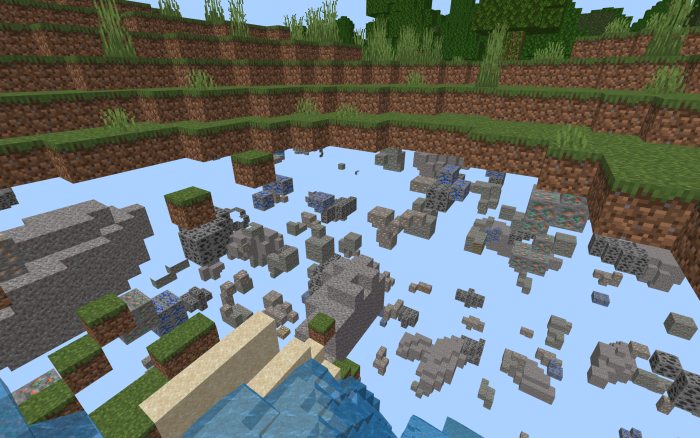
This X-Ray pack does not hide blocks such as grass, logs, and leaves, making it suitable for survival mode.
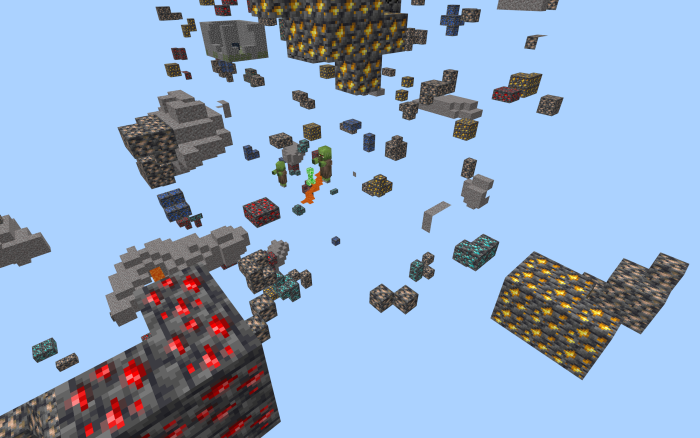
It’s great for finding rare and valuable ores.

It also works in the Nether!
Special Setting:

Hyper visibility setting makes nearly all blocks invisible. It’s good to get an overview of the underground, though we do not recommend it for playing.

The underwater setting is great for exploring the ocean.
Installation Note:
- If you’re using a mobile device, enable “Outline Selection” in the Video section in Settings.
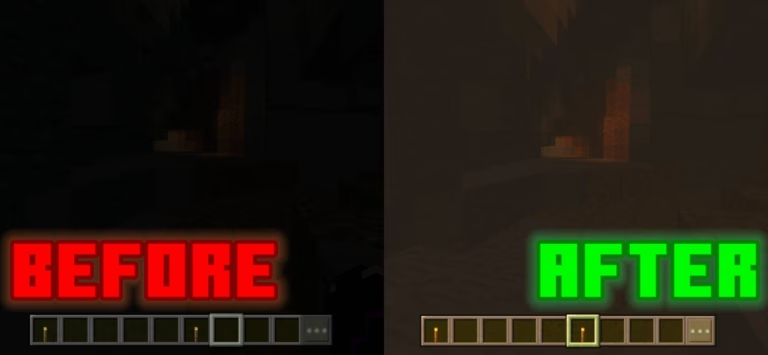
- Turn off “Smooth Shading”, and “Fancy Graphics” and turn up brightness.
- Drink a Potion of Night Vision to make blocks underground brighter.
How to install:
How To Install Mod / Addon on Minecraft PE
How To Install Texture Packs on Minecraft PE
How To Install Map on Minecraft PE
X-Ray Pro Texture Pack (1.21, 1.20) Download Links
For Minecraft PE/Bedrock 1.21, 1.20
mcpack: Download from server 1 – Download from server 2