Description
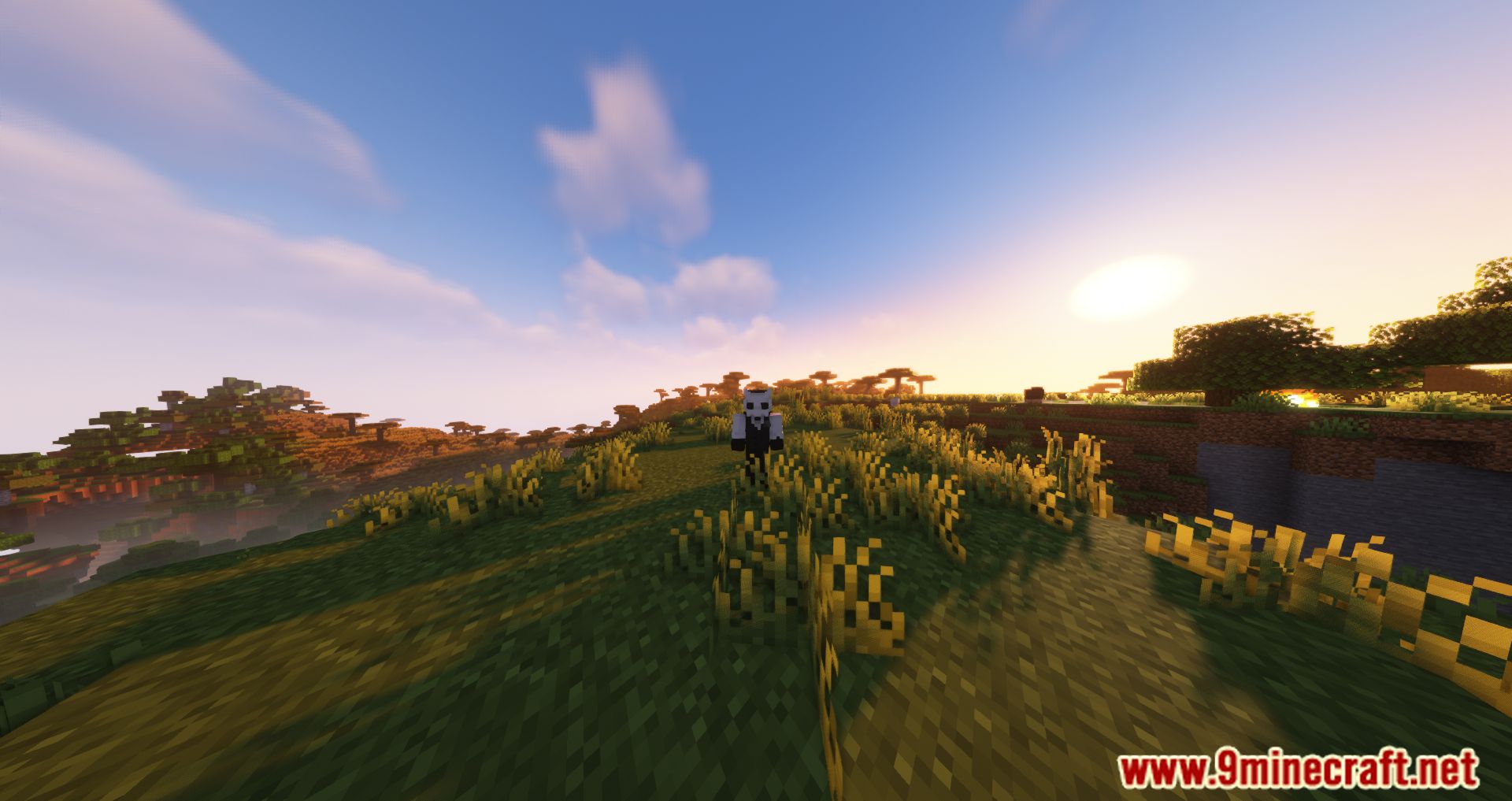
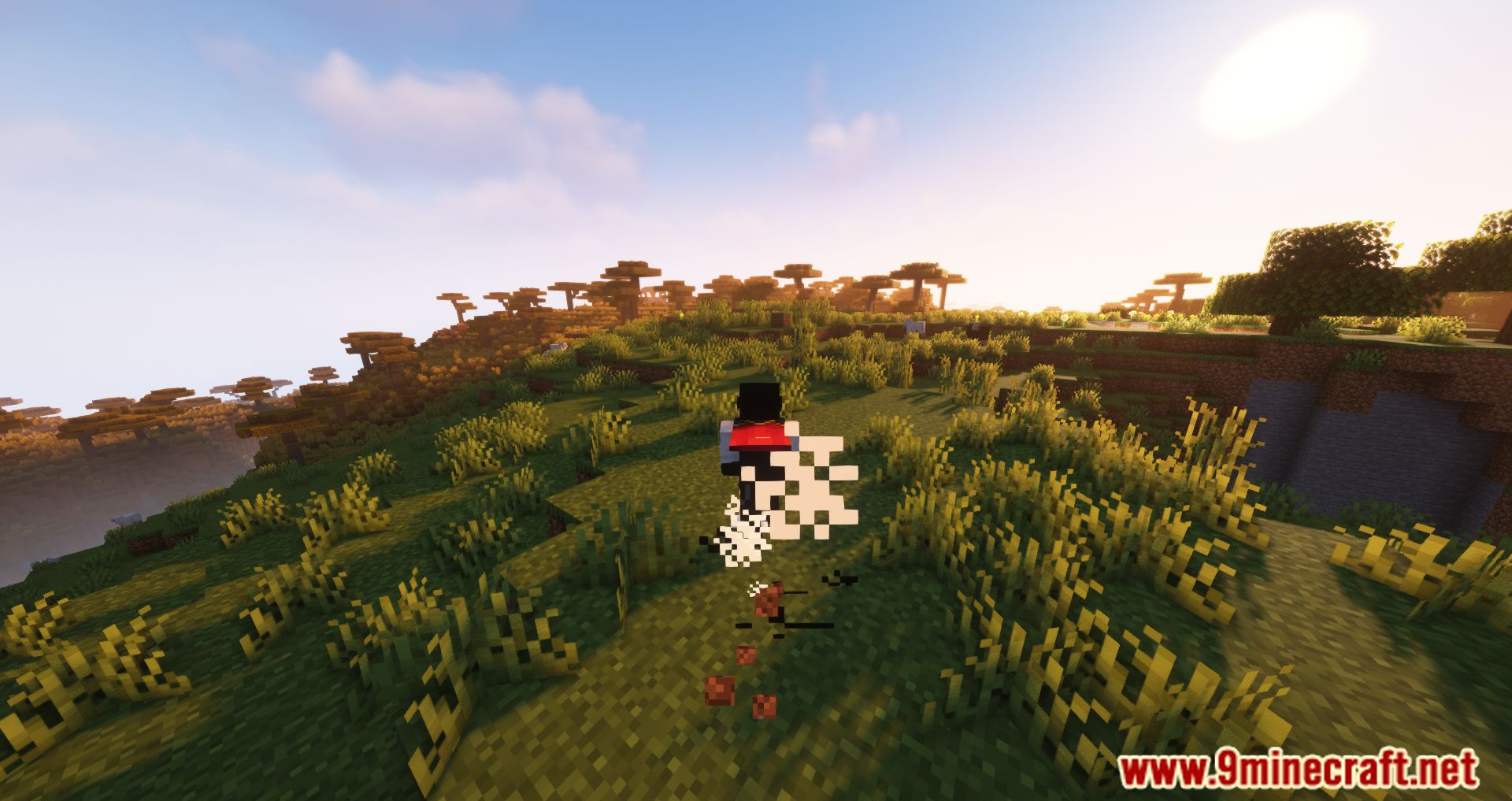
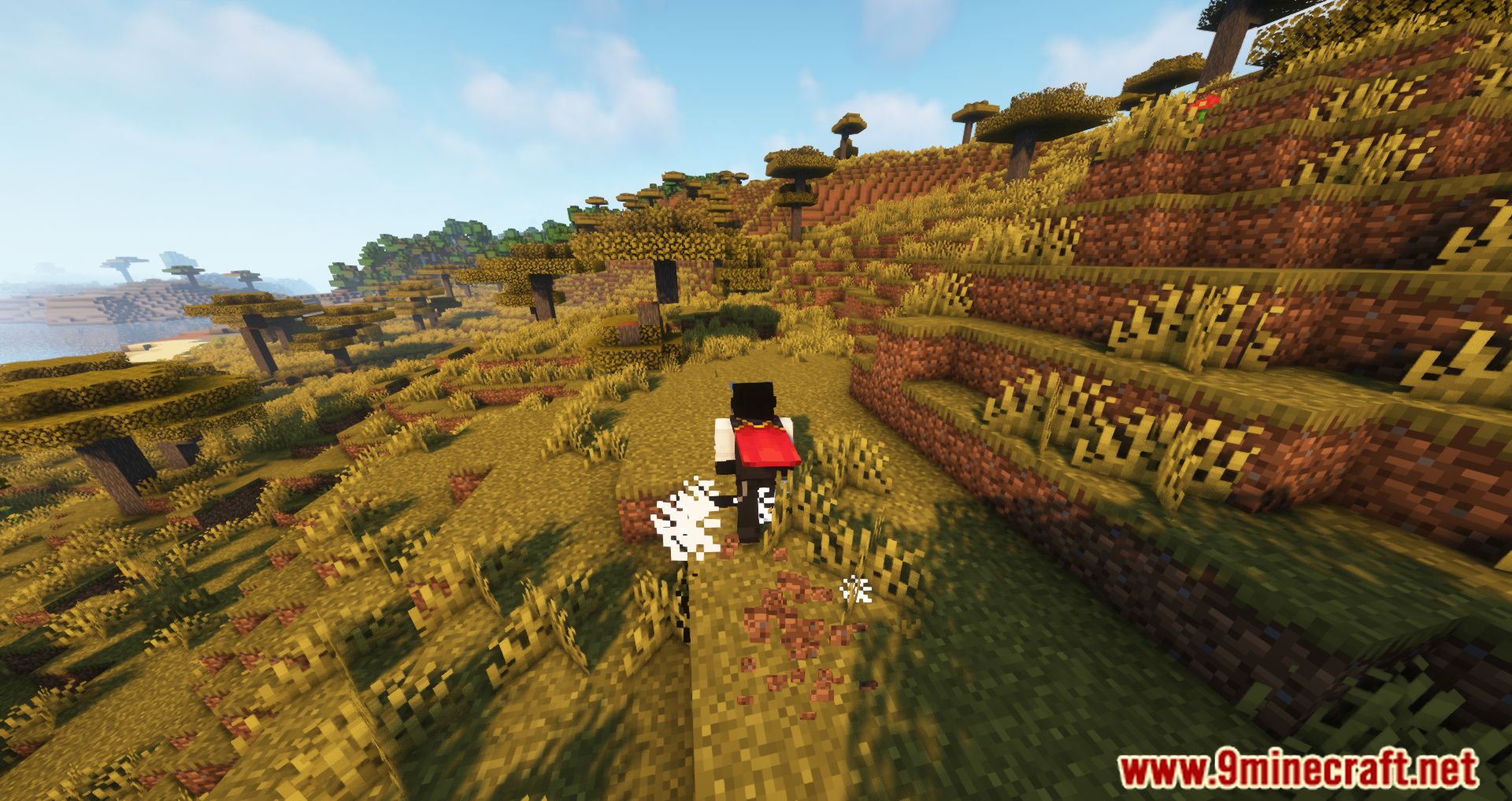
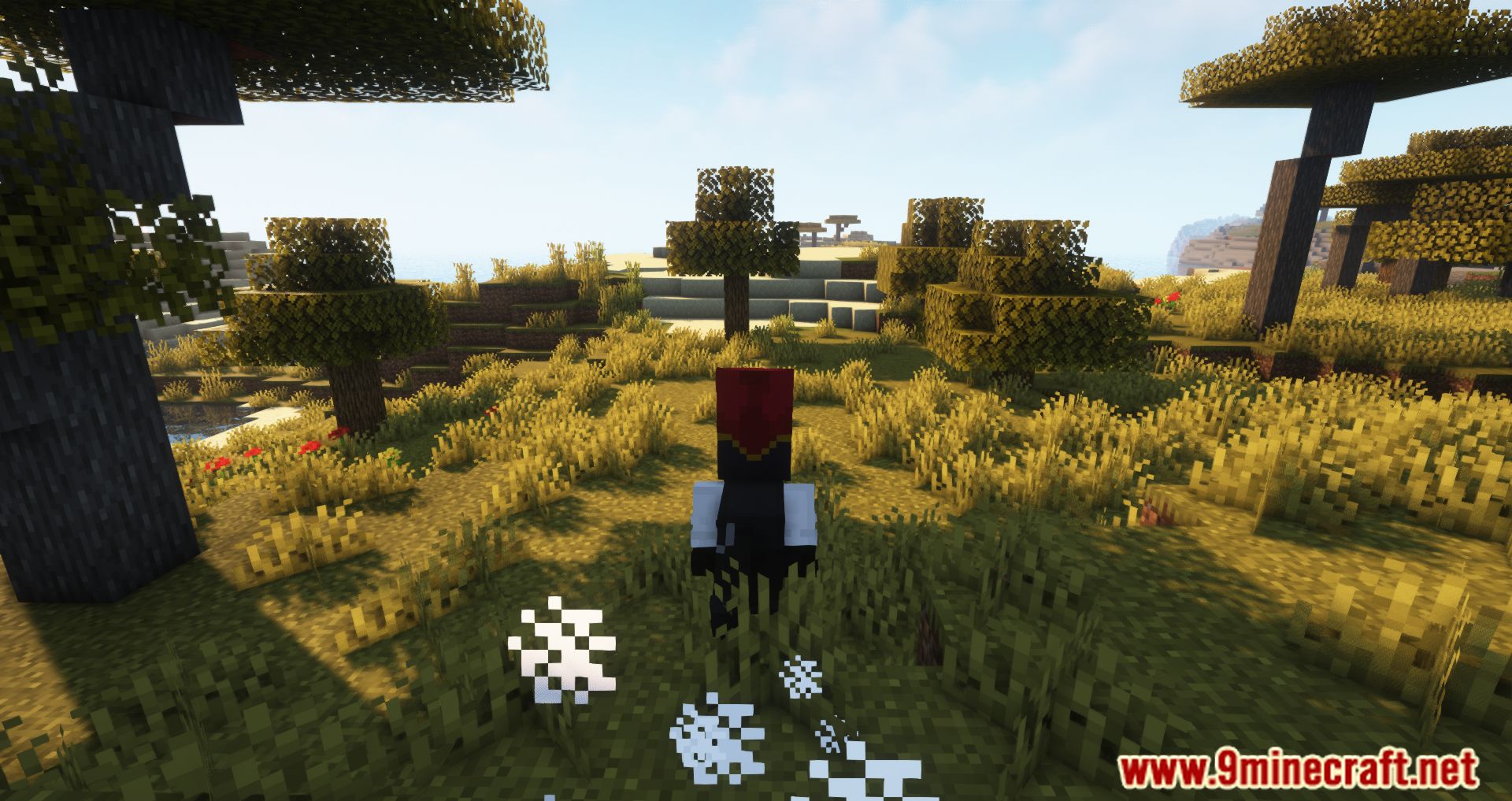
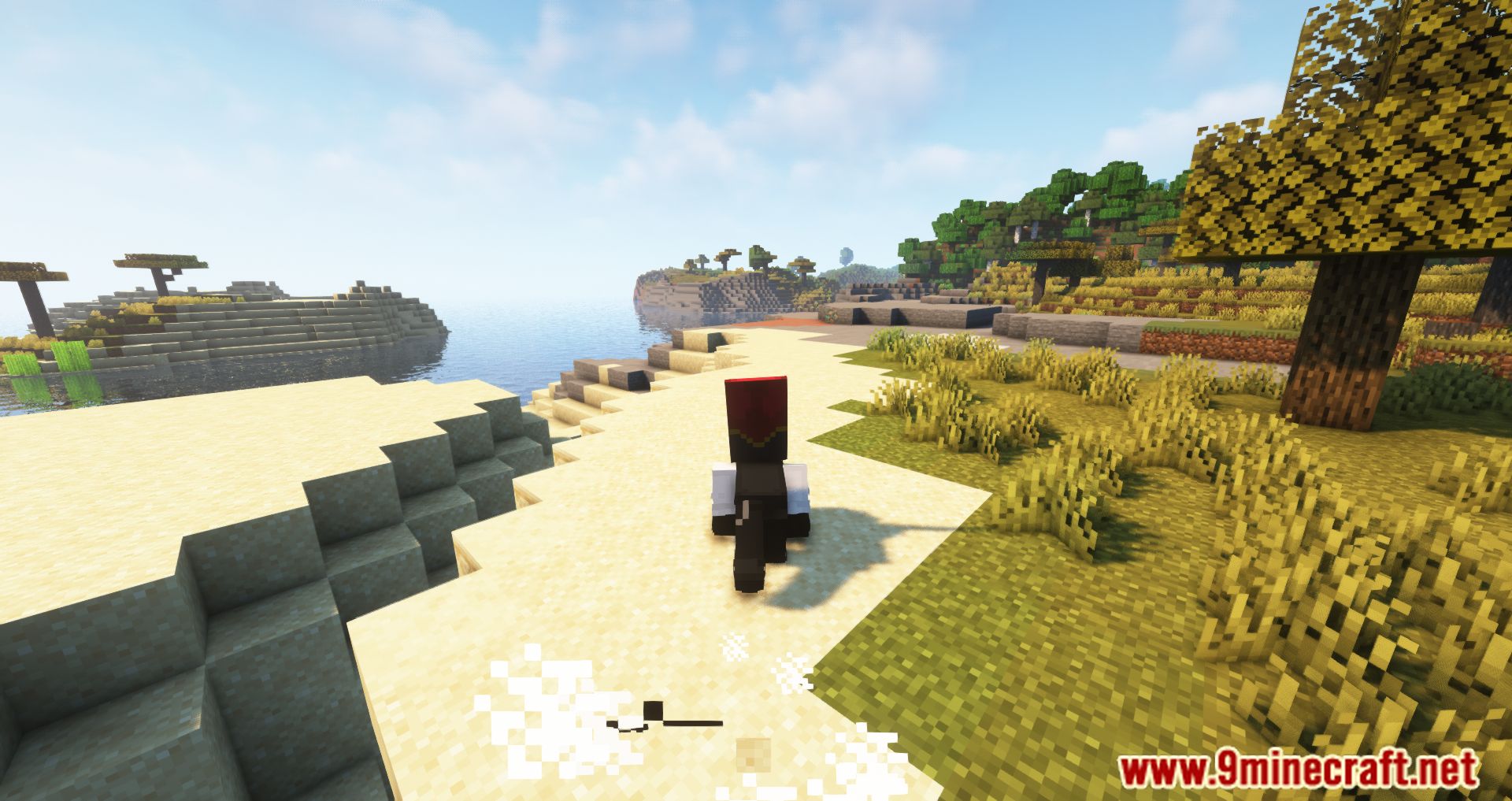
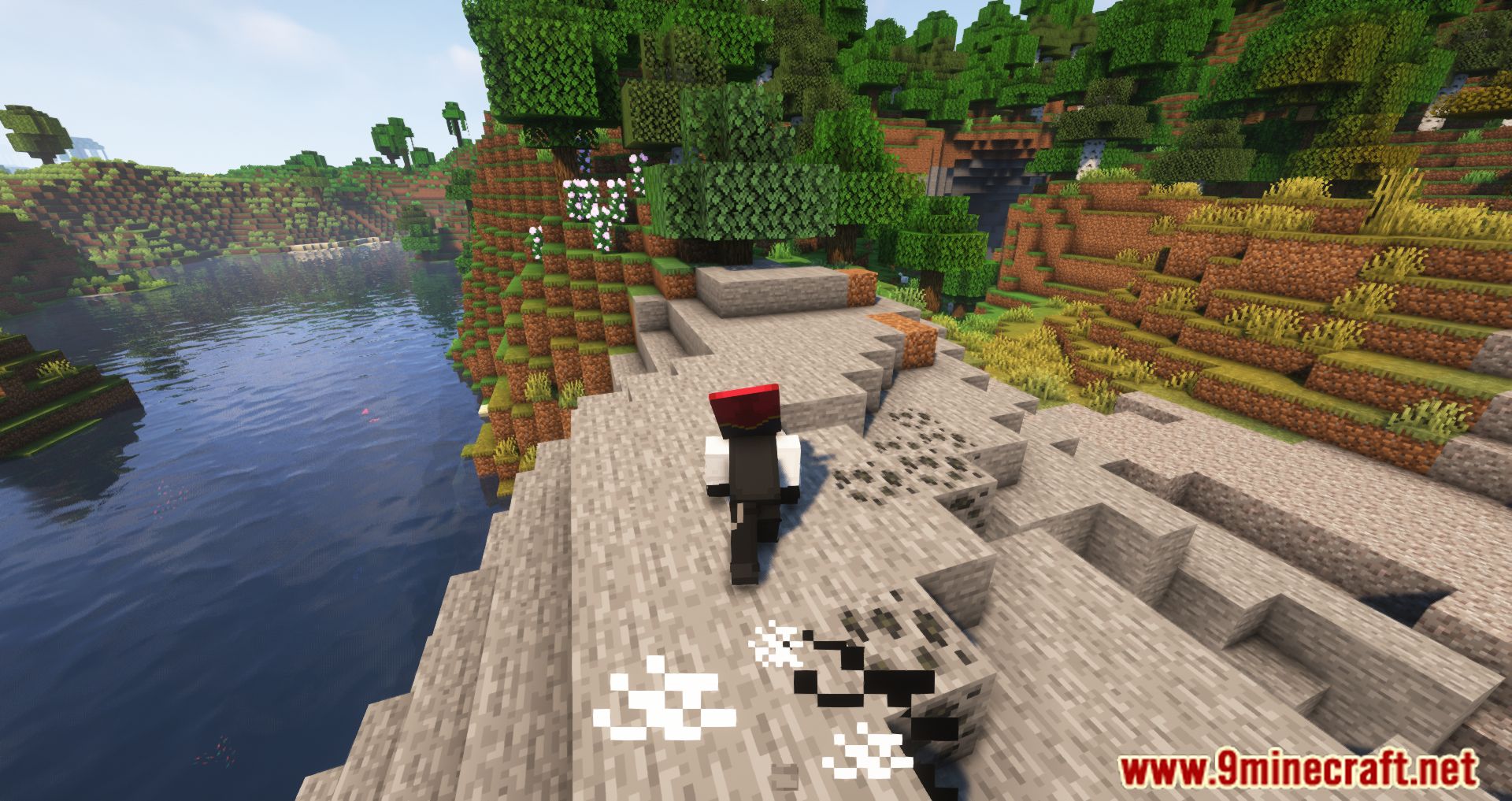
Combat Roll Mod (1.21.11, 1.20.1) is a mod that adds a new ability or movement to our Minecraft character. This ability consists of rolling/dodging/running, allowing us to evade attacks with these new movements. By default, the key to roll is the “R” key. Beyond using a key to perform a new movement, the mod also allows us to use three new enchantments: Multi-Roll, which can be applied to helmets; Acrobat, which can be applied to chestplates and leggings; and Longfooted, which can be applied to boots. By default, after pressing the “R” key to roll, you have to wait 4 seconds to use the ability again. However, this can be improved with the previously mentioned enchantments, allowing us to perform the action more frequently without waiting.





Features
- Combat Roll Ability: Press the “R” key (by default) to perform a roll in any direction (forward, backward, sideways, etc.).
- Cooldown: The roll ability has a default cooldown of 4 seconds, which can be configured on the server.
- Attributes: New entity attributes determine the properties of the roll ability, such as distance, recharge speed, and the number of rolls before needing to recharge.
- Enchantments:
- Multi-Roll: Can be applied to helmets, granting extra rolls.
- Acrobat: Can be applied to chestplates and leggings, increasing the recharge speed of the roll cooldown.
- Longfooted: Can be applied to boots, increasing the distance of your rolls.
- Invulnerability Frames: Optional invulnerability frames during the roll (disabled by default, can be turned on in the config).
- Exhaust: Adds hunger to the player upon rolling (server-side configurable).
- UI Indicator: Shows the cooldown and number of rolls available on the HUD.
Requirements
Minecraft Forge or Fabric API or Quilt Loader or NeoForge Installer
Cloth Config API
Player Animator Mod
Installation
Click the following link to view details: How to Install Mods for Minecraft Java Edition on PC: A Beginner Guide
📥 Download Links
- 🔗 Download from Server 1
- 🔗 Download from Server 2
- 🔗 Download from Server 1
- 🔗 Download from Server 2
- 🔗 Download from Server 1
- 🔗 Download from Server 2
- 🔗 Download from Server 1
- 🔗 Download from Server 2
- 🔗 Download from Server 1
- 🔗 Download from Server 2
- 🔗 Download from Server 1
- 🔗 Download from Server 2
- 🔗 Download from Server 1
- 🔗 Download from Server 2
- 🔗 Download from Server 1
- 🔗 Download from Server 2
- 🔗 Download from Server 1
- 🔗 Download from Server 2
- 🔗 Download from Server 1
- 🔗 Download from Server 2
- 🔗 Download from Server 1
- 🔗 Download from Server 1
- 🔗 Download from Server 1
- 🔗 Download from Server 1
- 🔗 Download from Server 1
- 🔗 Download from Server 2
- 🔗 Download from Server 1
- 🔗 Download from Server 2
- 🔗 Download from Server 1
- 🔗 Download from Server 1
- 🔗 Download from Server 1
- 🔗 Download from Server 2
- 🔗 Download from Server 1
- 🔗 Download from Server 2
- 🔗 Download from Server 1
- 🔗 Download from Server 2
- 🔗 Download from Server 1
- 🔗 Download from Server 2
- 🔗 Download from Server 1
- 🔗 Download from Server 2
- 🔗 Download from Server 1
- 🔗 Download from Server 2