Description
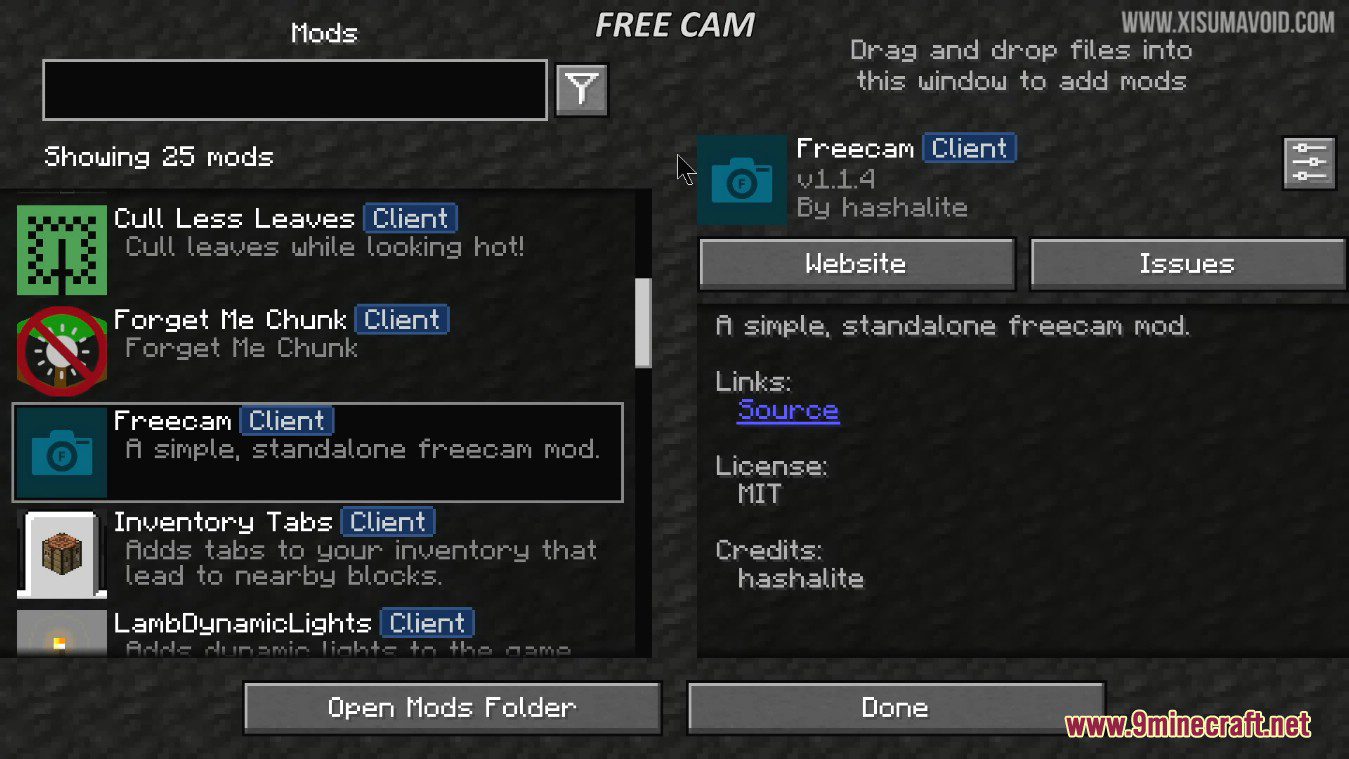
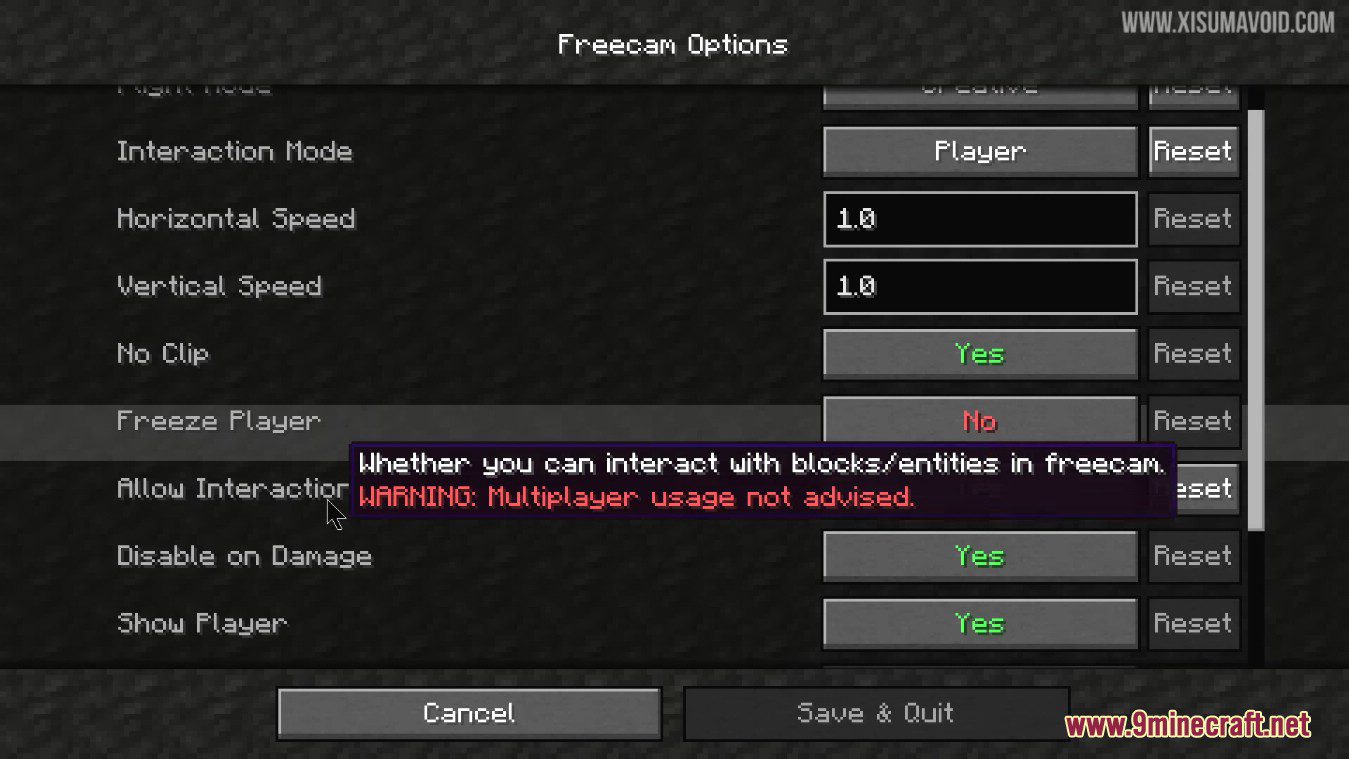
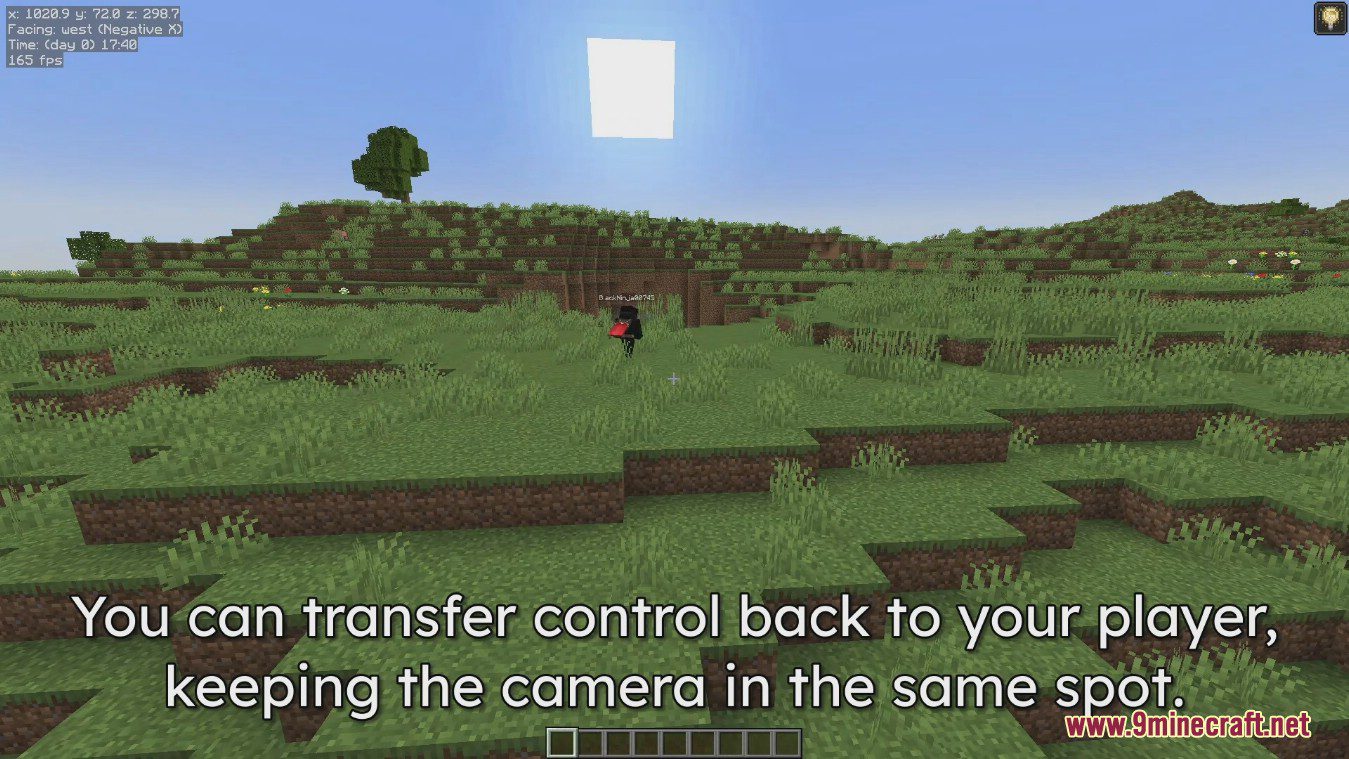
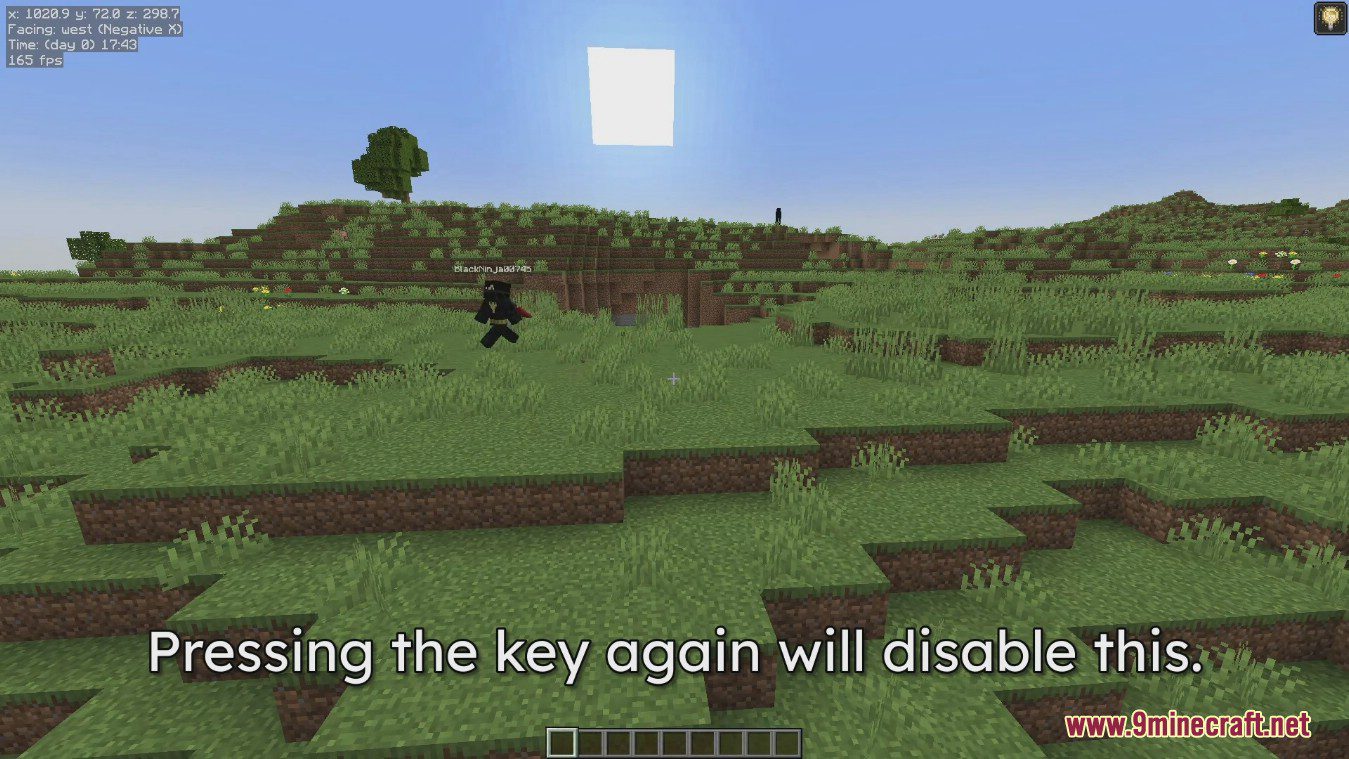
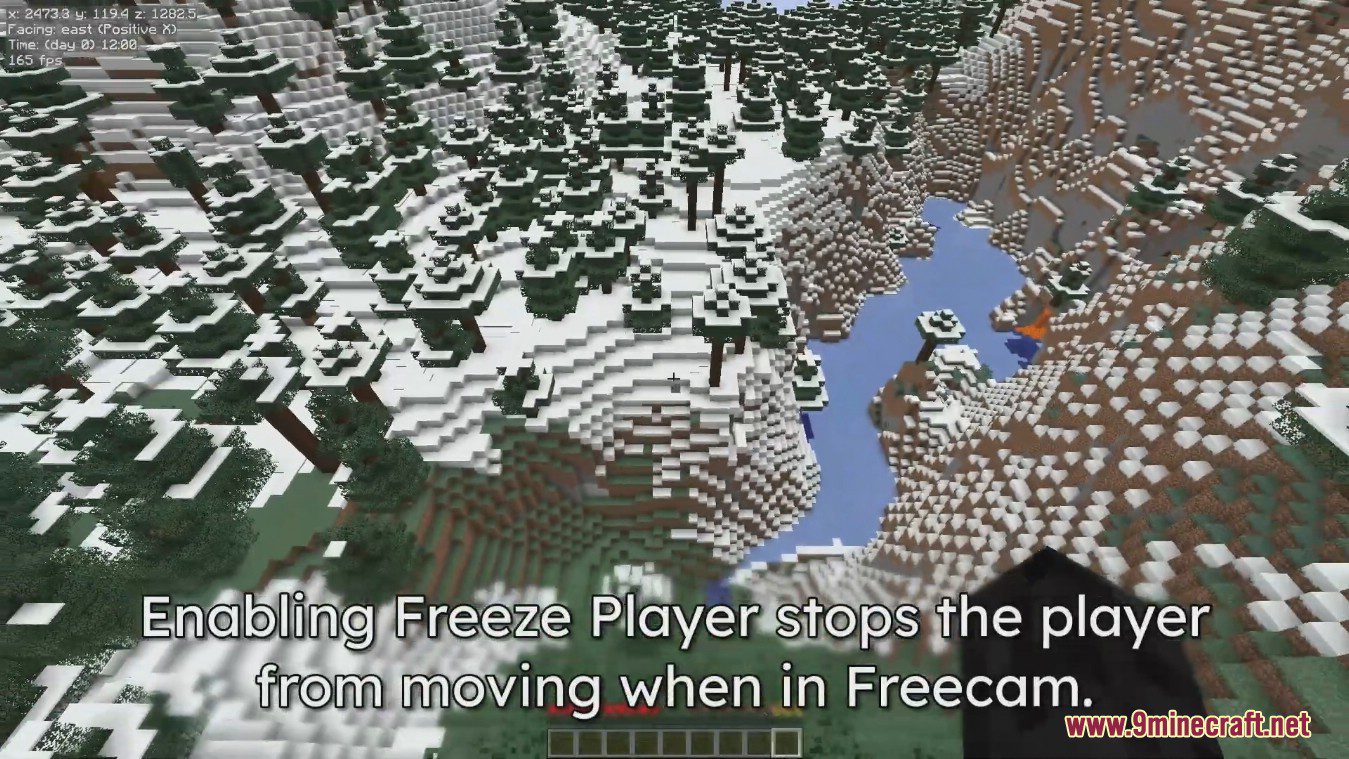
Freecam Mod (1.21.11, 1.20.1) is an extremely useful mod that lets you move your camera out of your player’s body, letting you see stuff from outside your body. The mod has many configuration options, allowing you to transfer control while keeping the camera outside the player, placing blocks behind you, and freezing the player. Freecam is also convennient when building, especially in survival, because it lets you take a step back and view your build.
This mod allows you to control your camera separately from your player. While it is enabled, you can fly around and travel through blocks within your render distance. Disabling it will restore you to your original position. This can be useful for quickly inspecting builds and exploring your world. This mod works in multiplayer, but may be considered cheating on some servers, so use it at your own risk.








Features
- Independent Camera Control
- Move the camera separately from the player.
- Return instantly to the original position when disabled.
- Free Flight & No-Clip
- Fly freely within render distance.
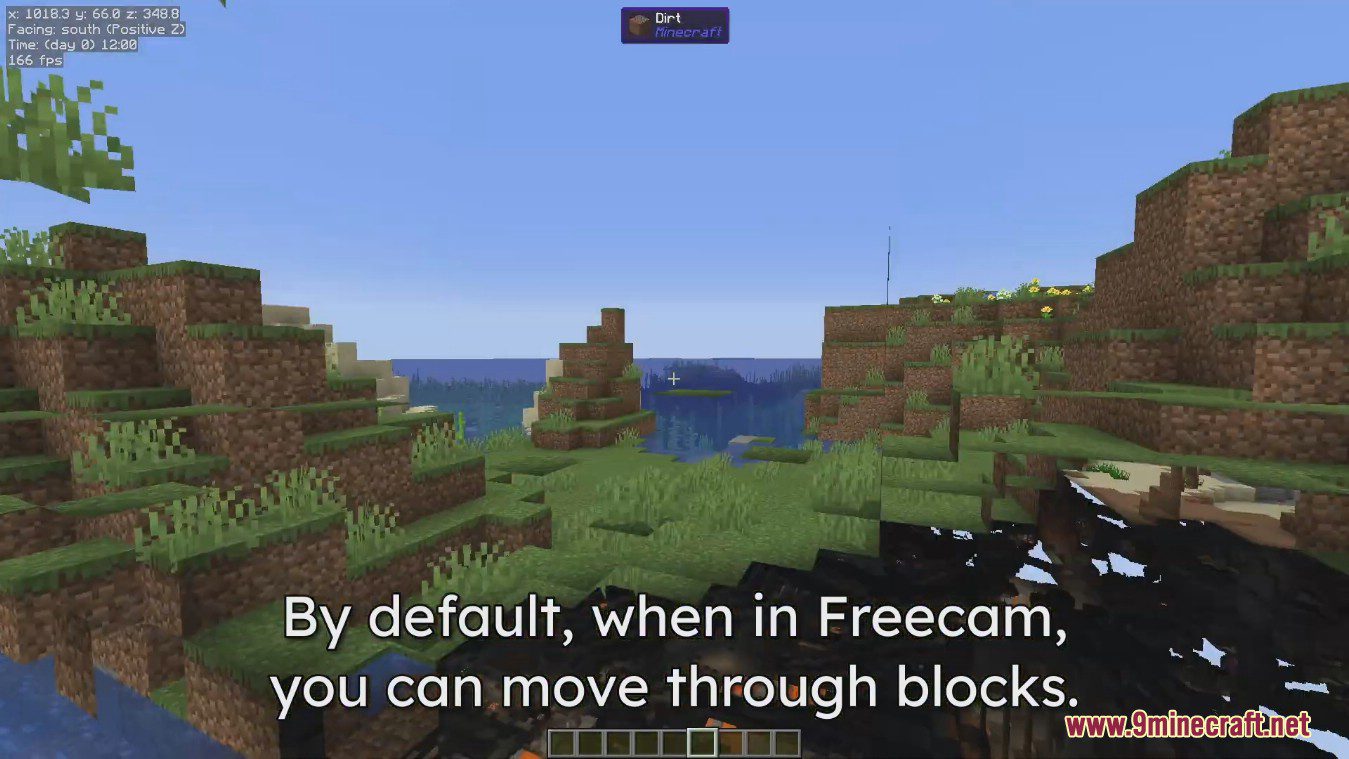
- Travel through blocks with customizable collision options.
- Build Inspection & Exploration
- Quickly inspect large builds.
- Explore terrain and structures without moving your player.
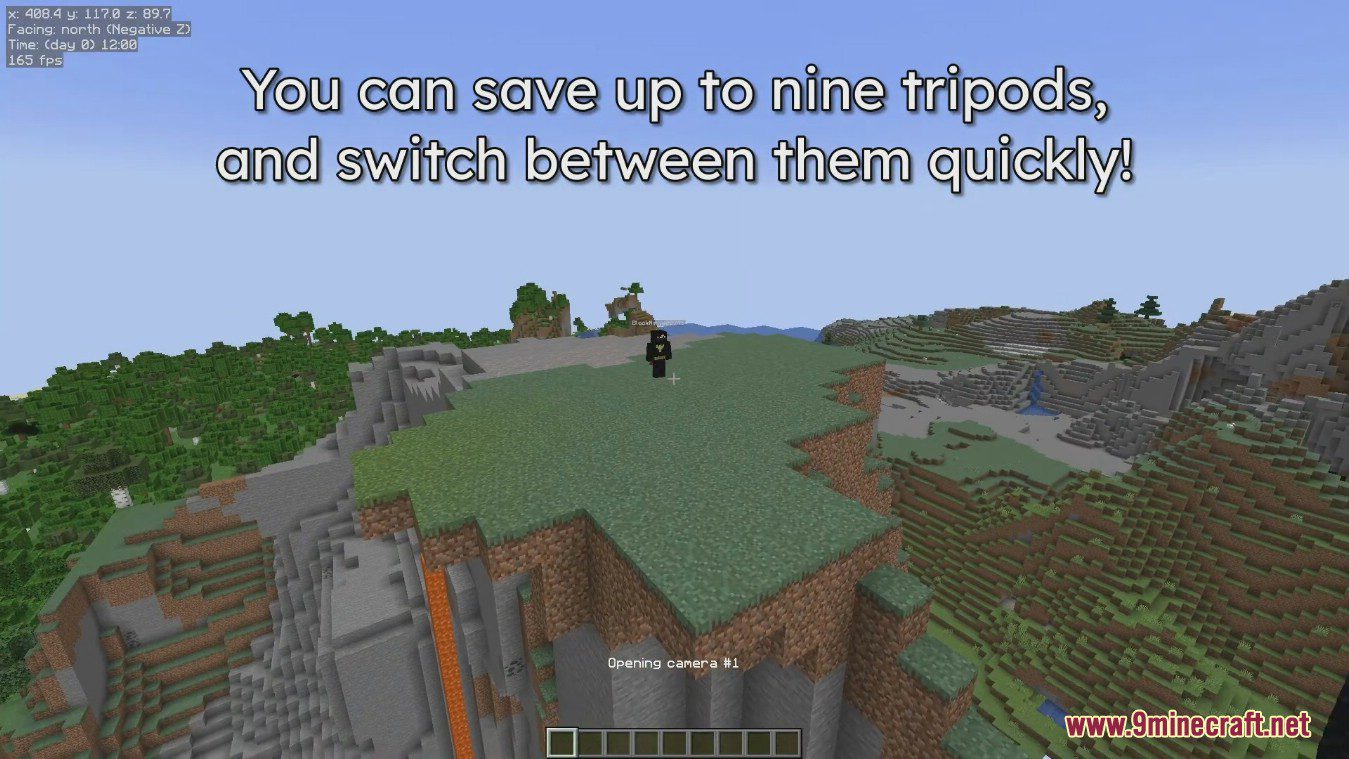
- Tripod Camera System
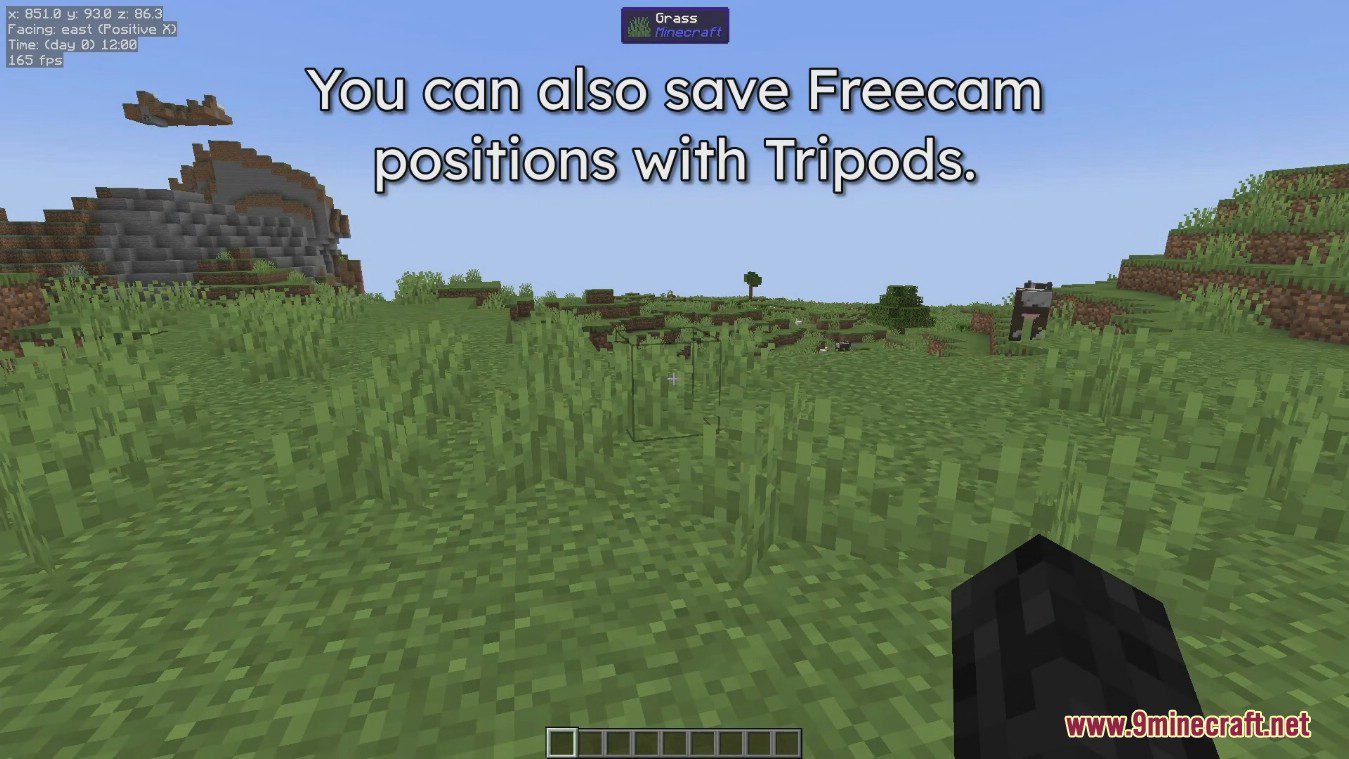
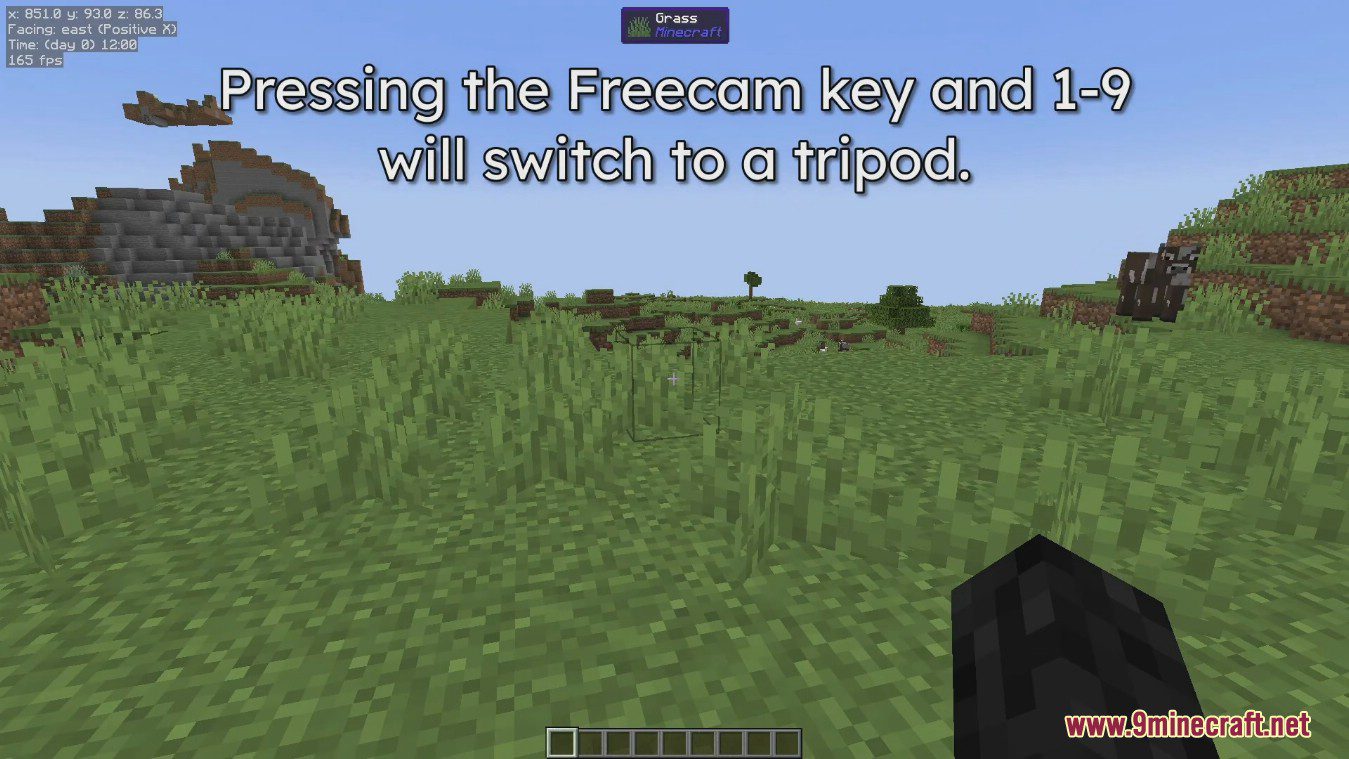
- Create multiple fixed cameras using hotkeys.
- Switch between different perspectives instantly.
- Customizable Movement
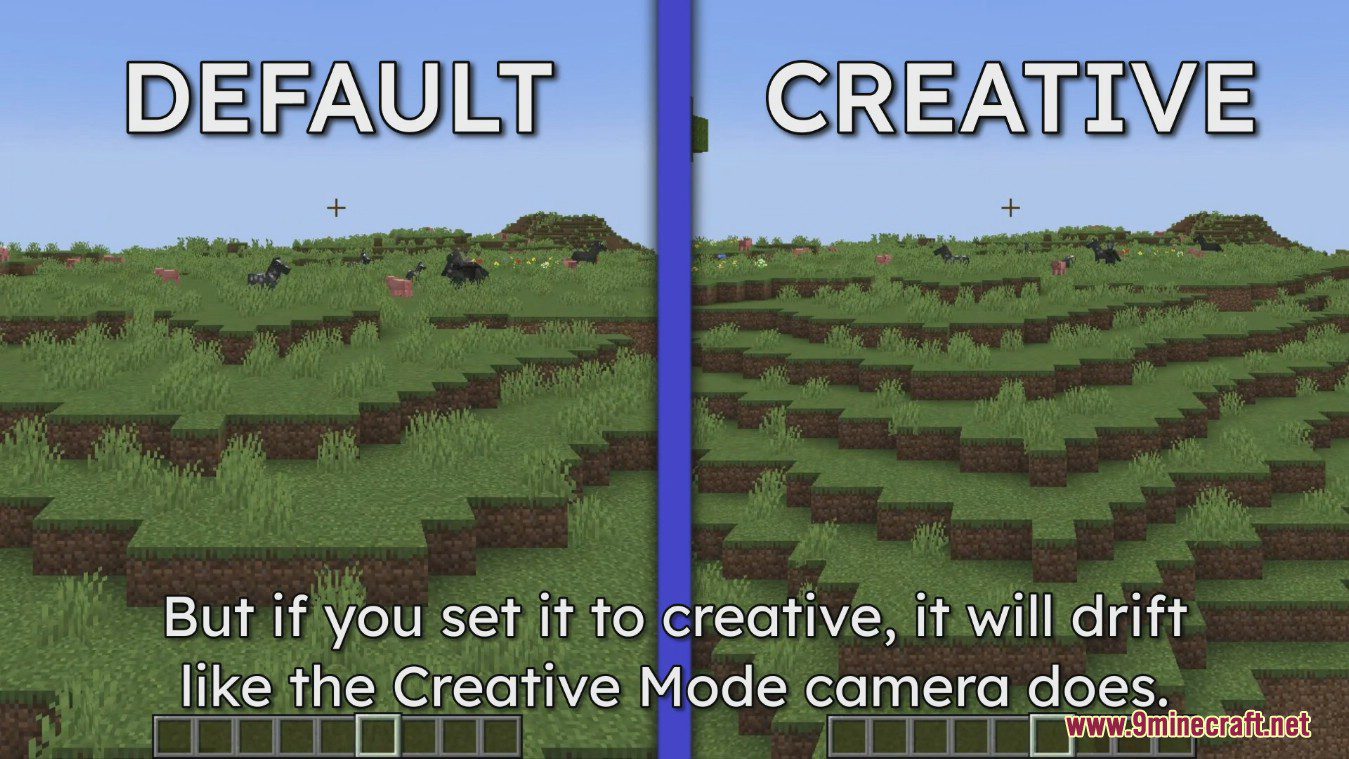
- Multiple flight modes (static or creative-style).
- Adjustable horizontal and vertical speed.
- Visual Enhancements
- Multiple camera perspectives.
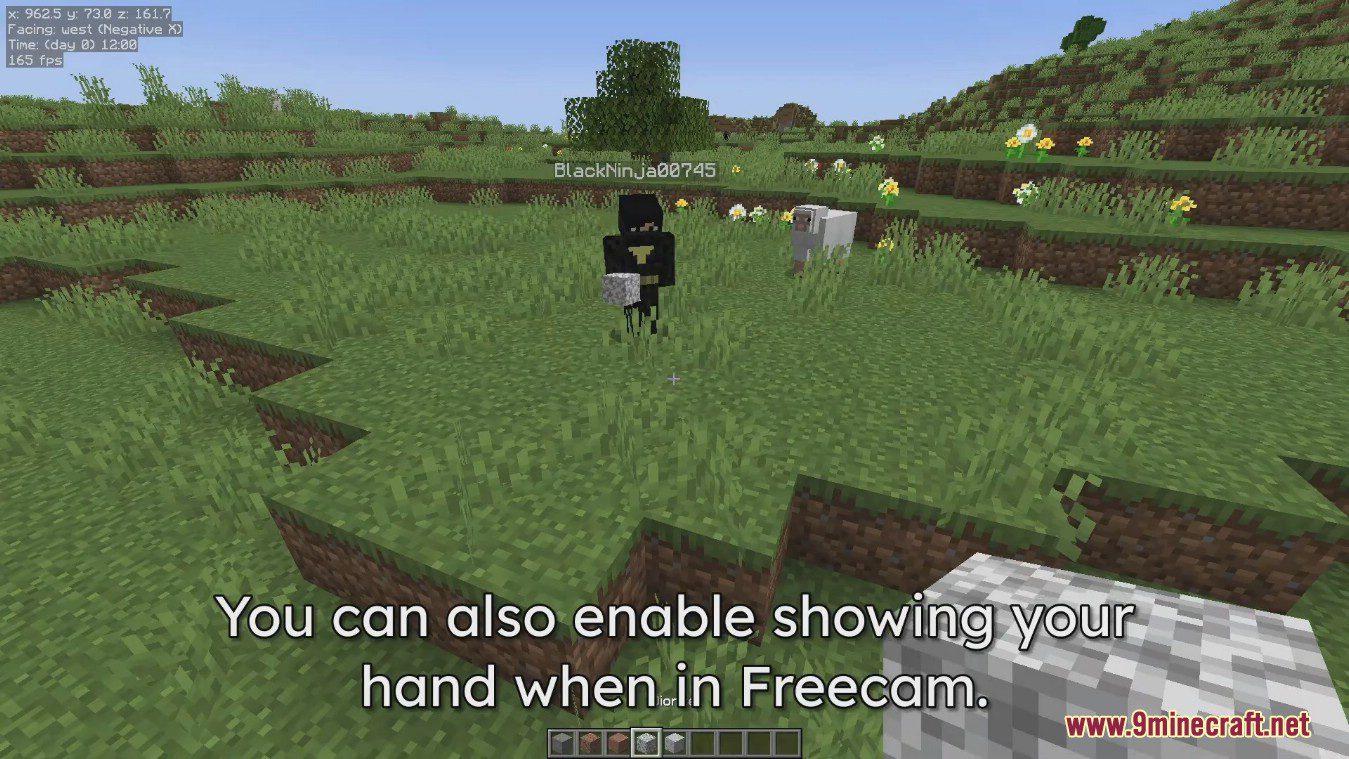
- Optional player visibility and full brightness.
- Multiplayer Support
- Works in multiplayer environments.
- May be restricted or considered cheating on some servers.
Requirements
Minecraft Forge or Fabric API or NeoForge Installer
Installation
Click the following link to view details: How to Install Mods for Minecraft Java Edition on PC: A Beginner Guide
📥 Download Links
- 🔗 Download from Server 1
- 🔗 Download from Server 1
- 🔗 Download from Server 1
- 🔗 Download from Server 2
- 🔗 Download from Server 1
- 🔗 Download from Server 2
- 🔗 Download from Server 1
- 🔗 Download from Server 2
- 🔗 Download from Server 1
- 🔗 Download from Server 2
- 🔗 Download from Server 1
- 🔗 Download from Server 2
- 🔗 Download from Server 1
- 🔗 Download from Server 2
- 🔗 Download from Server 1
- 🔗 Download from Server 2
- 🔗 Download from Server 1
- 🔗 Download from Server 2
- 🔗 Download from Server 1
- 🔗 Download from Server 2
- 🔗 Download from Server 1
- 🔗 Download from Server 2
- 🔗 Download from Server 1
- 🔗 Download from Server 2
- 🔗 Download from Server 1
- 🔗 Download from Server 2
- 🔗 Download from Server 1
- 🔗 Download from Server 2
- 🔗 Download from Server 1
- 🔗 Download from Server 2
- 🔗 Download from Server 1
- 🔗 Download from Server 2
- 🔗 Download from Server 1
- 🔗 Download from Server 2
- 🔗 Download from Server 1
- 🔗 Download from Server 2
- 🔗 Download from Server 1
- 🔗 Download from Server 2
- 🔗 Download from Server 1
- 🔗 Download from Server 2
- 🔗 Download from Server 1
- 🔗 Download from Server 2
- 🔗 Download from Server 1
- 🔗 Download from Server 2
- 🔗 Download from Server 1
- 🔗 Download from Server 2
- 🔗 Download from Server 1
- 🔗 Download from Server 2
- 🔗 Download from Server 1
- 🔗 Download from Server 2
- 🔗 Download from Server 1
- 🔗 Download from Server 2
- 🔗 Download from Server 1
- 🔗 Download from Server 2
- 🔗 Download from Server 1
- 🔗 Download from Server 2
- 🔗 Download from Server 1
- 🔗 Download from Server 2
- 🔗 Download from Server 1
- 🔗 Download from Server 2
- 🔗 Download from Server 1
- 🔗 Download from Server 2
- 🔗 Download from Server 1
- 🔗 Download from Server 2
- 🔗 Download from Server 1
- 🔗 Download from Server 2
- 🔗 Download from Server 1
- 🔗 Download from Server 2
- 🔗 Download from Server 1
- 🔗 Download from Server 2
- 🔗 Download from Server 1
- 🔗 Download from Server 2